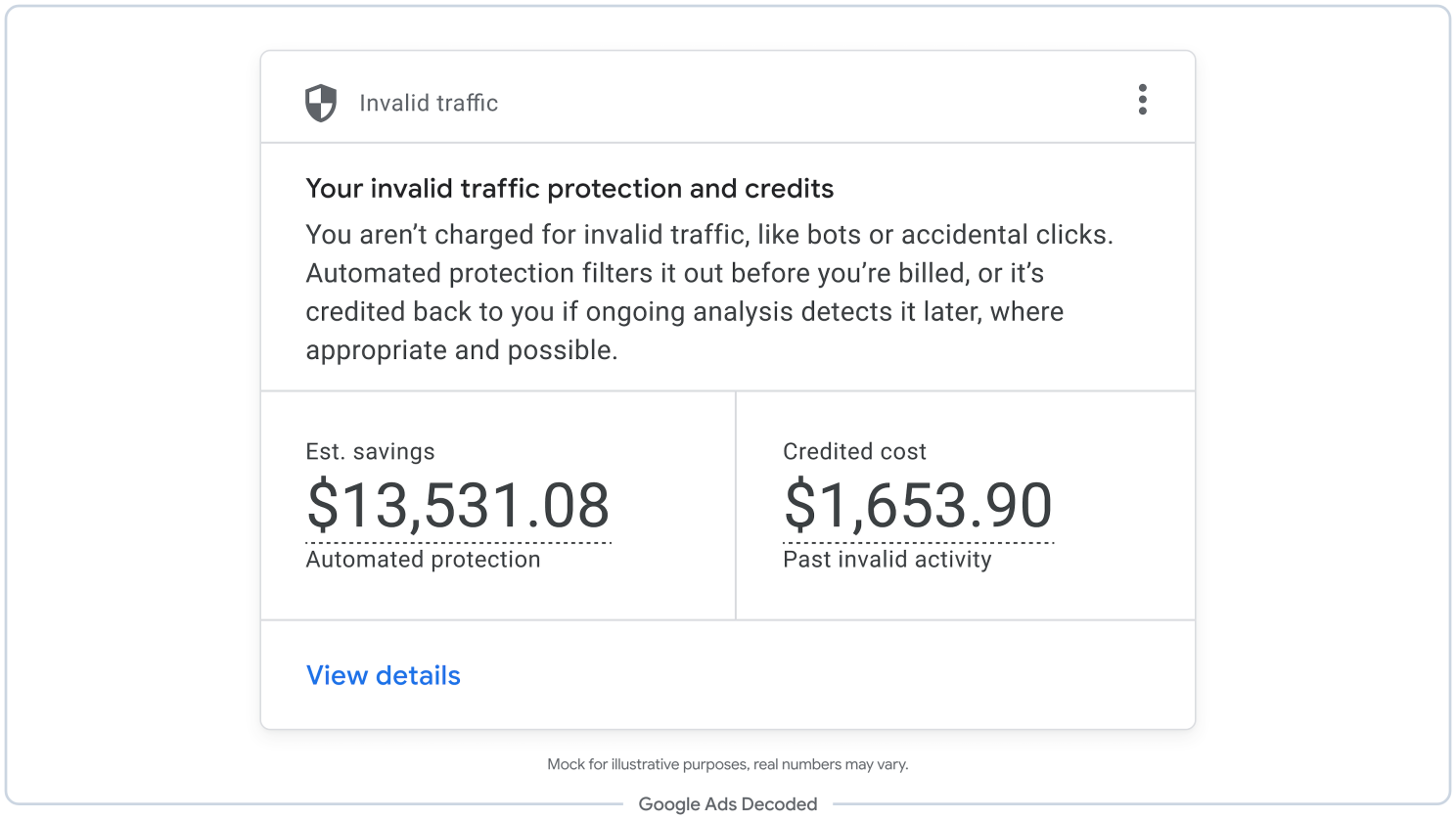
Google Ads is rolling out a dashboard card that shows how much money its systems estimate they saved you by filtering invalid traffic, alongside credits applied after you were billed.
The Invalid Traffic Overview Card puts those figures on your account’s Overview page. Google announced the rollout on November 12 , and says access is expanding gradually.
You can see the savings and credits behind Google’s traffic filtering
Once the card reaches your account, open Campaigns, then Overview, and look for Invalid traffic. Estimated savings covers the cost Google calculates it prevented through automated filters and proactive reviews. Credited cost shows adjustments for invalid activity detected after a billing period closed.
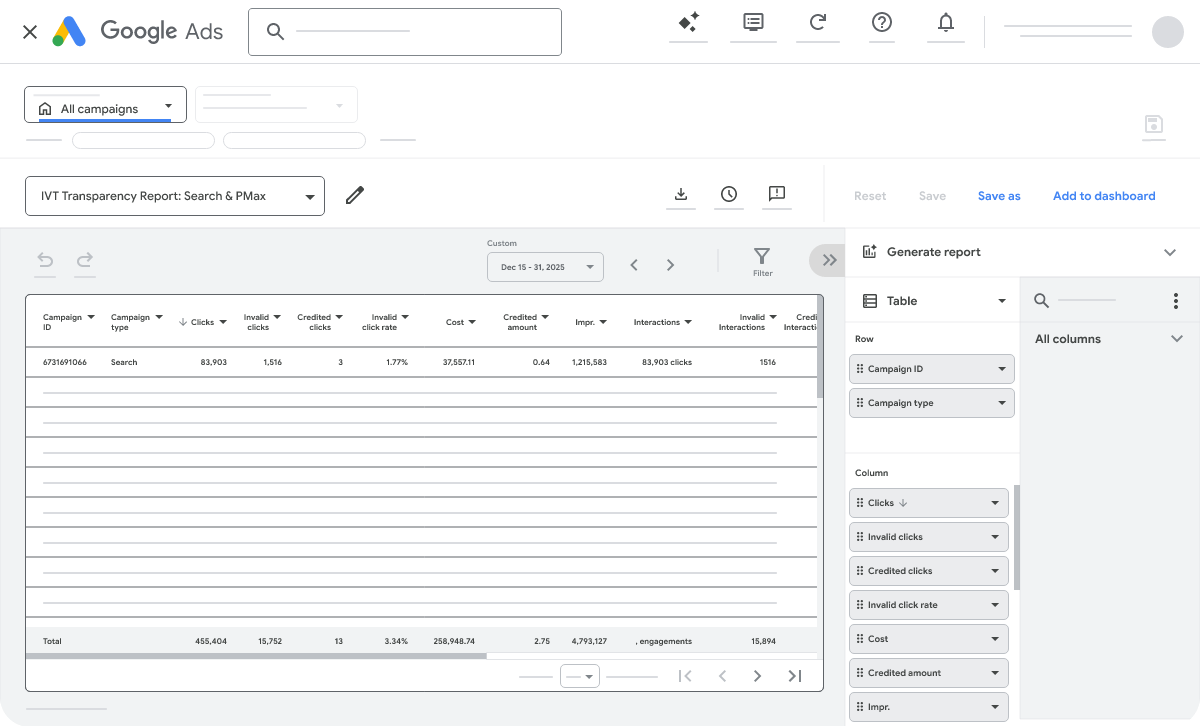
Select View details for daily graphs, campaign breakdowns and links to invoices. Google’s invalid traffic guidance explains where to find each figure.
Google's mockup separates estimated savings from credits. The example figures are illustrative.…