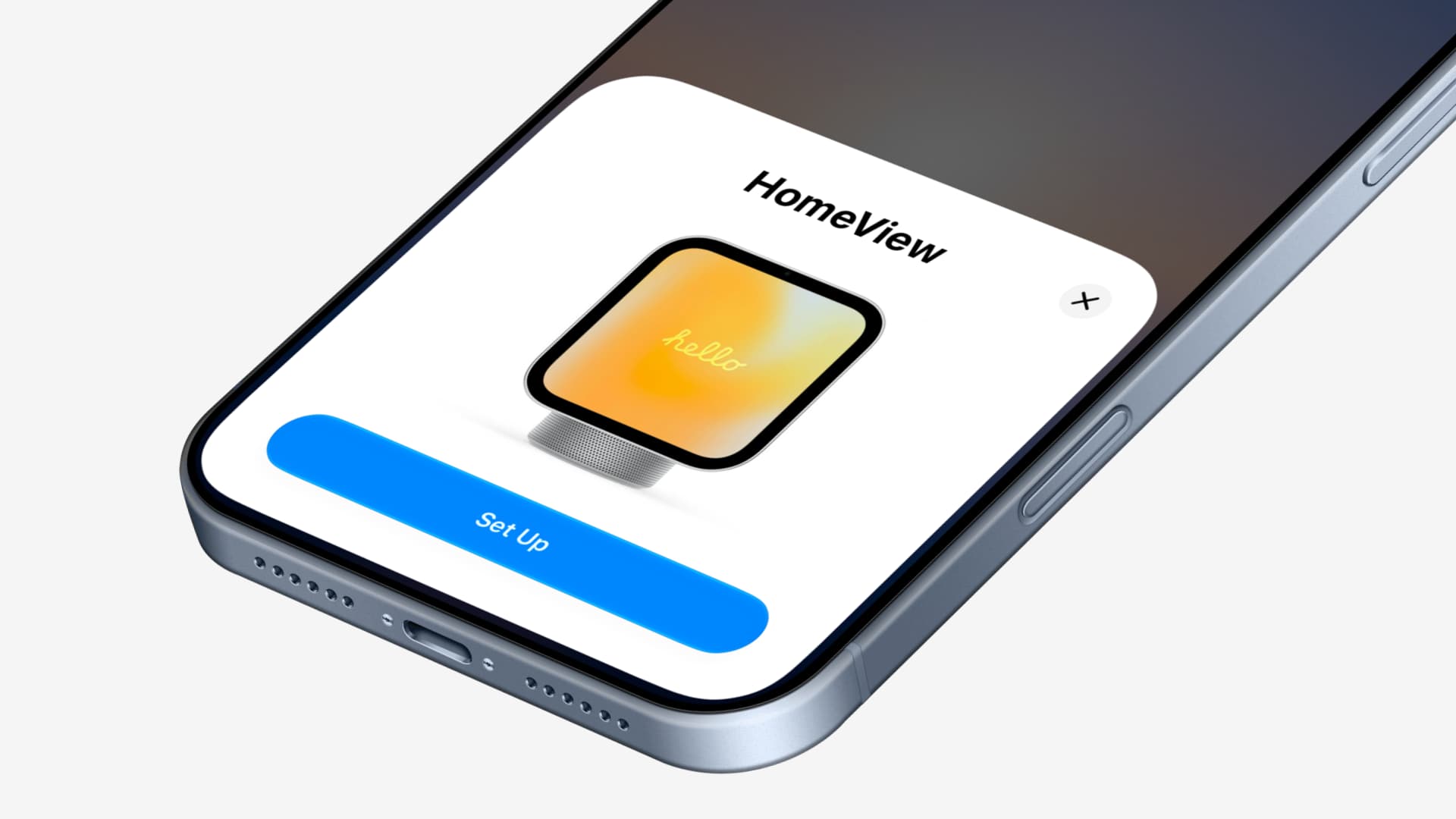
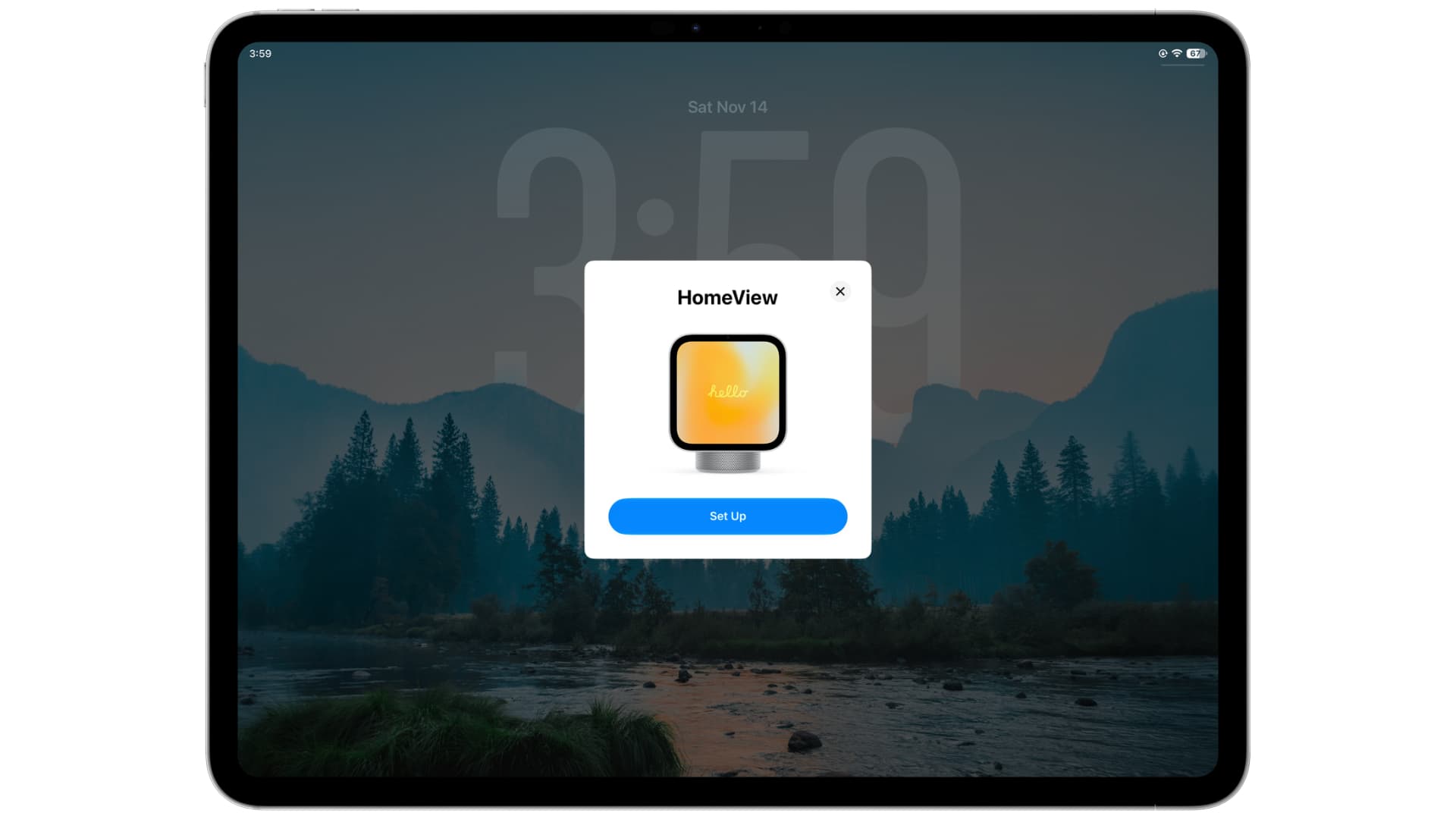
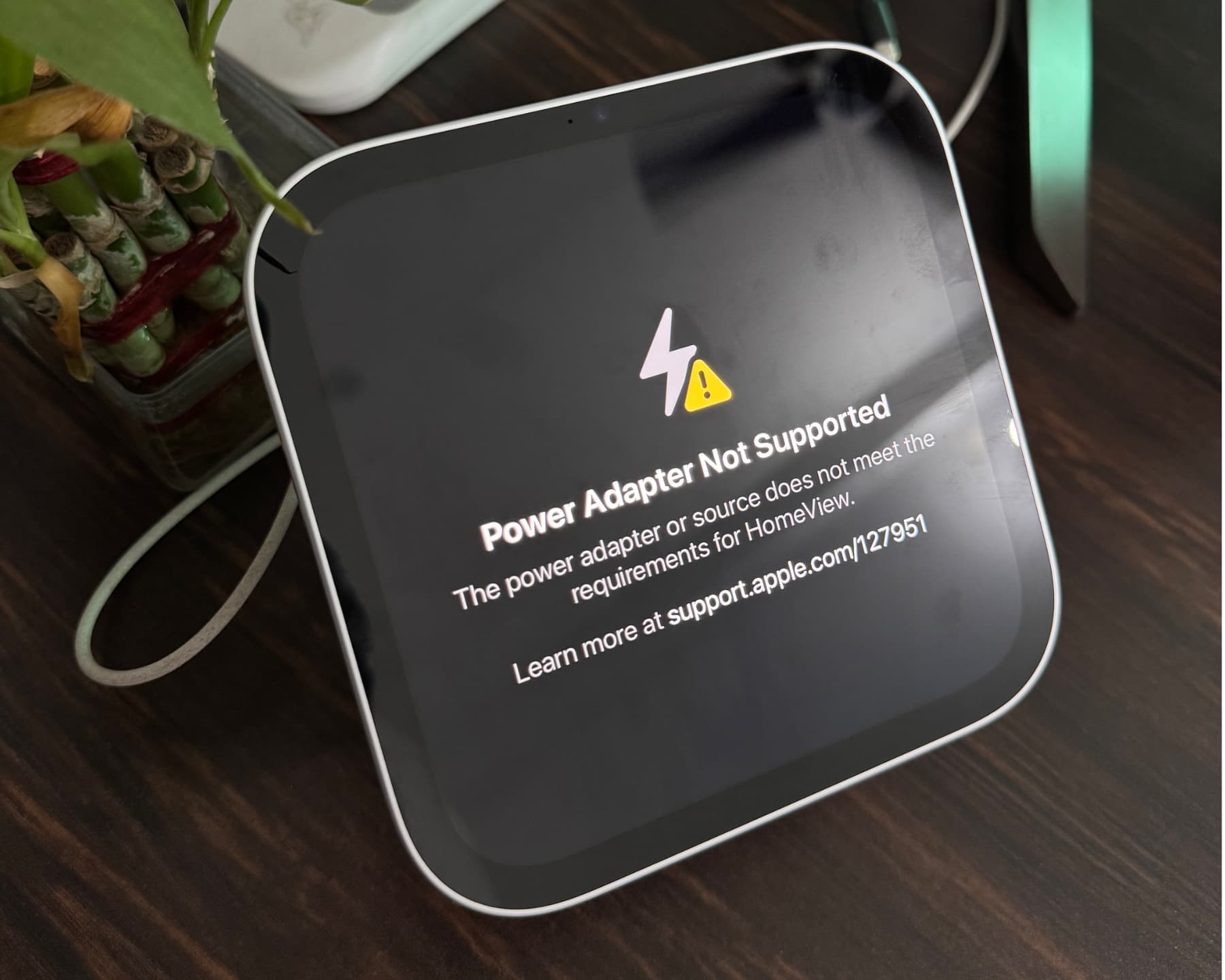
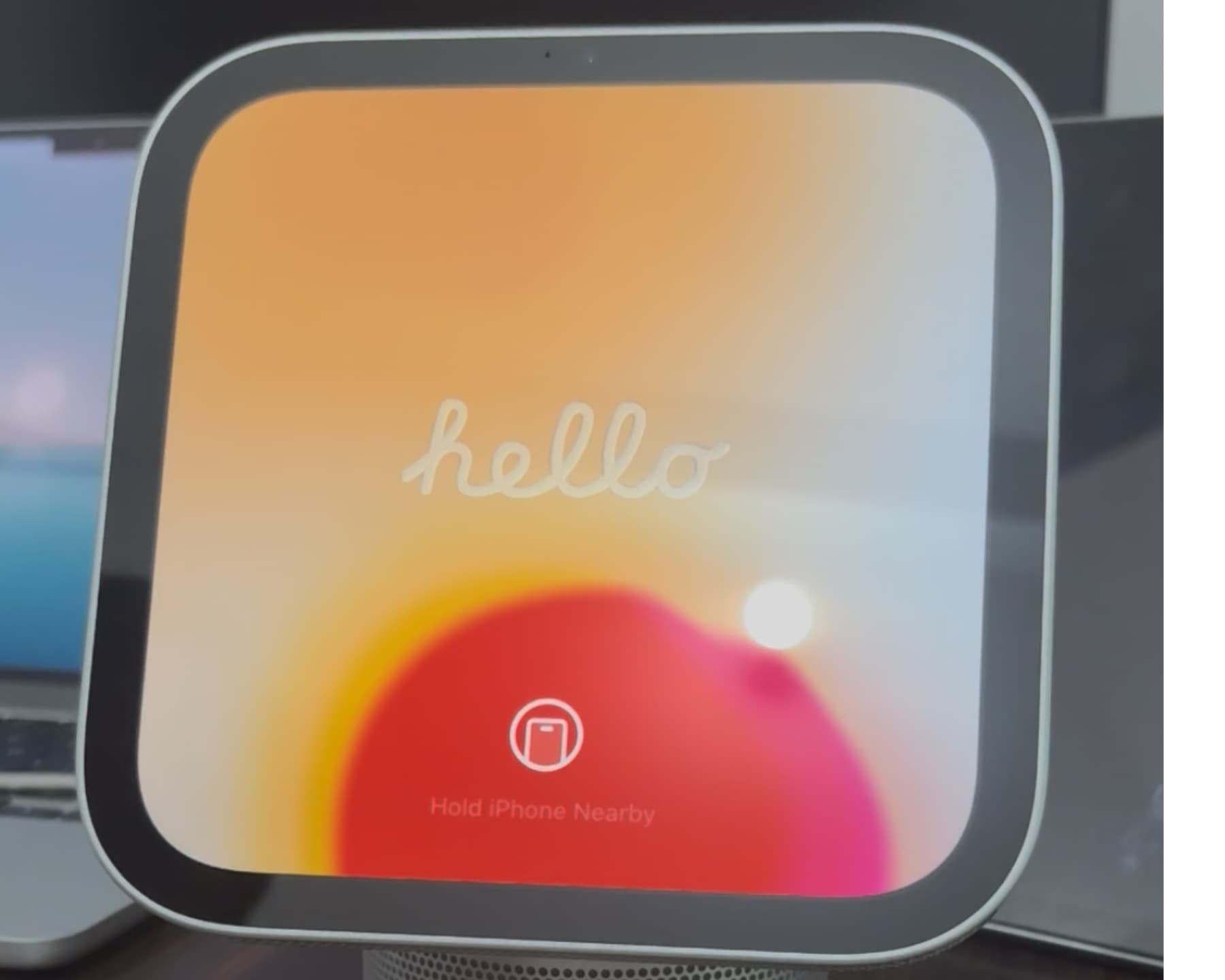
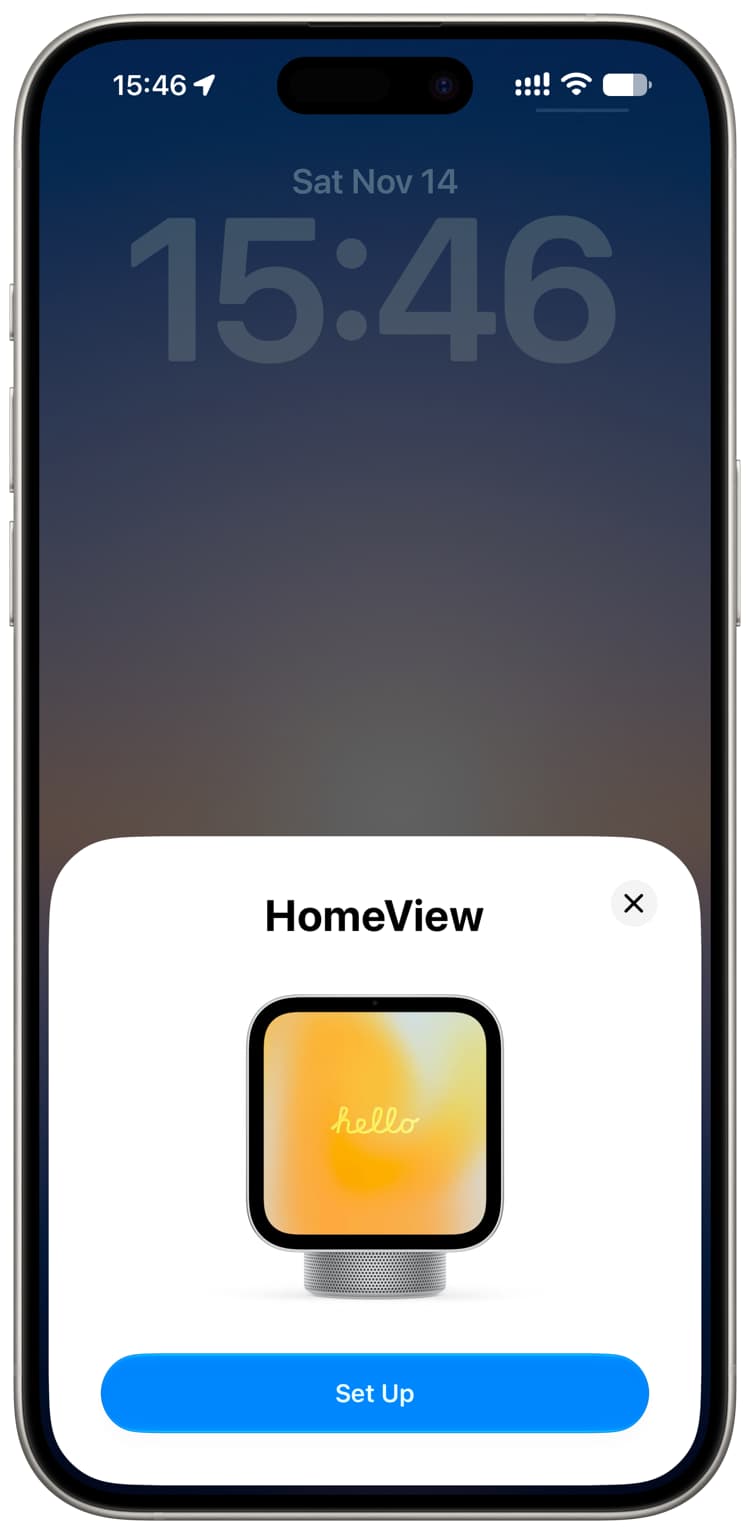
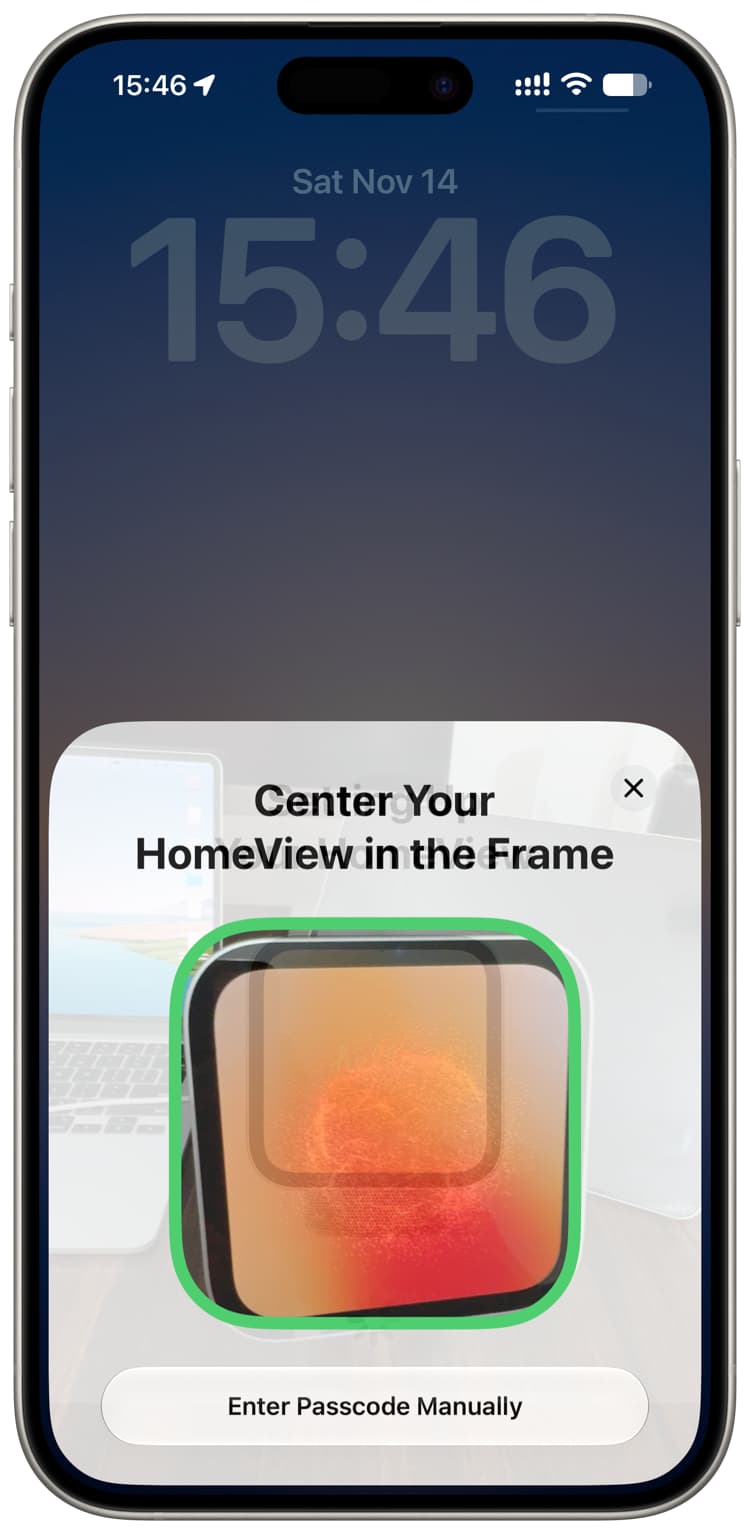
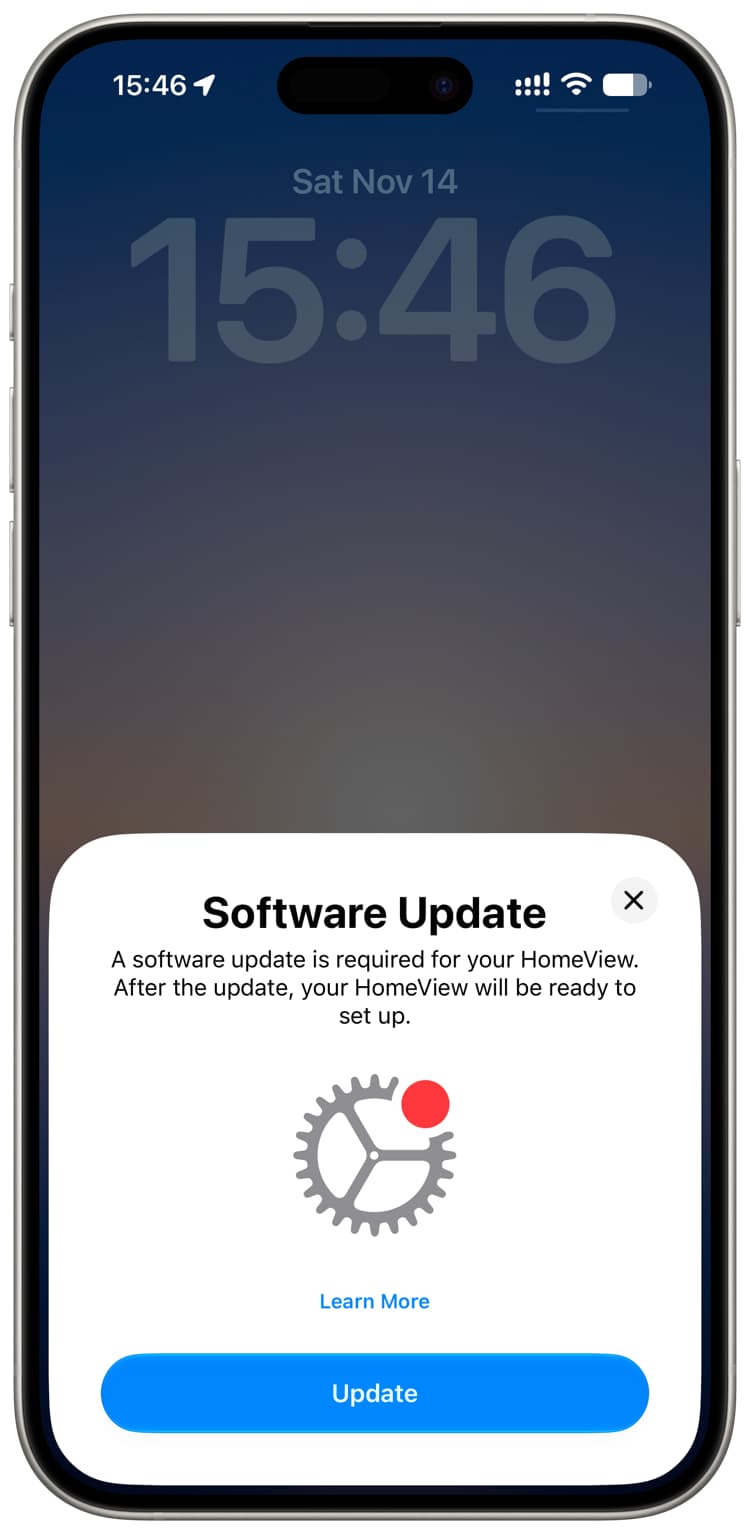
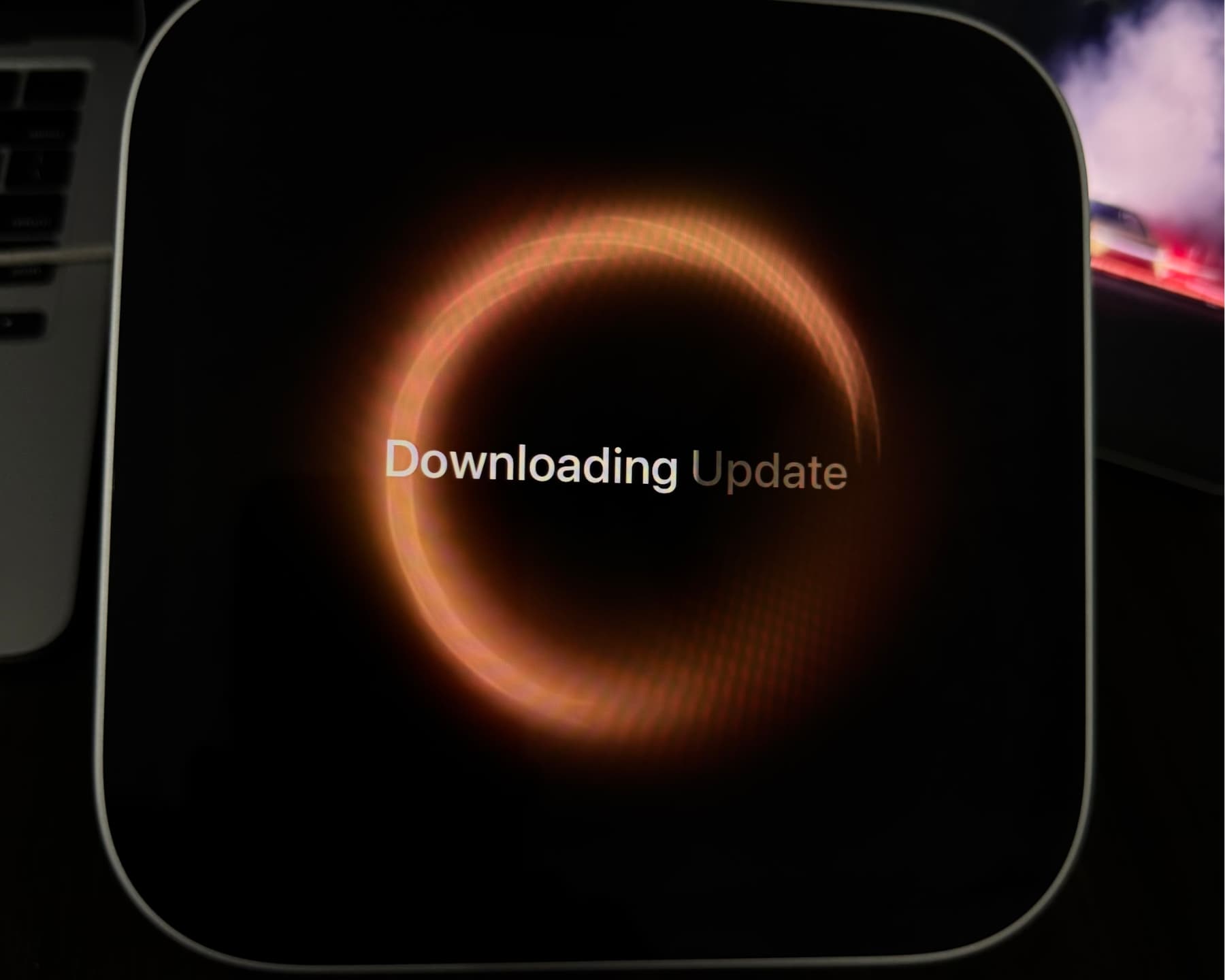
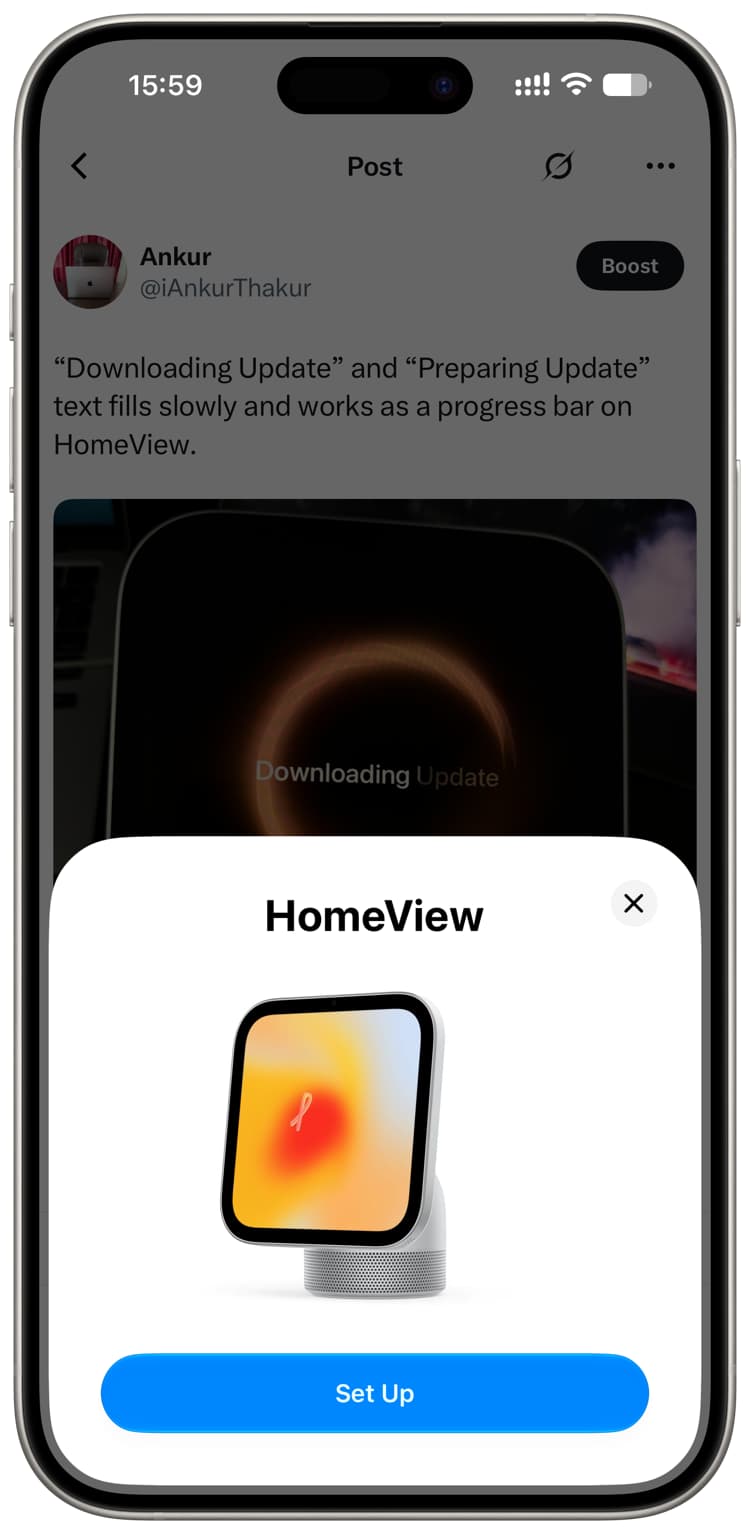
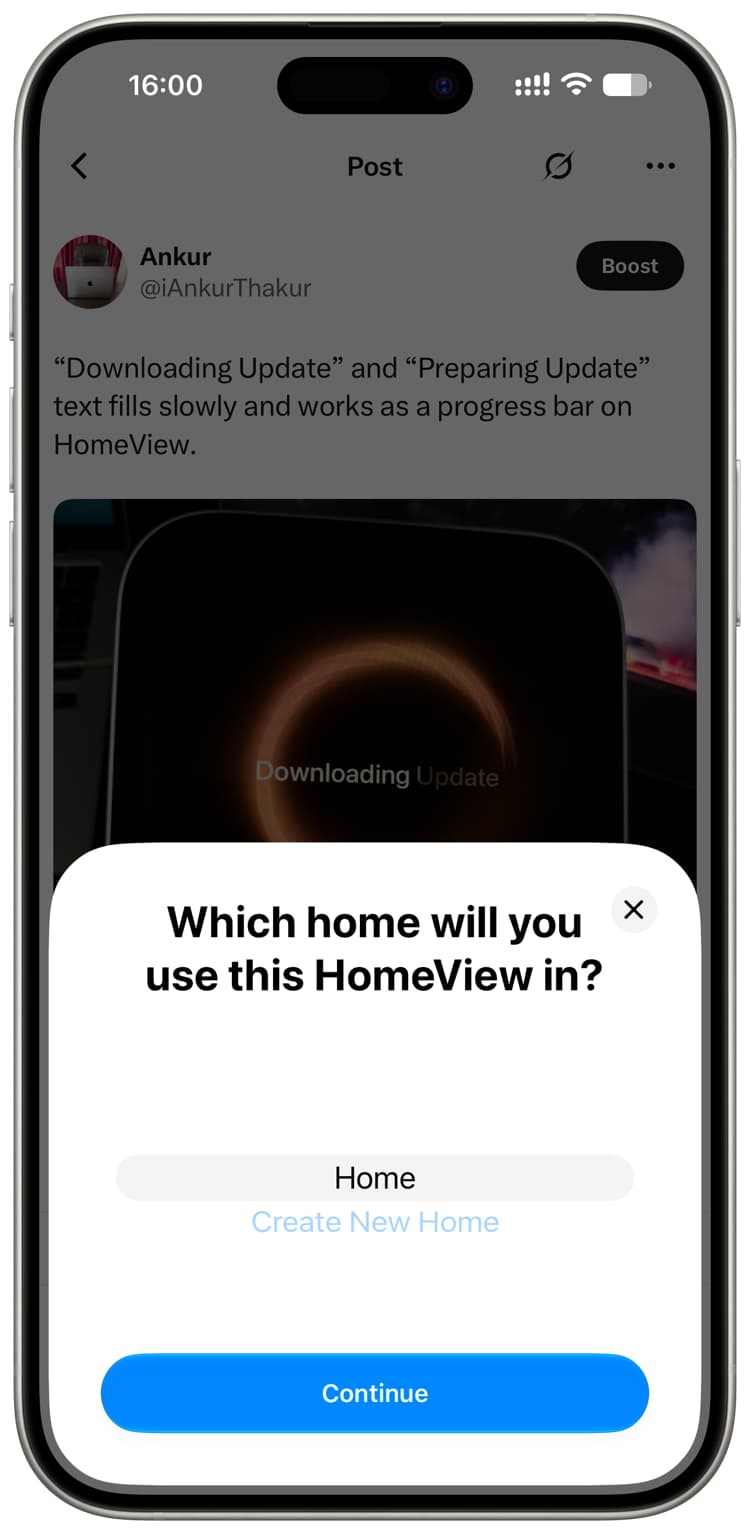
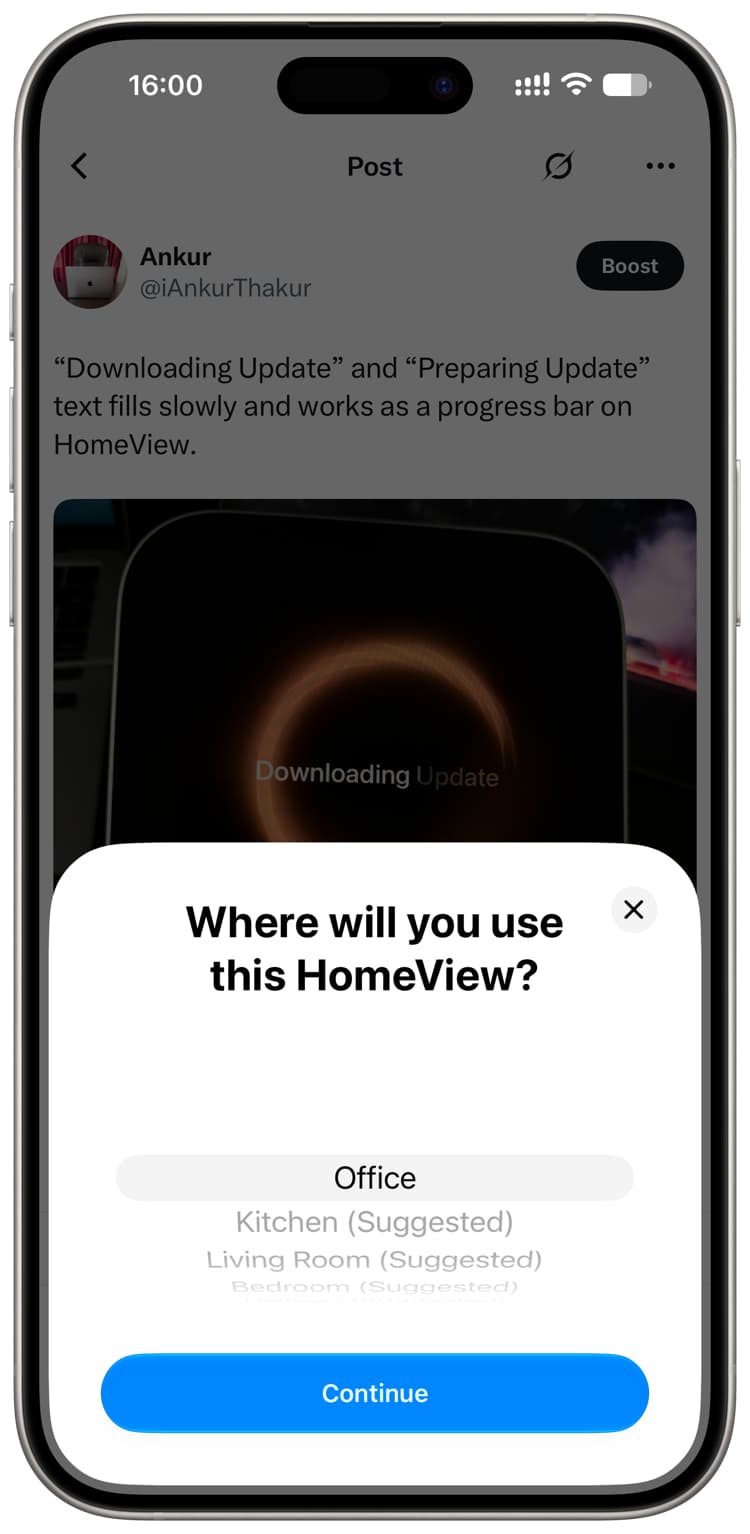
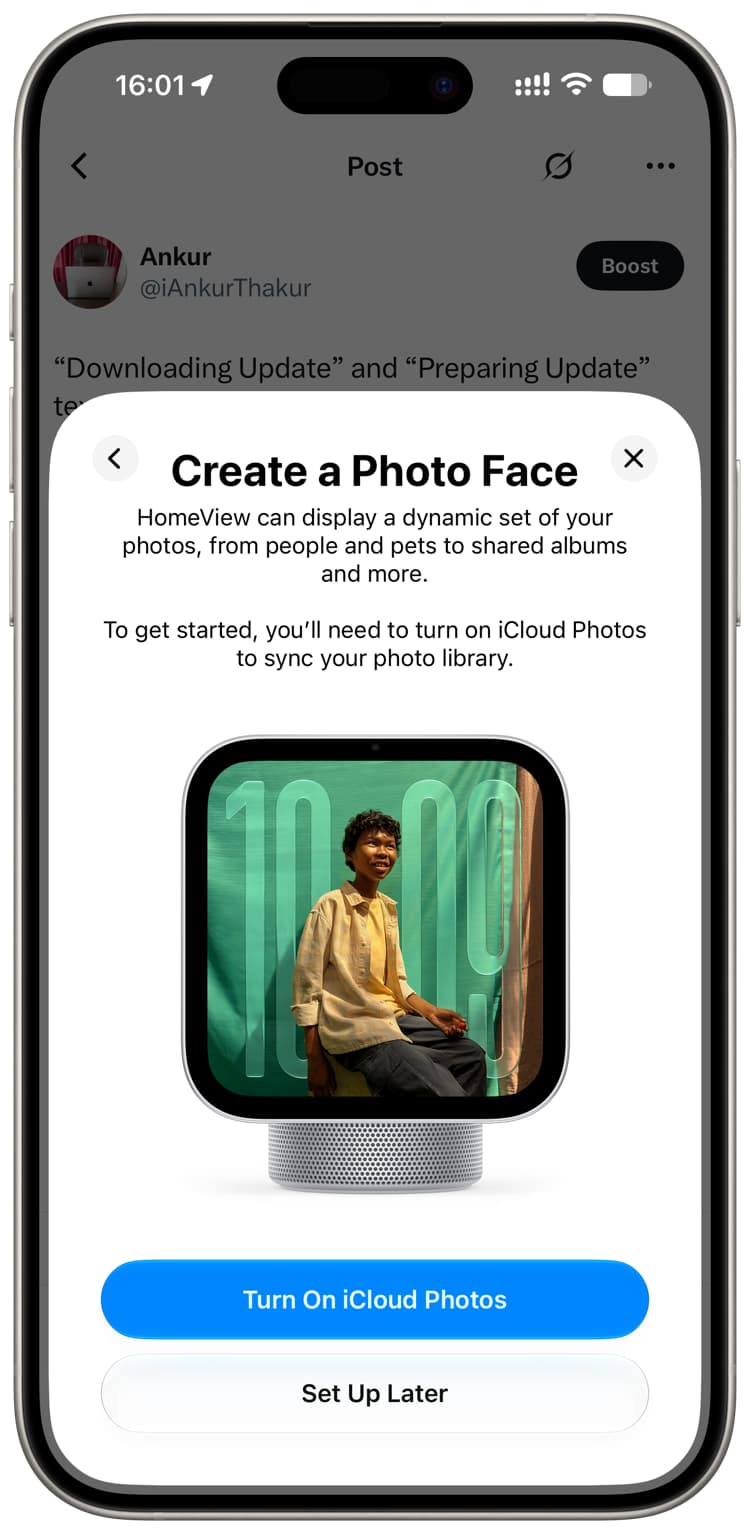
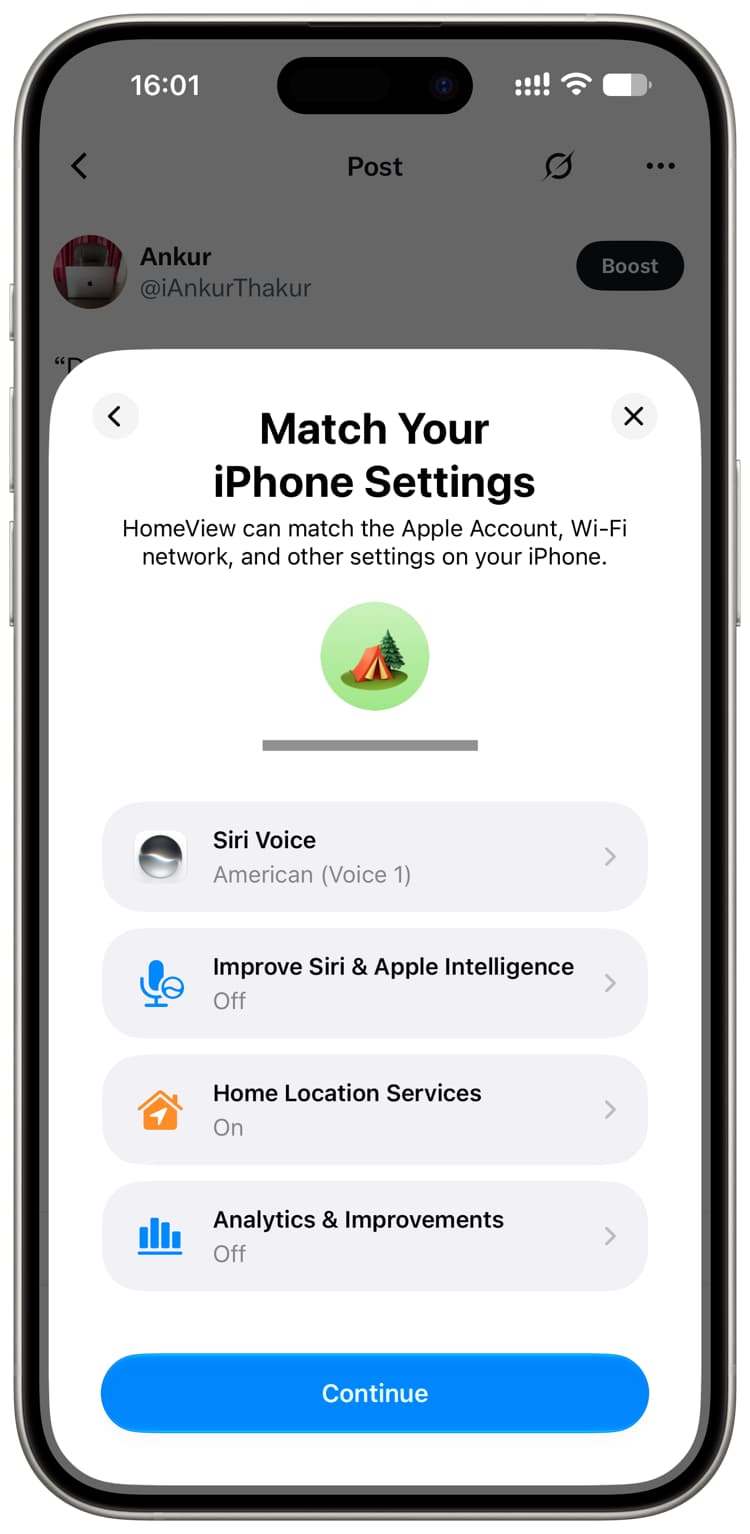
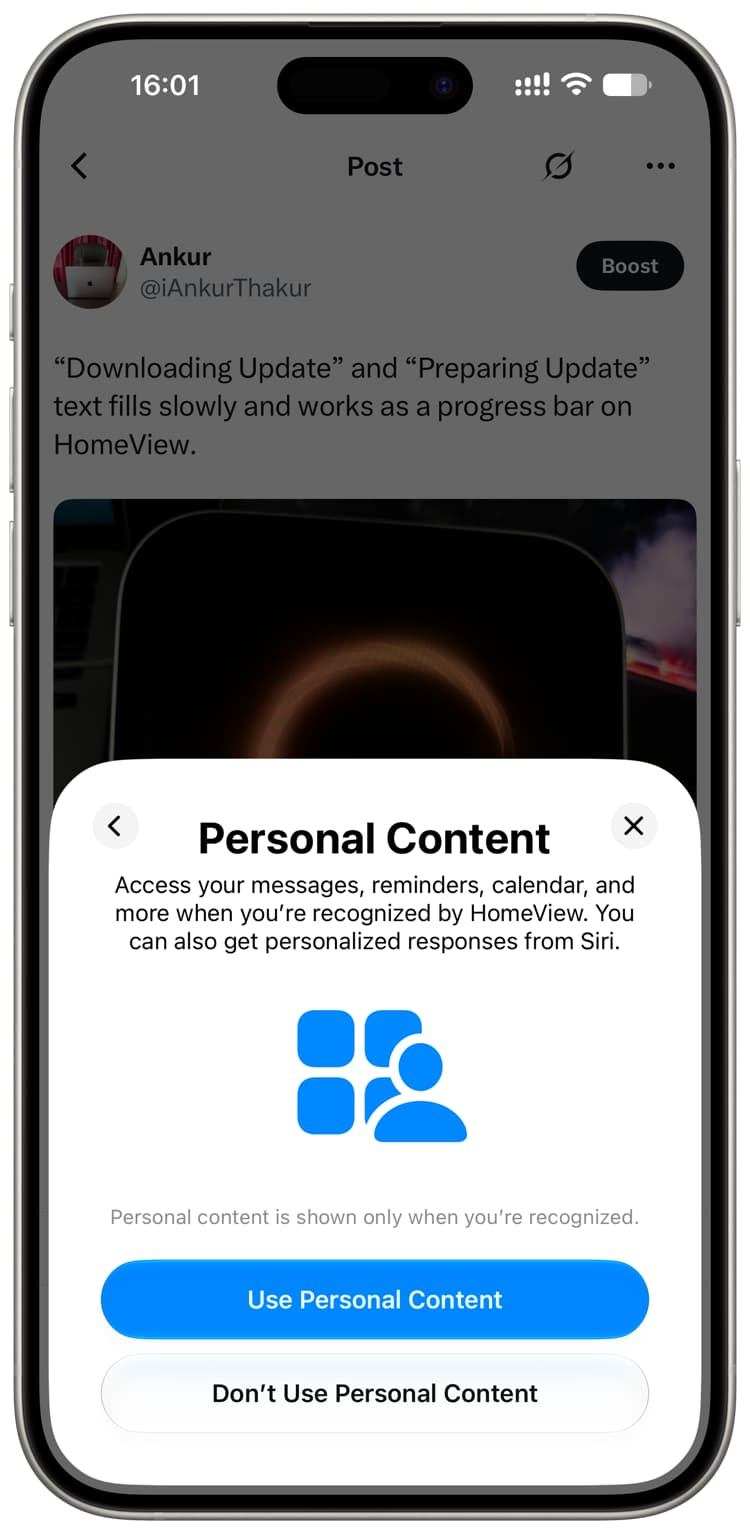
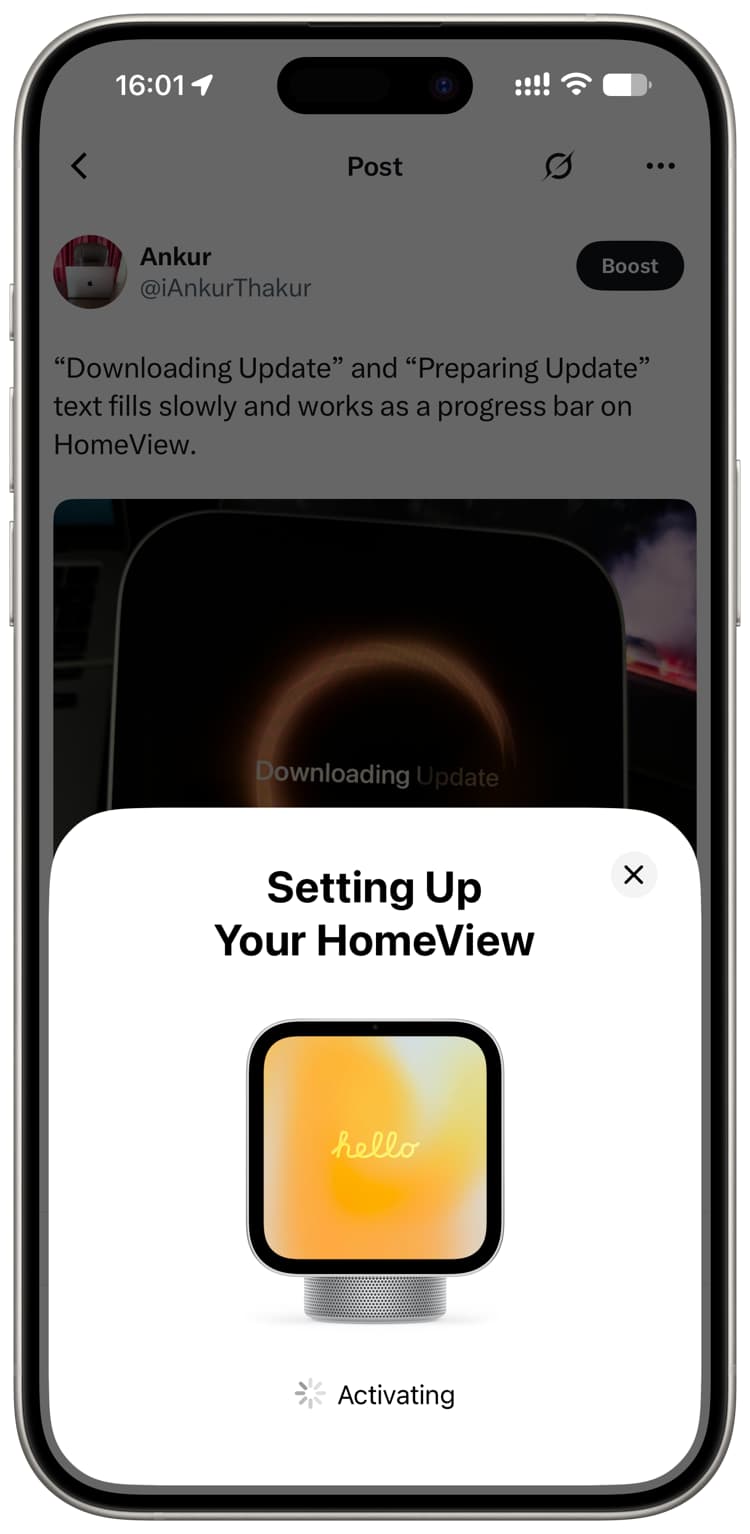
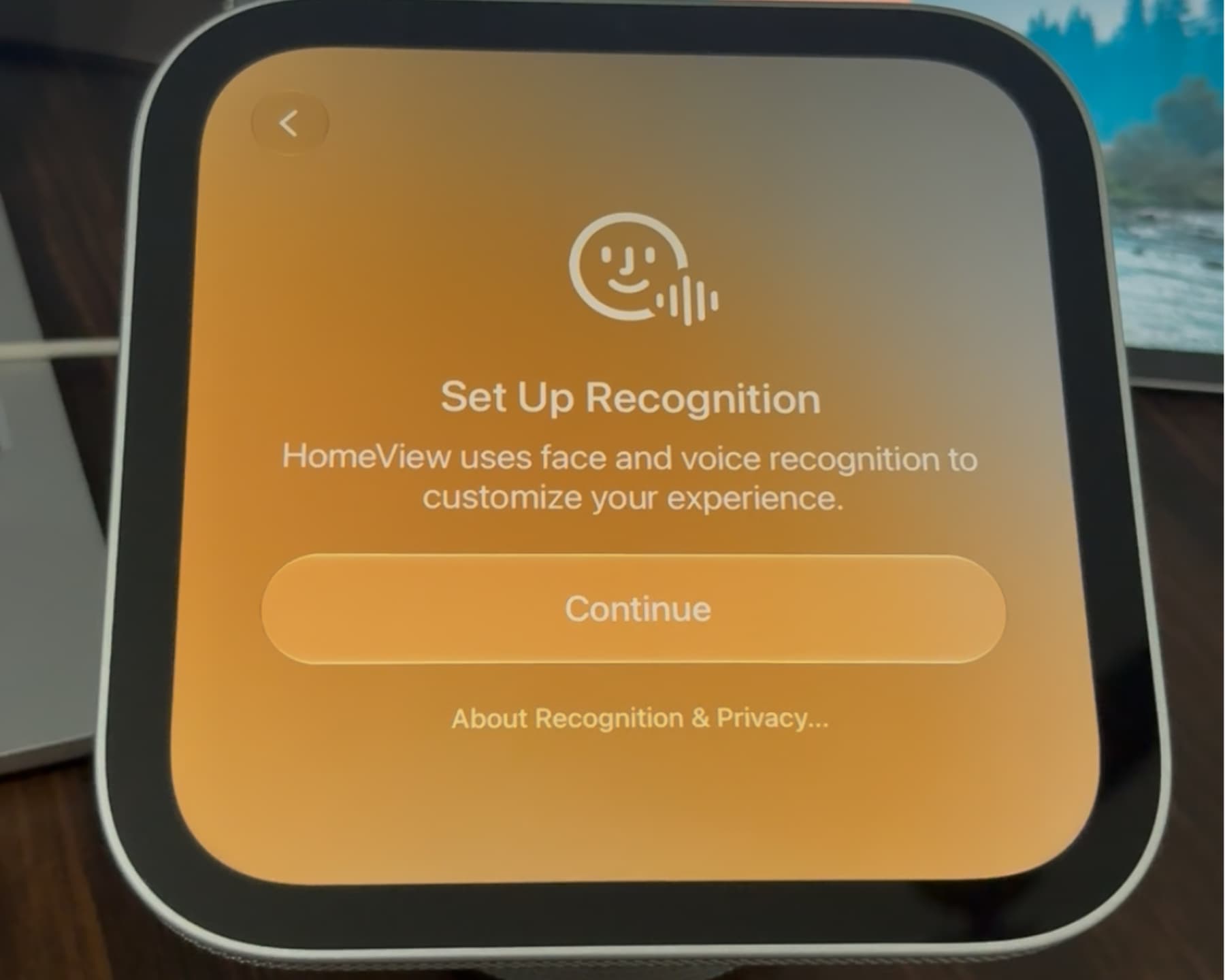
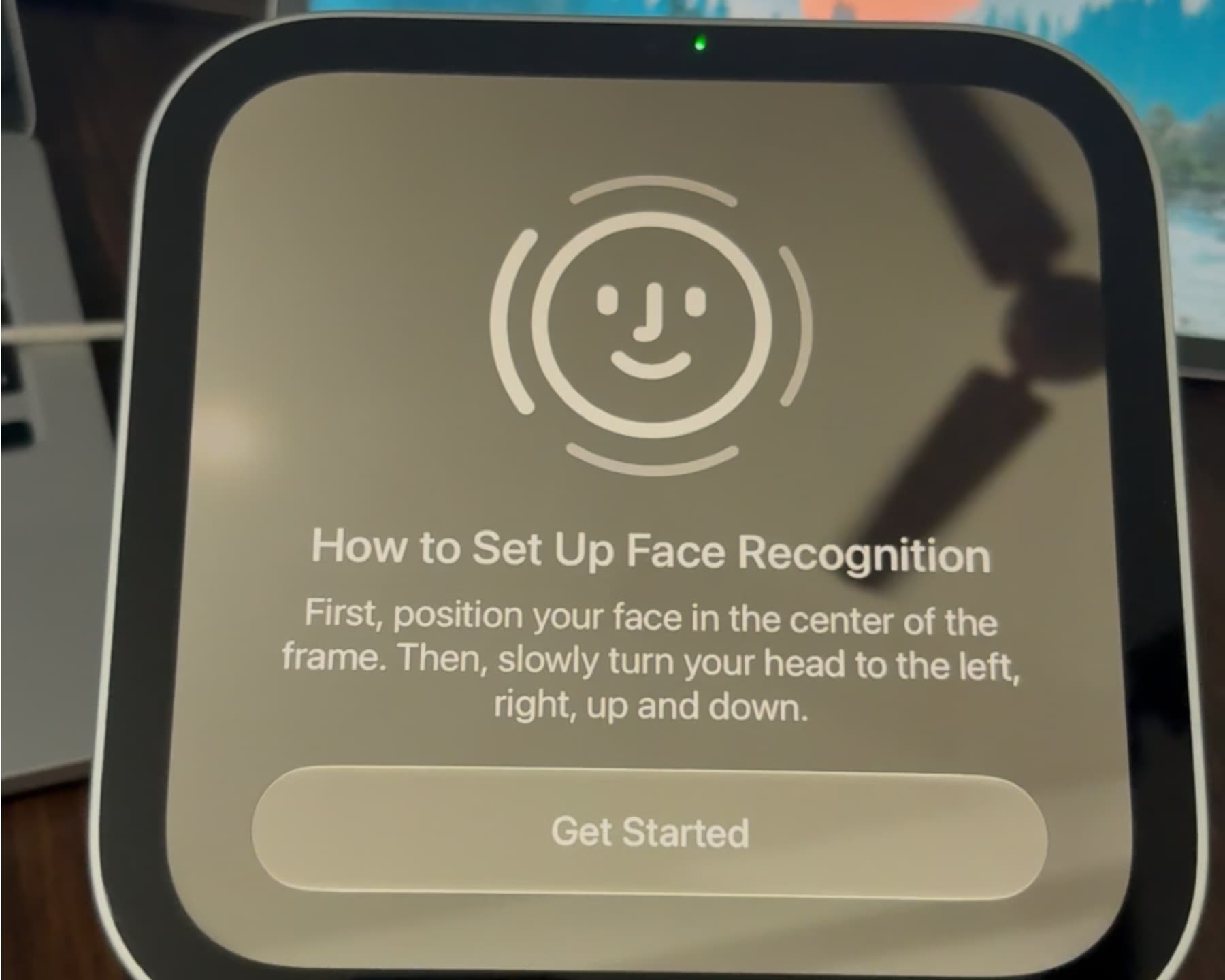
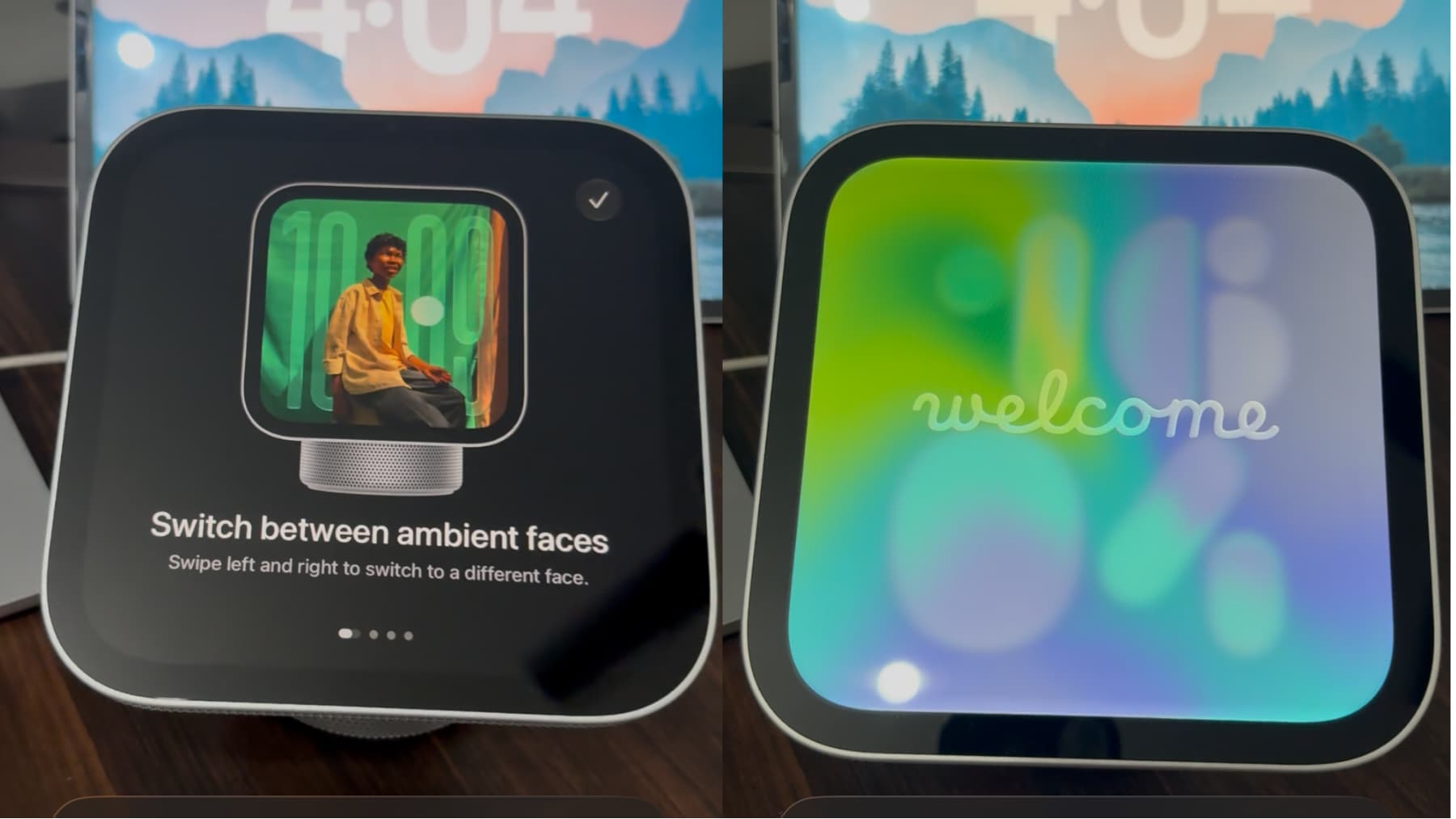
In this step-by-step tutorial, we’ll show you how to set up your new Apple HomeView smart home device using your iPhone or iPad.
HomeView is Apple’s answer to Google Nest Hub and Amazon Echo Show . It starts at $299, and if you have one or plan to buy one, here’s how to set it up.
HomeView setup is similar to Apple Watch: you need your iPhone (unlike Apple Watch, an iPad also works), scan a dotted code on the screen, then follow the setup process.
You can set up HomeView using your iPhone or iPad
Setup is simple, but it’s a new category of device, so if you need help, here’s the full step-by-step guide.
Note: In this tutorial, I’m using the desk version of HomeView, not the wall model, which doesn’t even come with its own power adapter or mounts, yet costs the same!
1) Update your iPhone to the latest version of iOS 27, which at the time of writing is iOS 27.2 .
2) Connect your iPhone to Wi-Fi and turn on its Bluetooth (make sure the Bluetooth icon in Control Center is blue, not white).
3) Take out…