Published Oct 22, 2026, 4:01 PM EDT
Ever since a kid, Shaheer has always been intrigued by tech and how its components work, and has always geeked out over new PC component releases. His enthusiasm for tech, gaming, and composing eventually led him to become a writer, a career path he hadn’t quite planned or thought of, but it proved to be a natural fit. Nevertheless, Shaheer has been writing for more than 4 years, having penned more than 2000 articles now across multiple accredited publications.
Shaheer mostly covers PC components, including in-depth coverage of each component, but his speciality subsumes within hardware of all sorts.
One of the biggest tech tips for PC owners is to enable XMP/EXPO profiles in the BIOS to use the manufacturer-intended clock speeds, because by default, RAM won't run at its rated speeds.
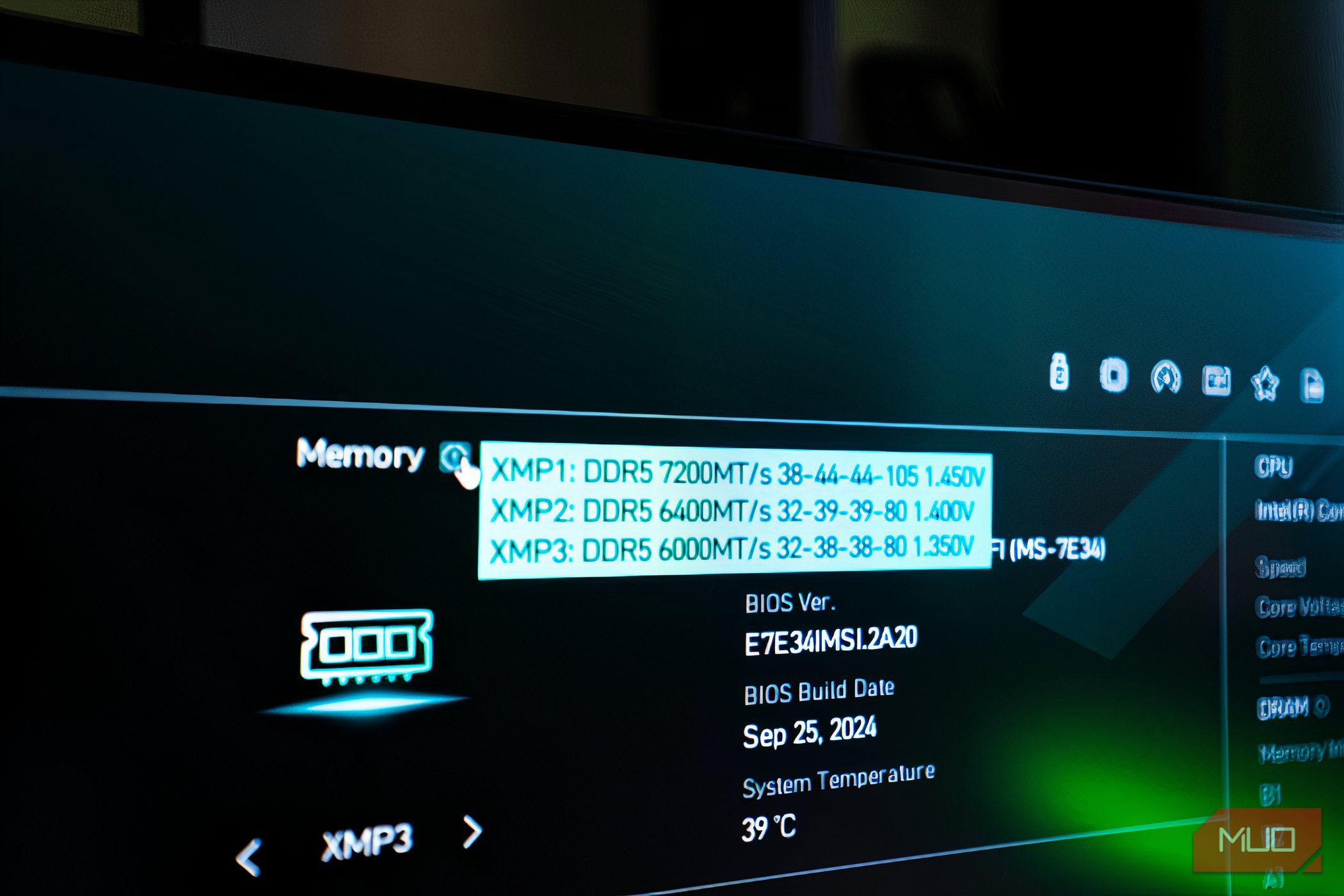
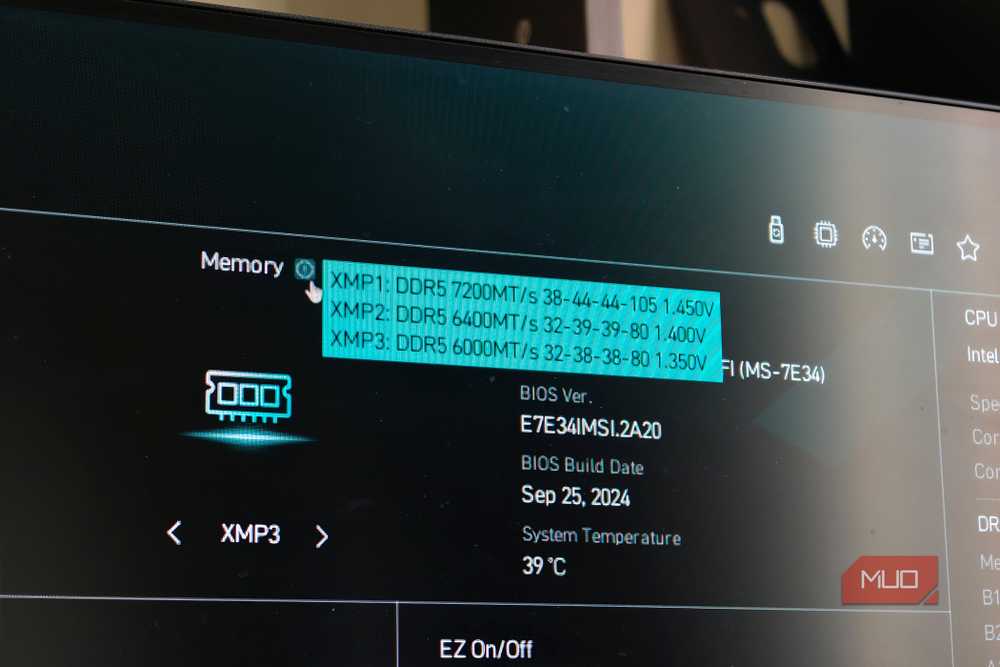
However, most guides overlook the fact that there is more than one XMP/EXPO profile, and selecting the wrong one might cost you latency and instability.
Your RAM runs slower than…