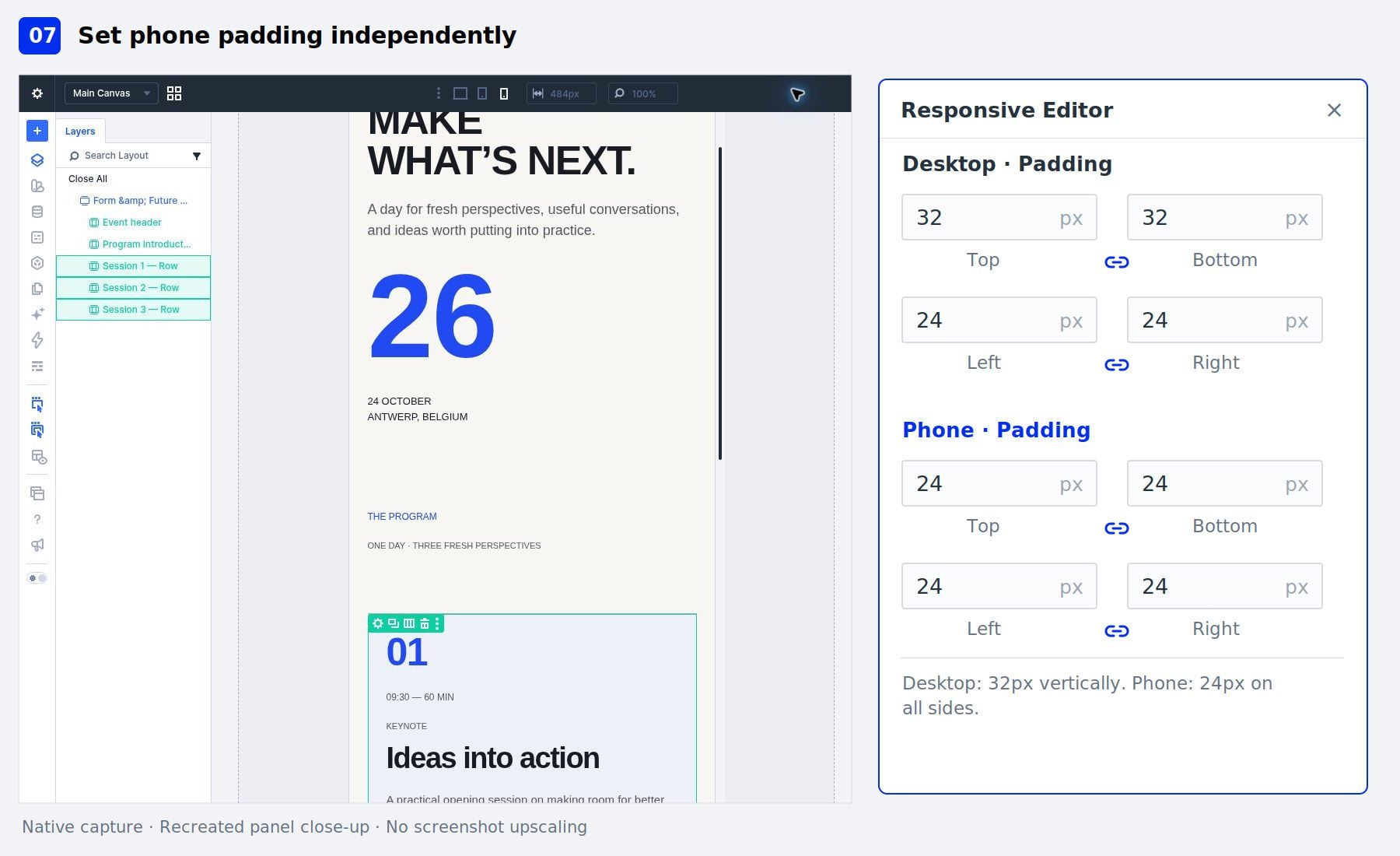
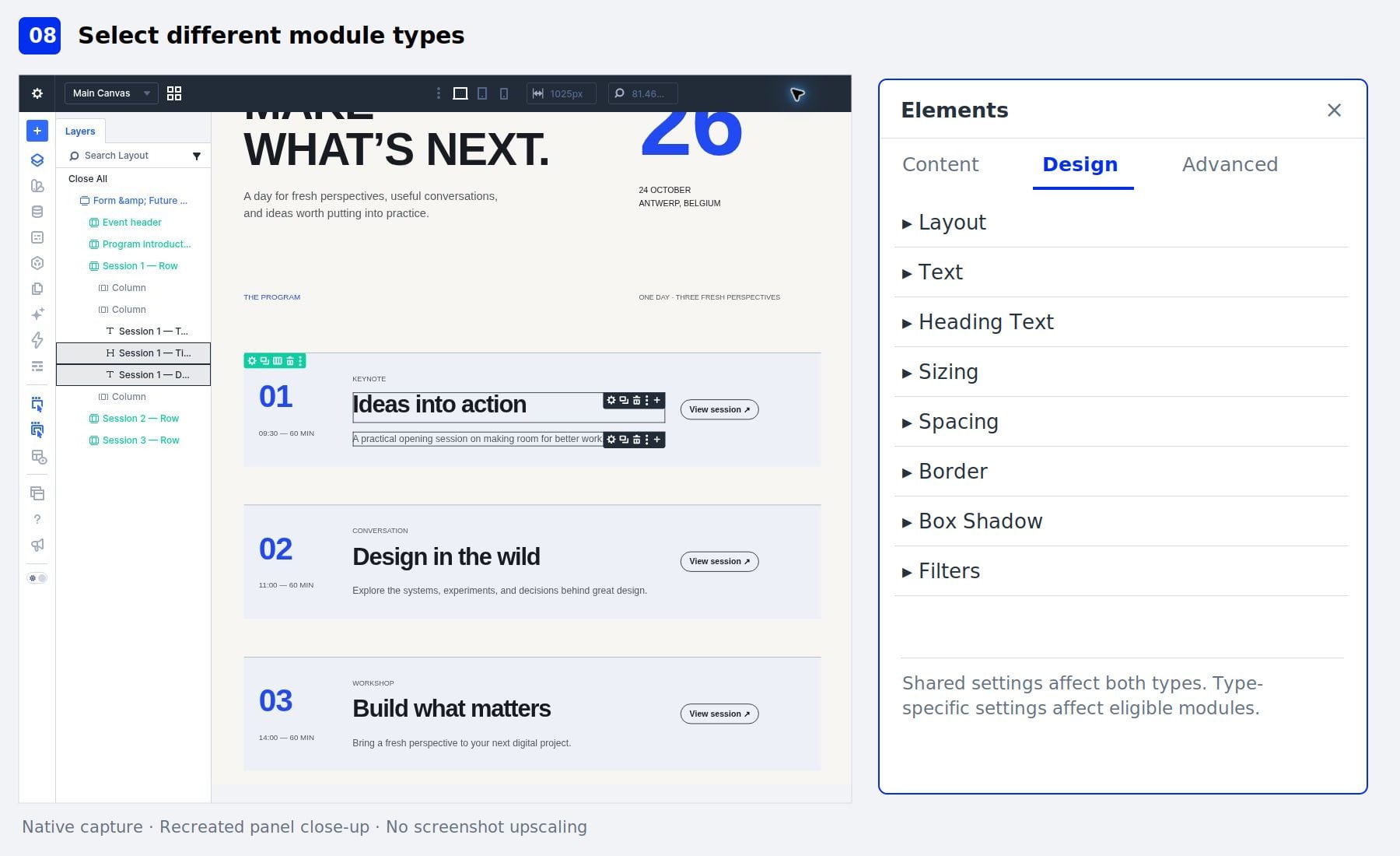
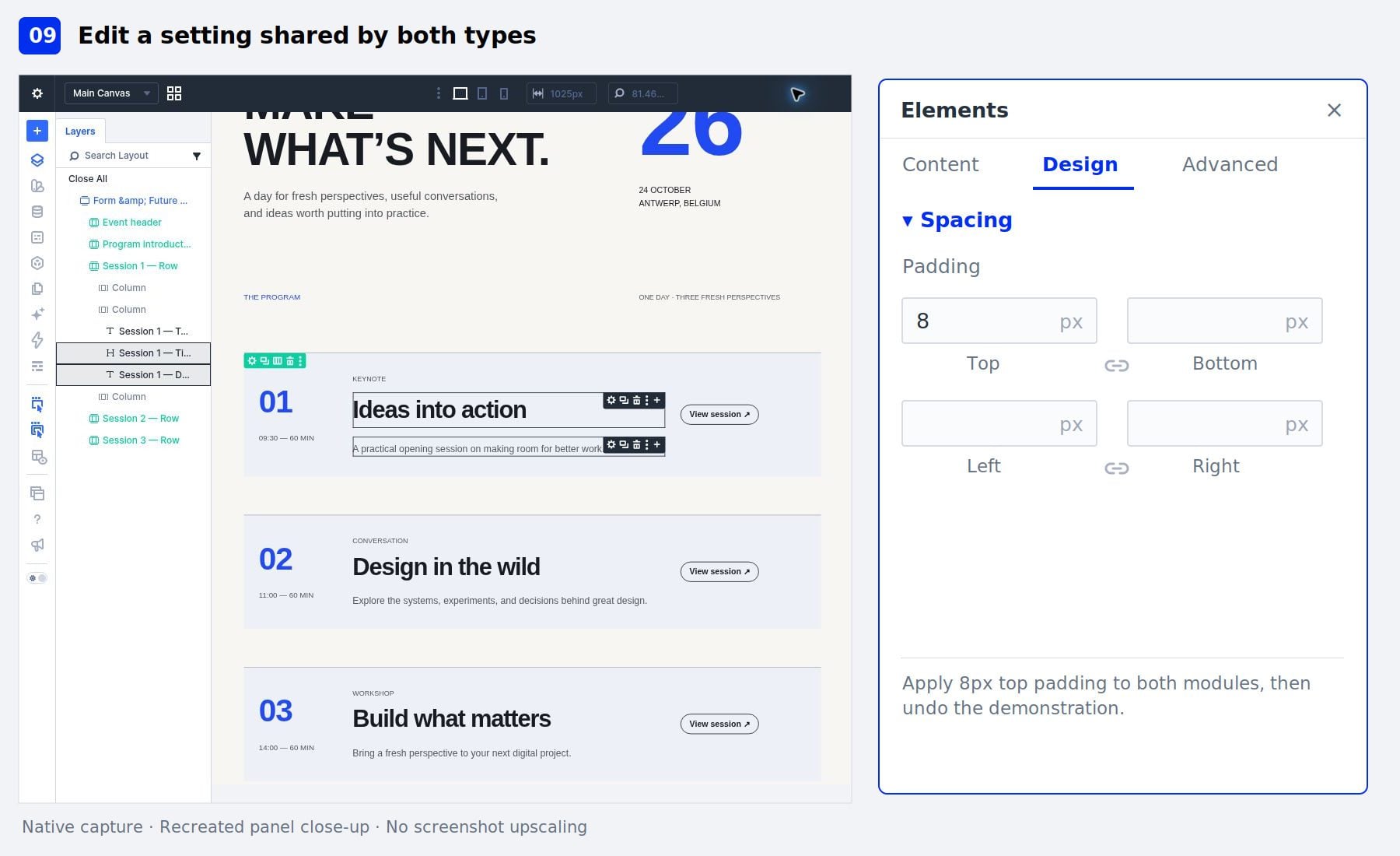
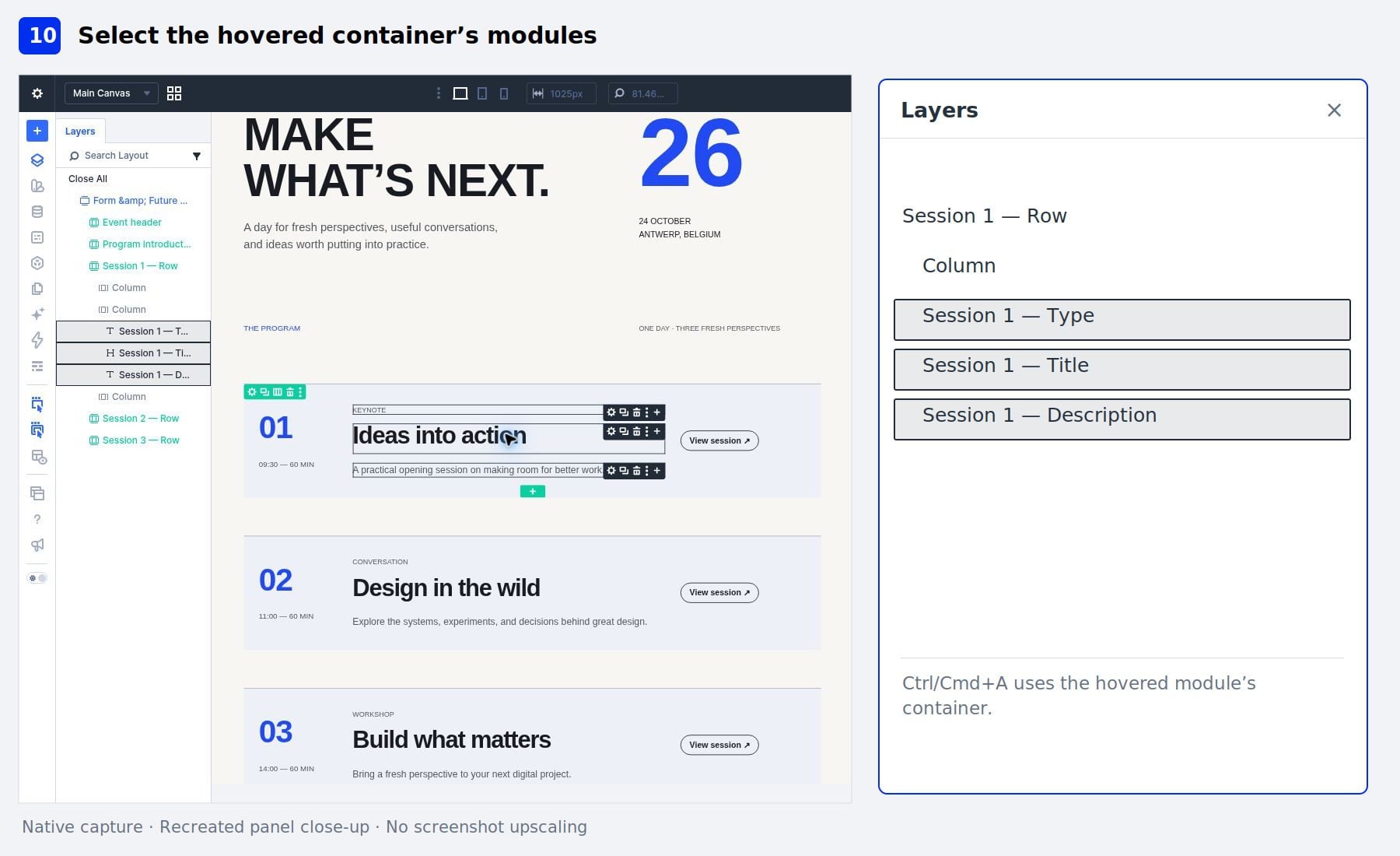
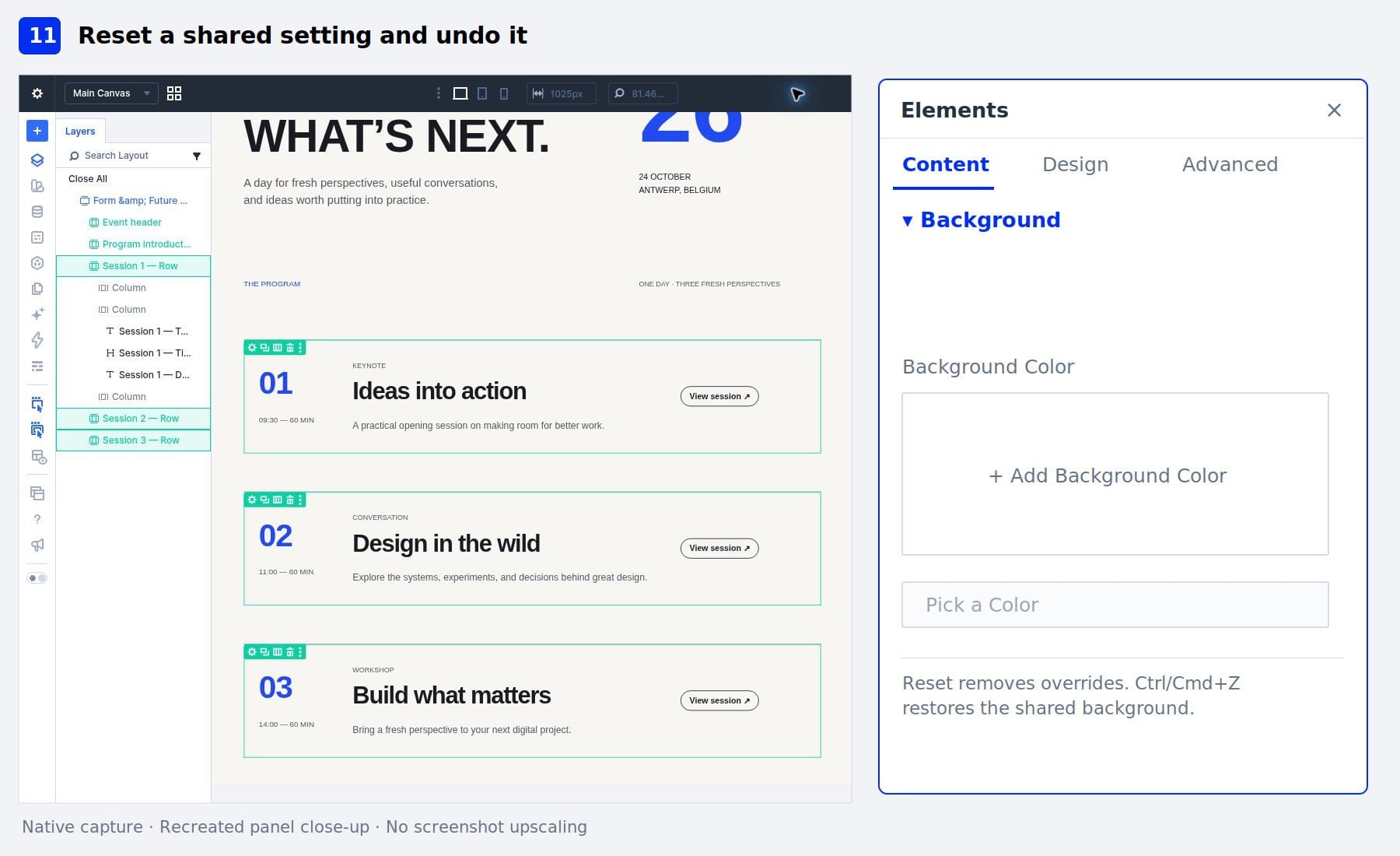
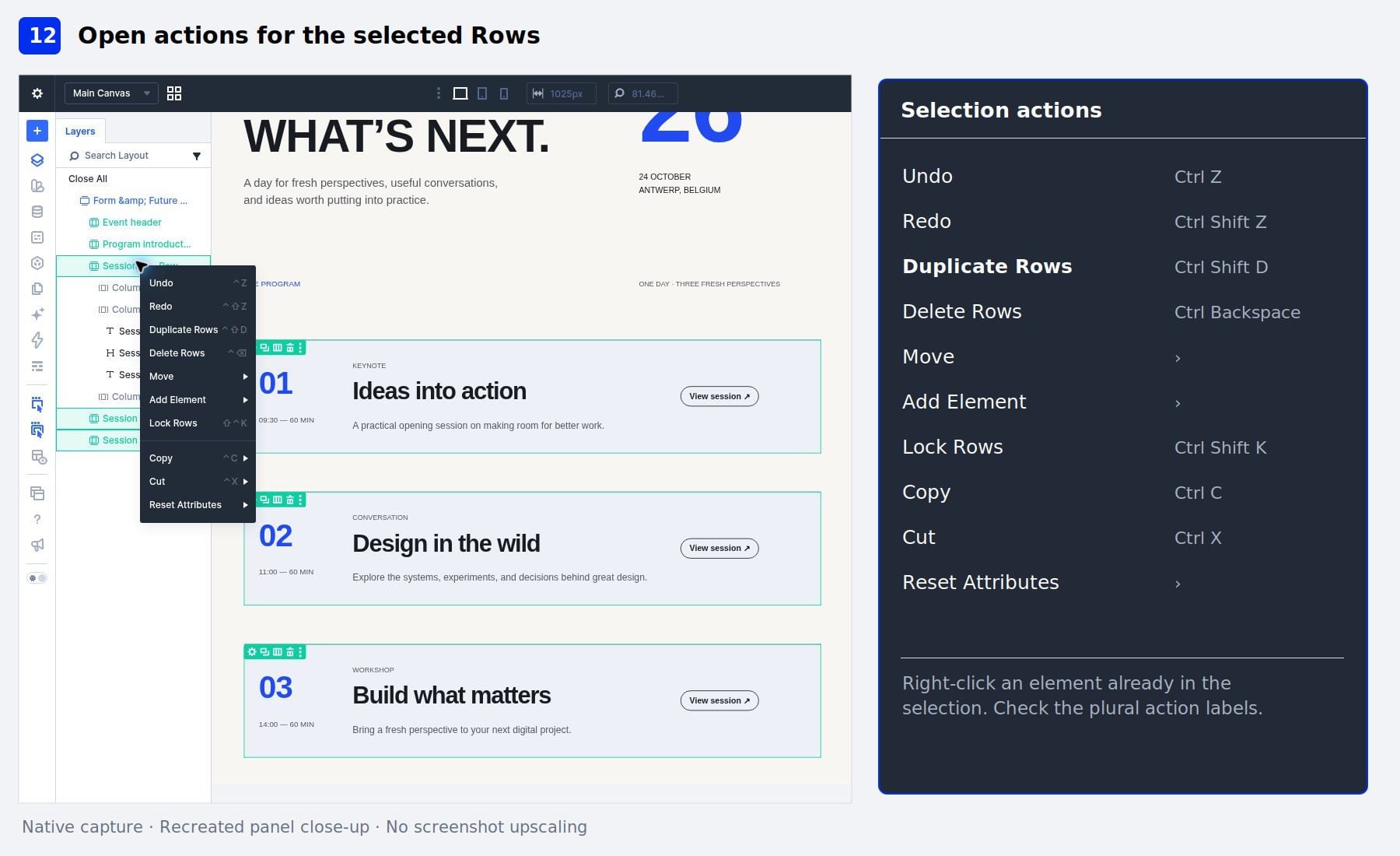
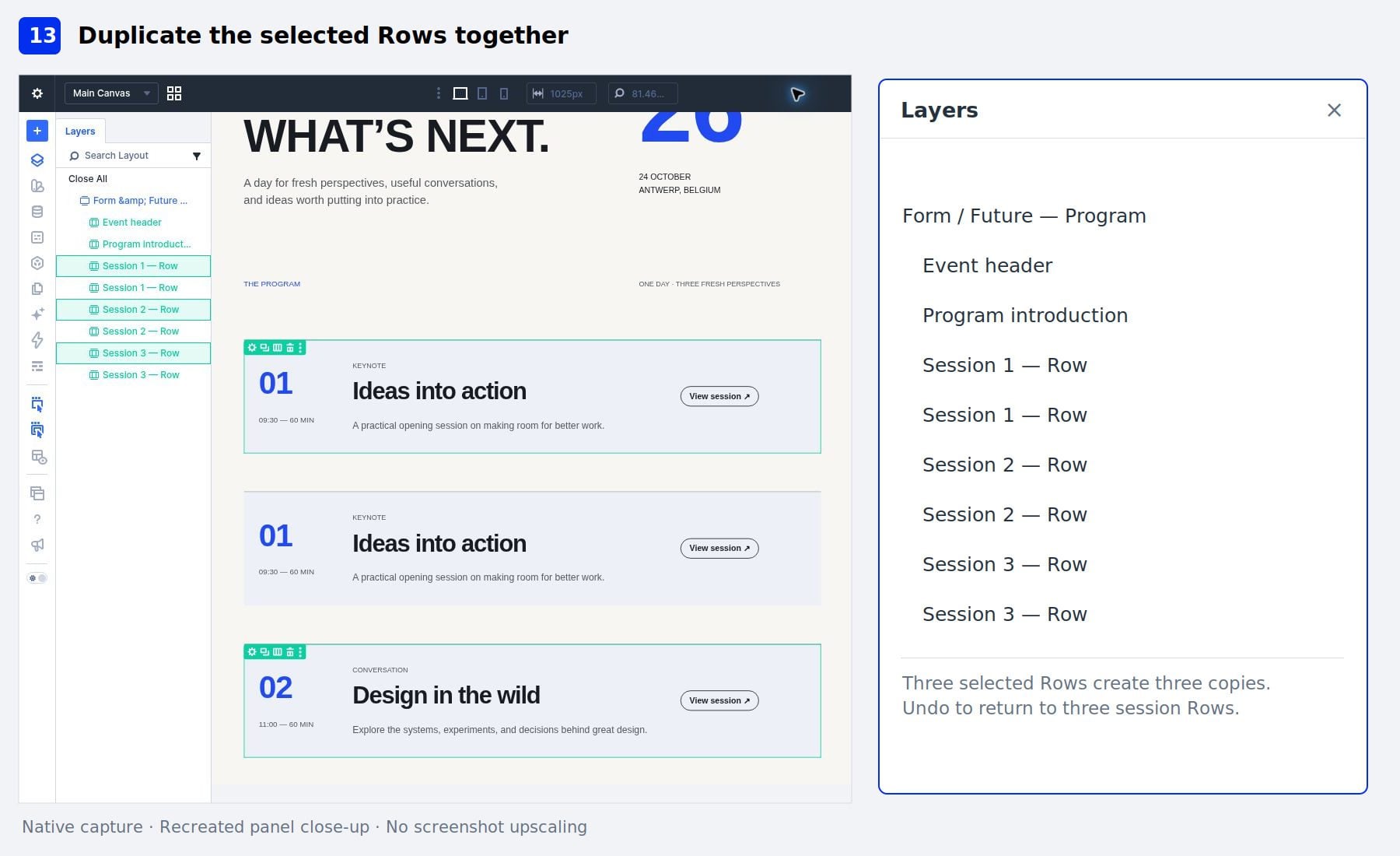
Editing repeated elements individually takes time, especially when they need the same design adjustments. Divi 5 ’s Multi-Select and Bulk Editing let us select several elements, change their settings together, and apply actions to the selection.
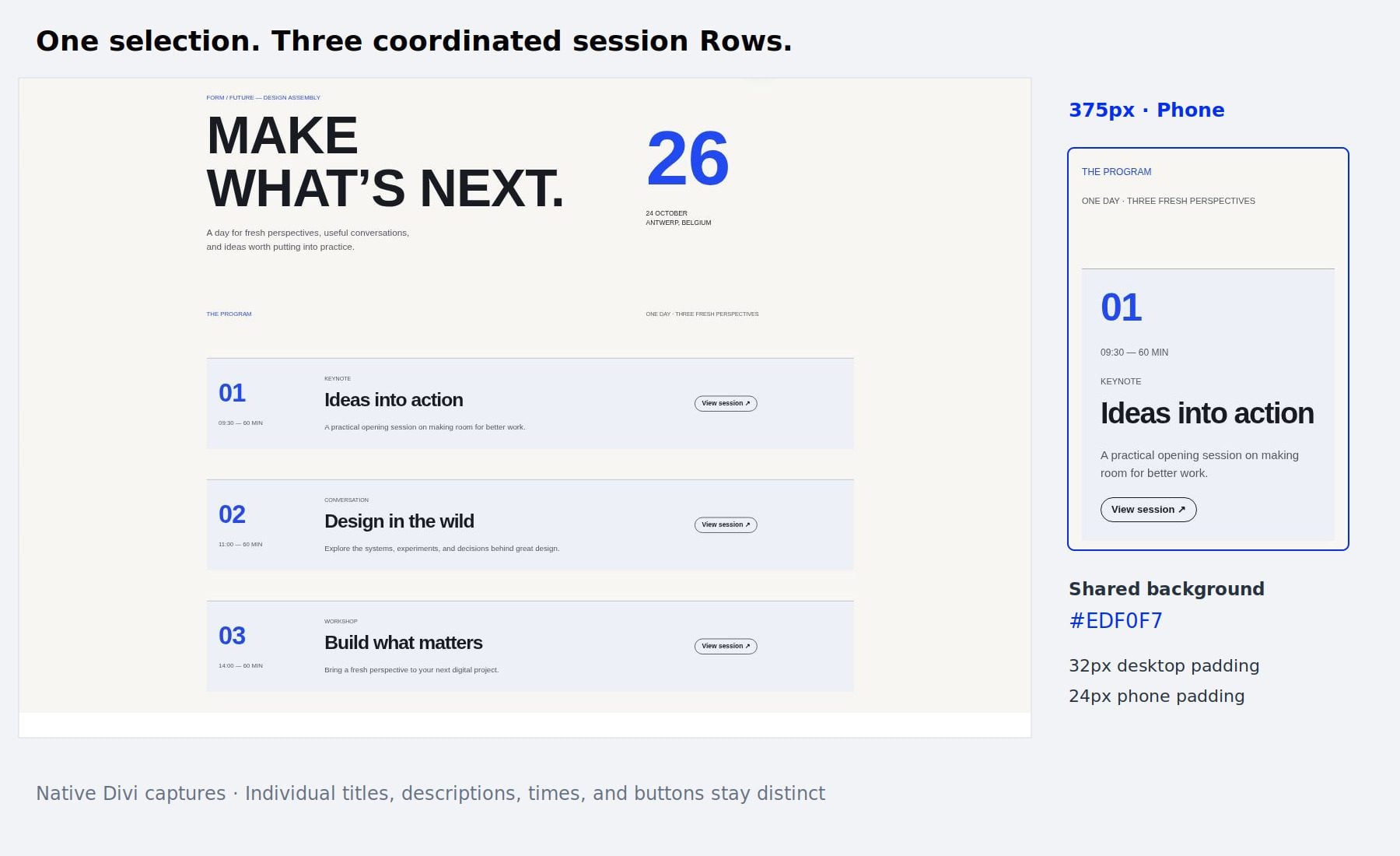
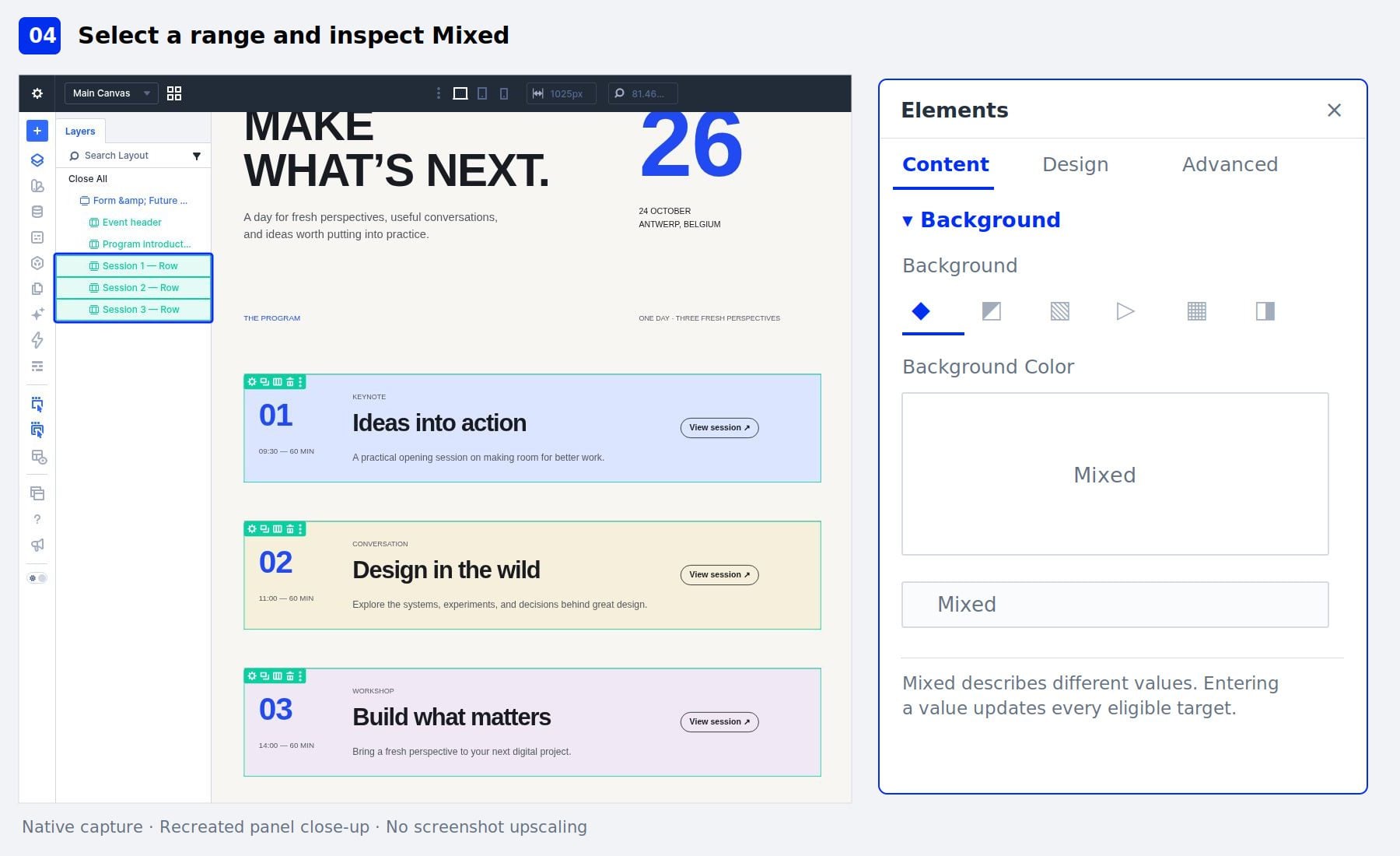
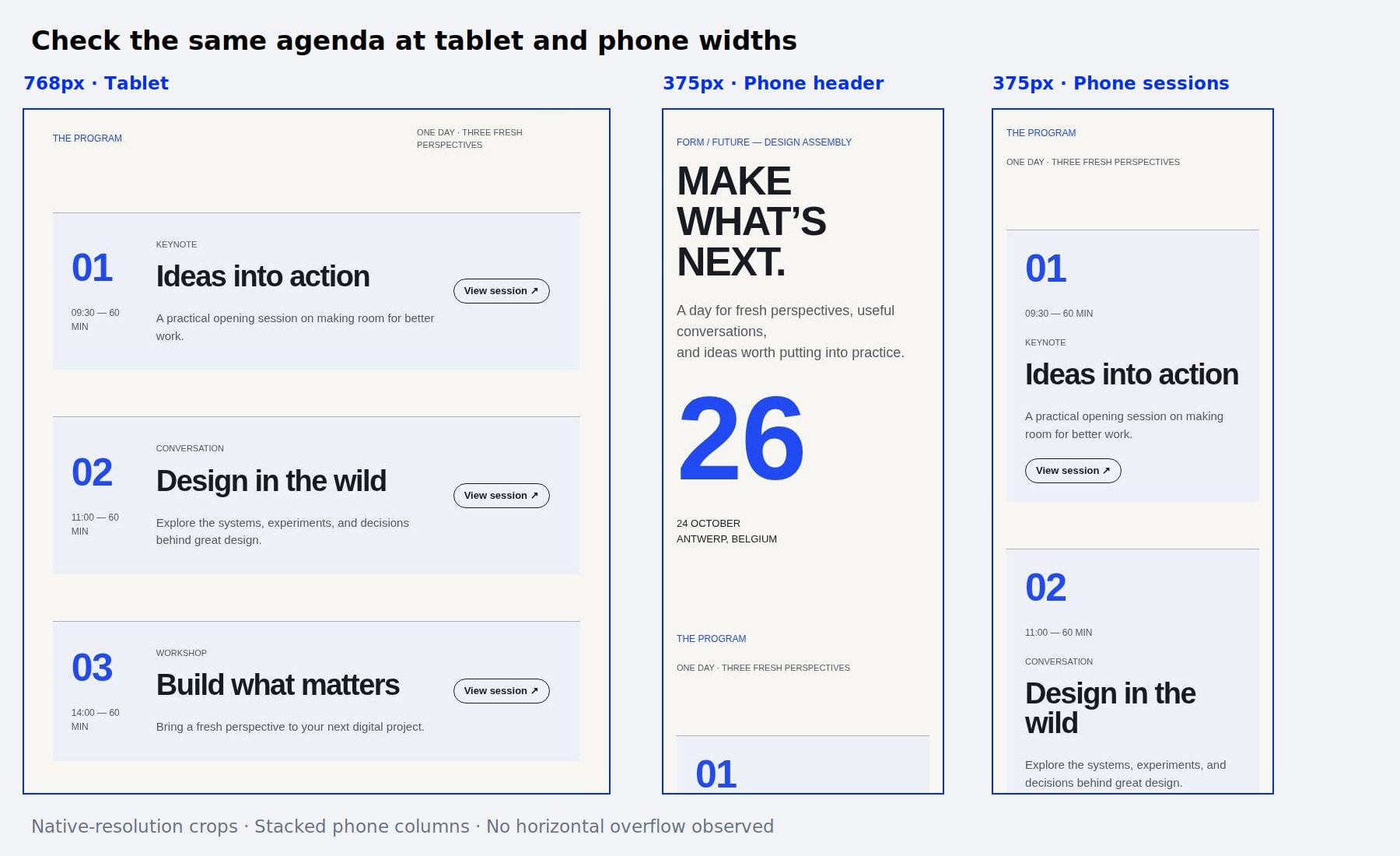
We’ll explain how selection works, what Mixed values mean, and how bulk settings behave when different module types are selected. Then, we’ll work through a conference agenda example, updating its backgrounds, spacing, and responsive settings without editing each session individually.
1 What Are Multi-Select And Bulk Editing In Divi 5?
2 How Multi-Select Works
3 How Bulk Settings Handle Different Values
4 Where Else Can We Use The Selection?
5 Download The Example Layout
6 Download For Free
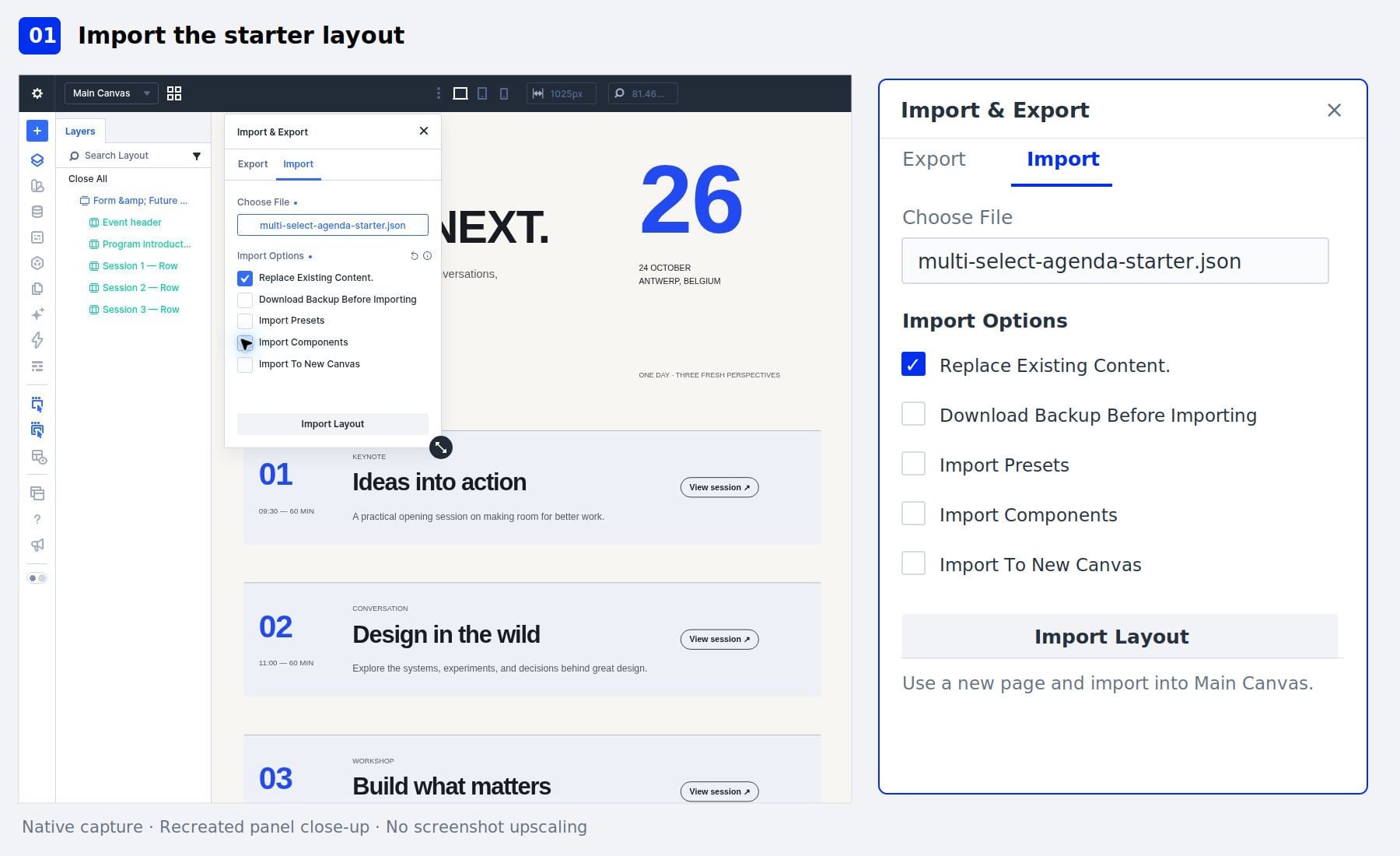
7 How To Use Multi-Select And Bulk Editing 7.1 1. Import The Starter Into A New Page
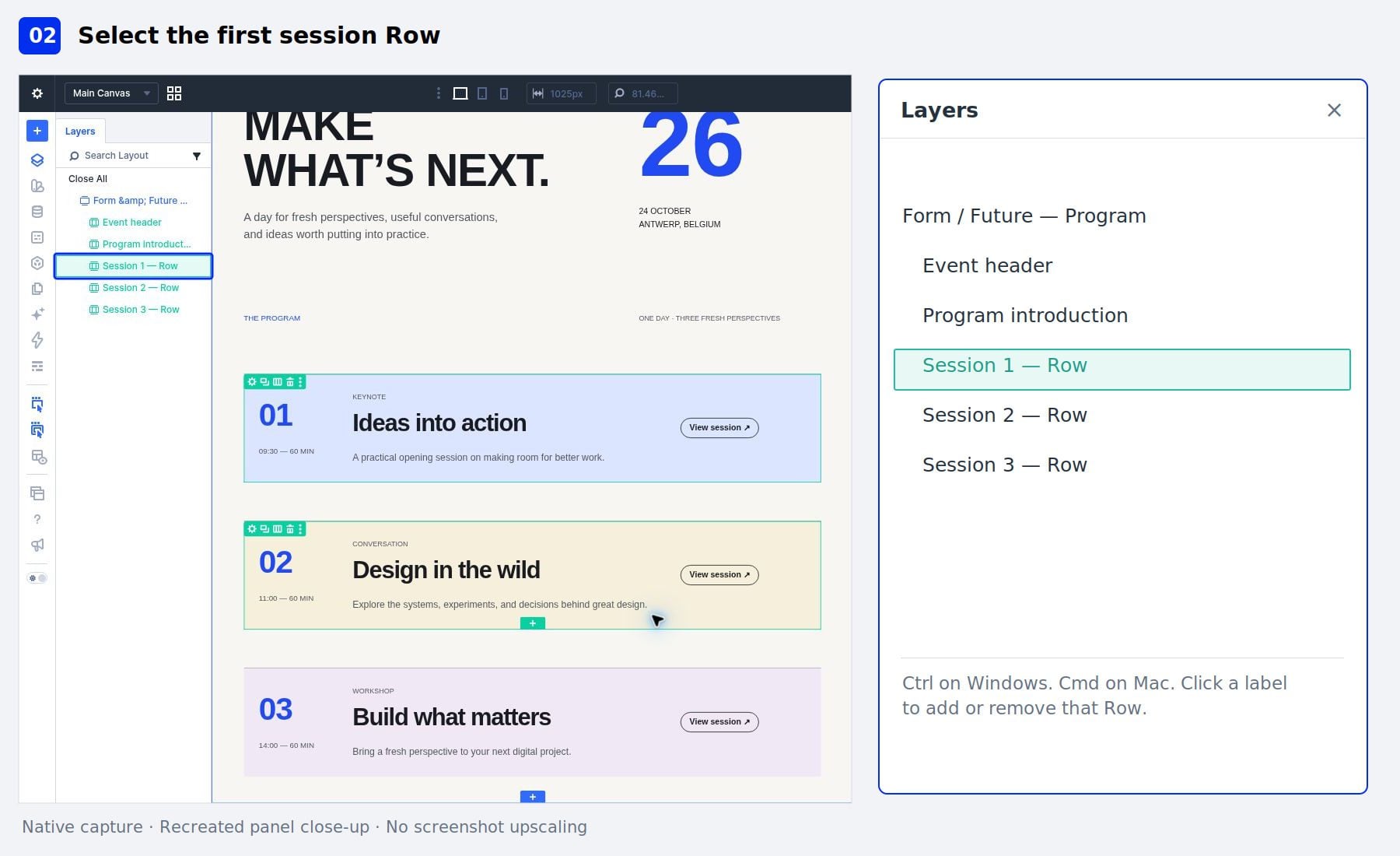
7.2 2. Select The First Session Row
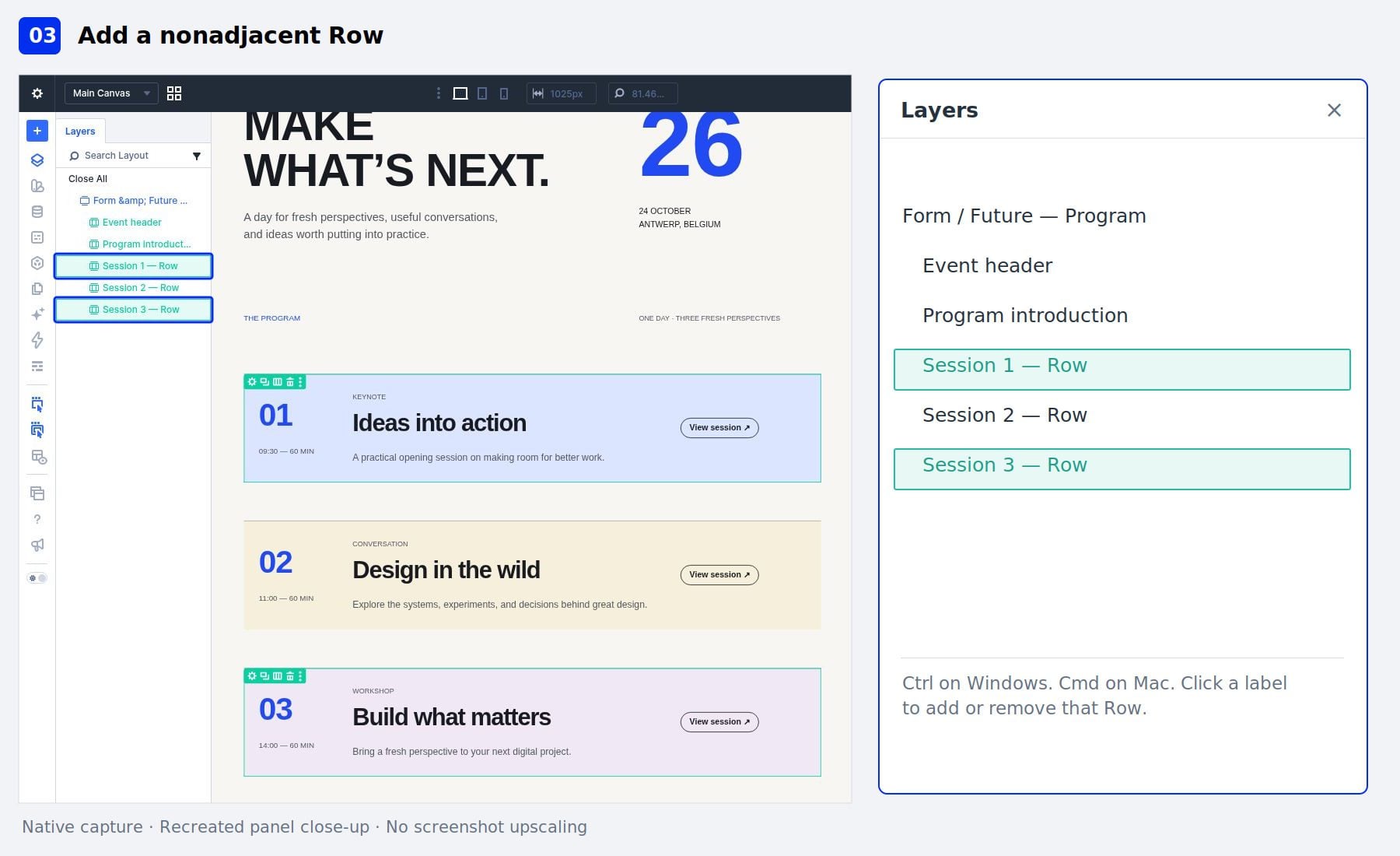
7.3 3. Add A Nonadjacent Row
7.4 4. Select A Range And Inspect Mixed Values
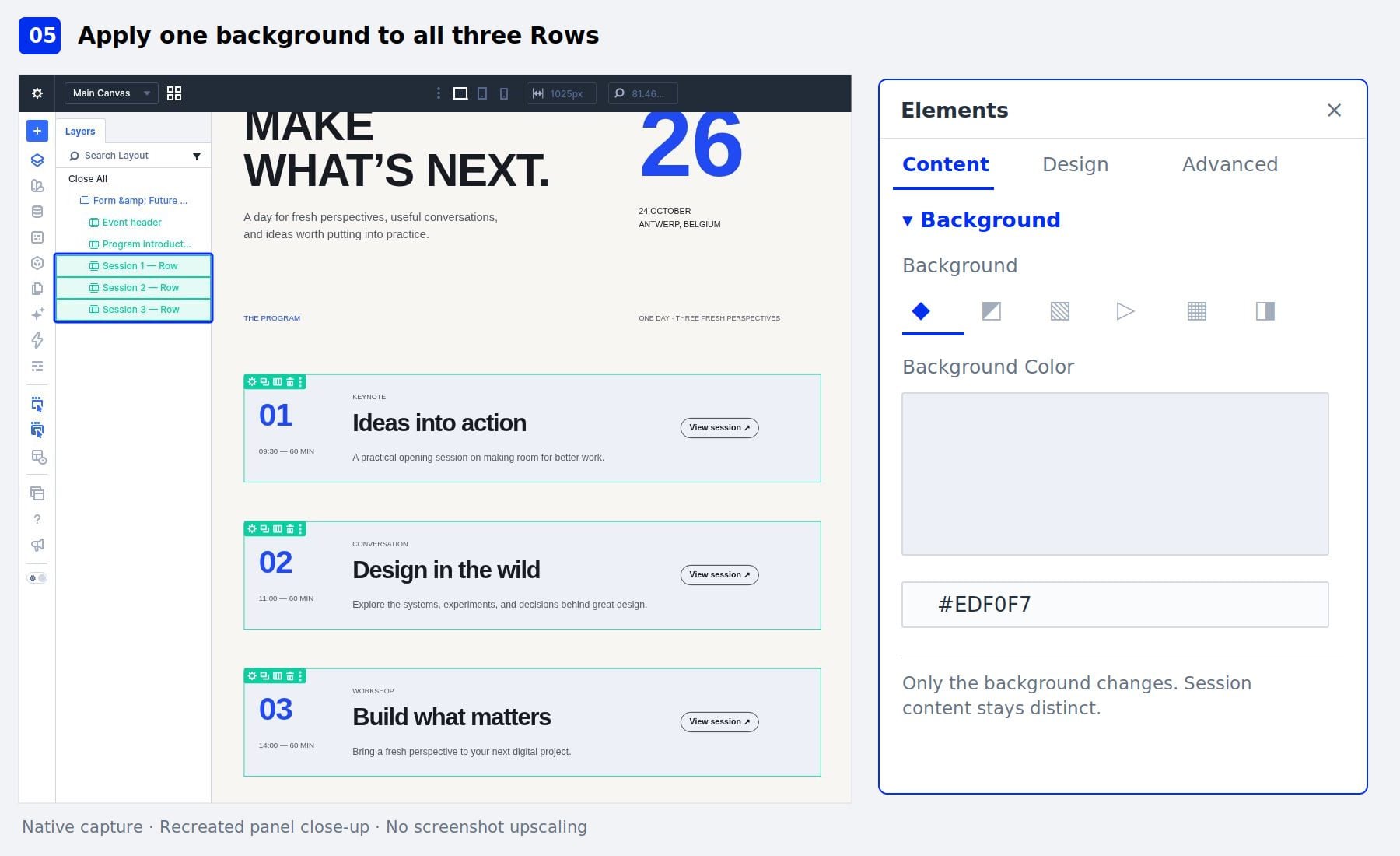
7.5 5. Apply One Background Color
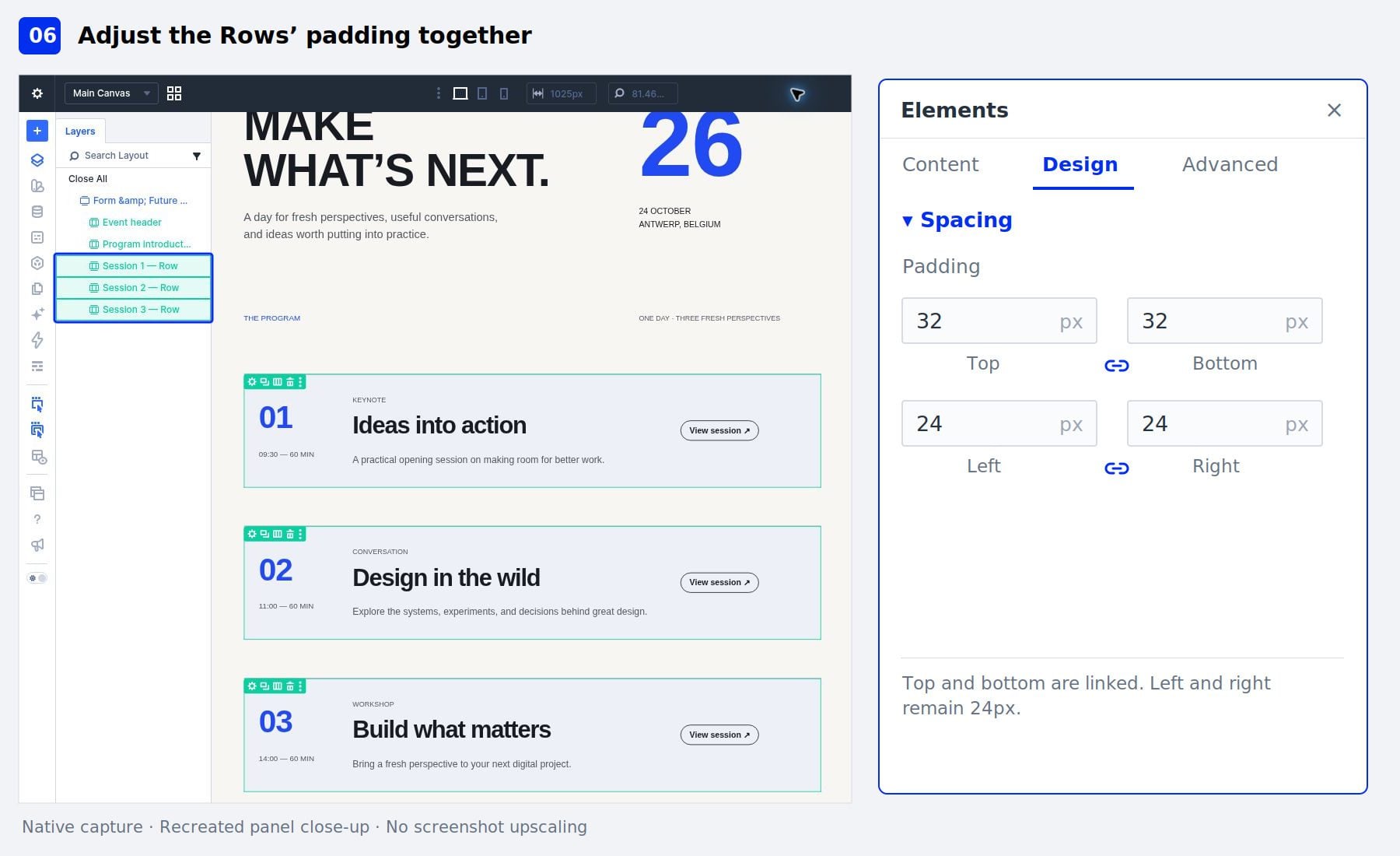
7.6 6.…