Menu

#ElegantThemes

38 posts

Feed·
20 of 38 posts
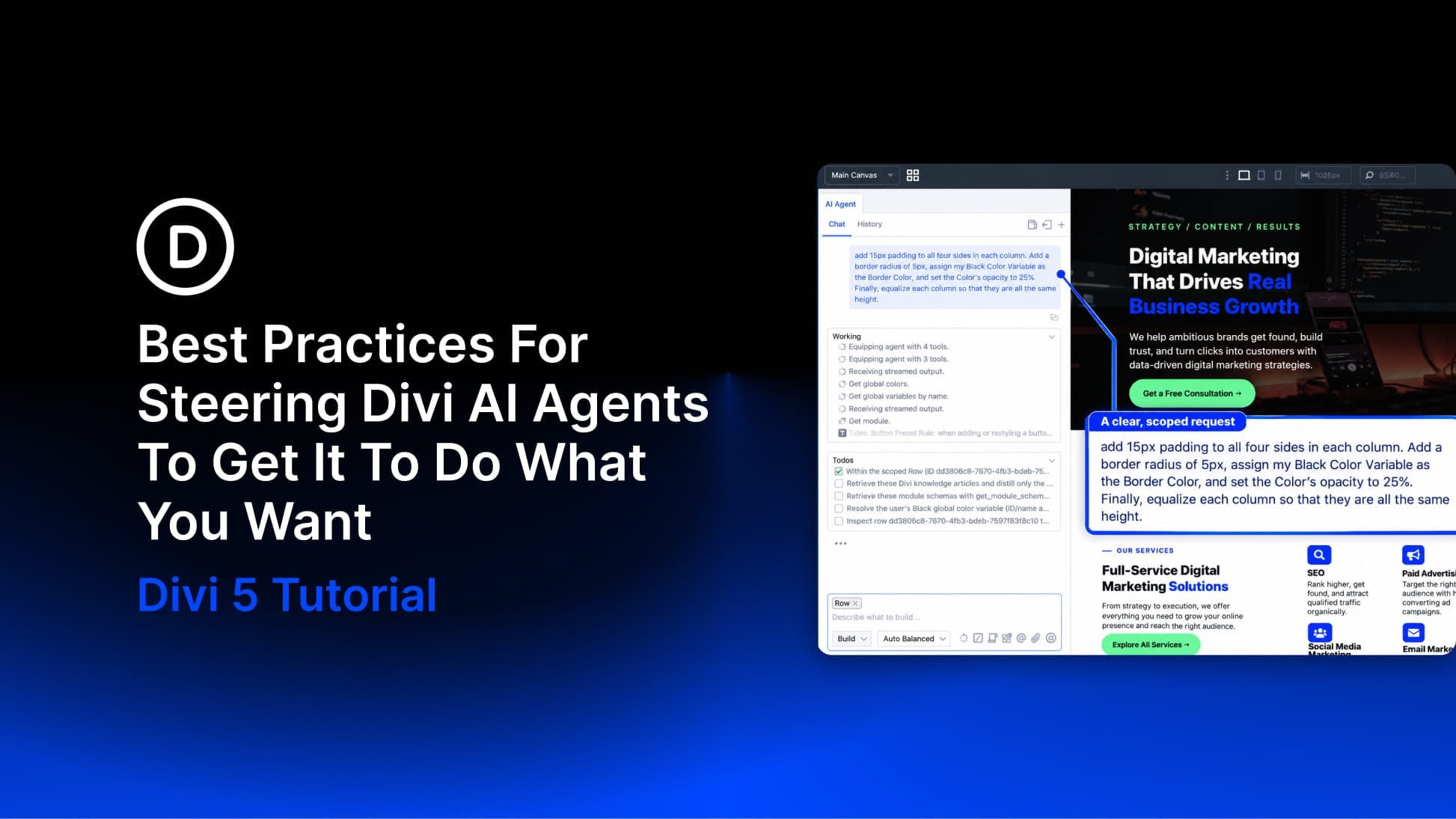
Best Practices For Steering Divi AI Agents To Get It To Do What You Want
🖼️
0Read More

Best Practices For Steering Divi AI Agents To Get It To Do What You Want

#elegantthemes#agent#divi#context#want

Divi 5 has a new way to build pages in the Visual Builder: Divi AI agents. Instead of working through settings panels one change at a time, you describe what you want in a conversation, and the agent carries it out on the page.…

15s
How To Build Faster In Divi 5 With The Command Center And Workspaces
🖼️
0Read More

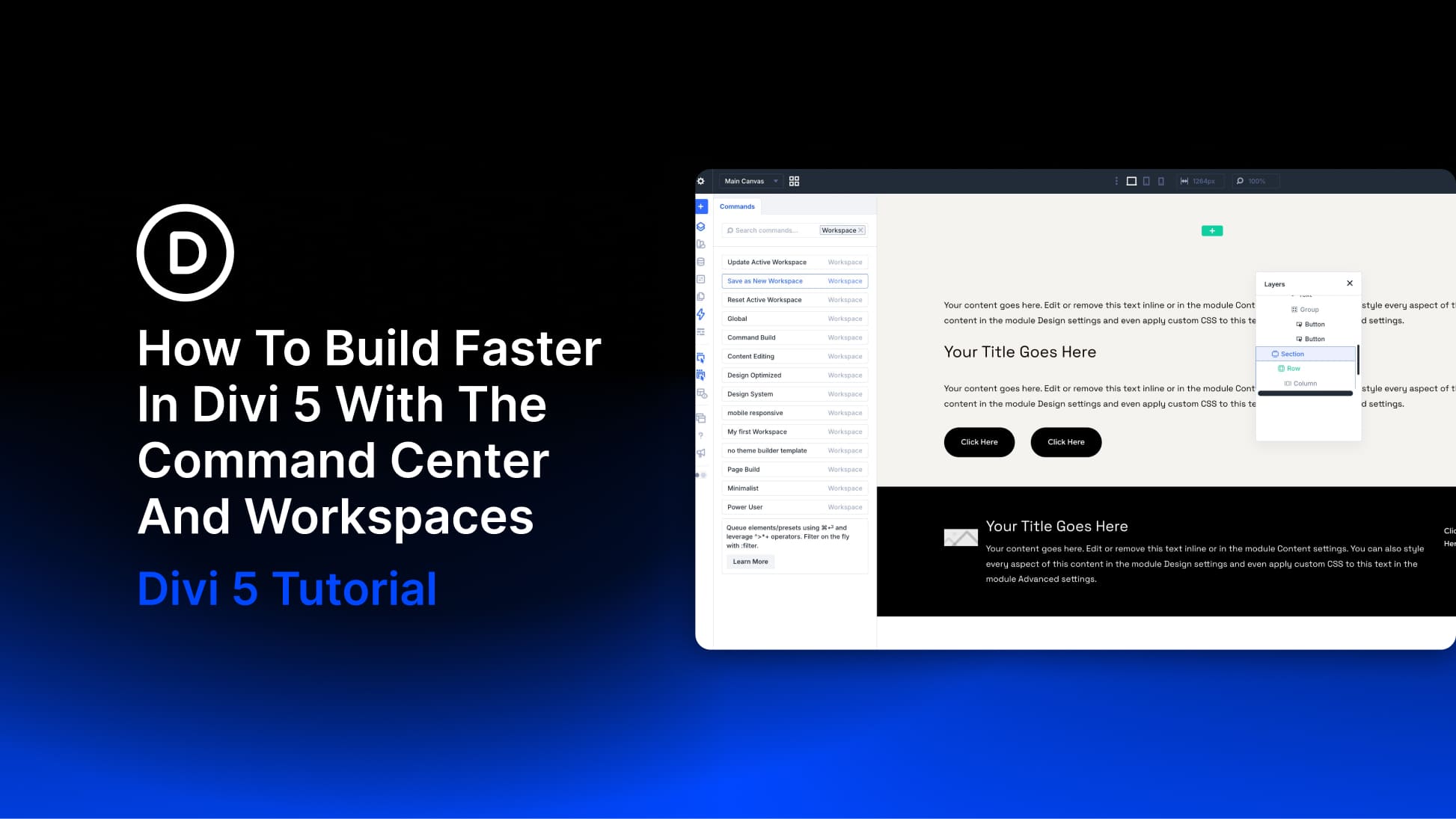
How To Build Faster In Divi 5 With The Command Center And Workspaces

#elegantthemes#command#enter#settings#press

Building faster in the Divi 5 Visual Builder means spending less time opening panels and repeating the same setup. The Command Center handles actions you can name, such as adding modules, applying presets, and opening settings.…

15s
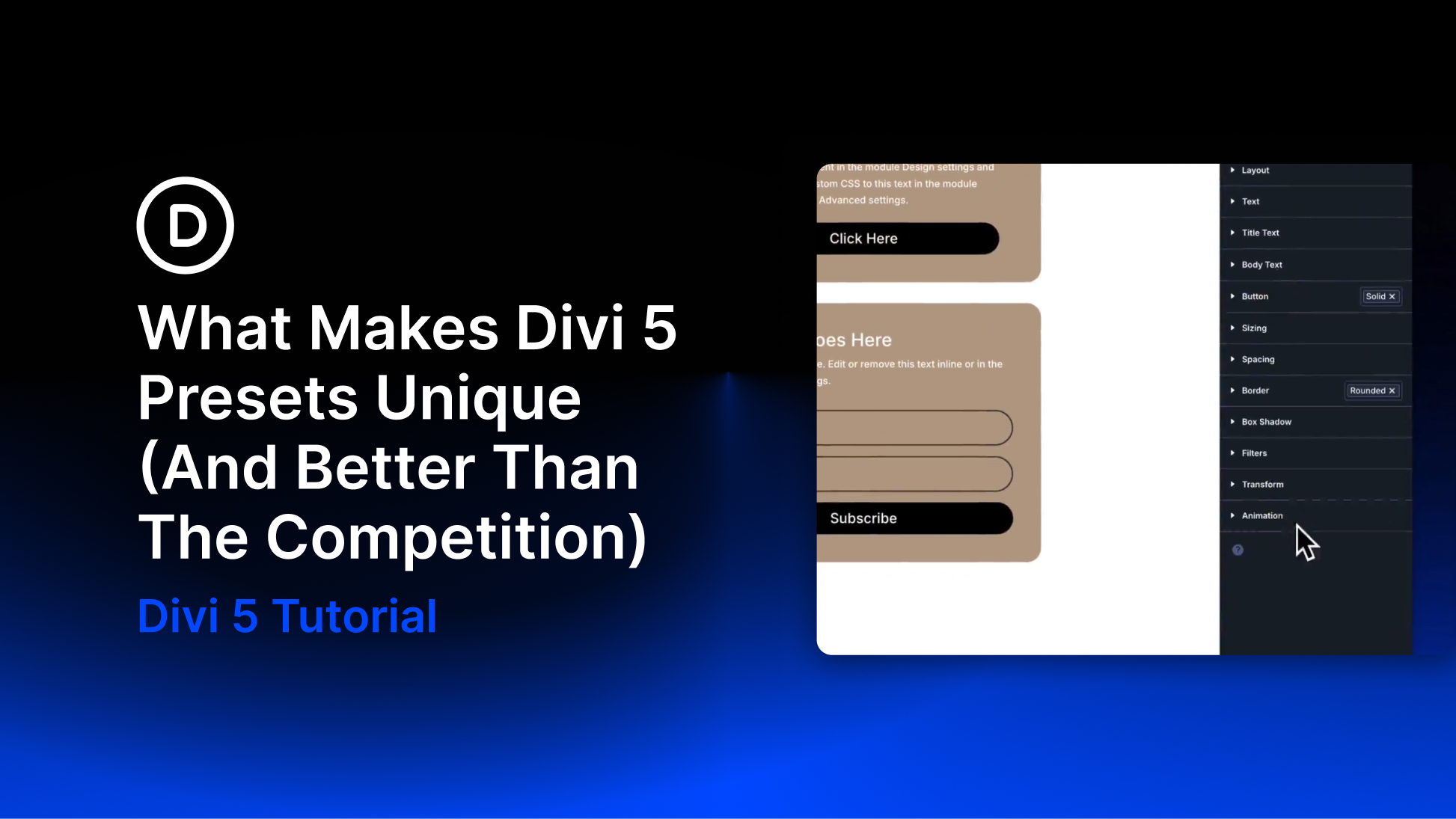
What Makes Divi 5 Presets Unique (And Better Than The Competition)
🖼️
0Read More

What Makes Divi 5 Presets Unique (And Better Than The Competition)

Reusable styles are only part of a design system. The way settings connect, combine, and update matters just as much once a site grows. In Divi 5, presets form a connected system: small groups of settings can feed into larger presets, while variations can…

15s
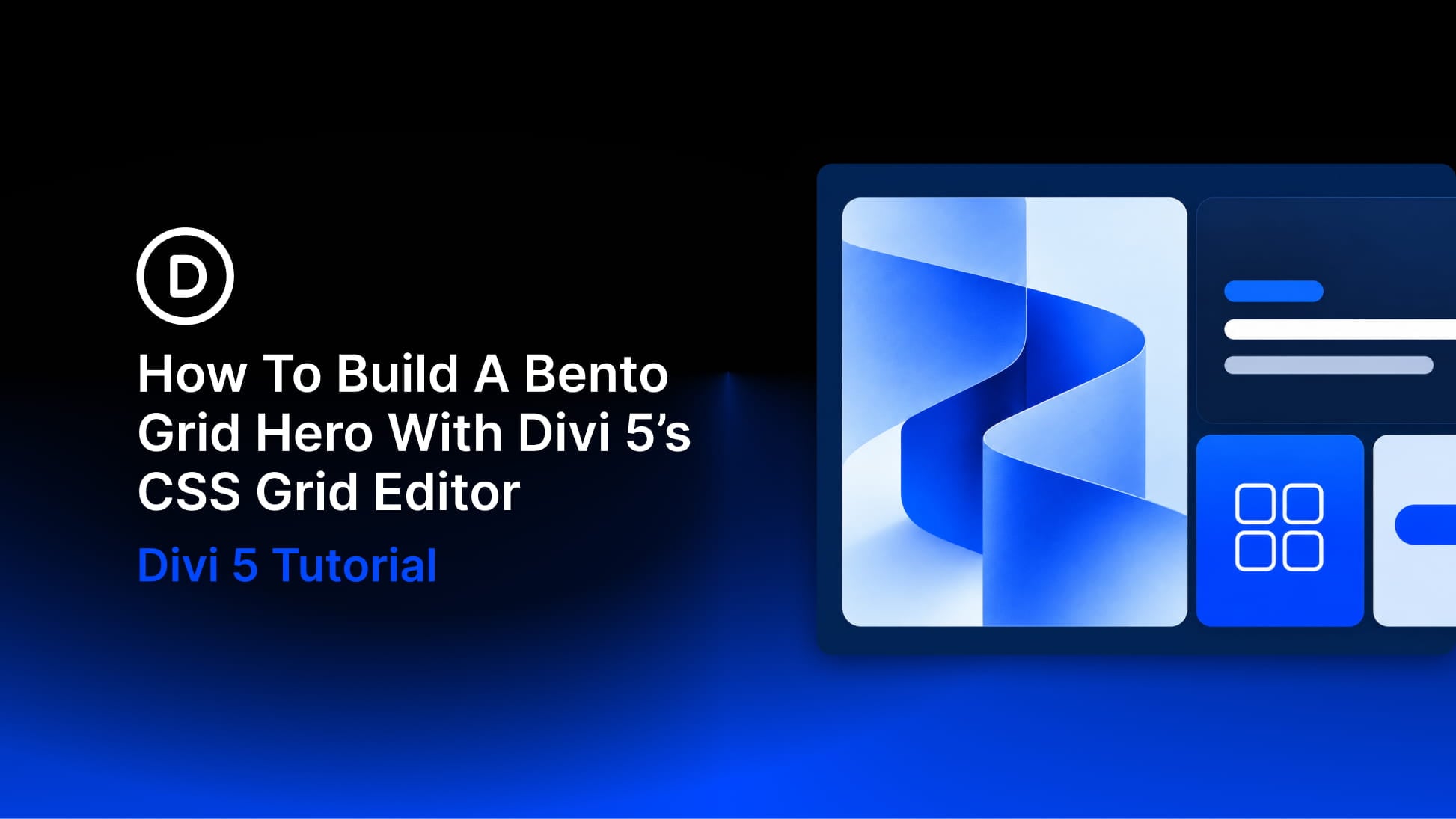
How To Build A Bento Grid Hero With Divi 5’s CSS Grid Editor
🖼️
0Read More

How To Build A Bento Grid Hero With Divi 5’s CSS Grid Editor

#elegantthemes#card#grid#cards#visual

A bento grid brings images, headlines, supporting details, and calls to action into one arrangement of differently sized cards. Shared edges and consistent gaps hold the layout together, while the larger cards give important content more room.…

15s
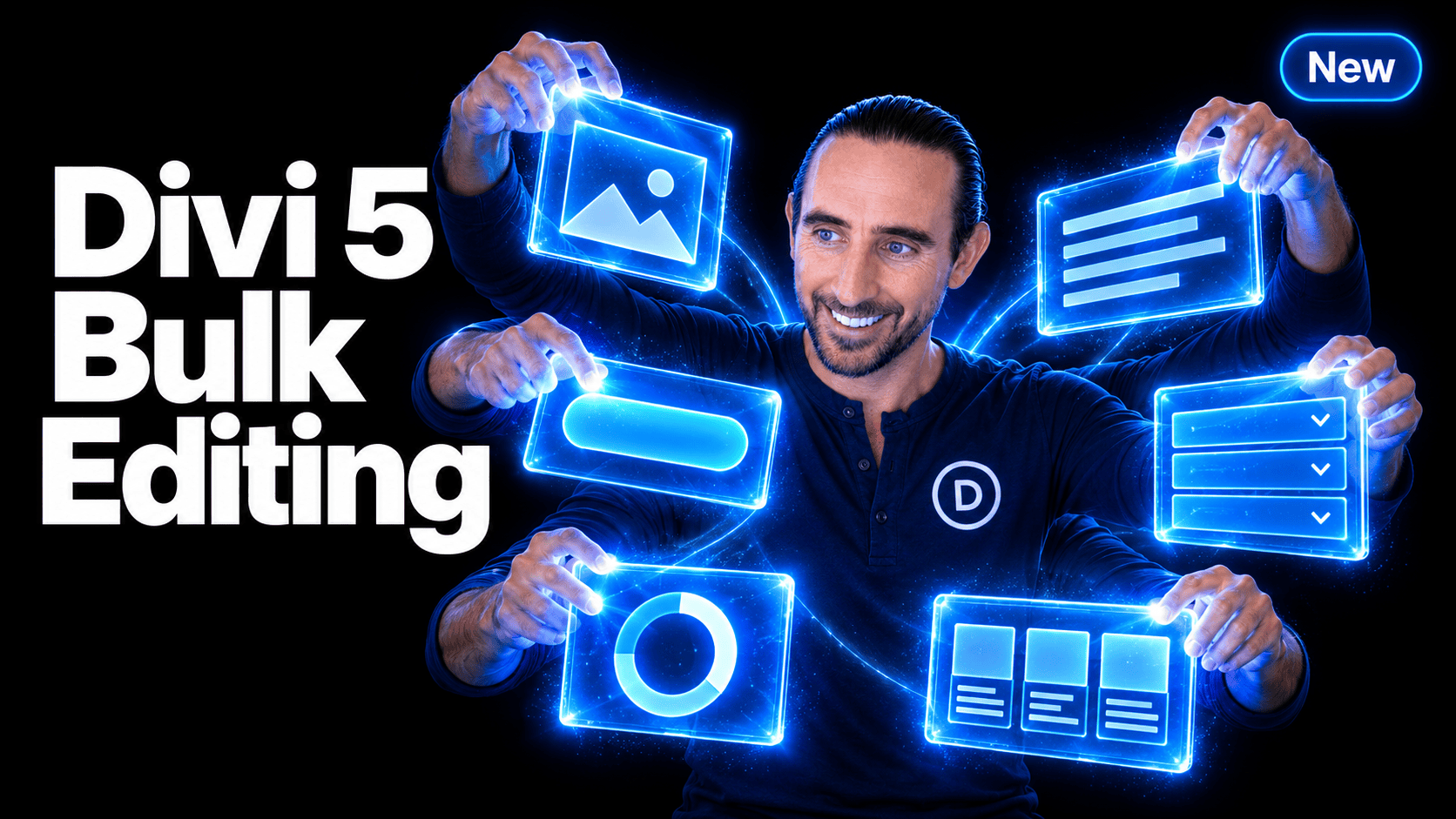
Introducing Multi-Select And Bulk Editing For Divi 5
🖼️
0Read More

Introducing Multi-Select And Bulk Editing For Divi 5

Editing a website often means making the same change more than once. Adjust the spacing on several cards. Restyle a handful of buttons. Move a collection of modules into another column. Multi-Select and Bulk Editing bring those tasks together in Divi 5.…

15s
The Best Way To Build A Website With AI In 2026 Is Inside A Visual Builder
🖼️
0Read More

The Best Way To Build A Website With AI In 2026 Is Inside A Visual Builder

#elegantthemes#visual#builder#design#article

Almost any AI website builder can turn a short business description into a homepage. The real test comes later, when you need to restructure a section, update your branding, or add another page that feels like it belongs on the same website.…

15s
Everything You Need To Know About Divi 5's Nested Option Presets
🖼️
0Read More

Everything You Need To Know About Divi 5's Nested Option Presets

#elegantthemes#presets#preset#option#nested

Divi 5‘s preset system makes it easier to create, reuse, and maintain consistent styles across an entire website. Instead of rebuilding the same button, border, form field, or card style again and again, you can save those styles as presets and apply them…
15s
How To Build A Flexbox Header In Divi 5
🖼️
0Read More

How To Build A Flexbox Header In Divi 5

#elegantthemes#menu#header#mobile#layout

A header layout is a structural problem before it is a visual one. The logo, navigation, icons, and CTA need a clear relationship. You need to decide where each item sits, how much space separates it, and what changes on smaller screens.…

15s
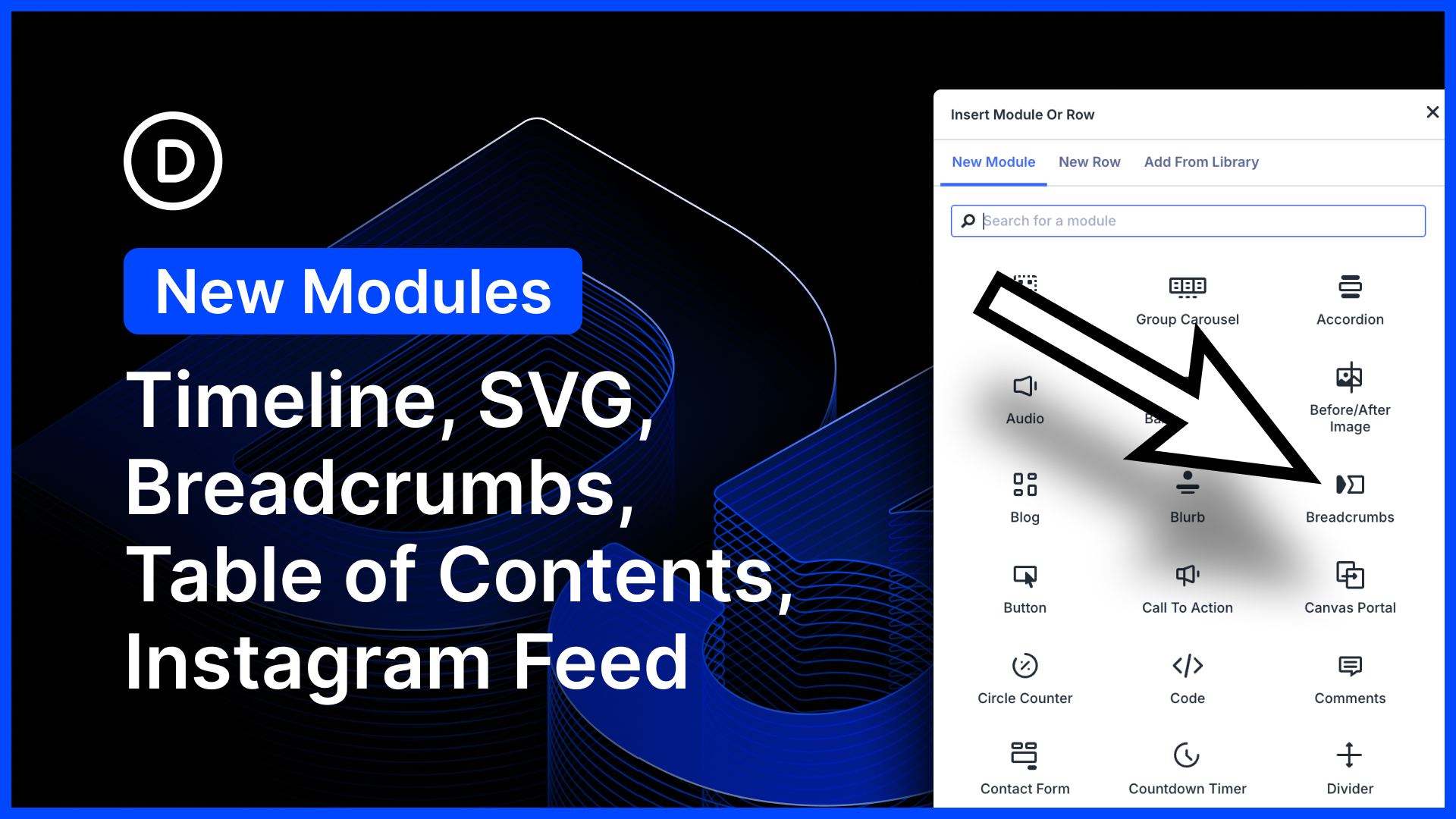
Five New Modules for Divi 5 (Timeline, Breadcrumbs, Table of Contents, SVG, Instagram Feed)
🖼️
0Read More

Five New Modules for Divi 5 (Timeline, Breadcrumbs, Table of Contents, SVG, Instagram Feed)

#elegantthemes#module#divi#settings#using

We just released five new modules for Divi 5! Create beautiful, animated timelines using the timeline module. This one works great with loops. Add breadcrumbs to any page using the new breadcrumbs module; simple, but great for Theme Builder templates!…

15s