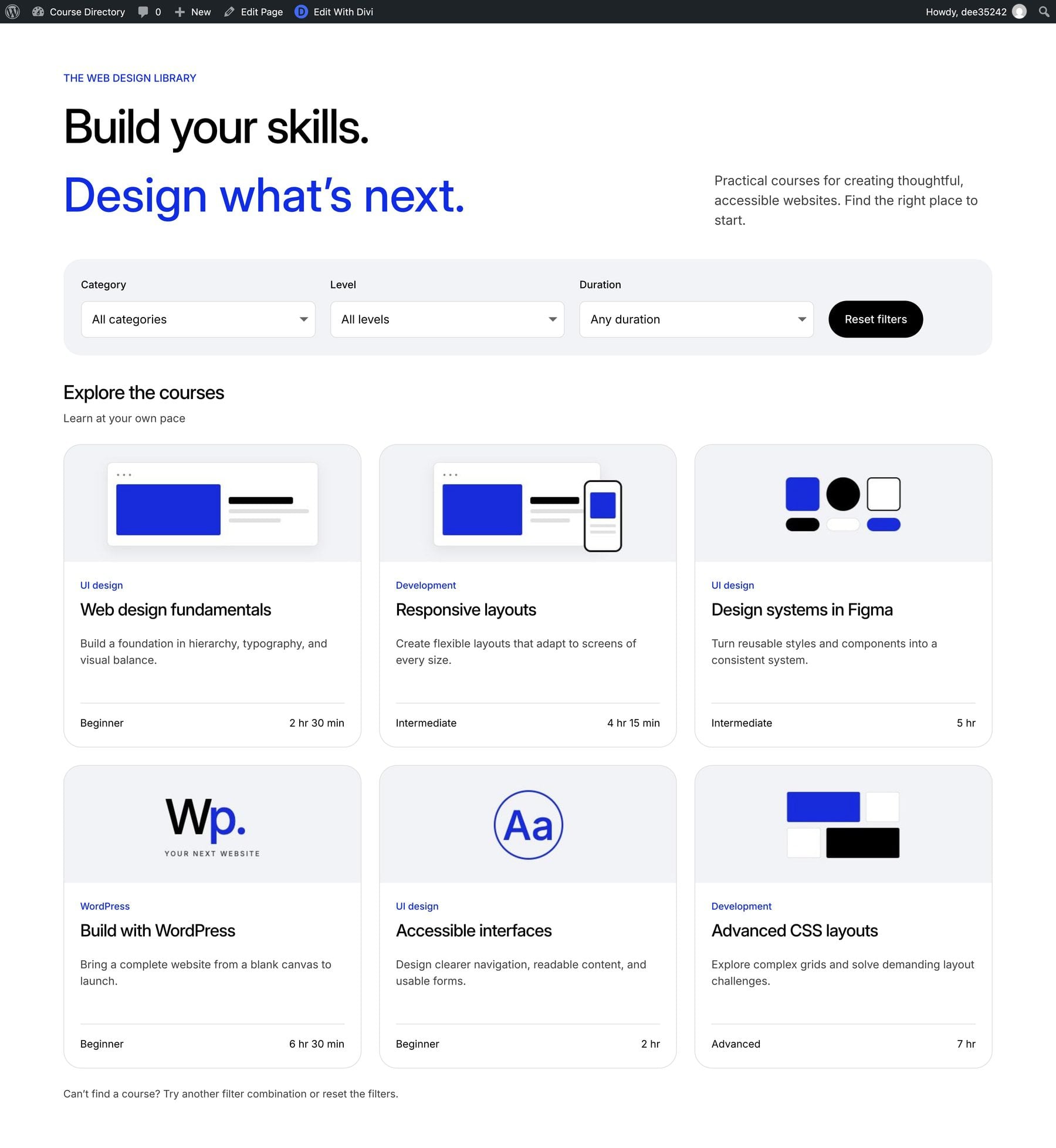
Someone looking for their first WordPress course has different needs from an experienced designer with an afternoon to spare. A course directory helps both visitors find something that fits when its filters reflect the questions they bring to the page.
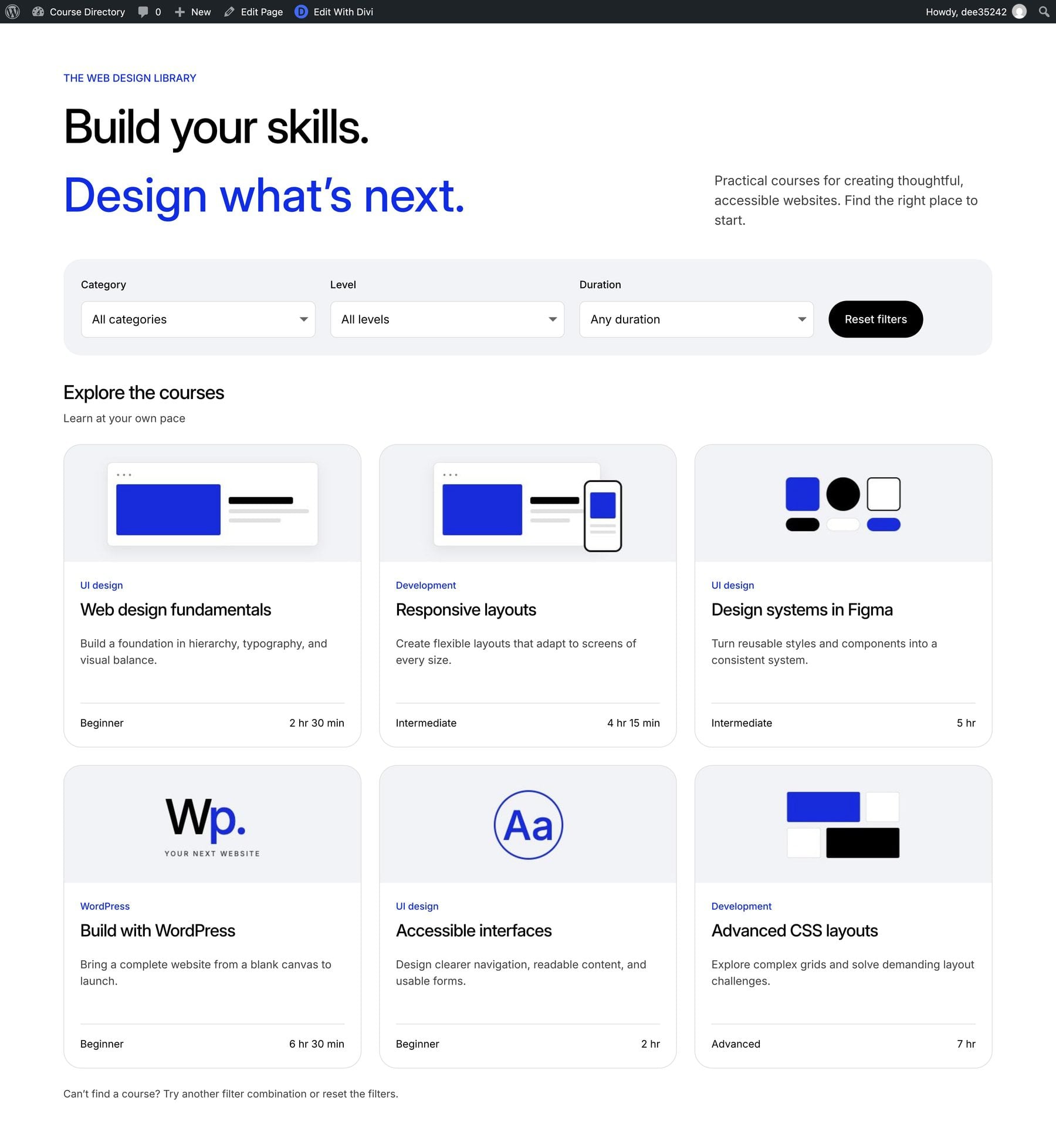
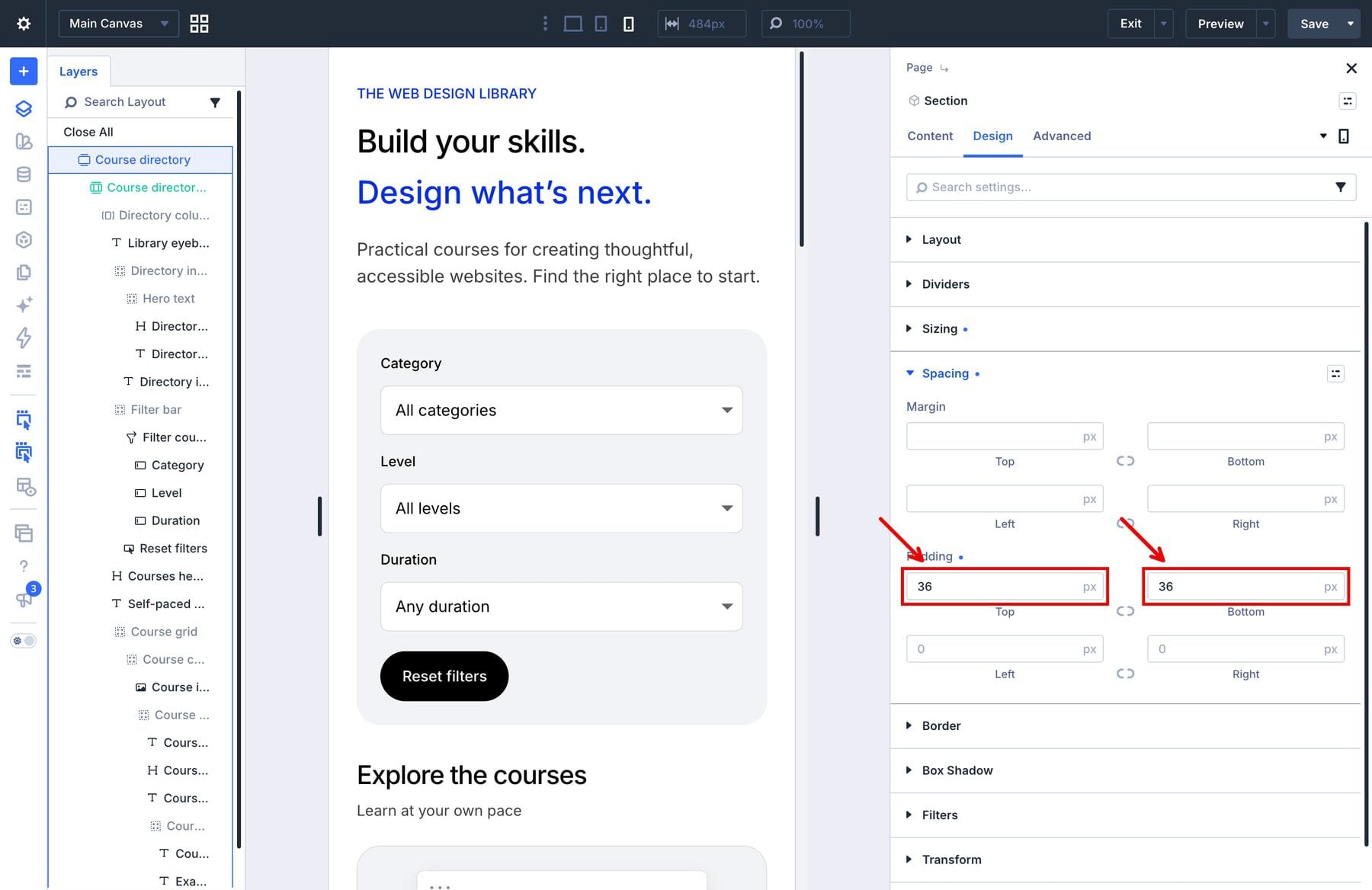
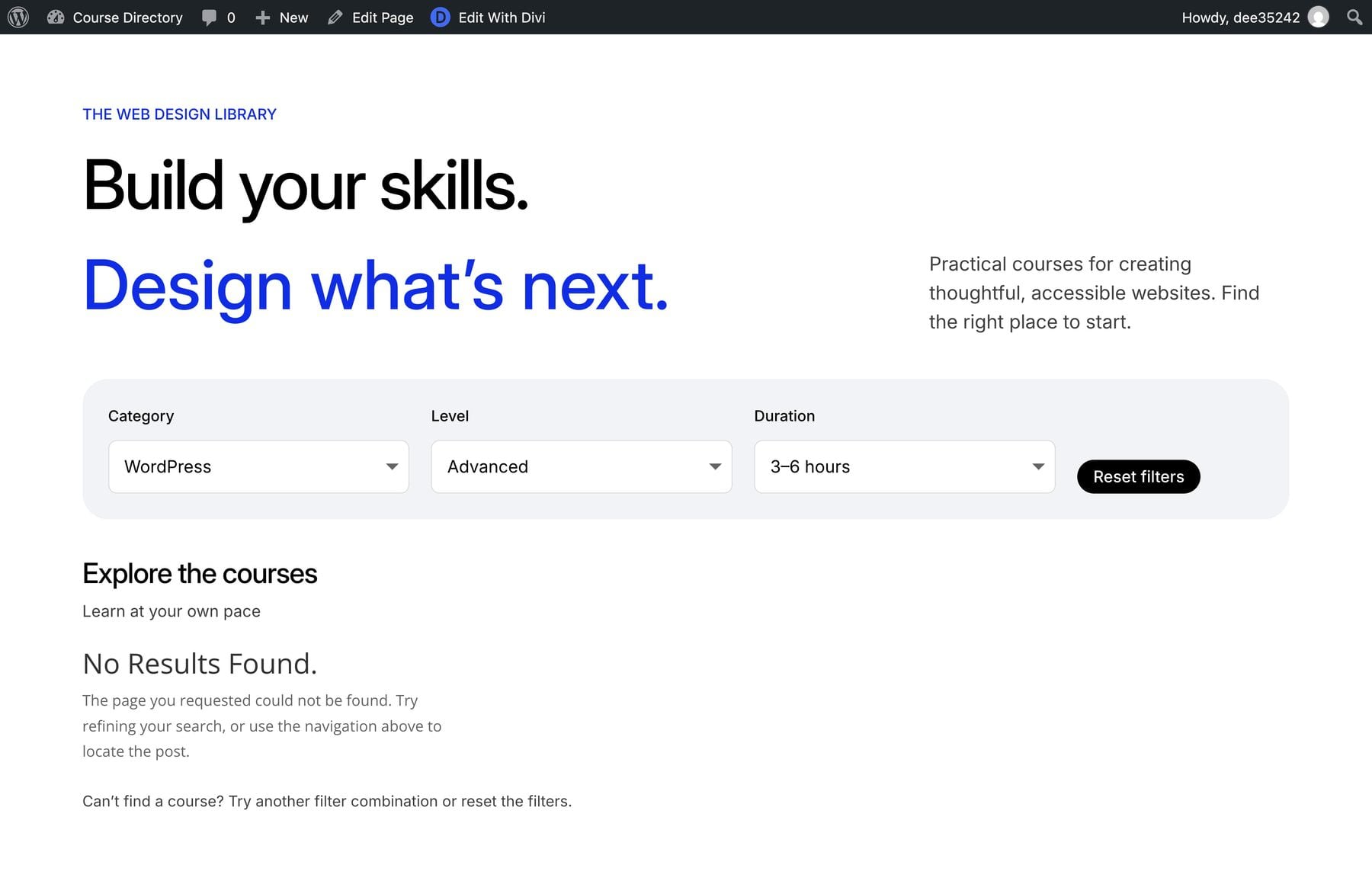
In this tutorial, we’ll build a small web-design course directory with Divi 5 and Advanced Custom Fields (ACF). Visitors can choose a category, skill level, and duration, then open a matching course through its image or title. We’ll use native Divi settings throughout the build.
1 What We’re Building
2 What You’ll Need
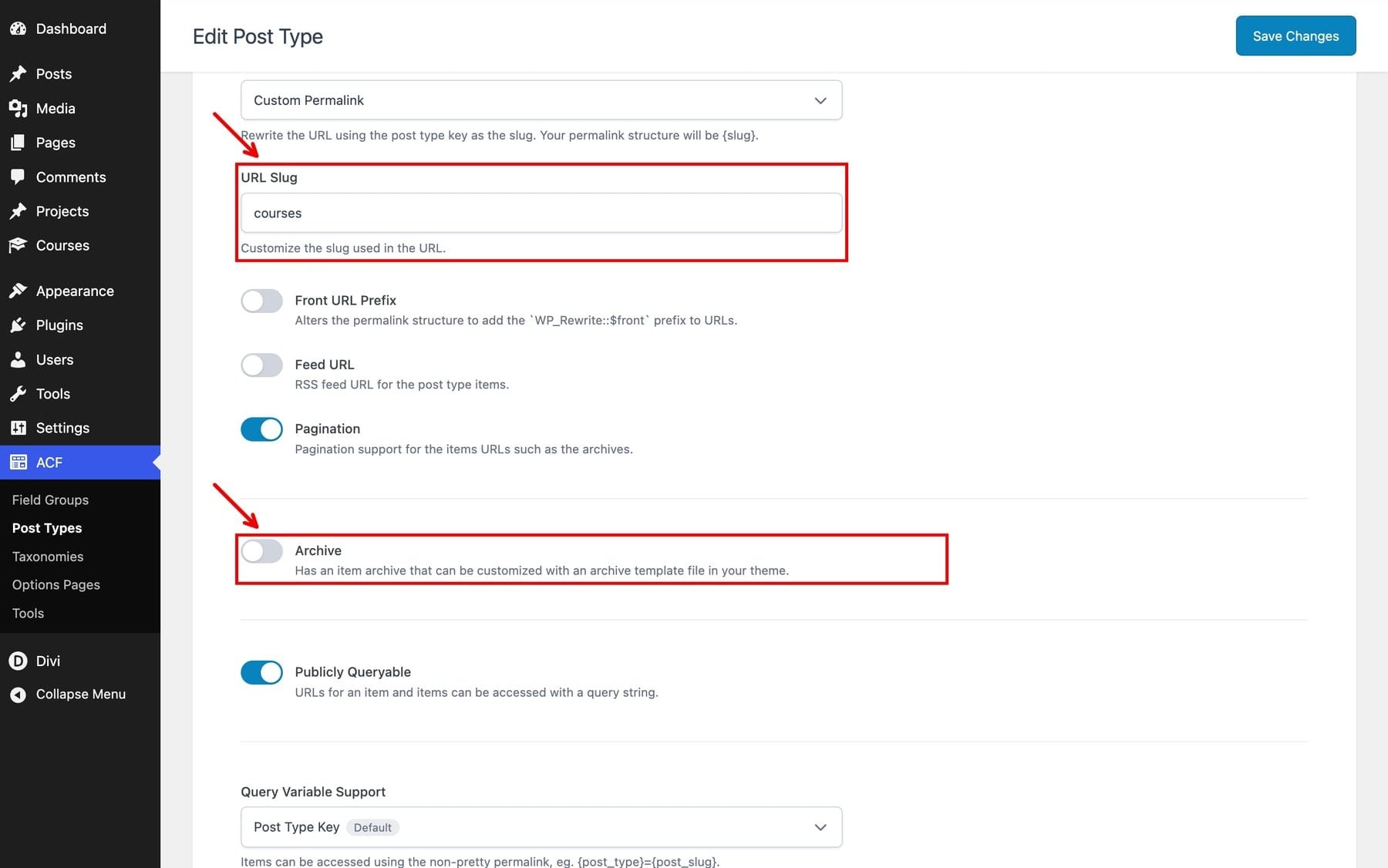
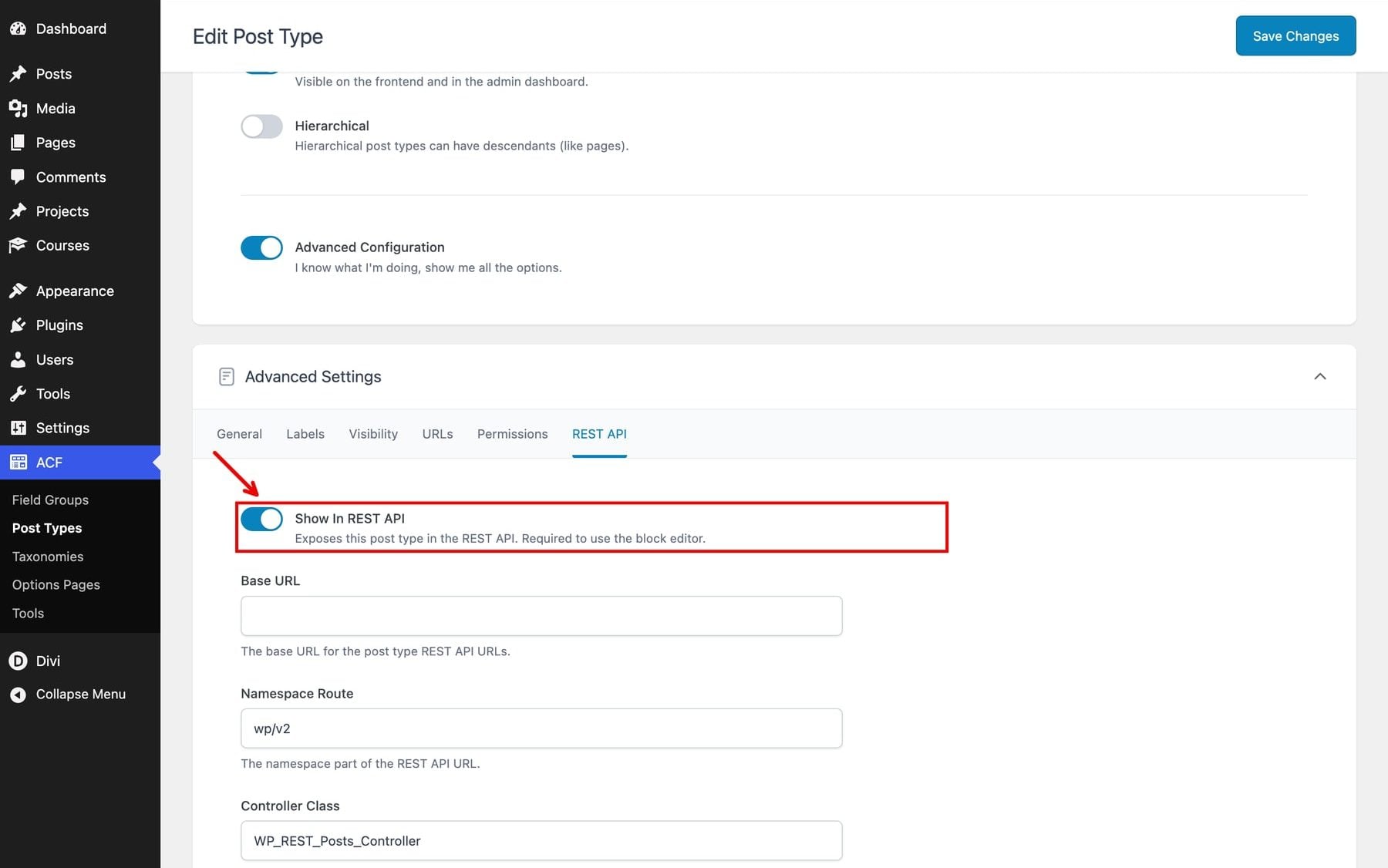
3 1. Create The Courses Post Type
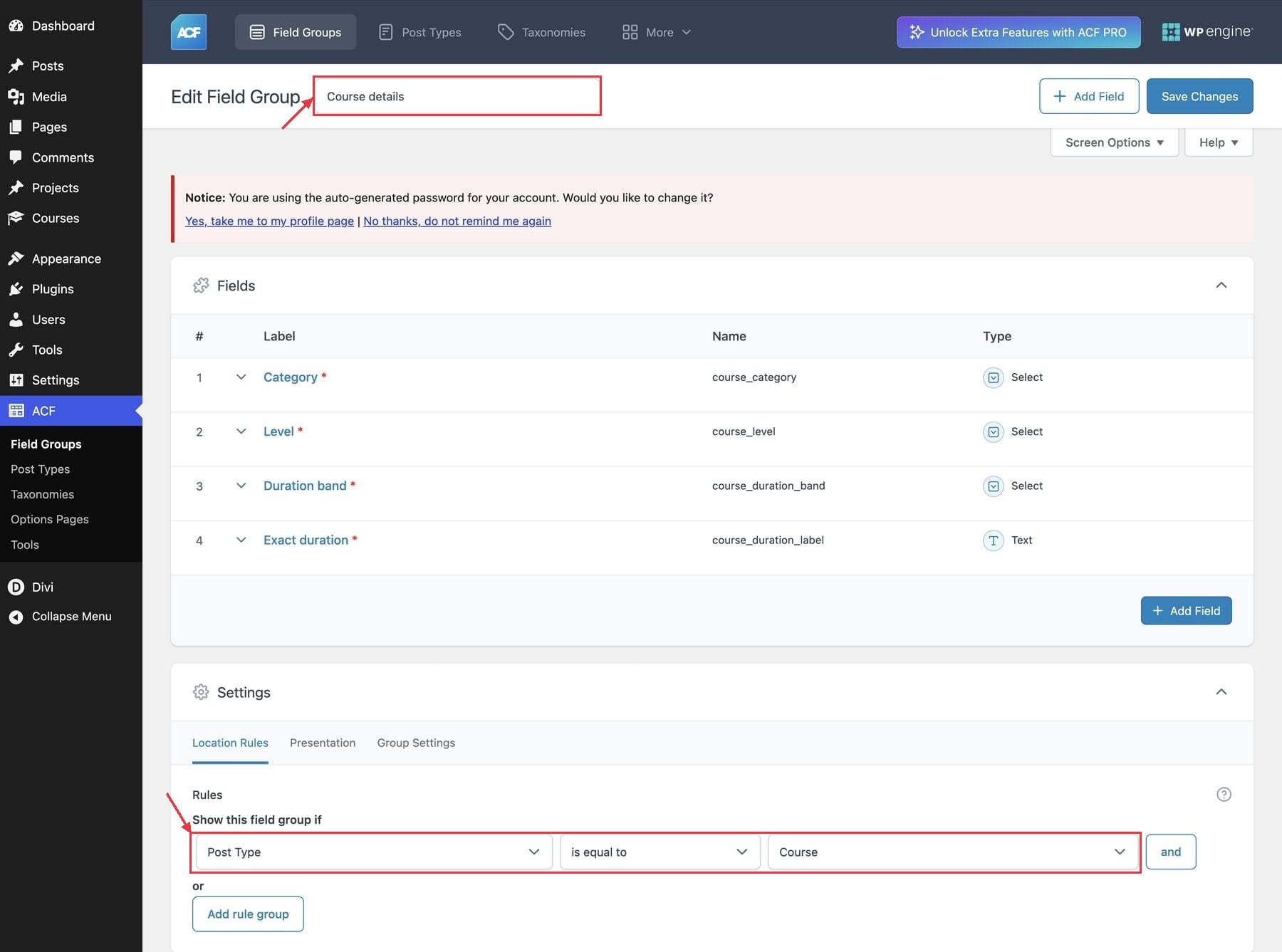
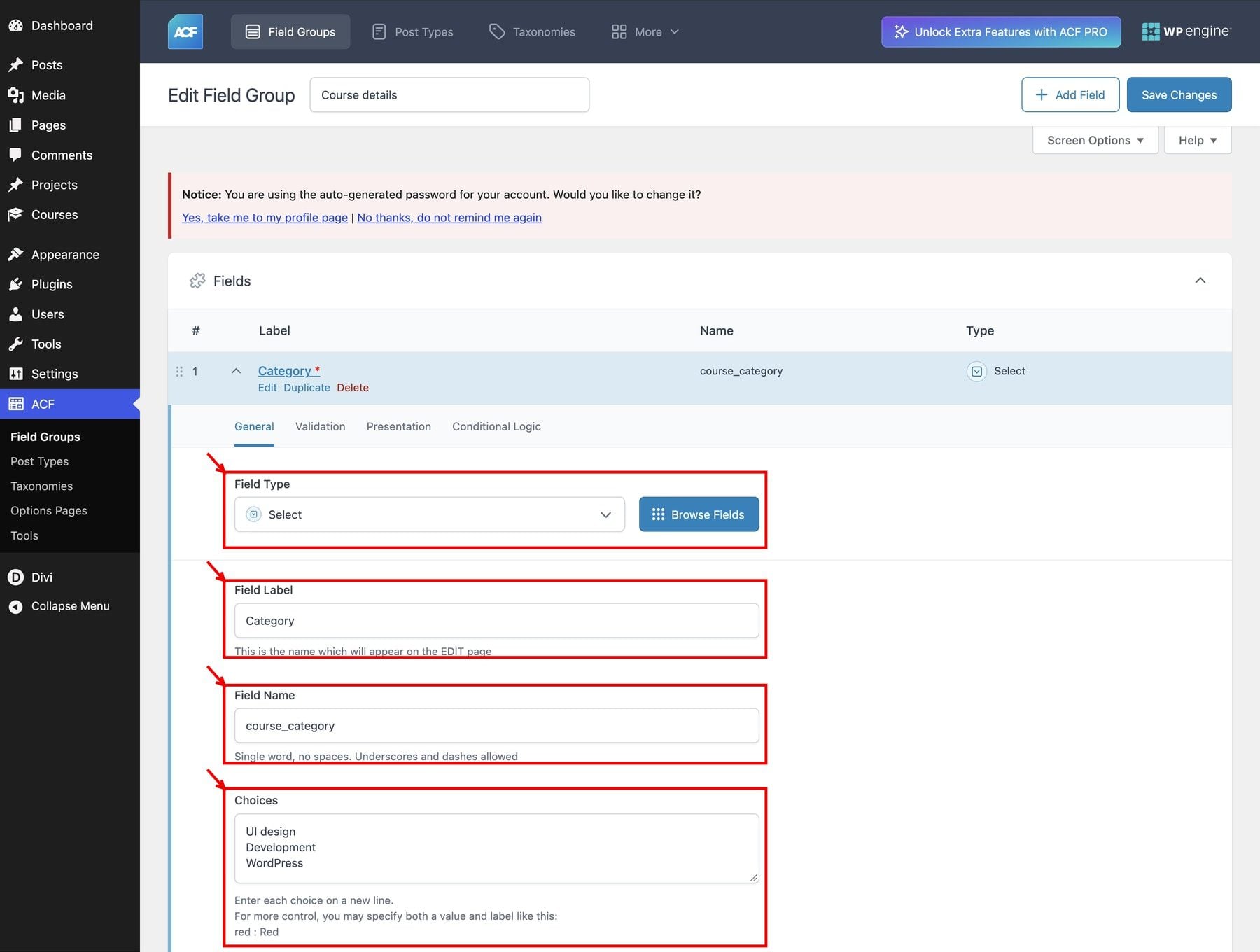
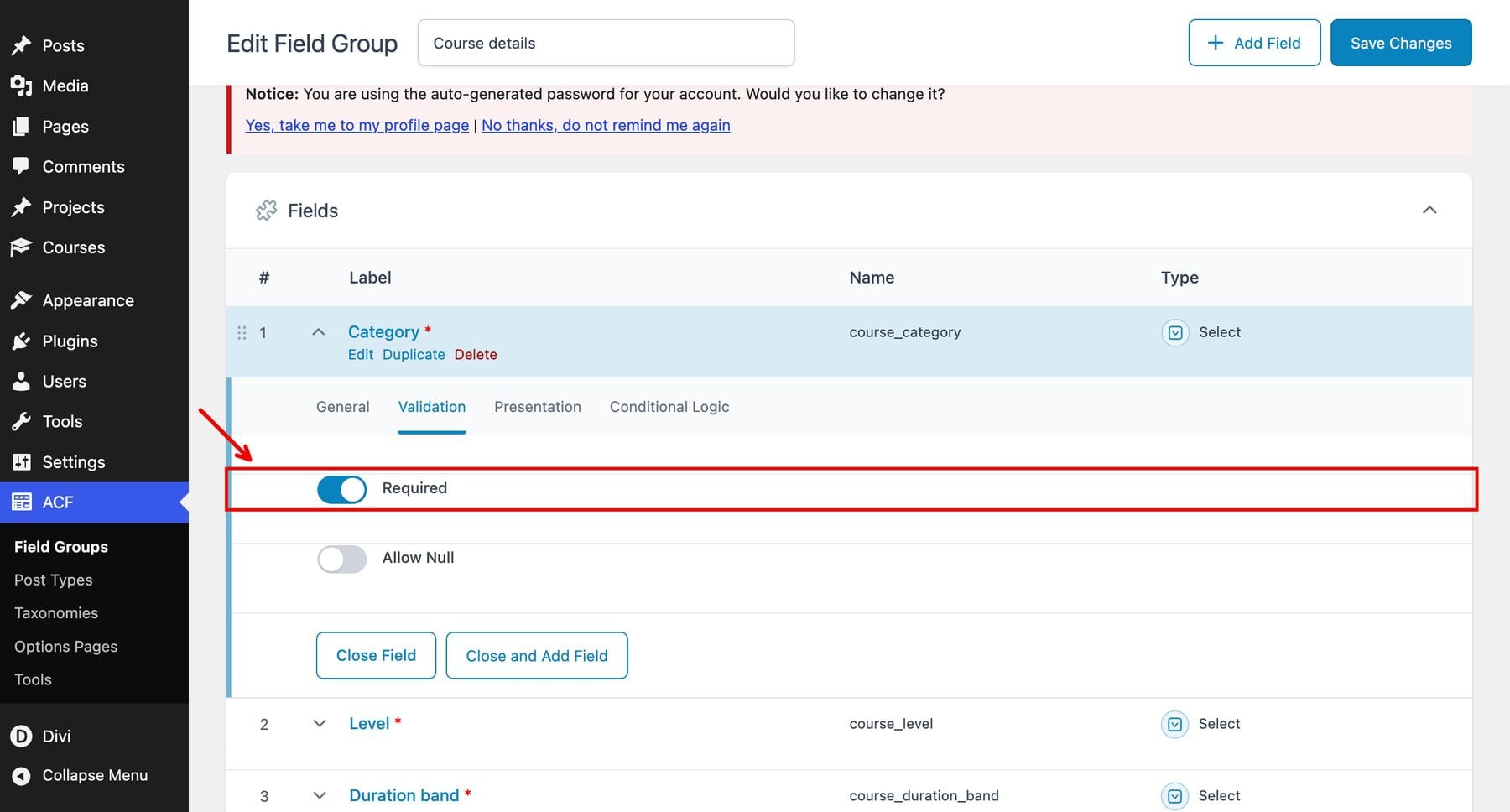
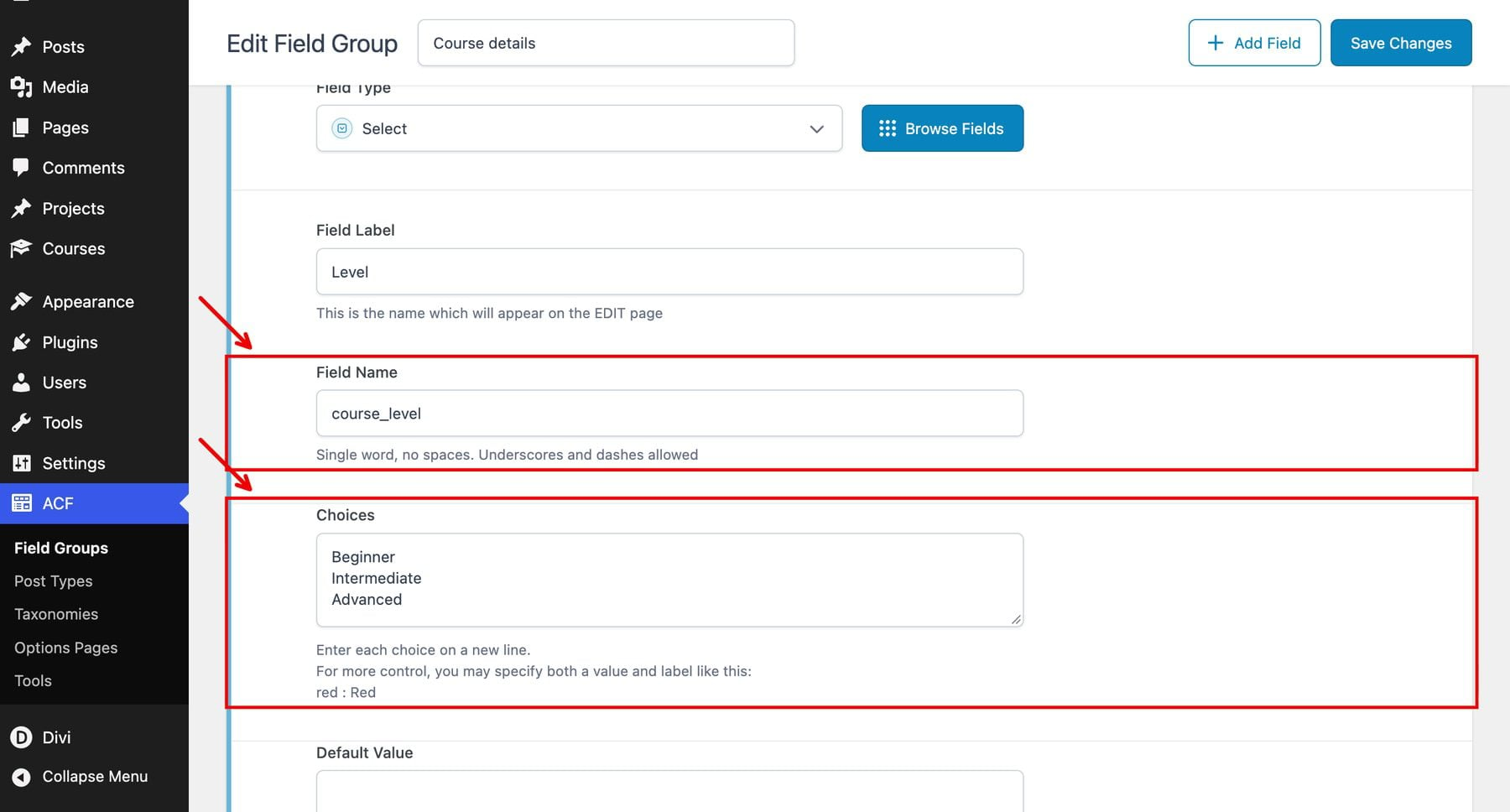
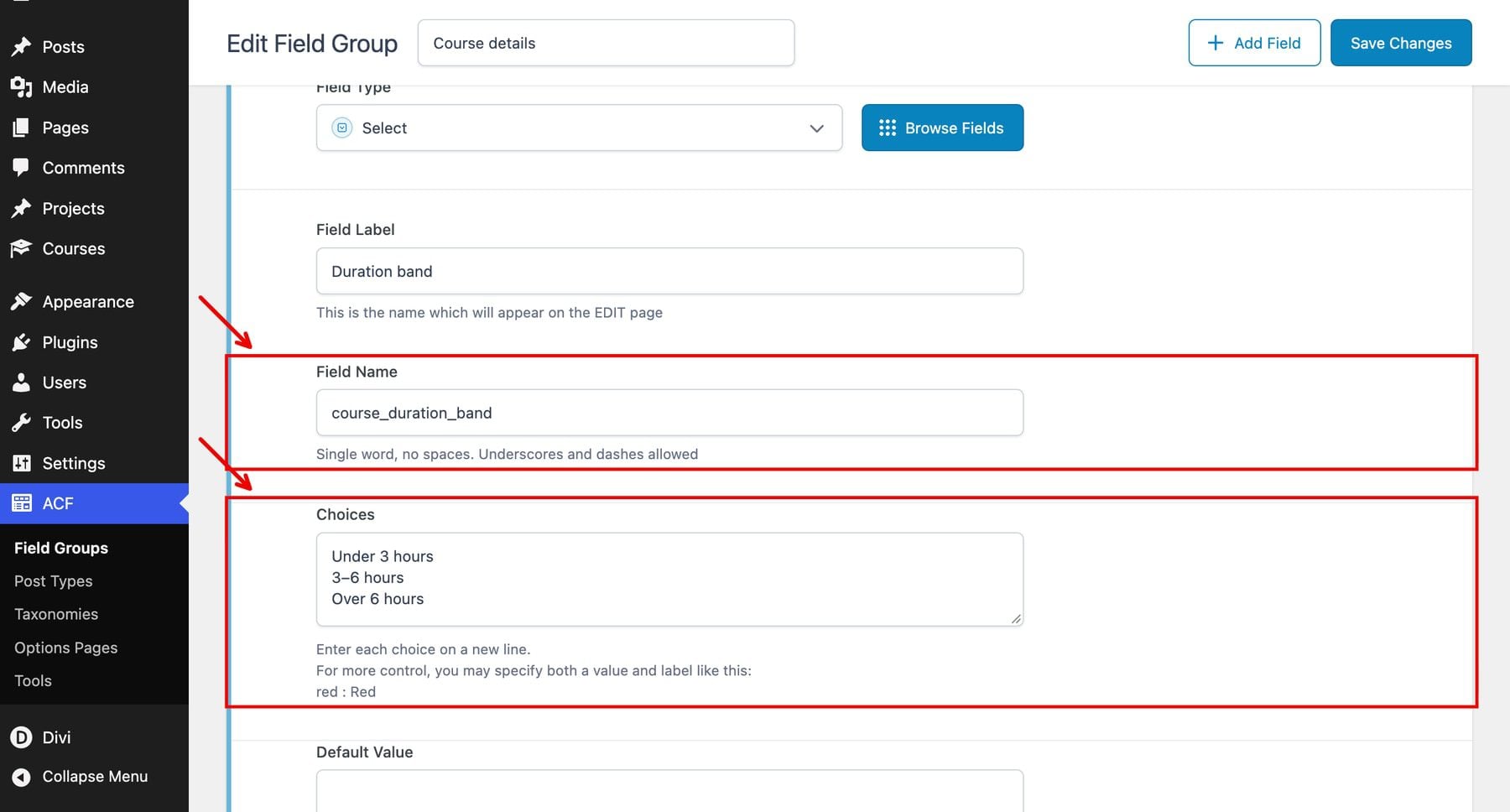
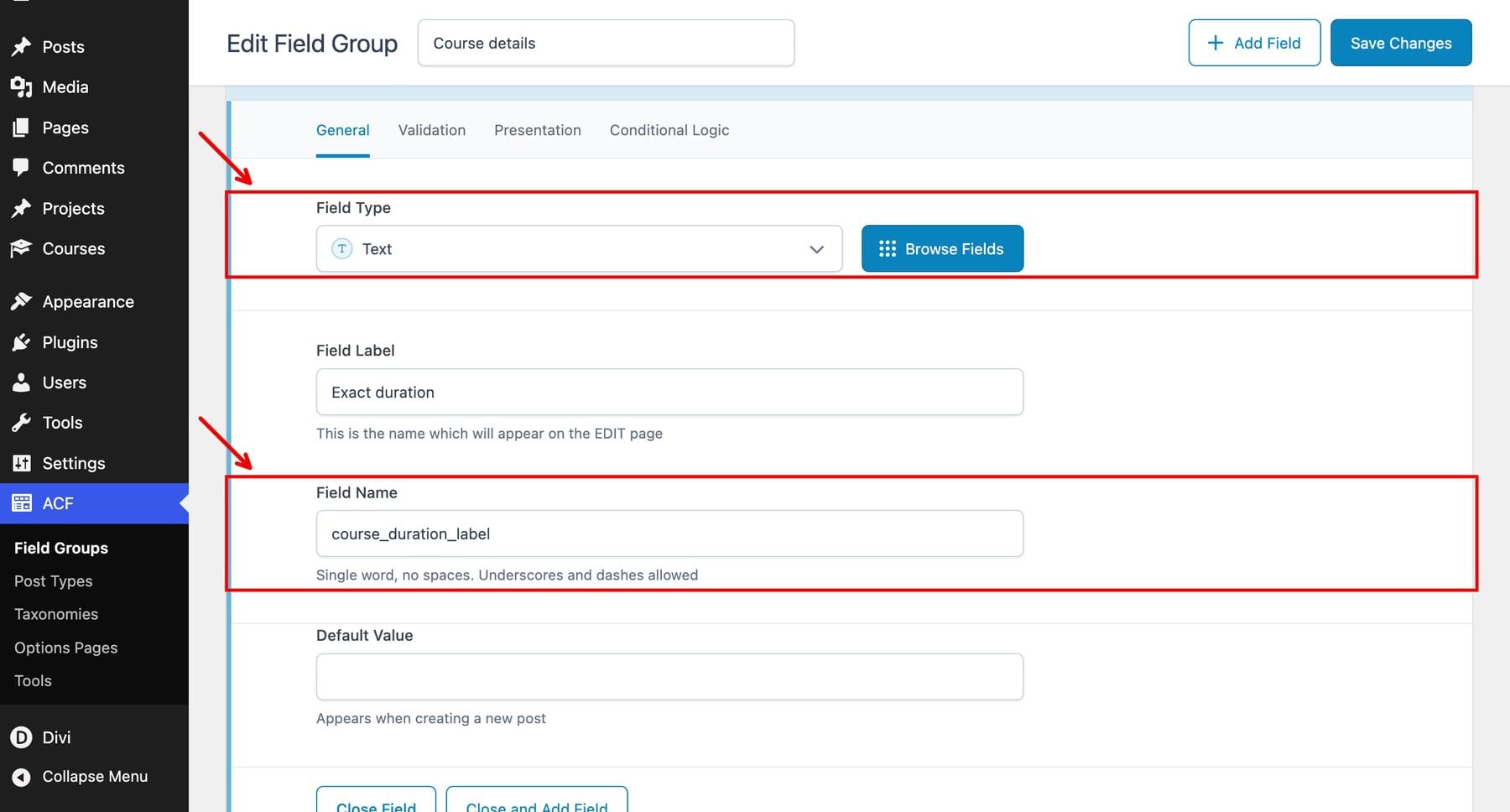
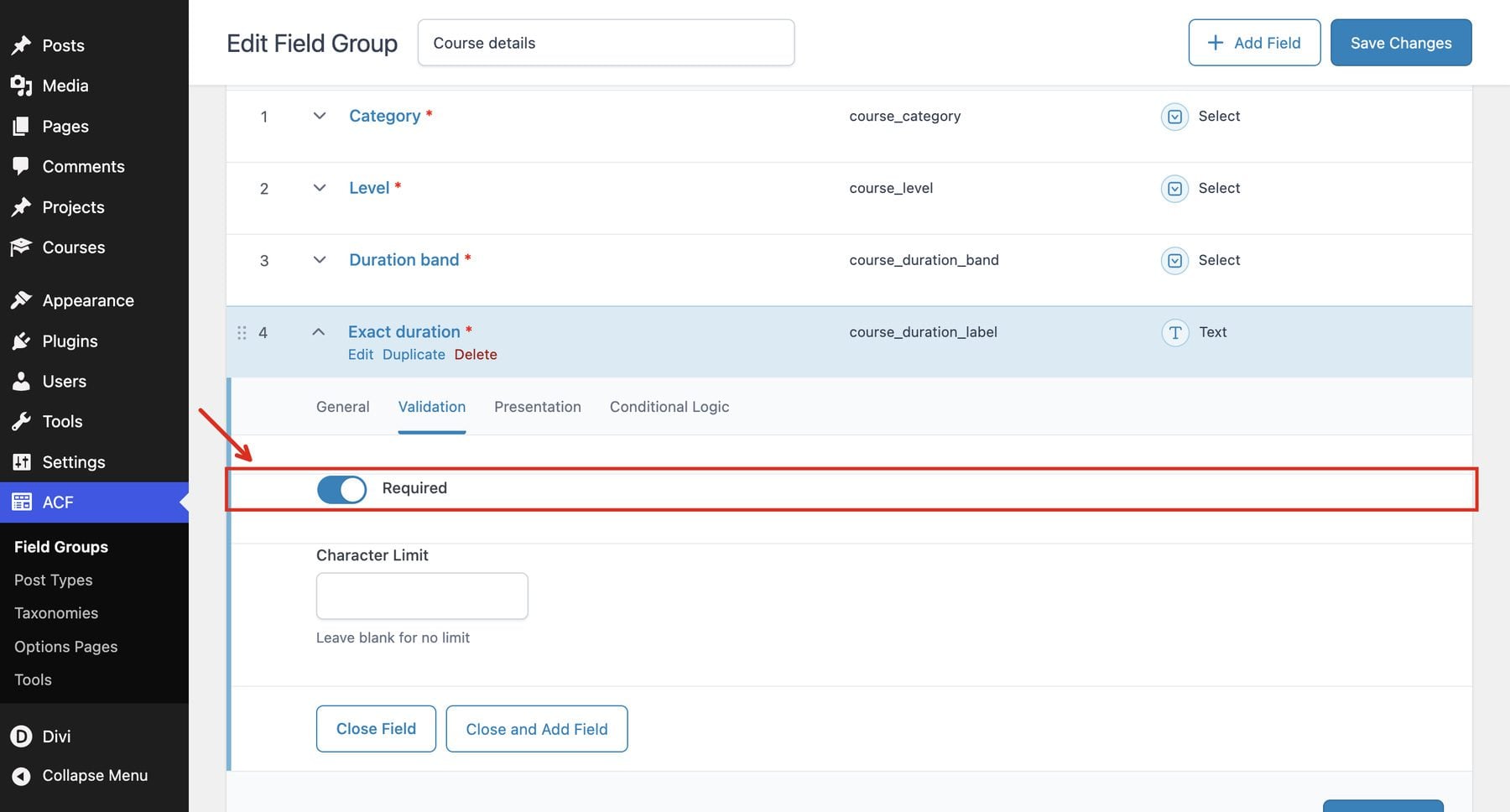
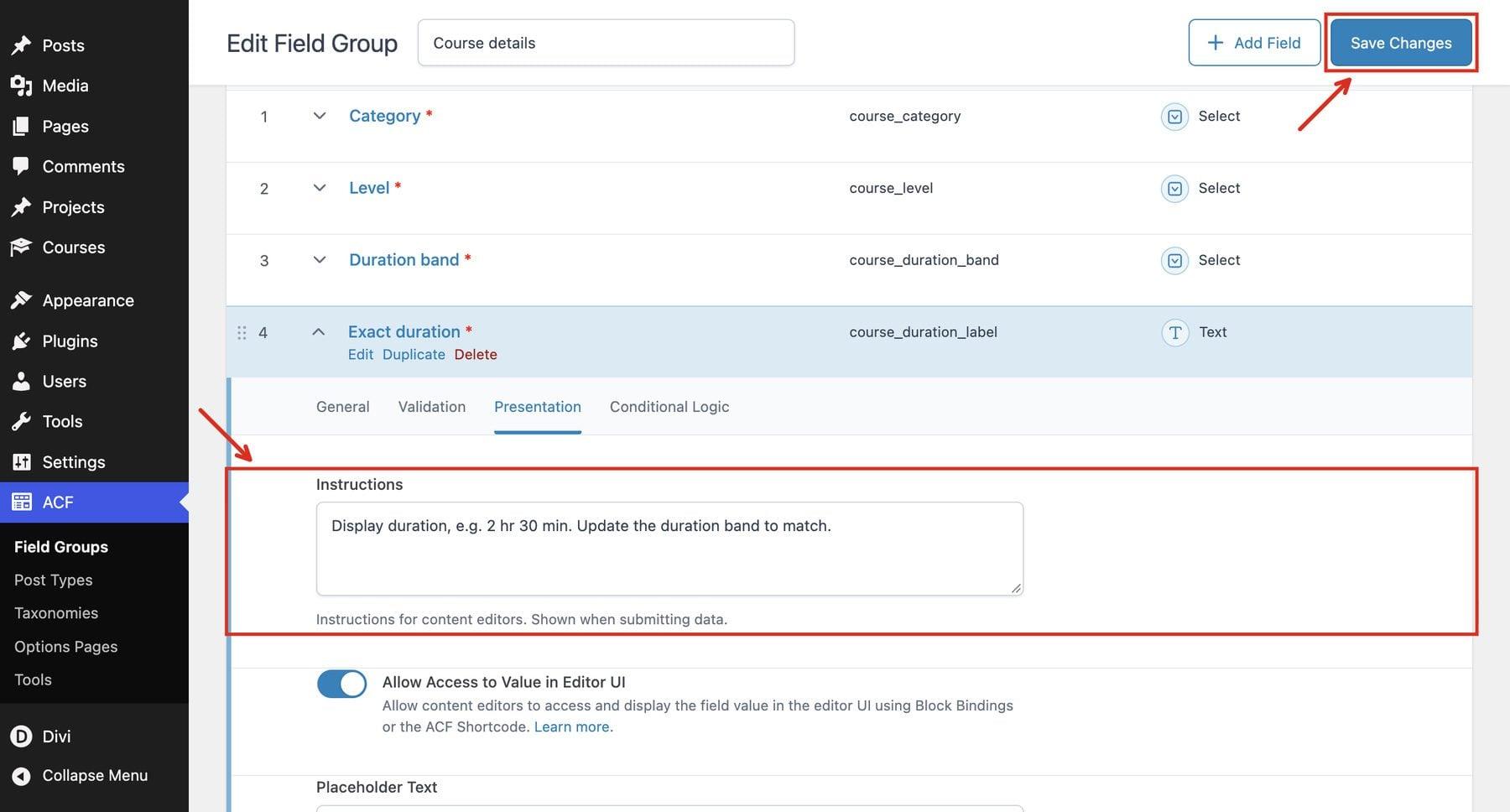
4 2. Add The Course Details Fields
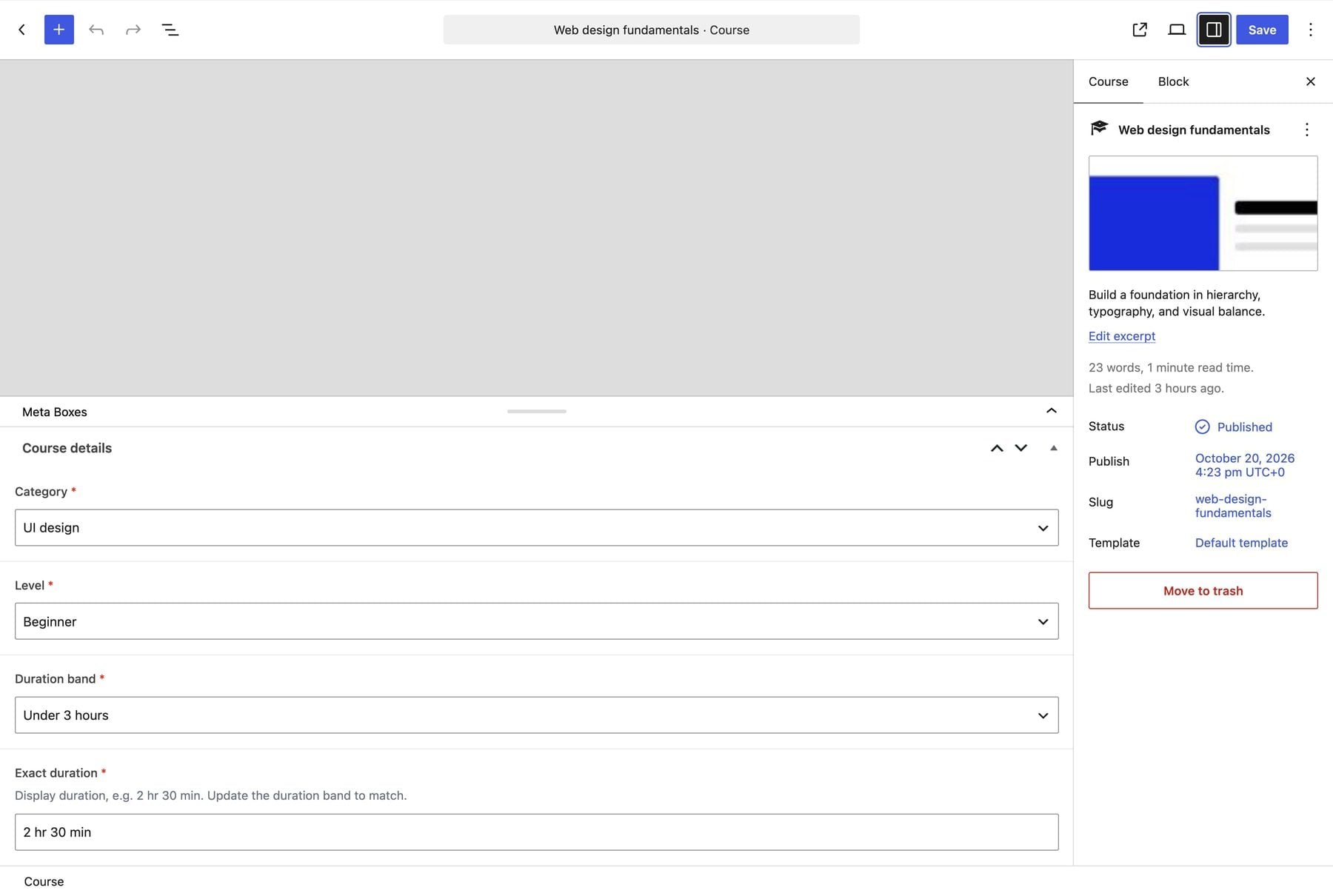
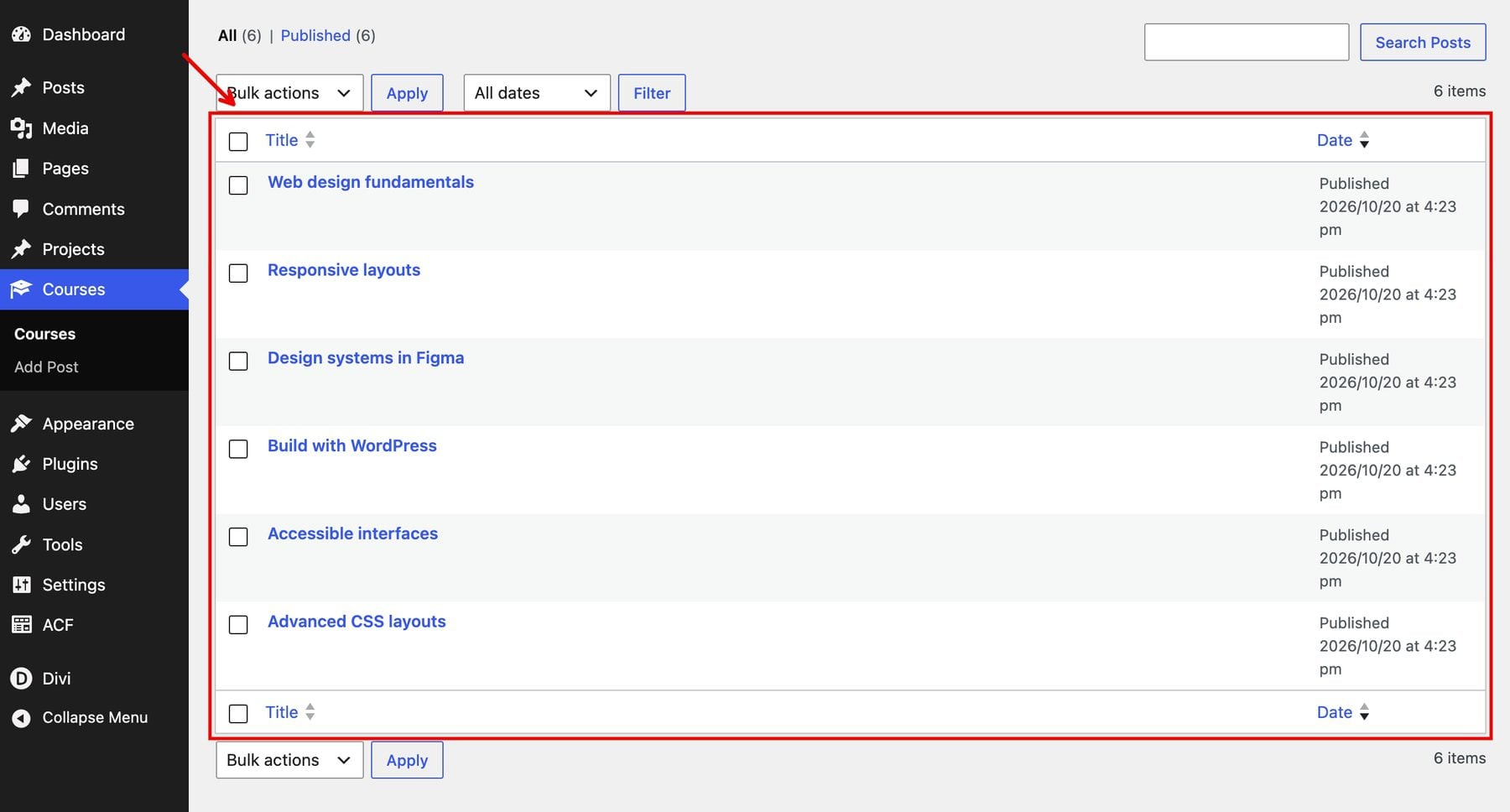
5 3. Add The Sample Courses
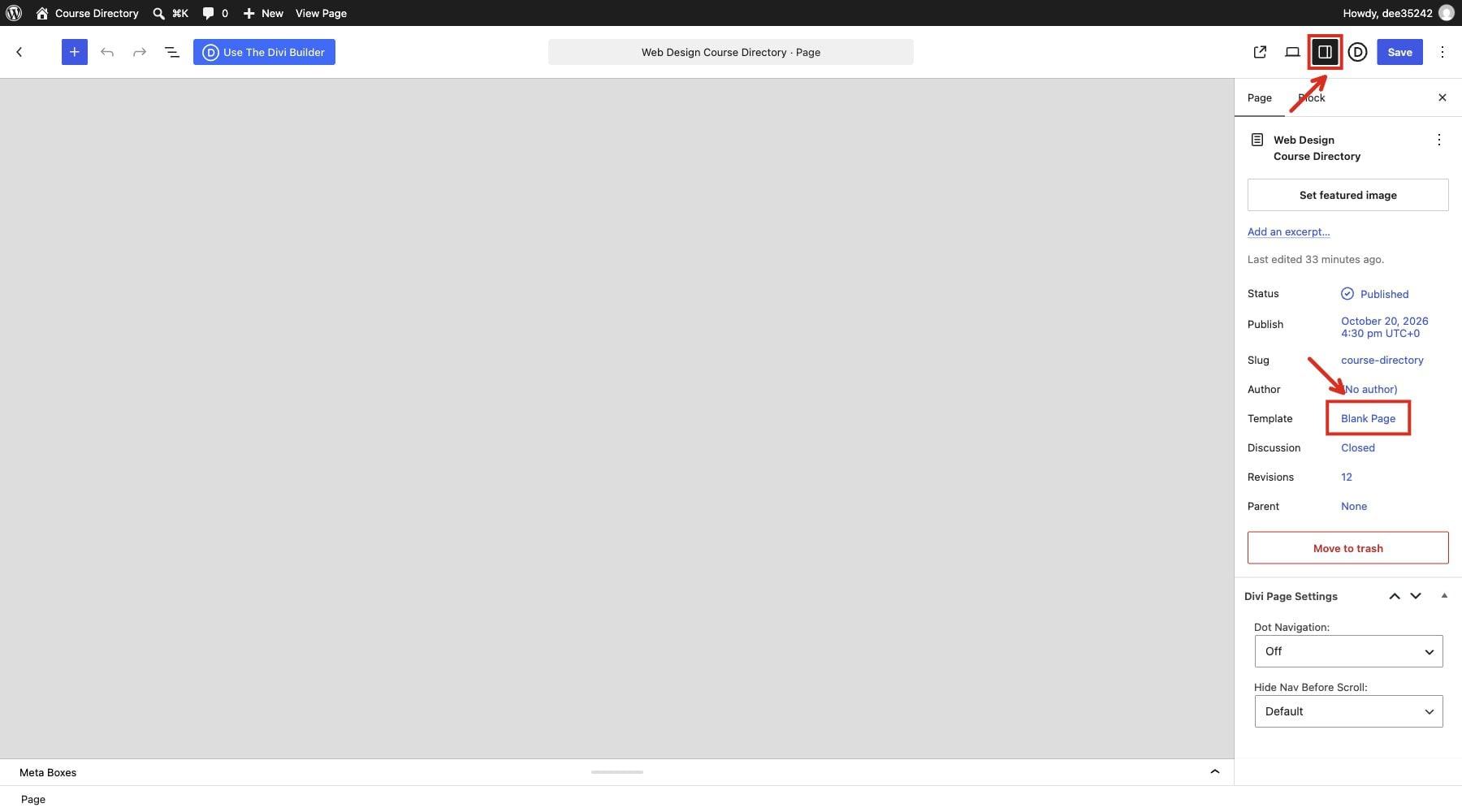
6 4. Create The Directory Page 6.1 Find The Section And Row Settings
6.2 Build The Directory Introduction
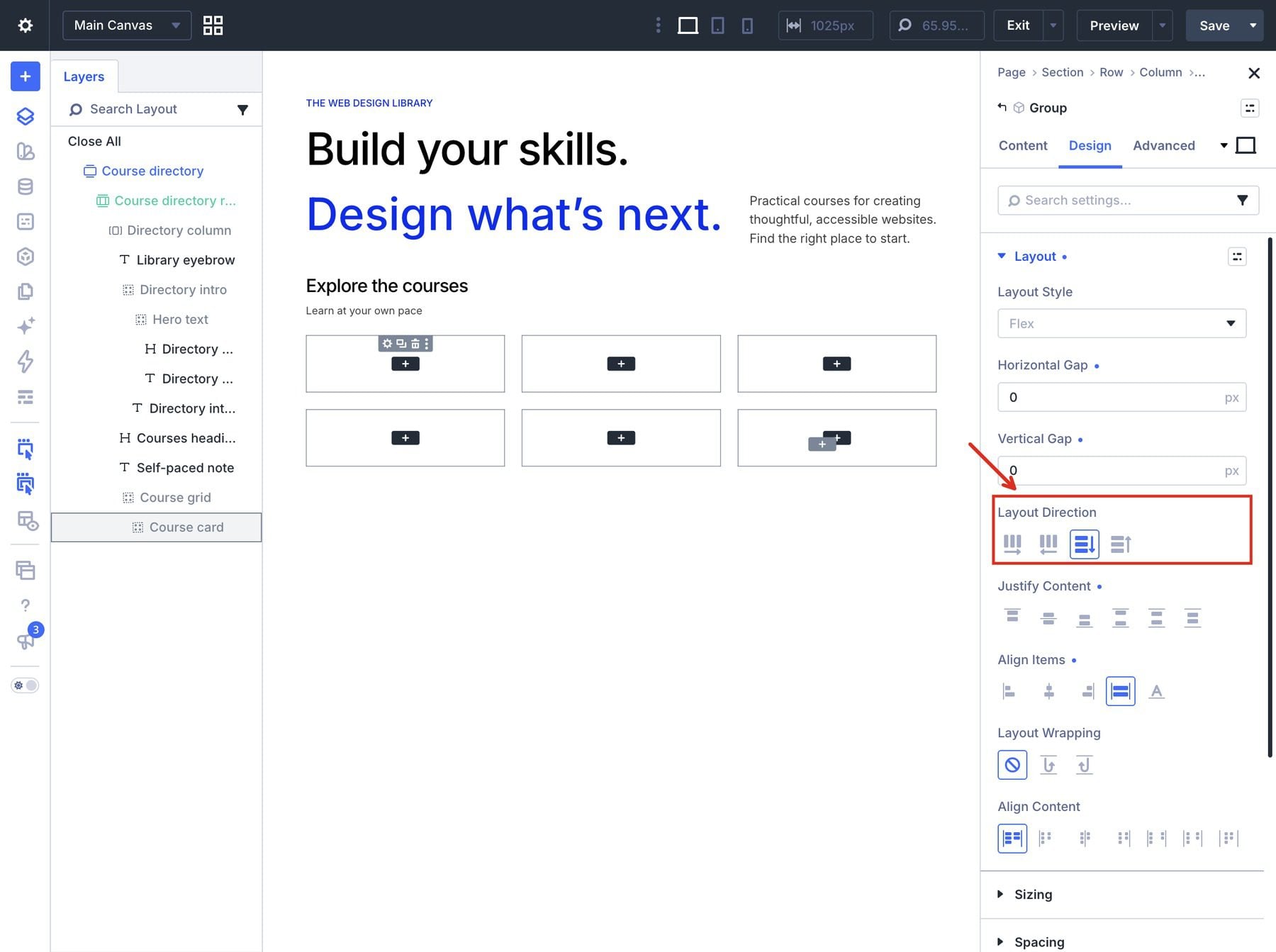
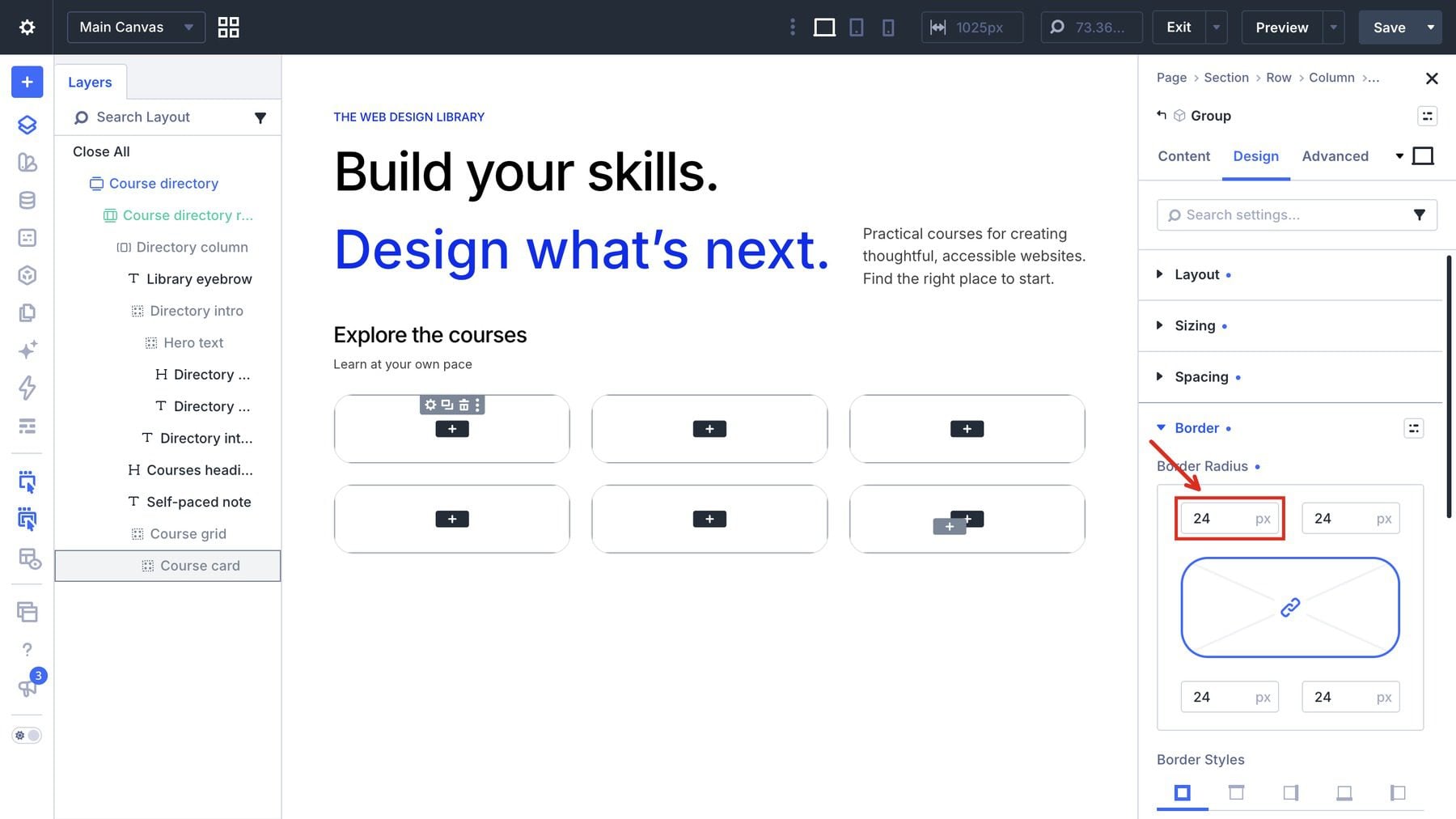
7 5. Build One Dynamic Course Card 7.1 Style The Course Card
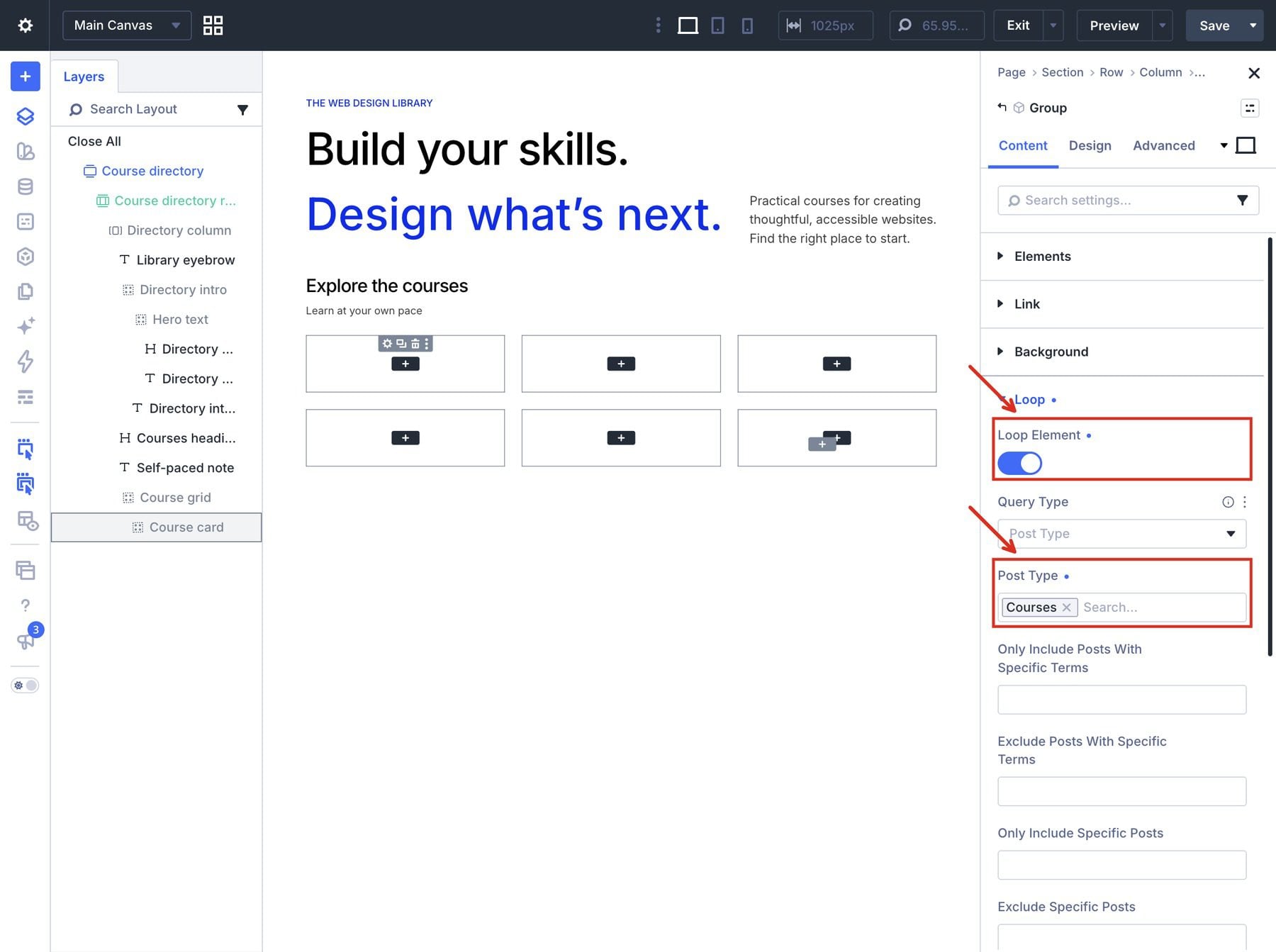
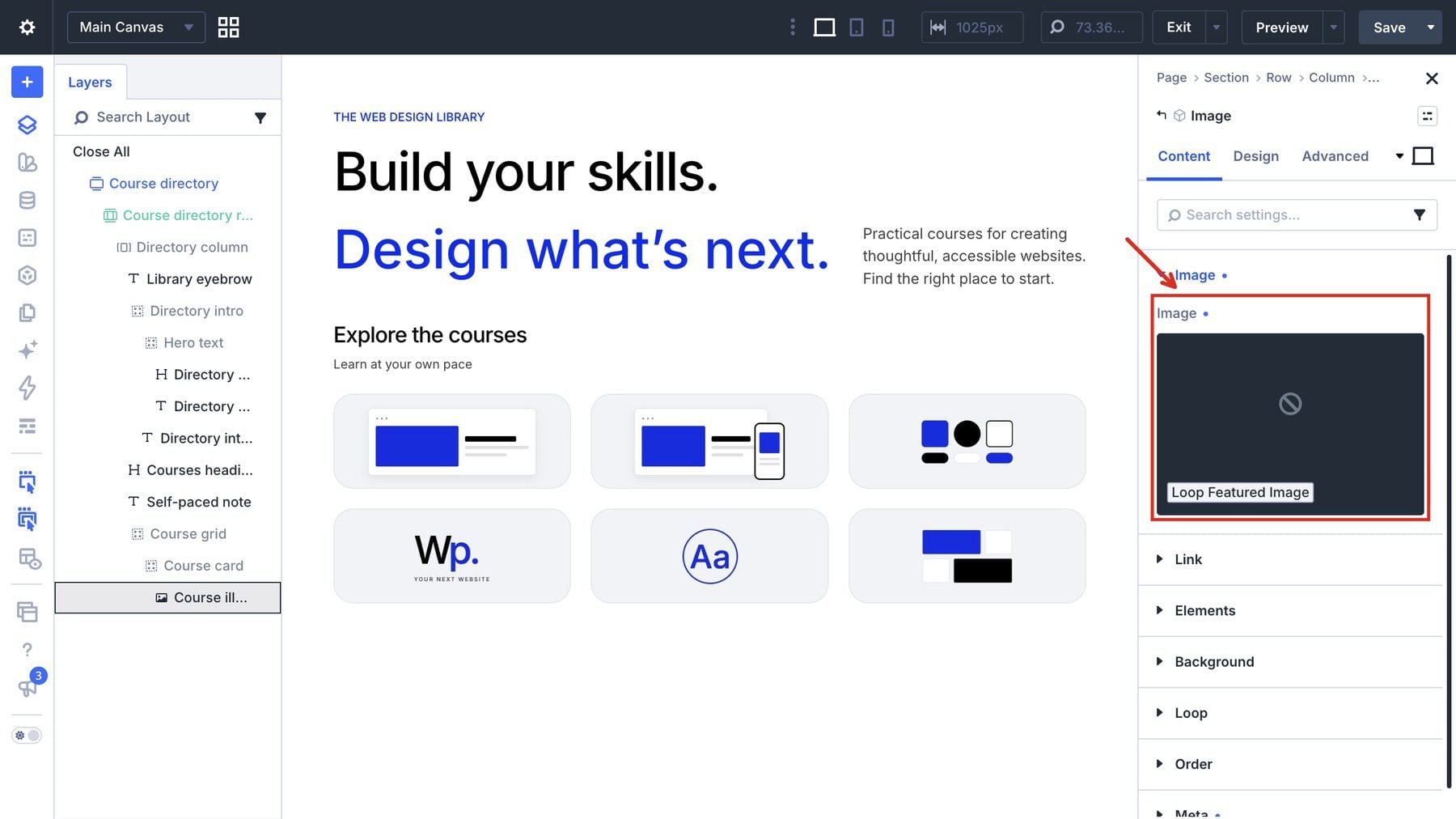
7.2 Connect The Card Content
8 6. Add The Three Course Filters 8.1 Configure The Filter Items
8.2 Style The Filter Bar
8.3 Add A Reset Button
9 7.…