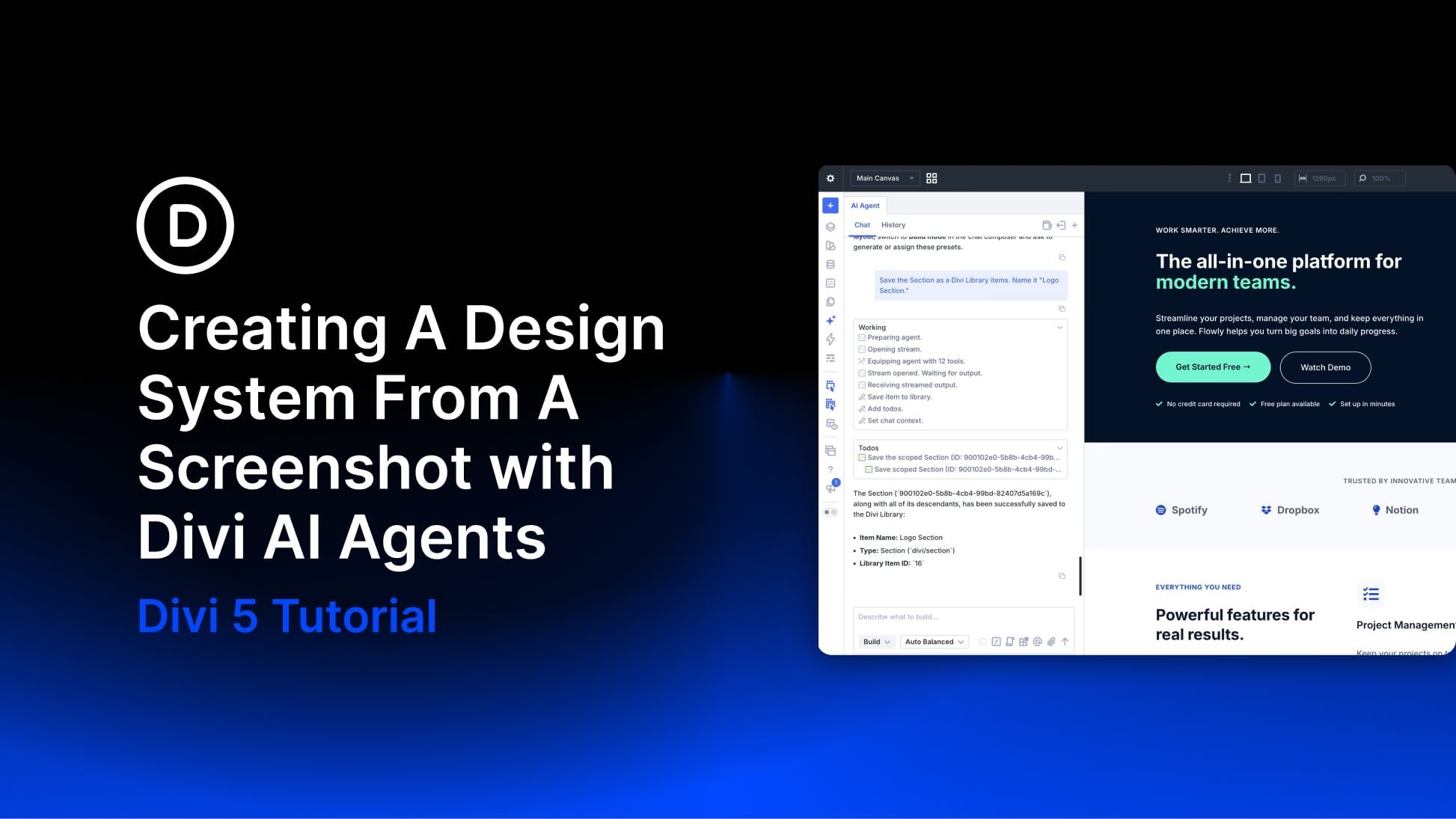
A screenshot gives you a visual direction, but turning it into a reusable website takes more than matching colors and spacing. You need shared values for typography and sizing, plus reusable styles that keep later pages consistent.
With Divi AI Agents in Divi 5 , you can use a screenshot to establish those foundations, apply them to a page, and refine the result.
In this tutorial, we’ll generate a sizing scale, use a screenshot to guide our colors and fonts, and turn the finished styles into Variables and Presets.
1 What A Design System Does For Your Site
2 Why A Screenshot Makes A Good Starting Point
3 Introducing Divi AI Agents
4 How To Create A Design System From A Screenshot 4.1 Start With The Variable Generator
4.2 Source Your Snapshot
4.3 Open The Agent And Review Its Mode
4.4 Build A Prompt
4.5 Run An Audit
4.6 Build A Page From The System
4.7 Create Element And Option Group Presets
4.8 Replace Existing Styles With The New System
5 Turn A Visual Reference Into A Reusable Design…