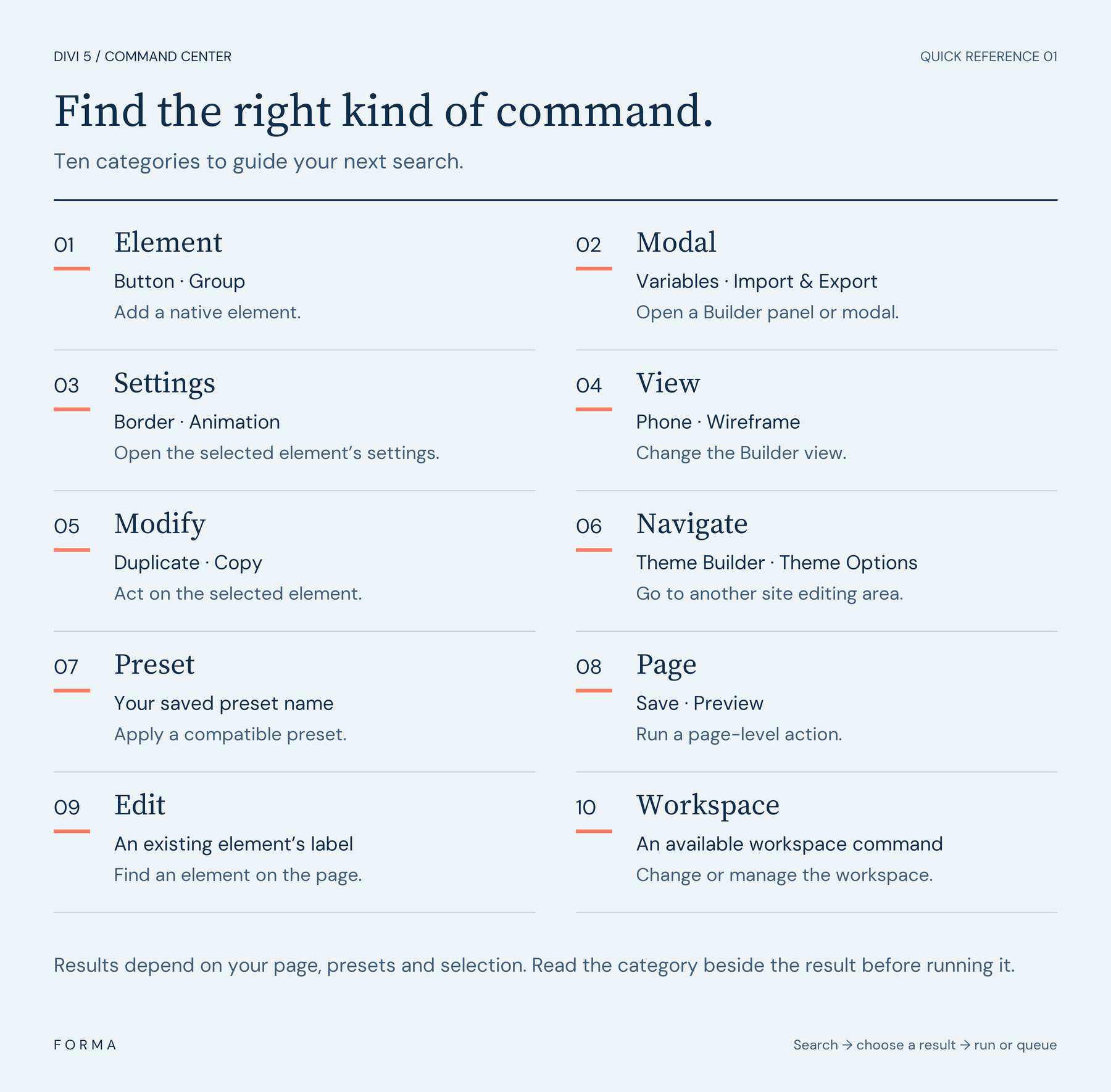
The Command Center becomes easier to use once we know which shortcut queues a command, which key runs it, and where the result will land. This cheat sheet brings those controls together, with three small exercises to practice them.
We’ll cover useful command categories, operators, and Mac and Windows shortcuts in Divi 5 . Keep it beside the Visual Builder while you practice. You can use any practice layout; the final exercise also requires a saved Button preset.
1 Open Command Center And Run A Command
2 Essential Commands At A Glance 2.1 Use Category Filters To Narrow The List
3 Operators And Placement Cheat Sheet
4 Keyboard Shortcuts For Mac And Windows
5 Practice The Essentials In Three Small Examples 5.1 1. Nest A Button Inside A Group
5.2 2. Add Two Buttons With A Multiplier
5.3 3.…