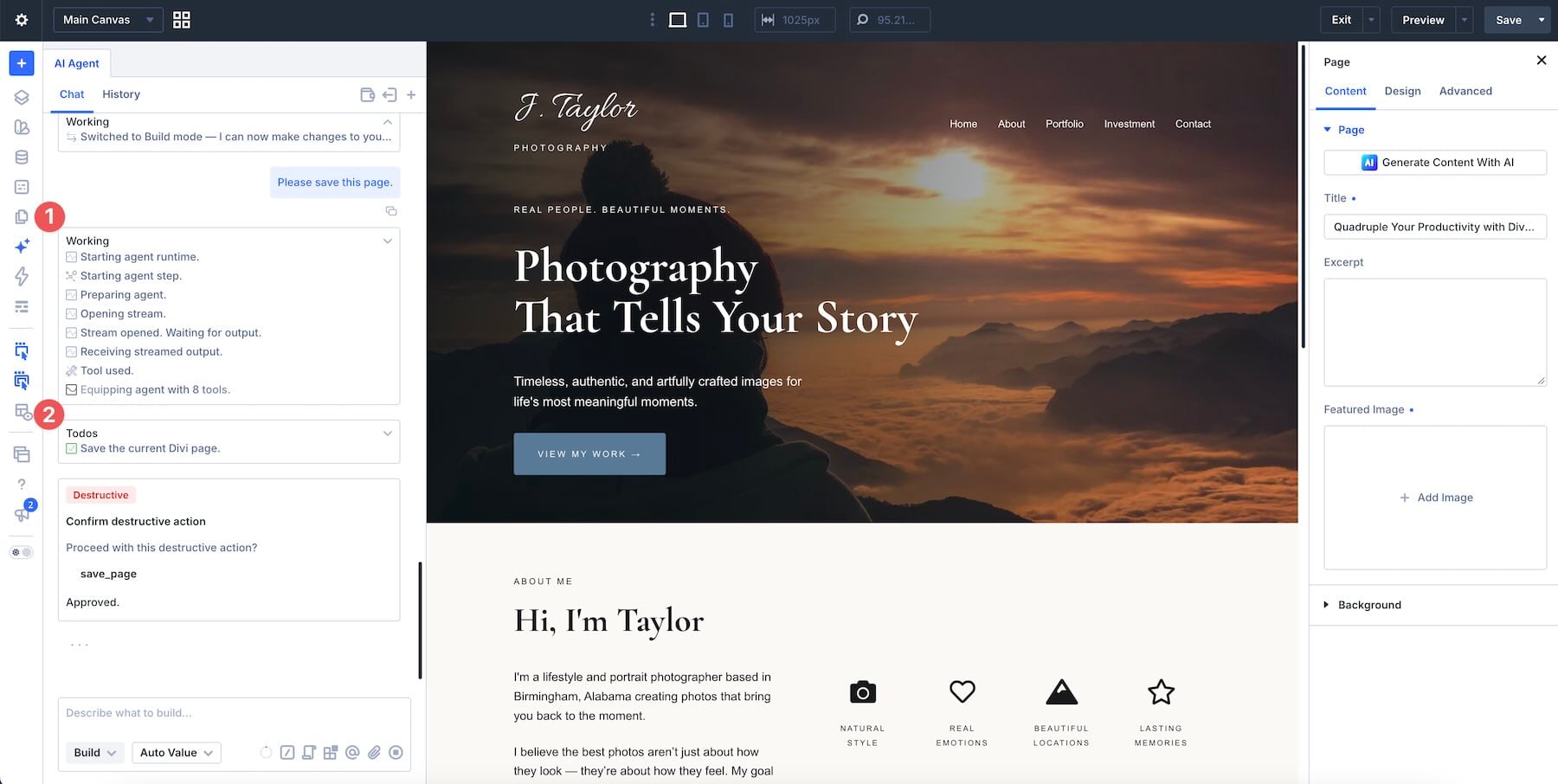
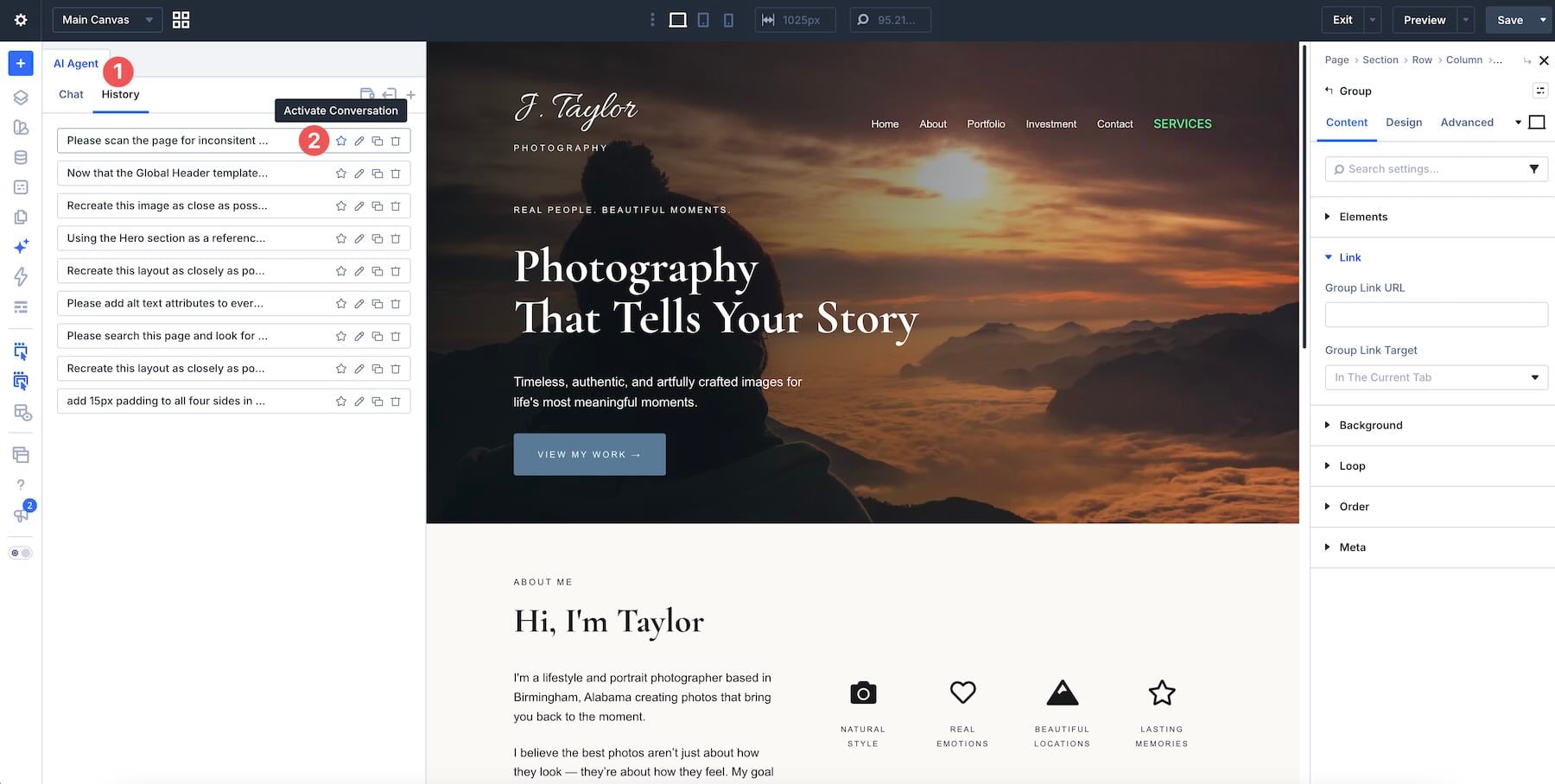
Repeated edits can slow down a Divi build: matching button styles, correcting placeholder copy, checking phone spacing, and opening module after module to make the same change. Divi AI Agents let you describe those changes in the Divi 5 Visual Builder and apply them across the relevant elements.
The useful habit is to give the agent a clear target, a specific result, and boundaries for what should stay unchanged. These ten workflows show where that approach can reduce repetitive work and where you still need to inspect the result.
1 How Divi AI Agents Work
2 10 Ways To Work Faster With Divi AI Agents 2.1 1. Replace Multiple Clicks With One Page Sweep
2.2 2. Establish A Reusable Design System
2.3 3. Draft From A Creative Brief, Screenshot, Or Public URL
2.4 4. Restyle And Rearrange An Existing Layout
2.5 5. Create Pages, Posts, And Navigation From The Builder
2.6 6. Create And Reuse Divi Library Items
2.7 7. Set Responsive Values In One Instruction
2.8 8.…