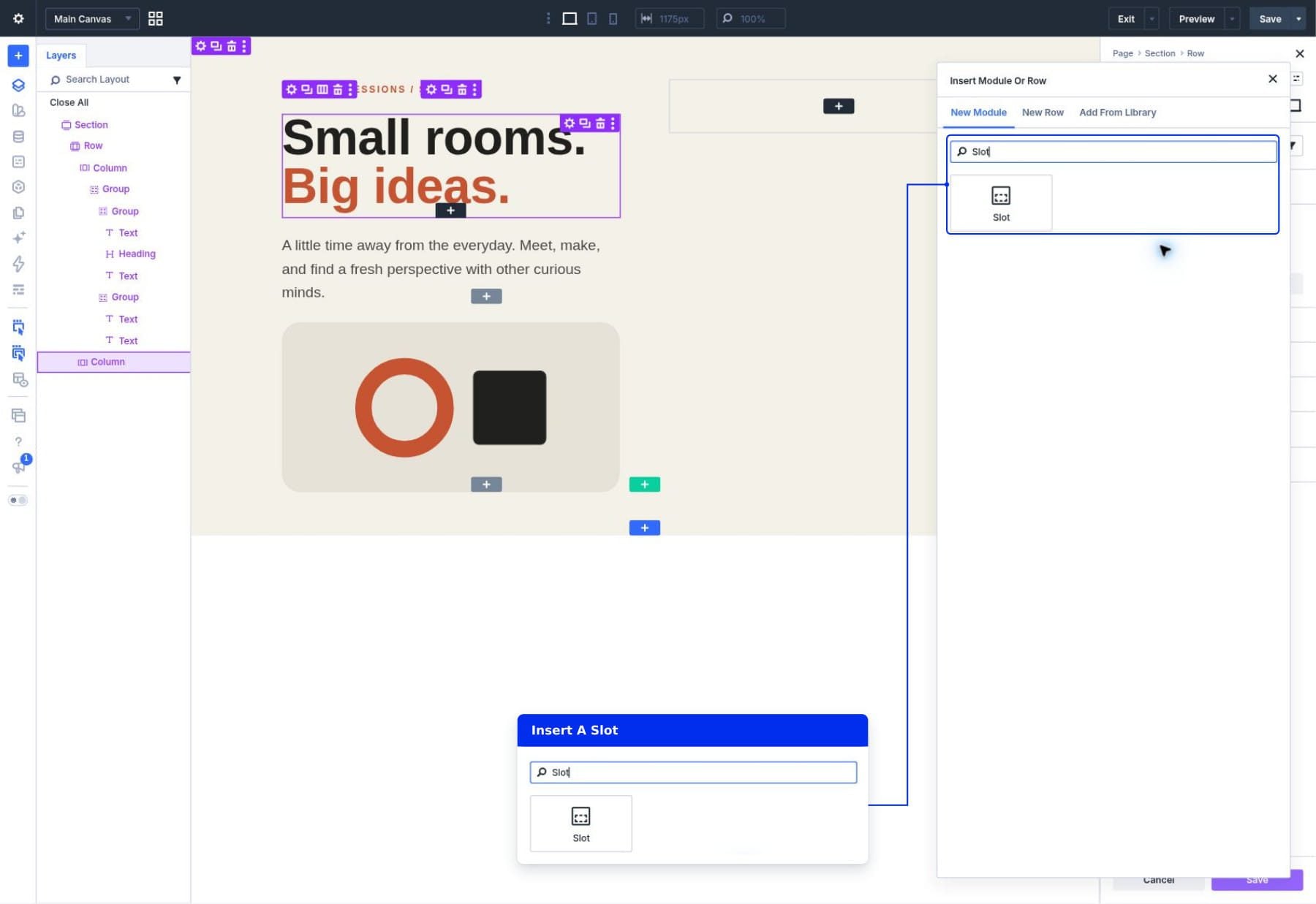
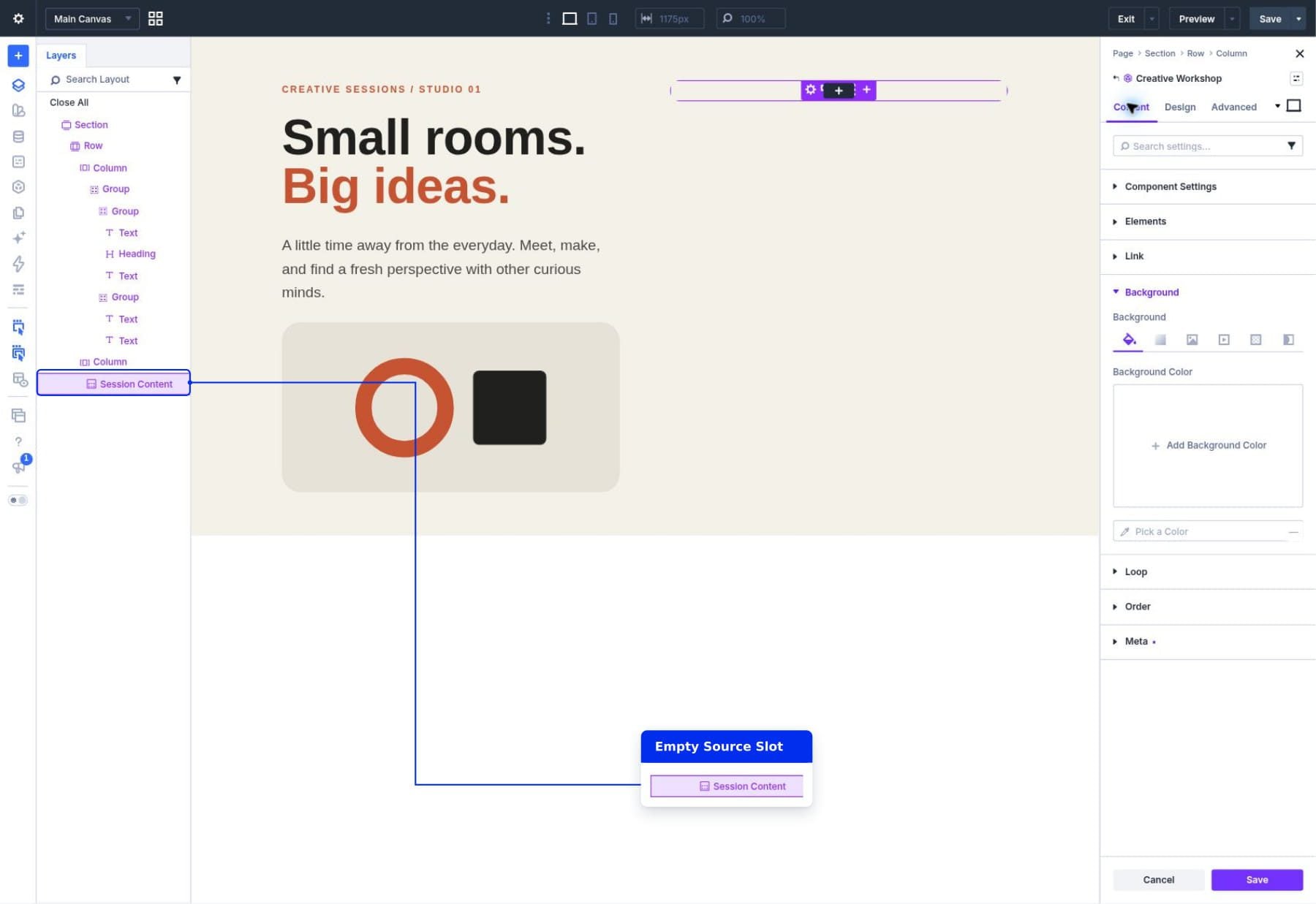
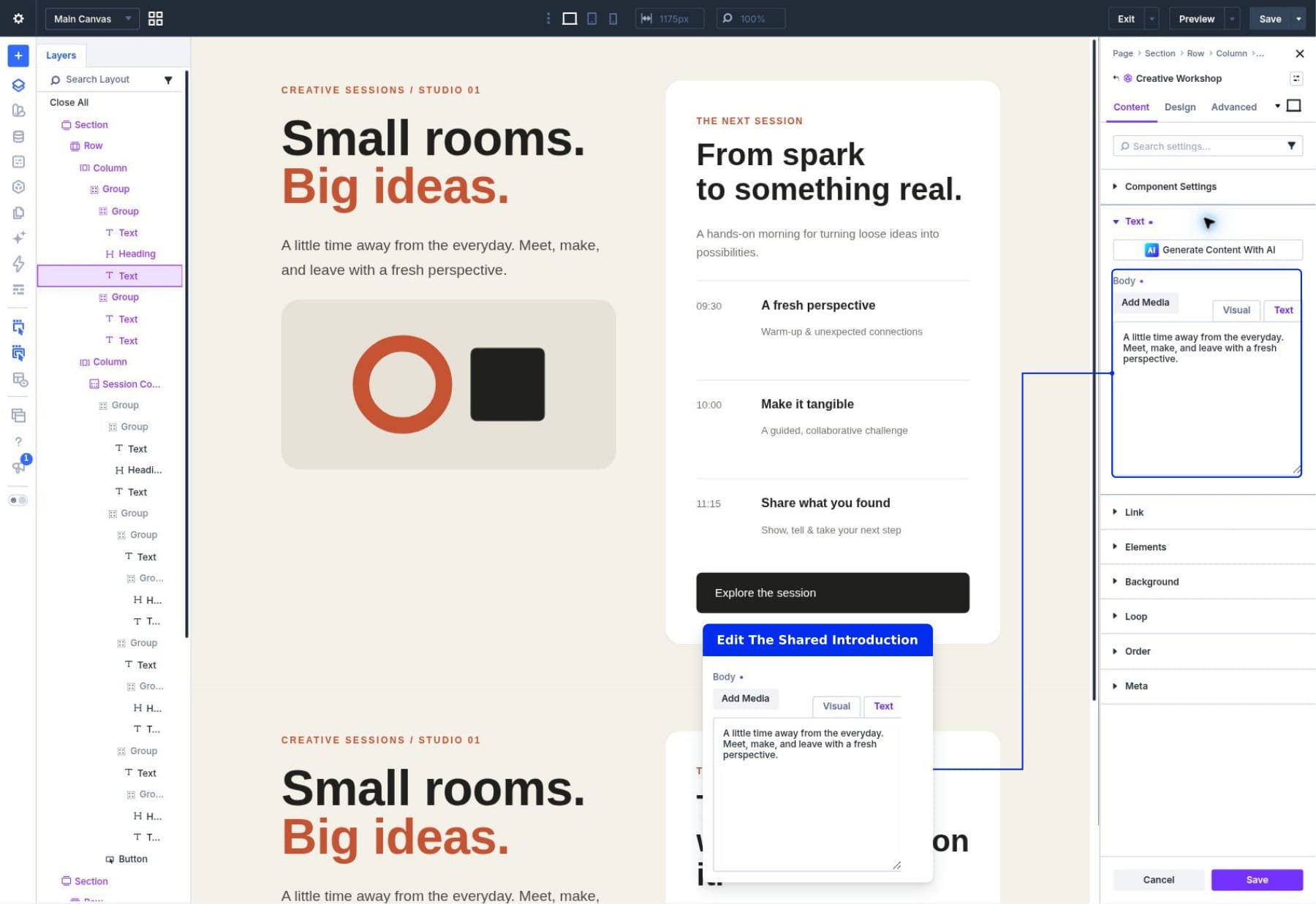
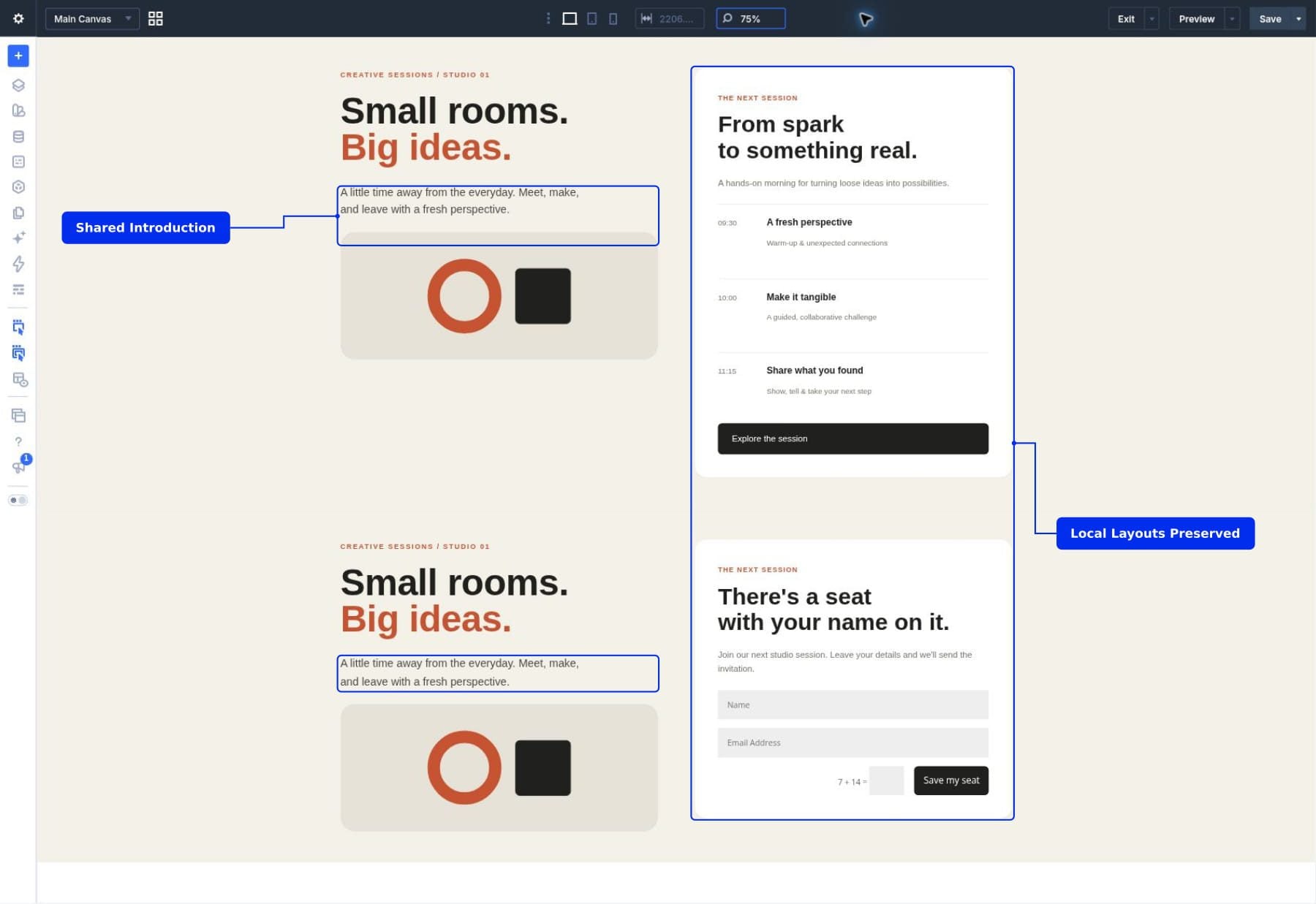
Sometimes a reusable section needs more than a different heading or button label. One page might need a workshop schedule, while another needs a booking form. You still want the surrounding design to look consistent and update from one place.
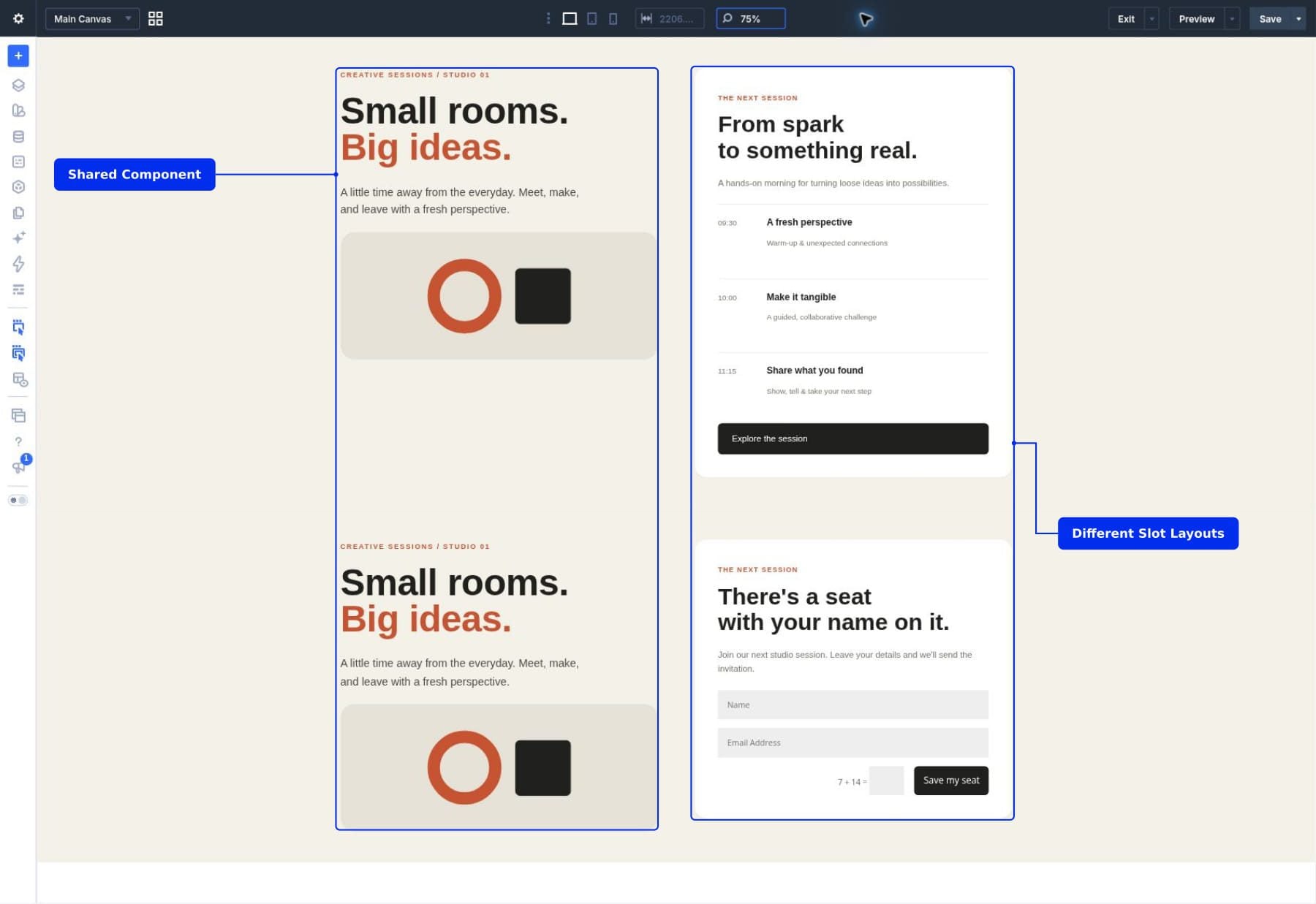
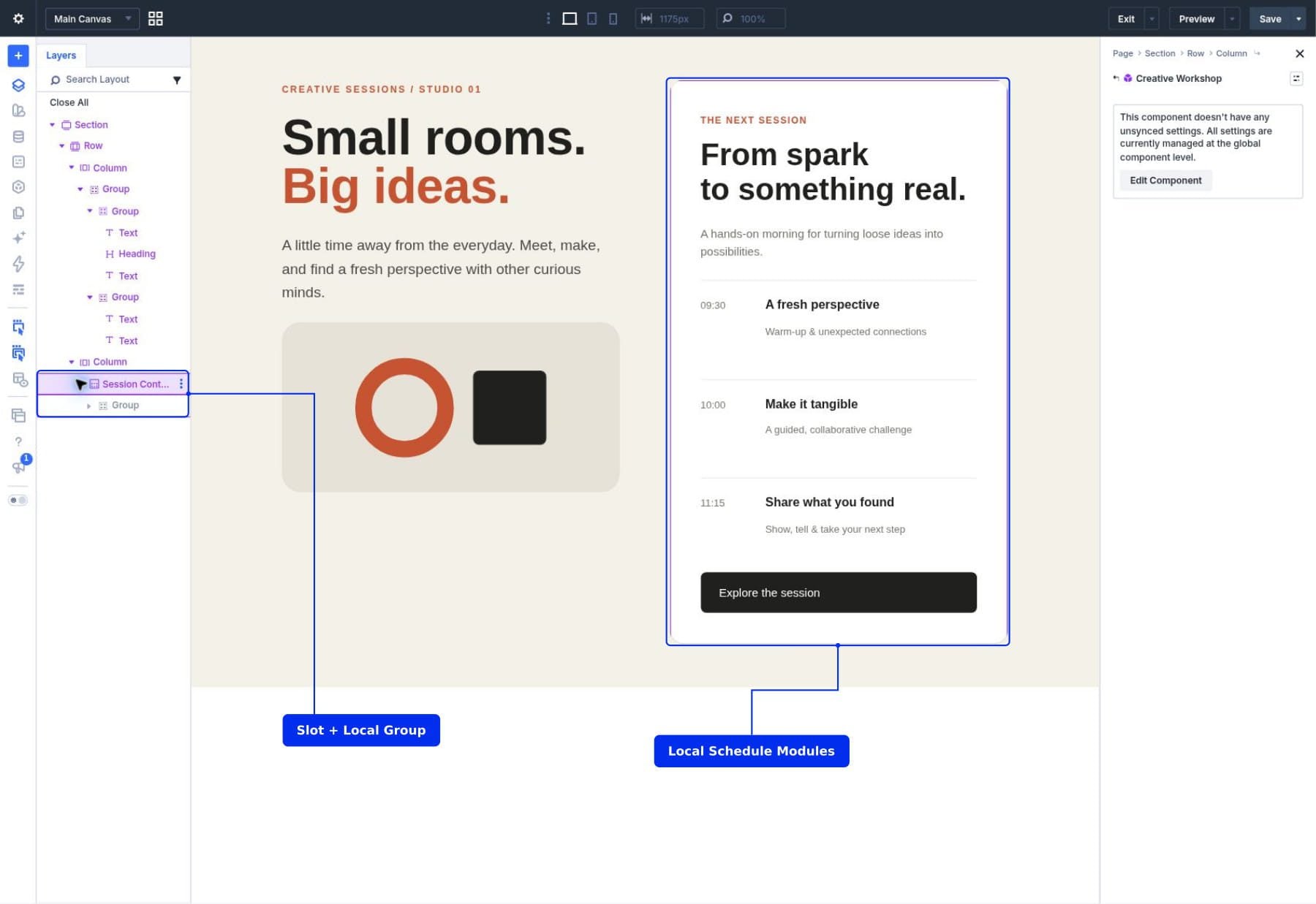
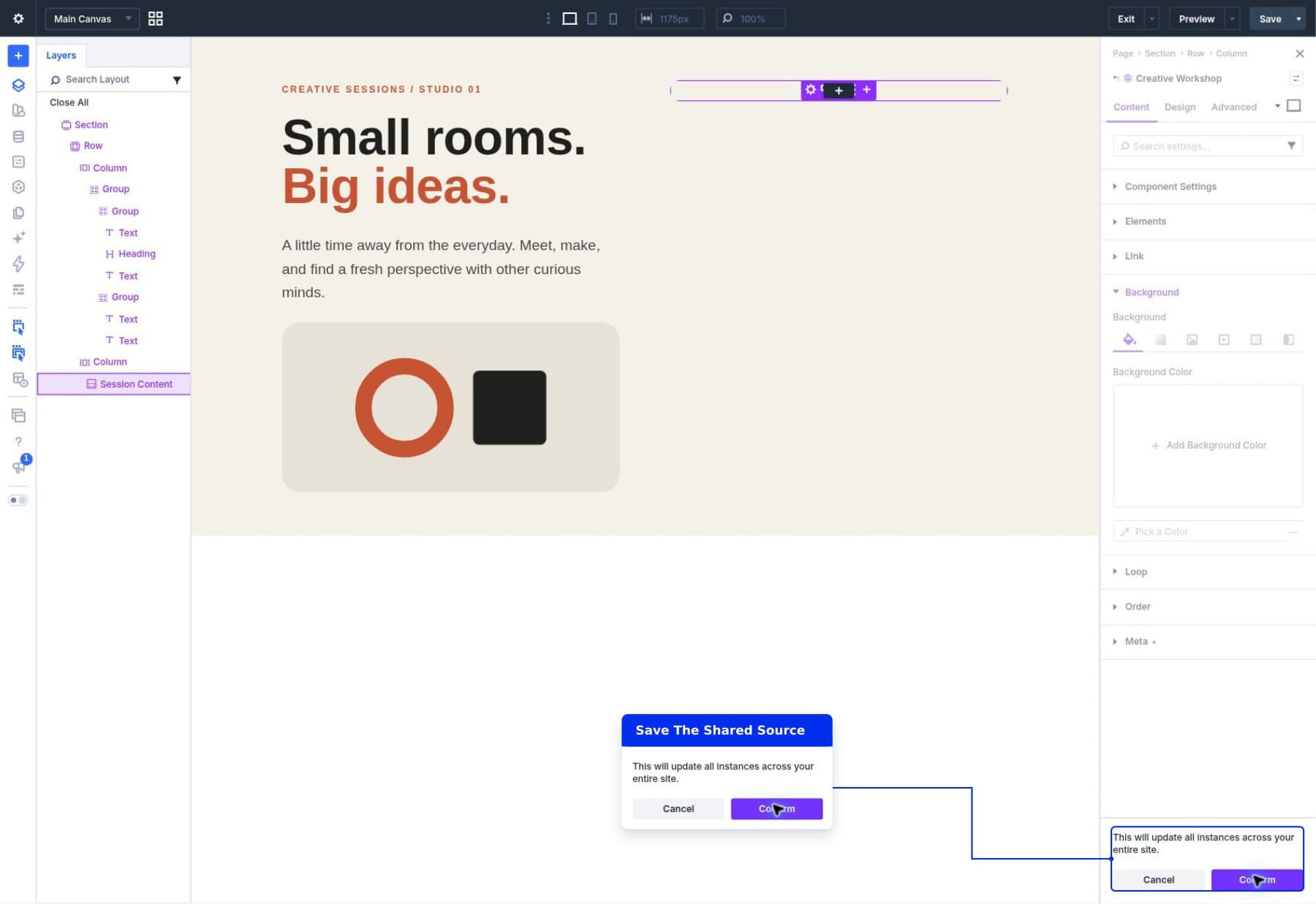
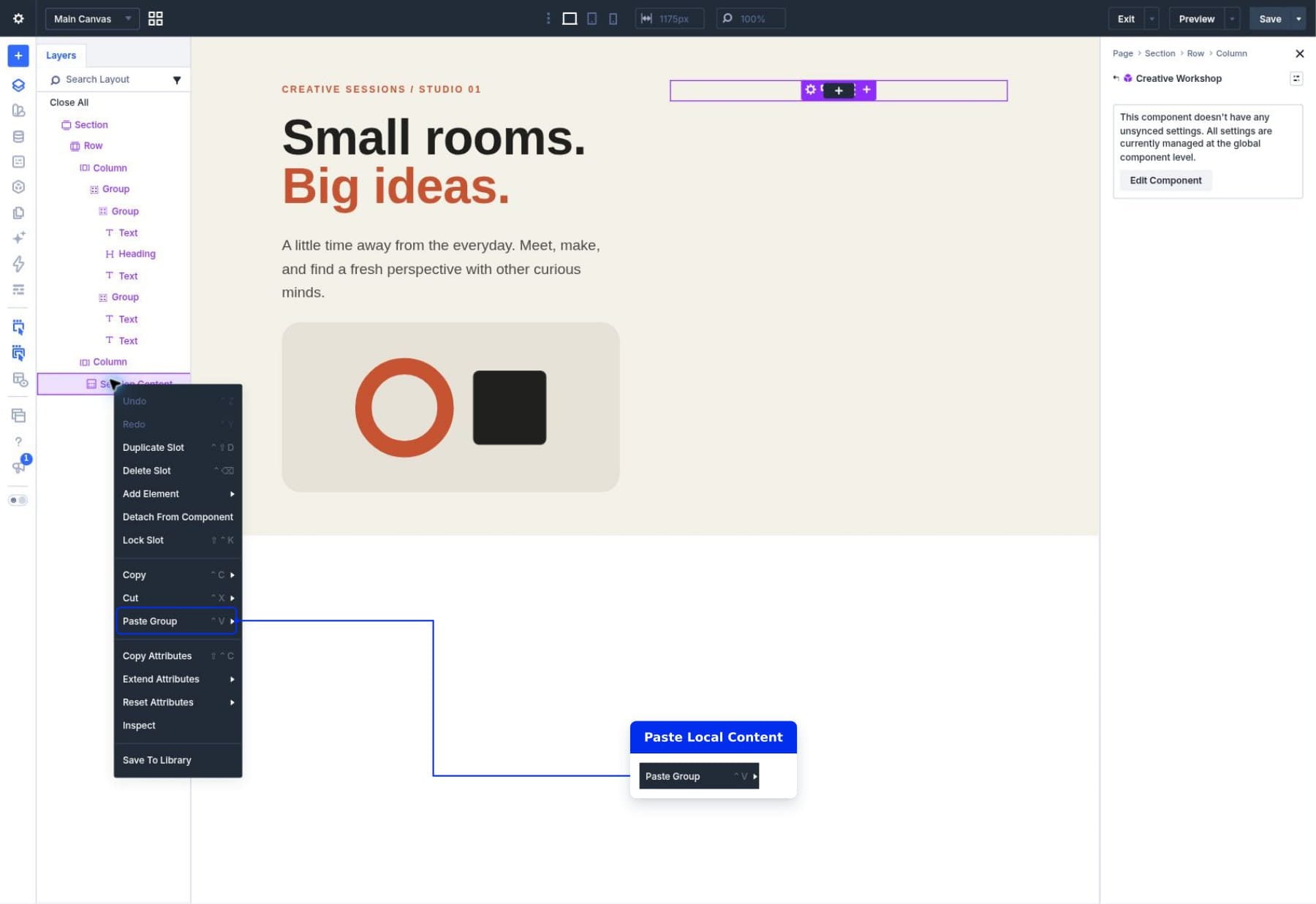
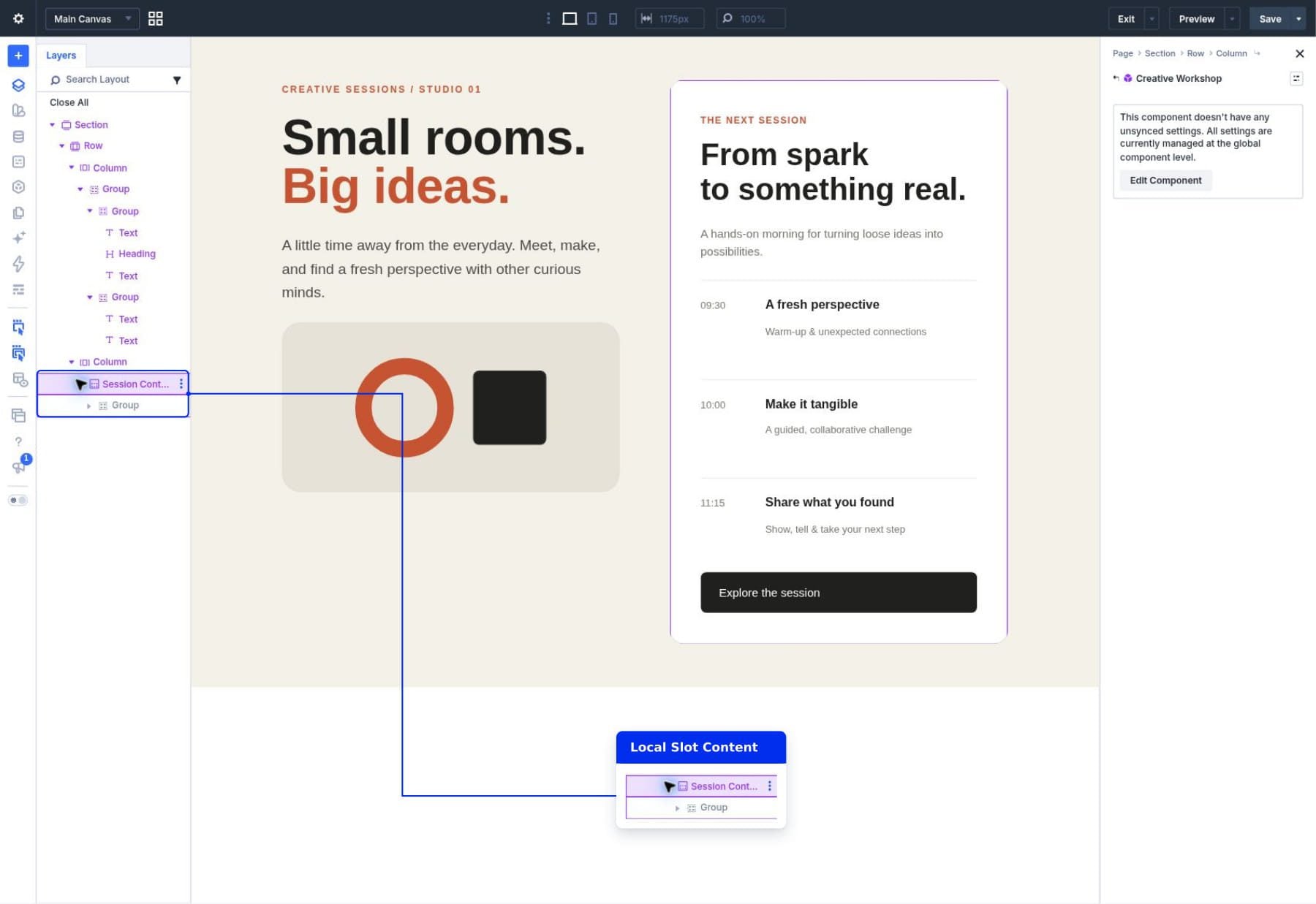
Slots in Divi 5 provide an area for those different layouts inside the same Component. Keep the shared structure and design connected, then build the content each instance needs inside its Slot.
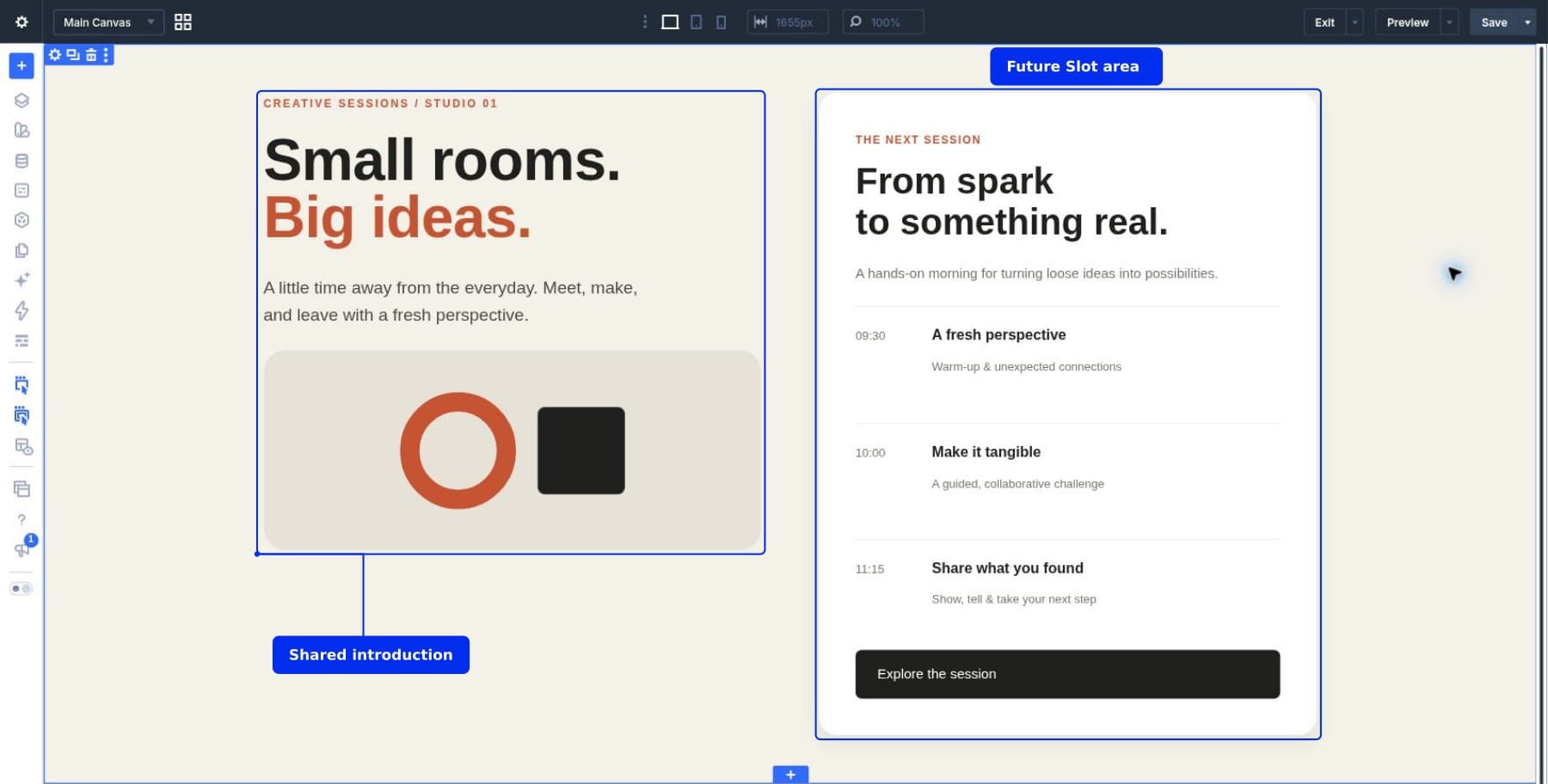
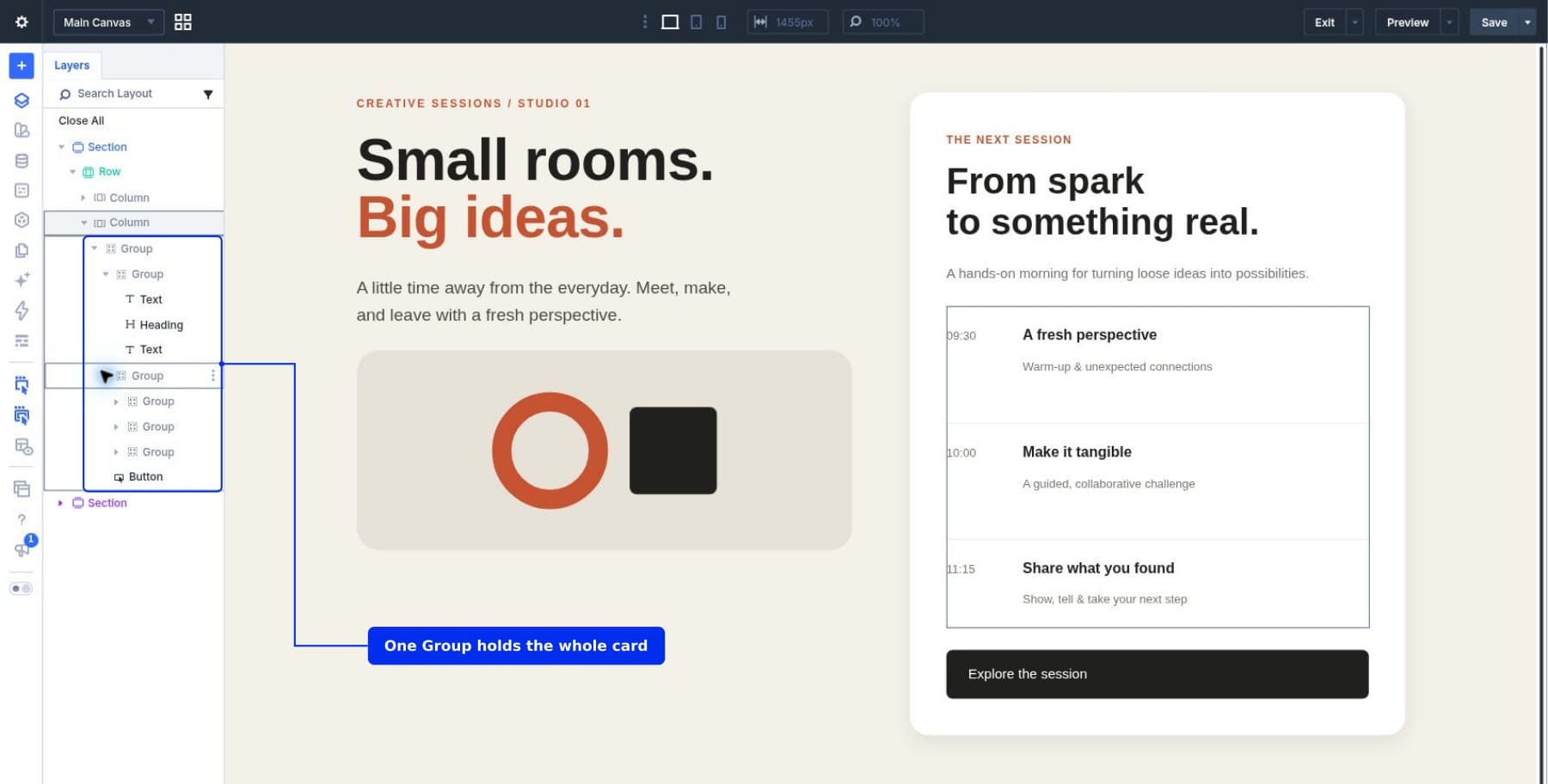
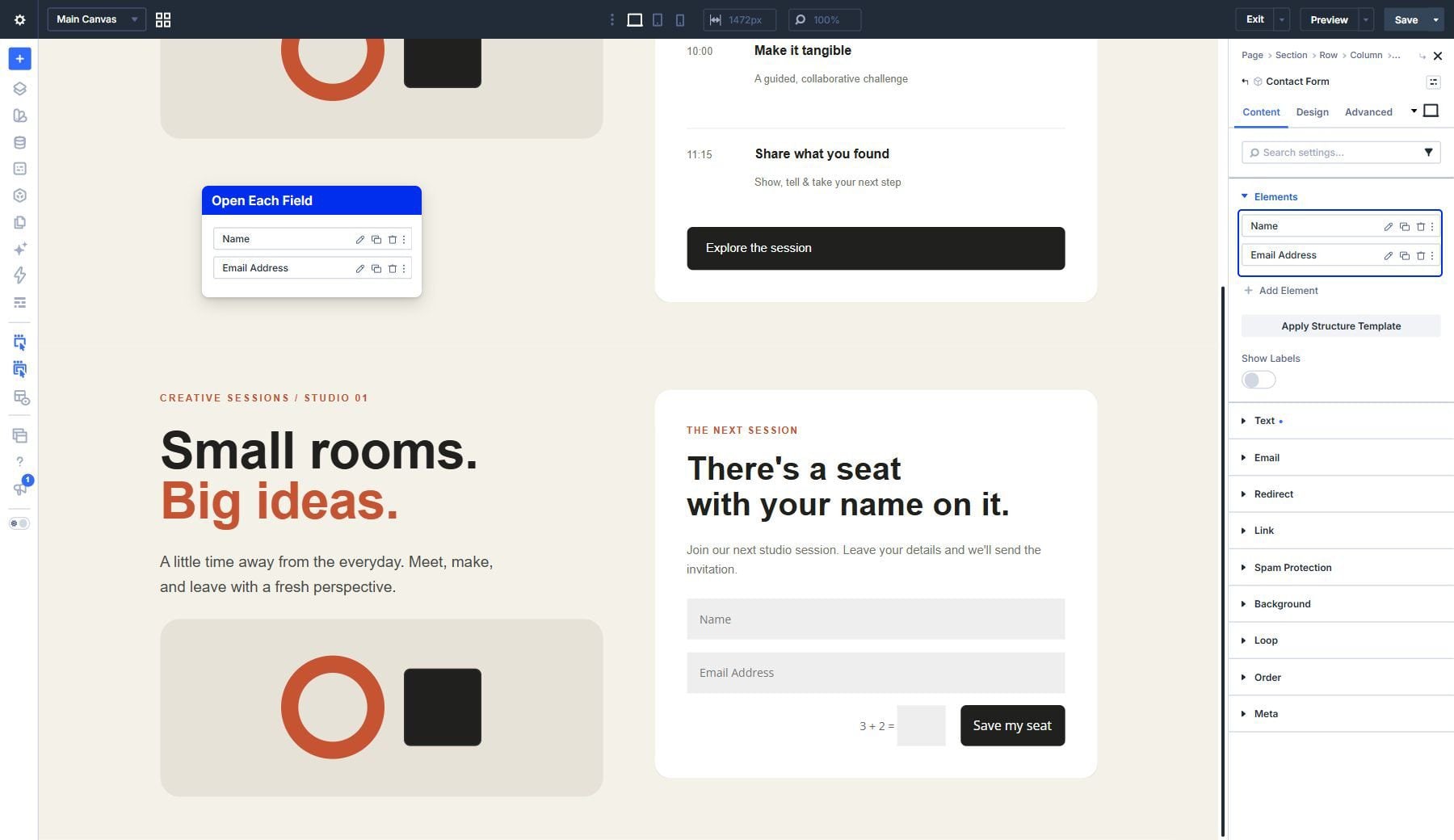
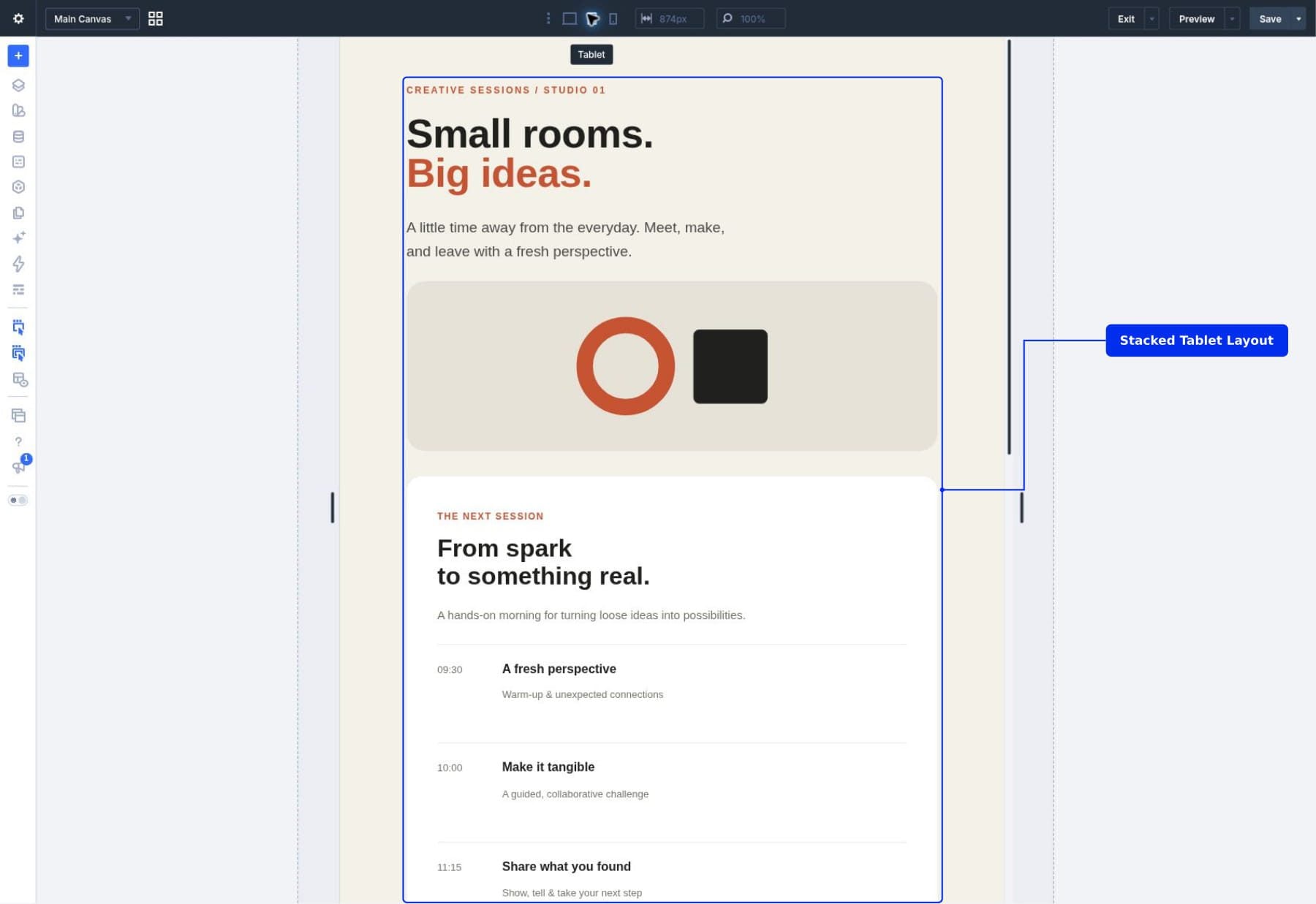
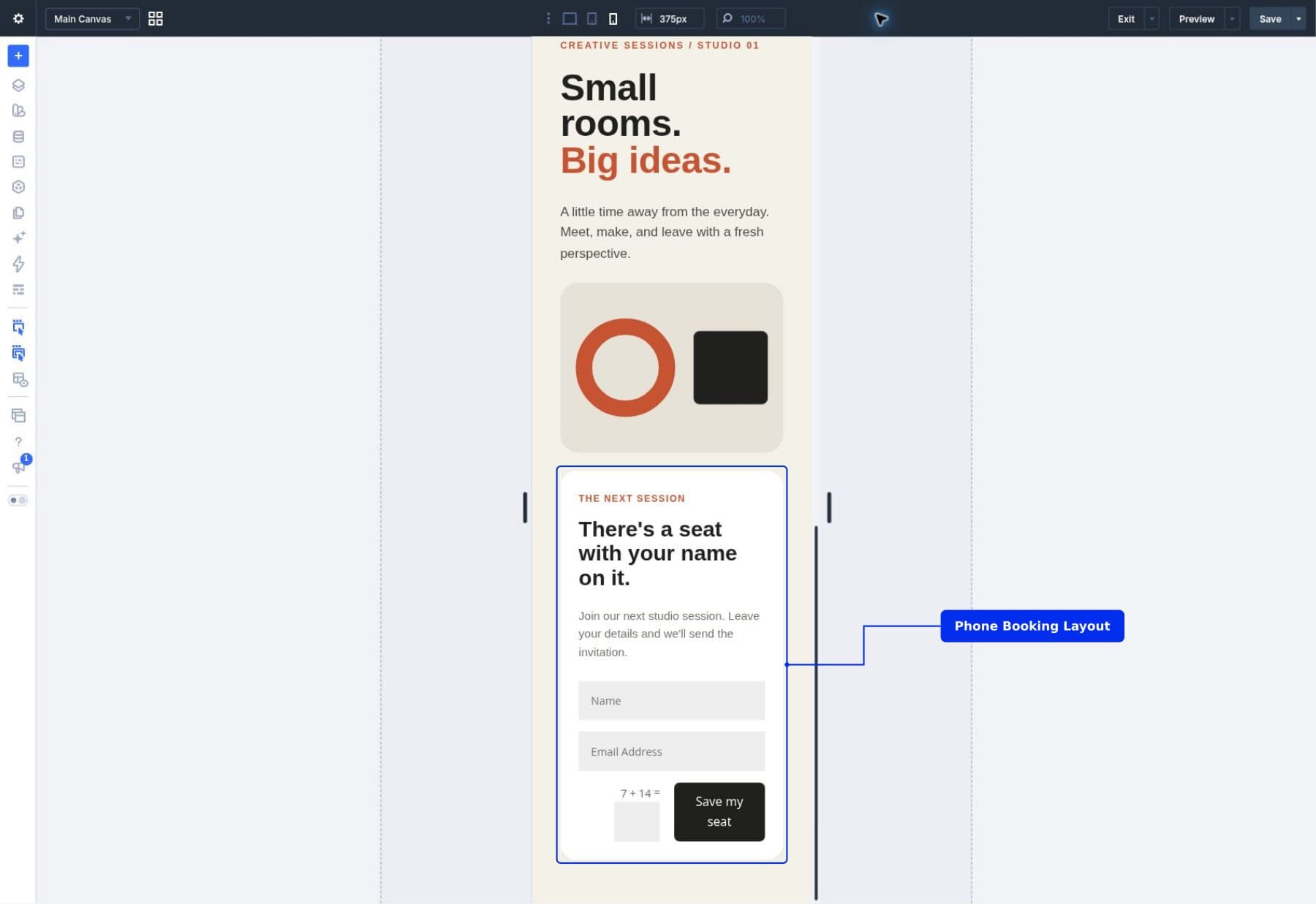
We’ll turn a workshop section into a Component, add a Slot to its right column, and use that area for a schedule in one instance and a booking form in another.
1 What Are Slots In Divi 5? 1.1 The Shared Container And Its Local Content
2 Slots vs Editable Component Settings 2.1 What Changes Across Instances?
3 Before You Start
4 Download And Import The Starter Layout
5 Download For Free
6 Our Example: A Creative Workshop Section
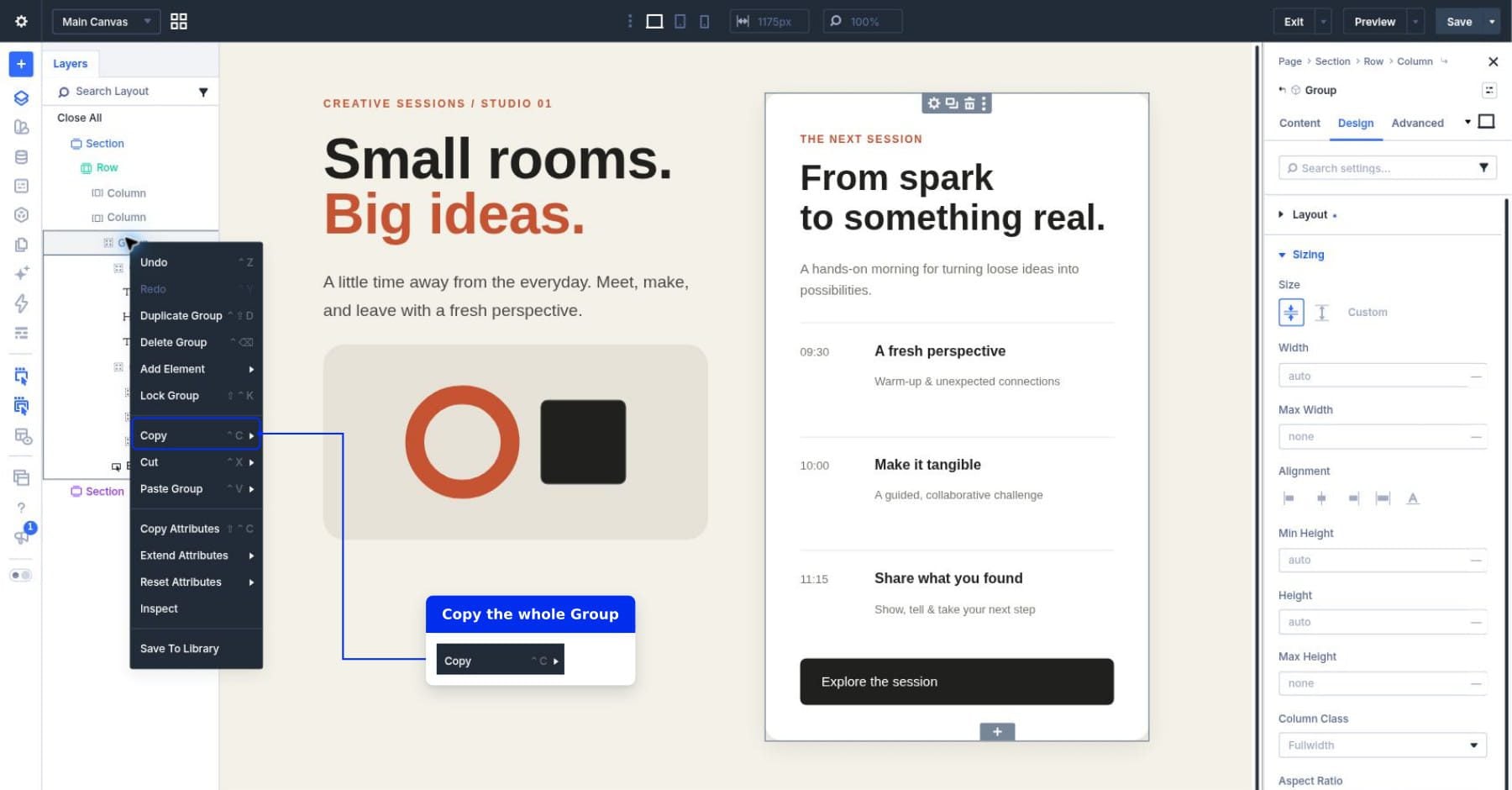
7 How To Add A Slot To A Component 7.1 1. Copy The Content You’ll Move Into The Slot
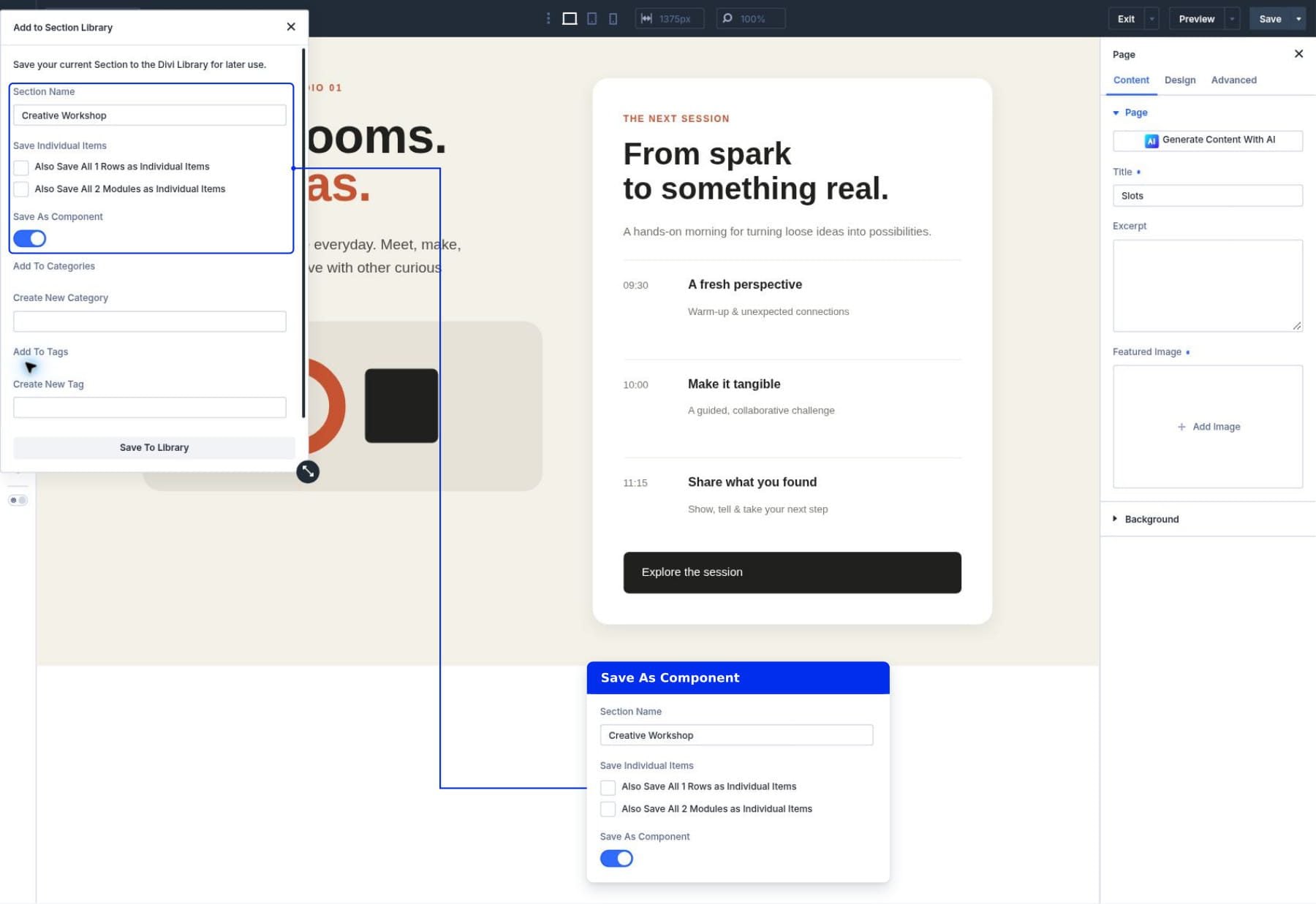
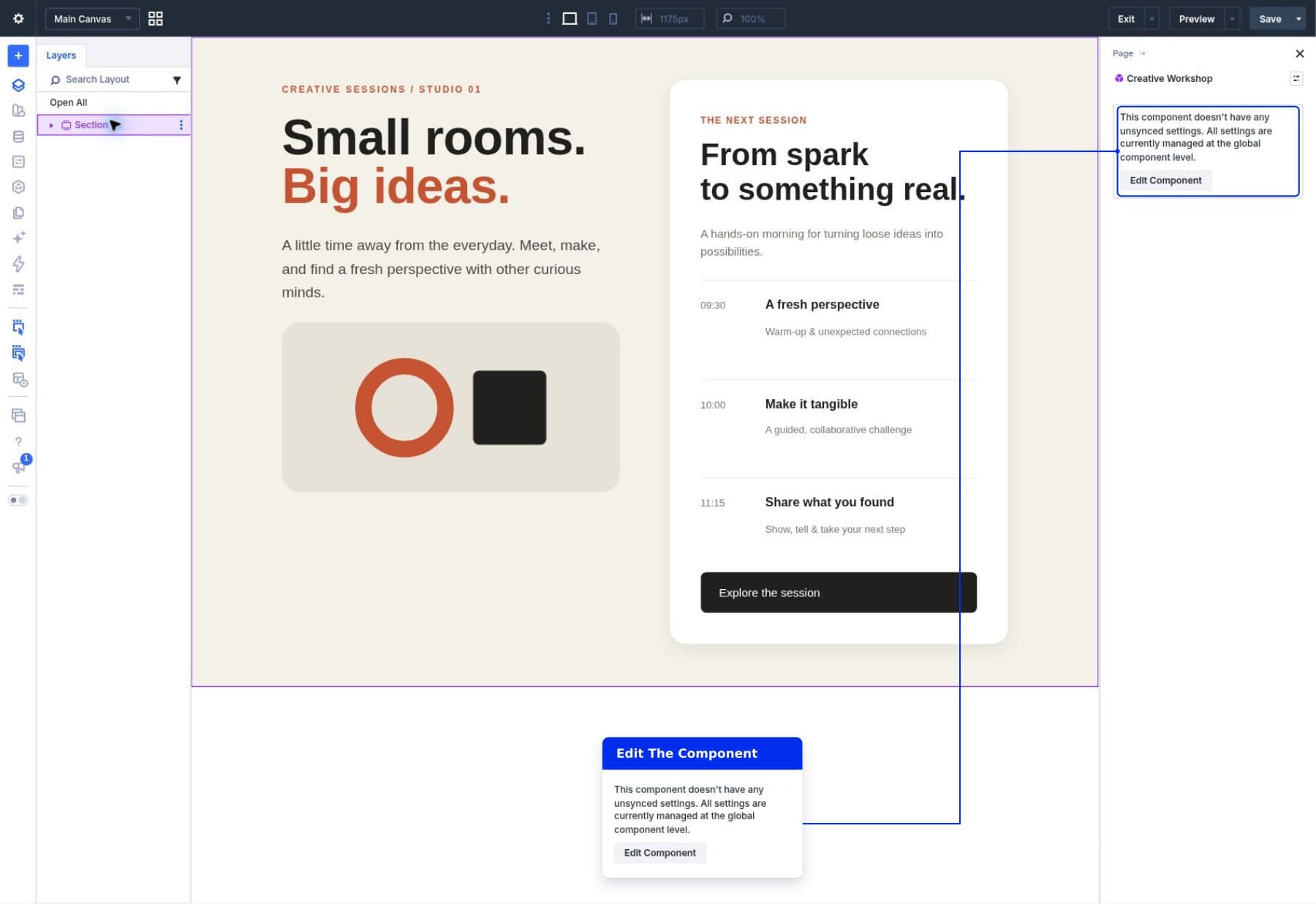
7.2 2. Save The Section As A Component
7.3 3.…