Divi 5 lets you style forms as part of a larger design system instead of repeating the same decisions in every module.
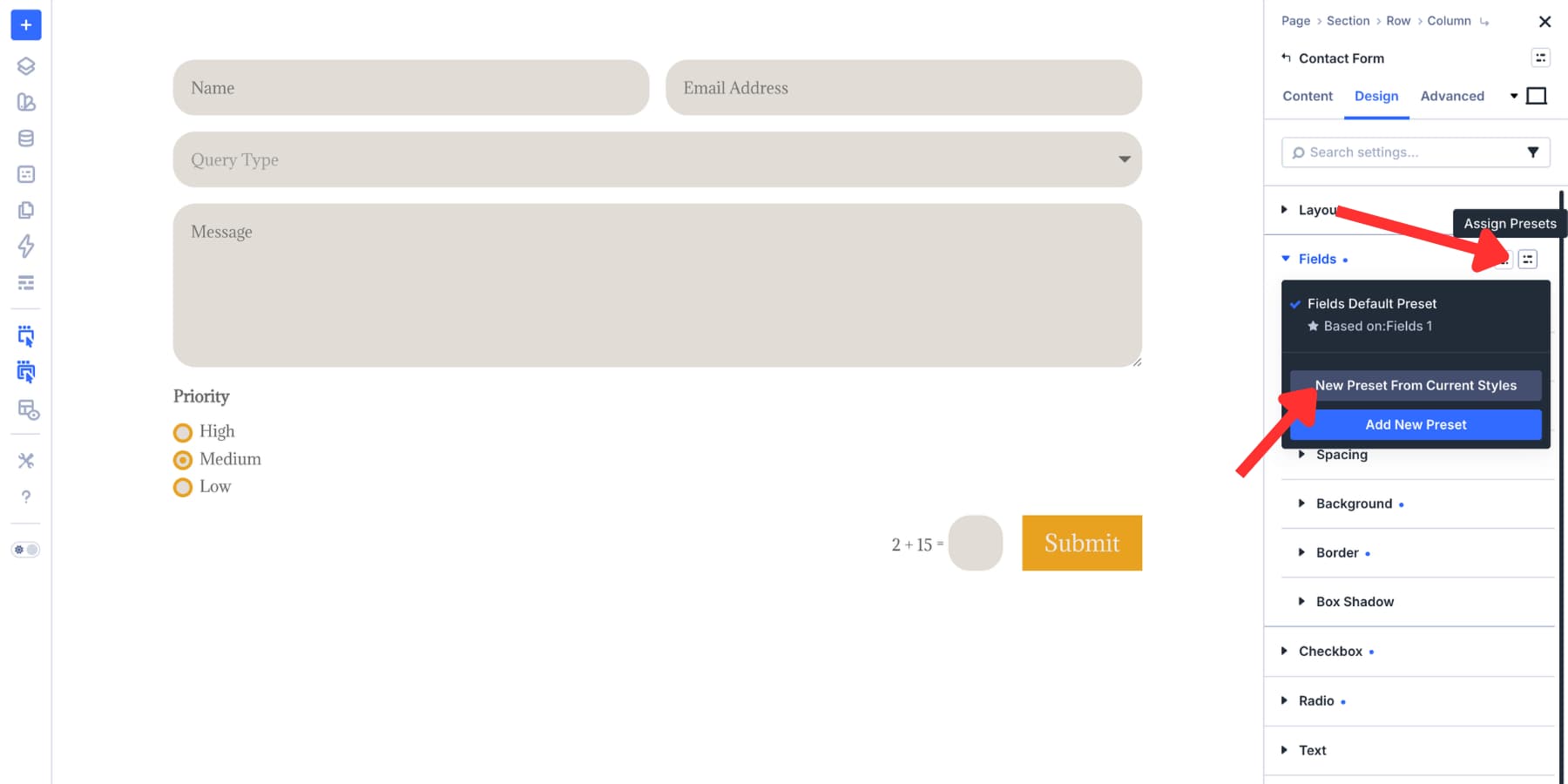
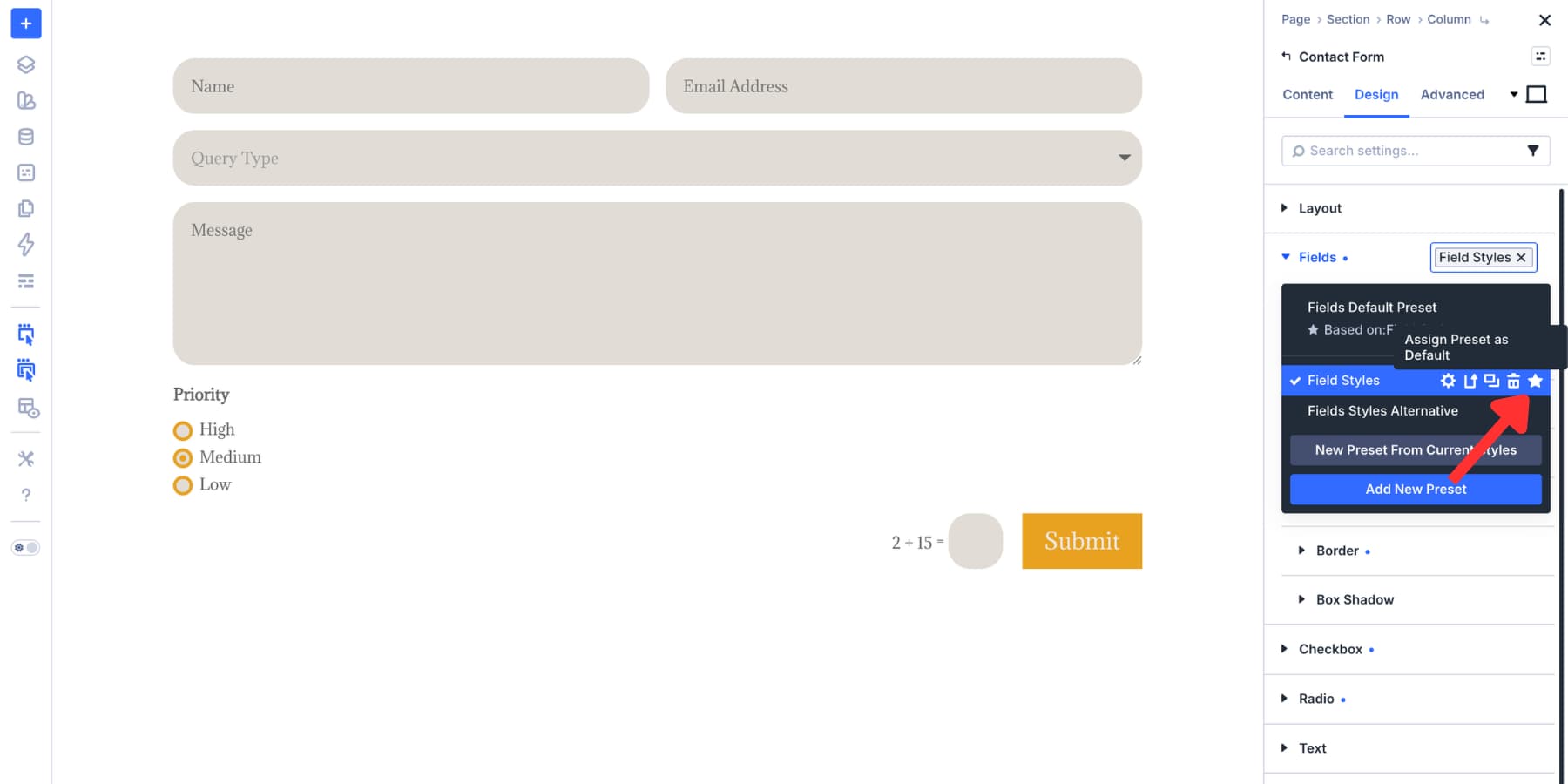
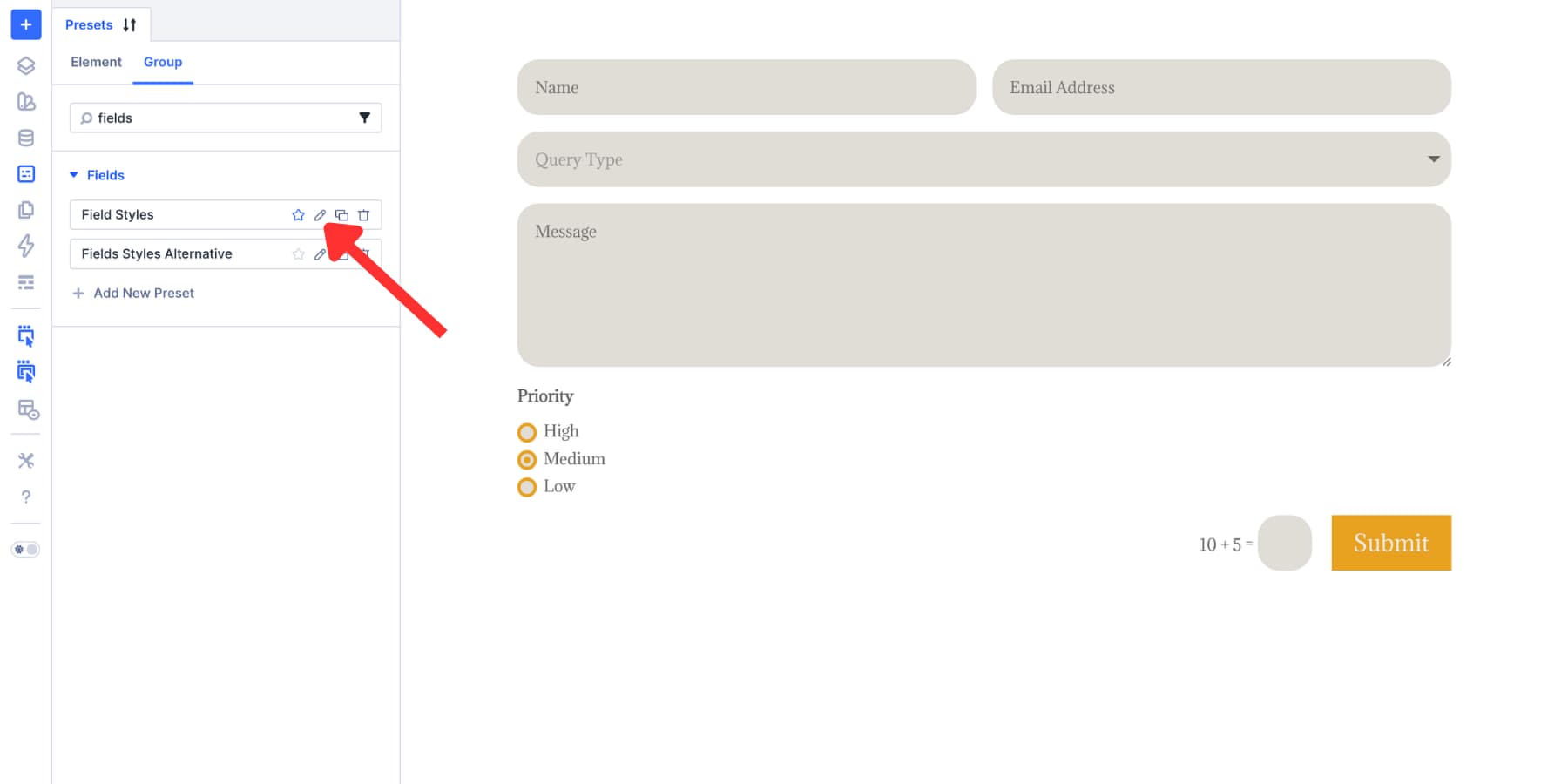
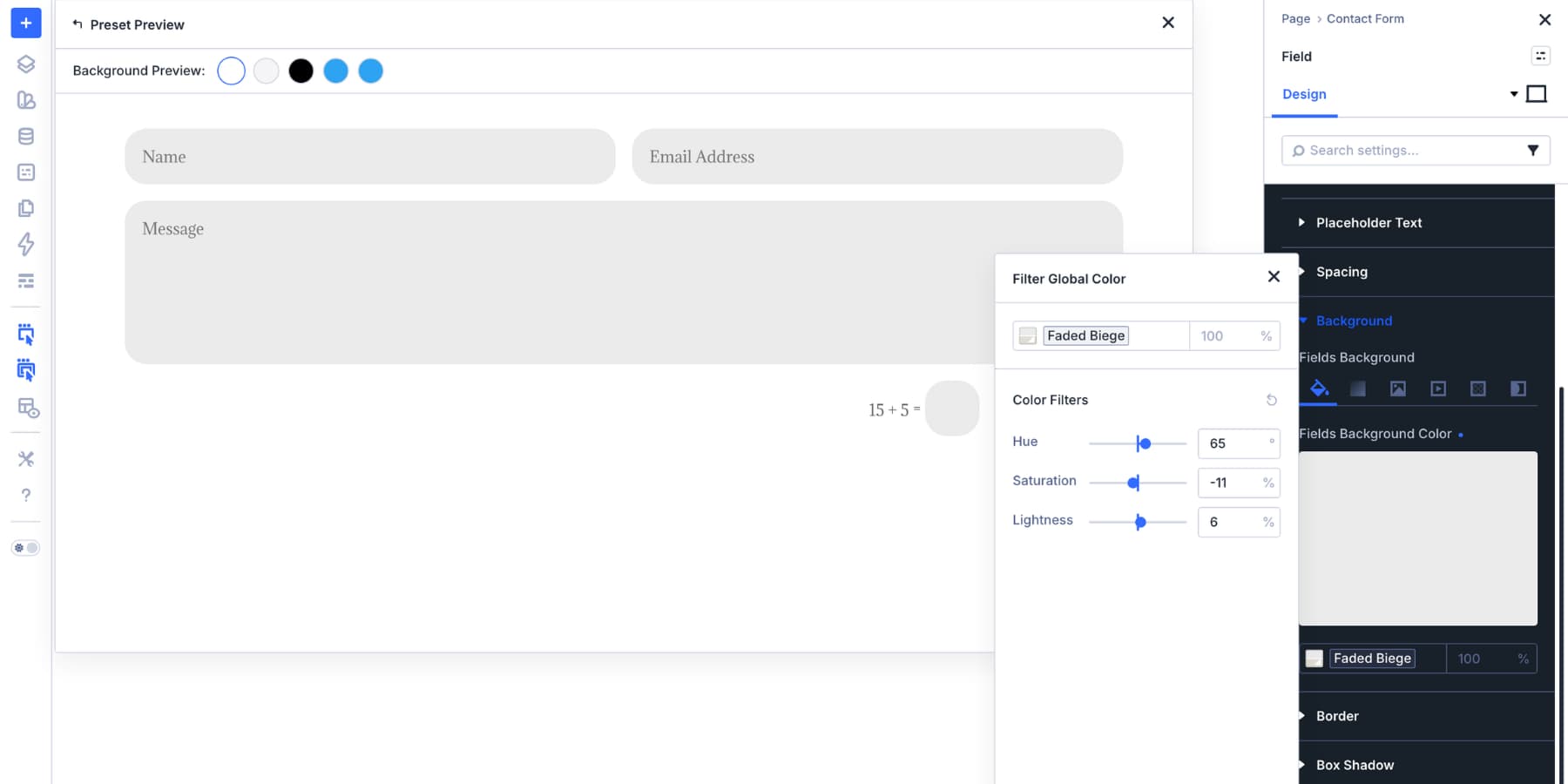
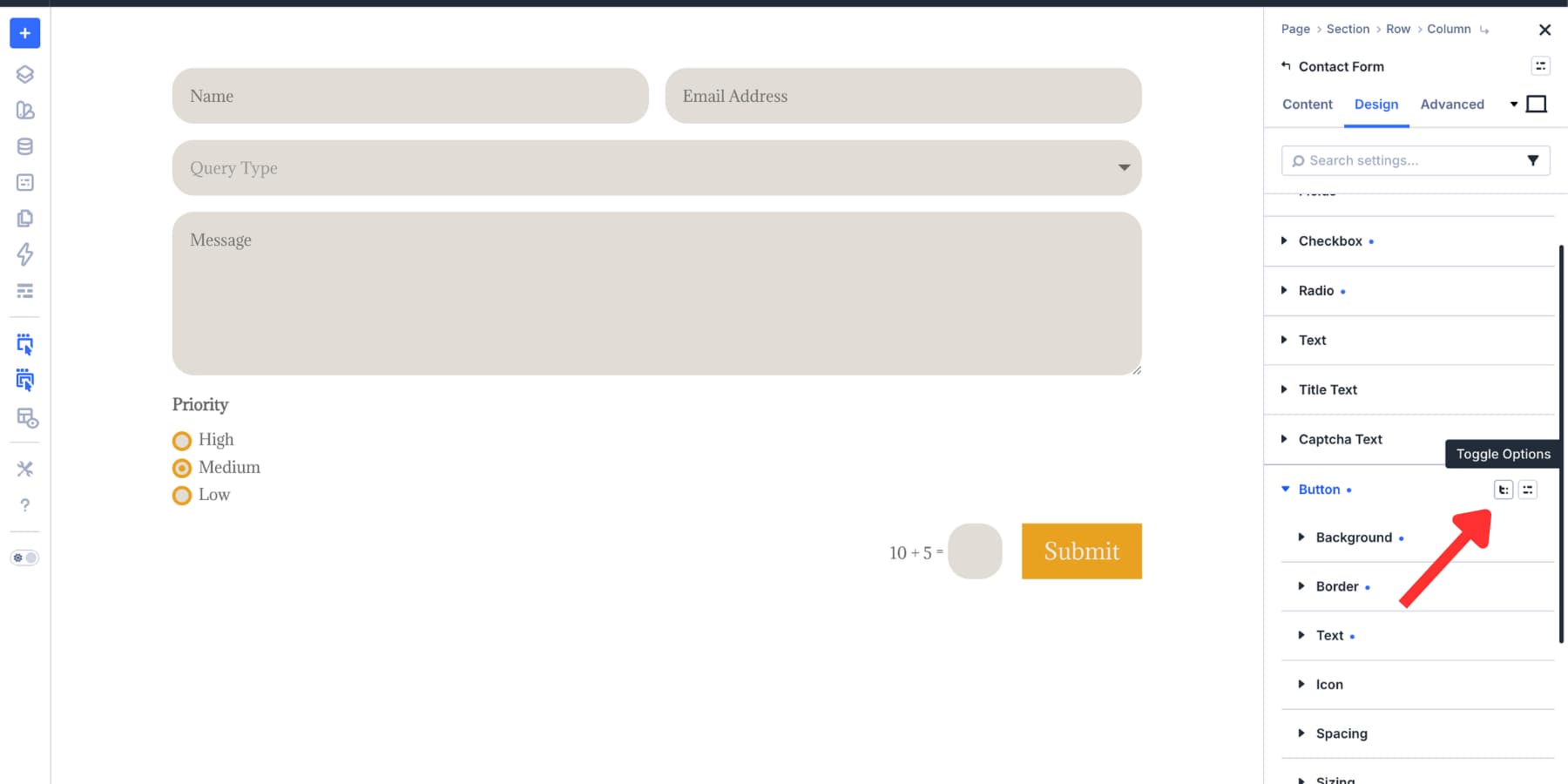
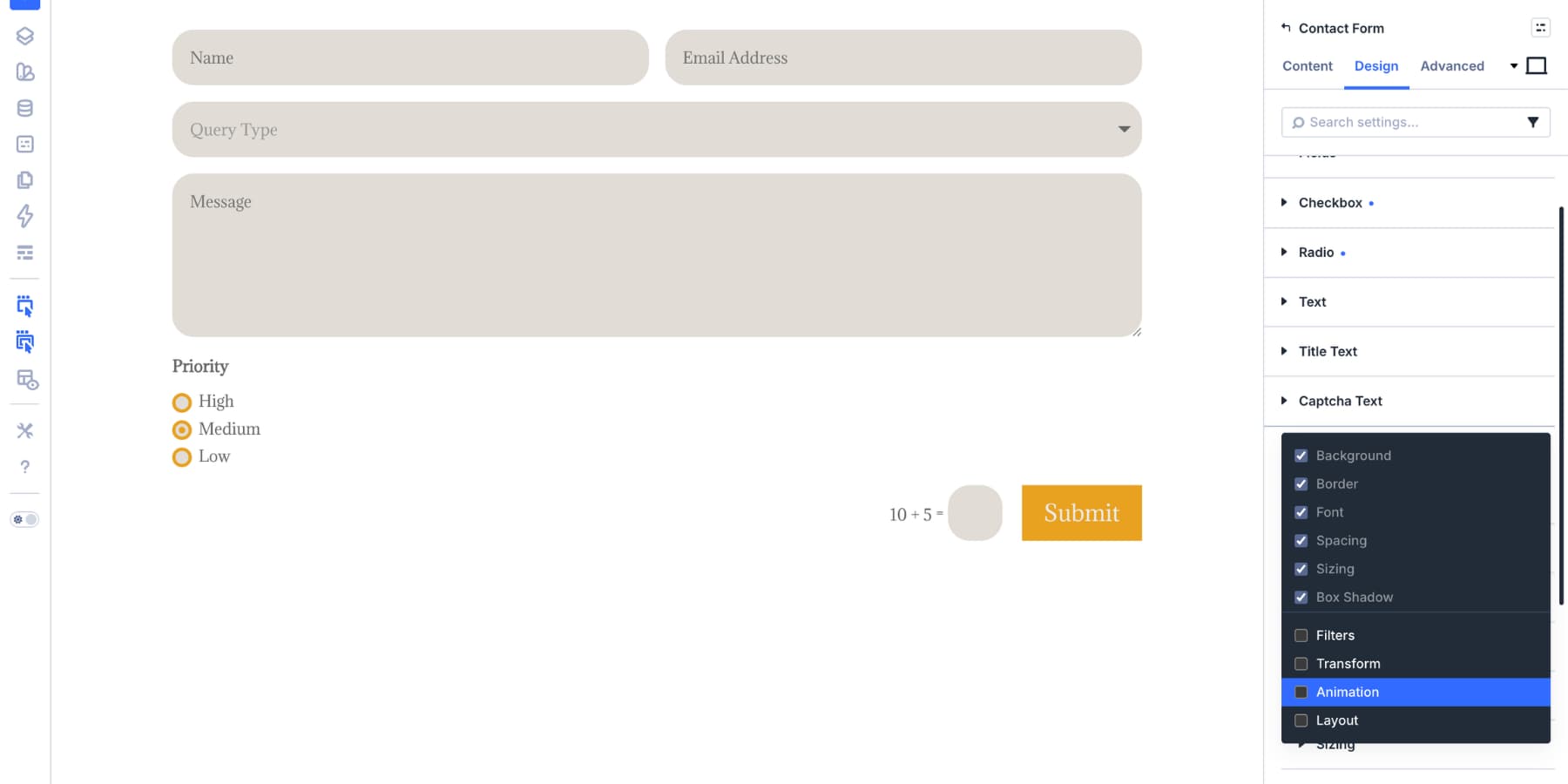
With new form field options , dedicated Input, Checkbox, and Radio option groups, focus and checked states, Design Variables , and the Preset Manager , you can style form fields once and reuse those decisions across your site.
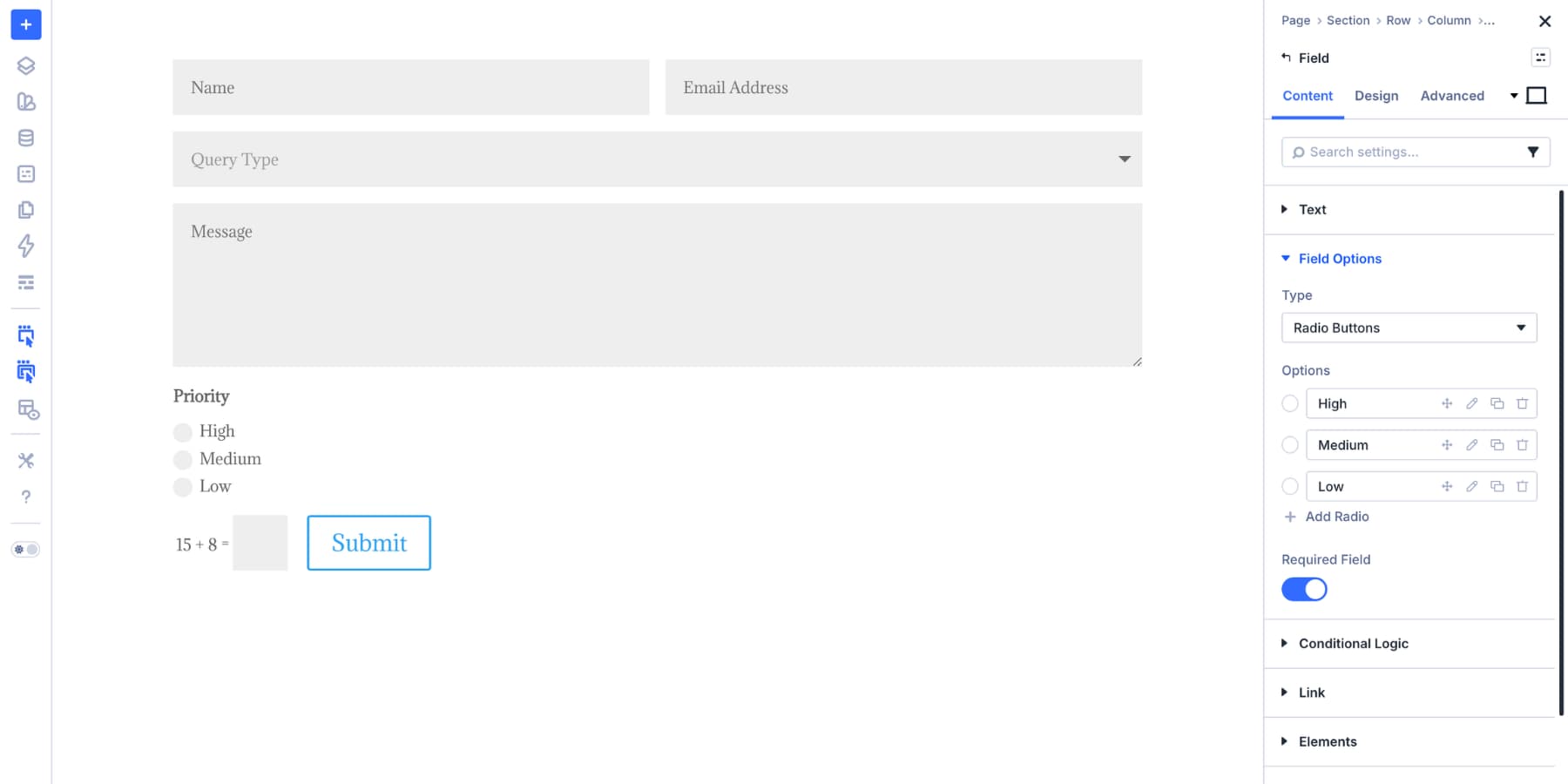
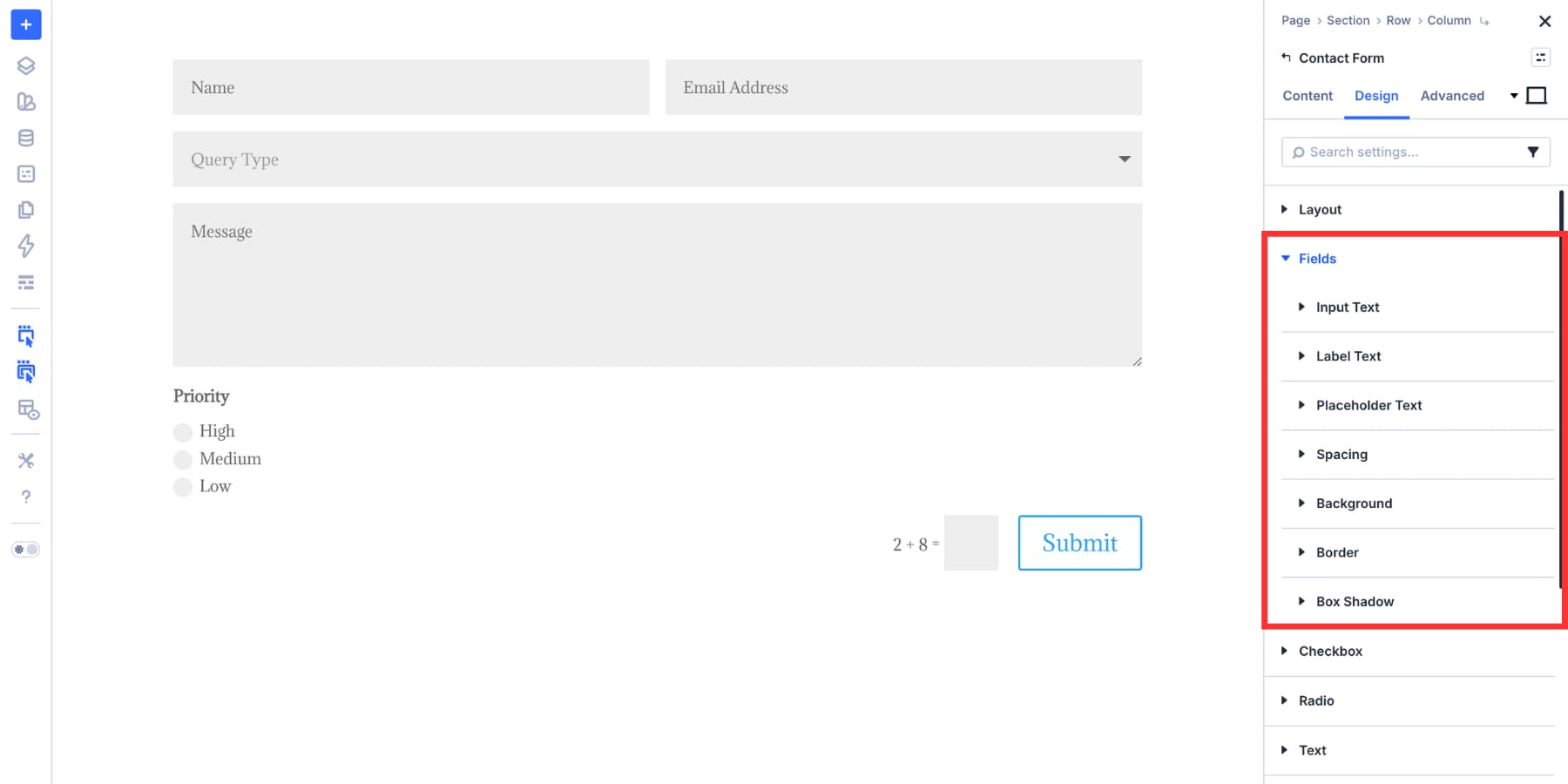
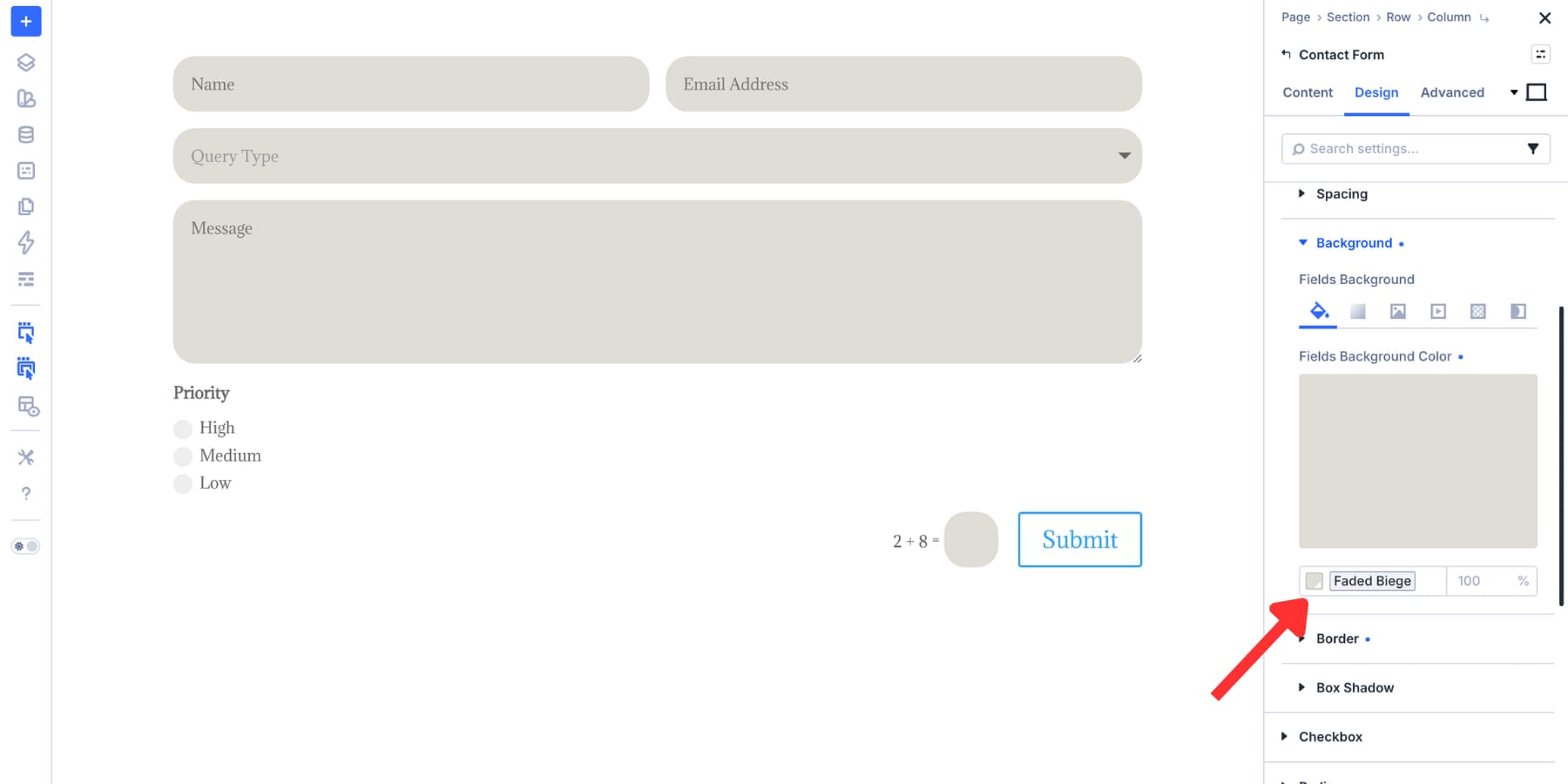
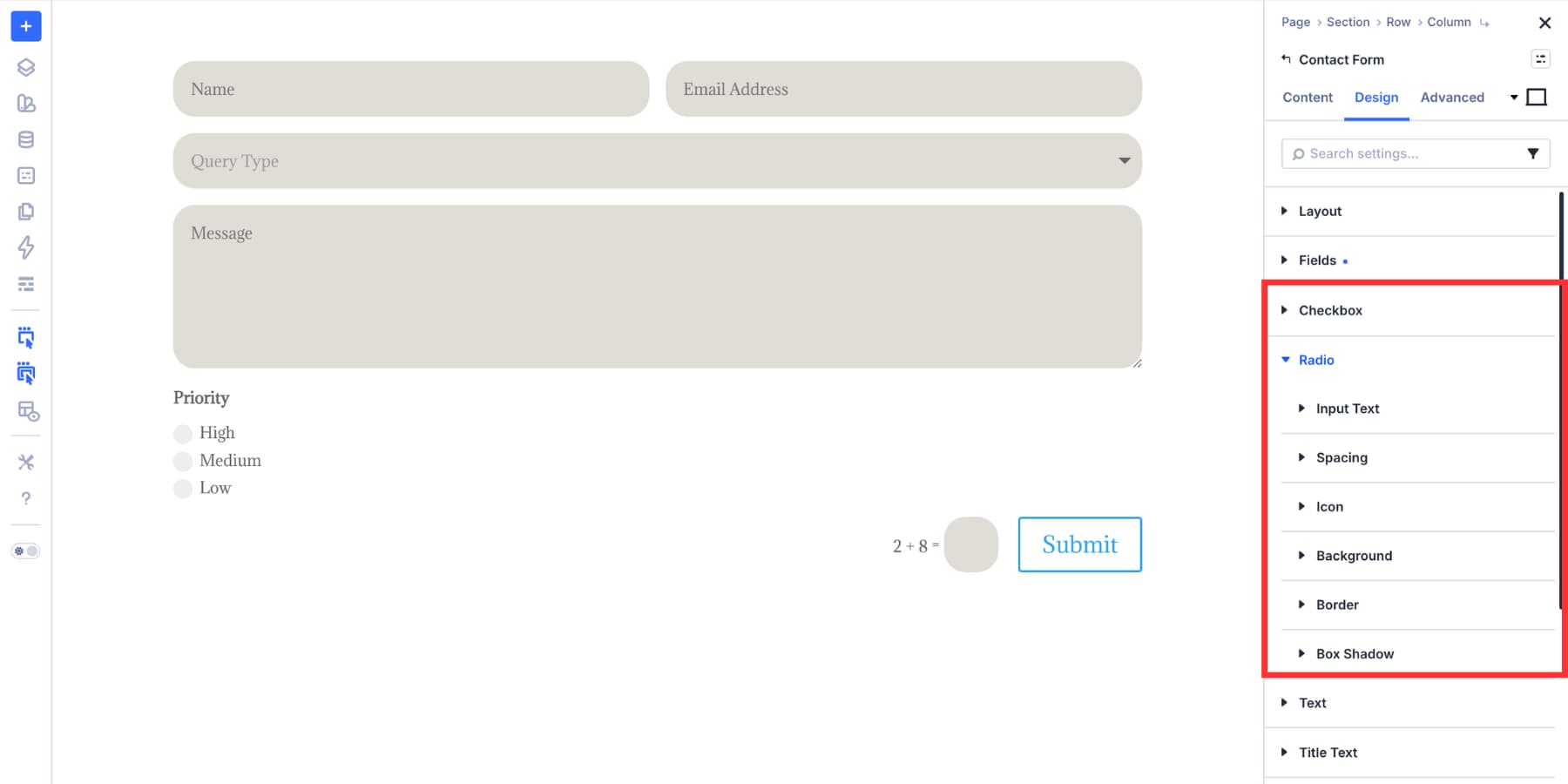
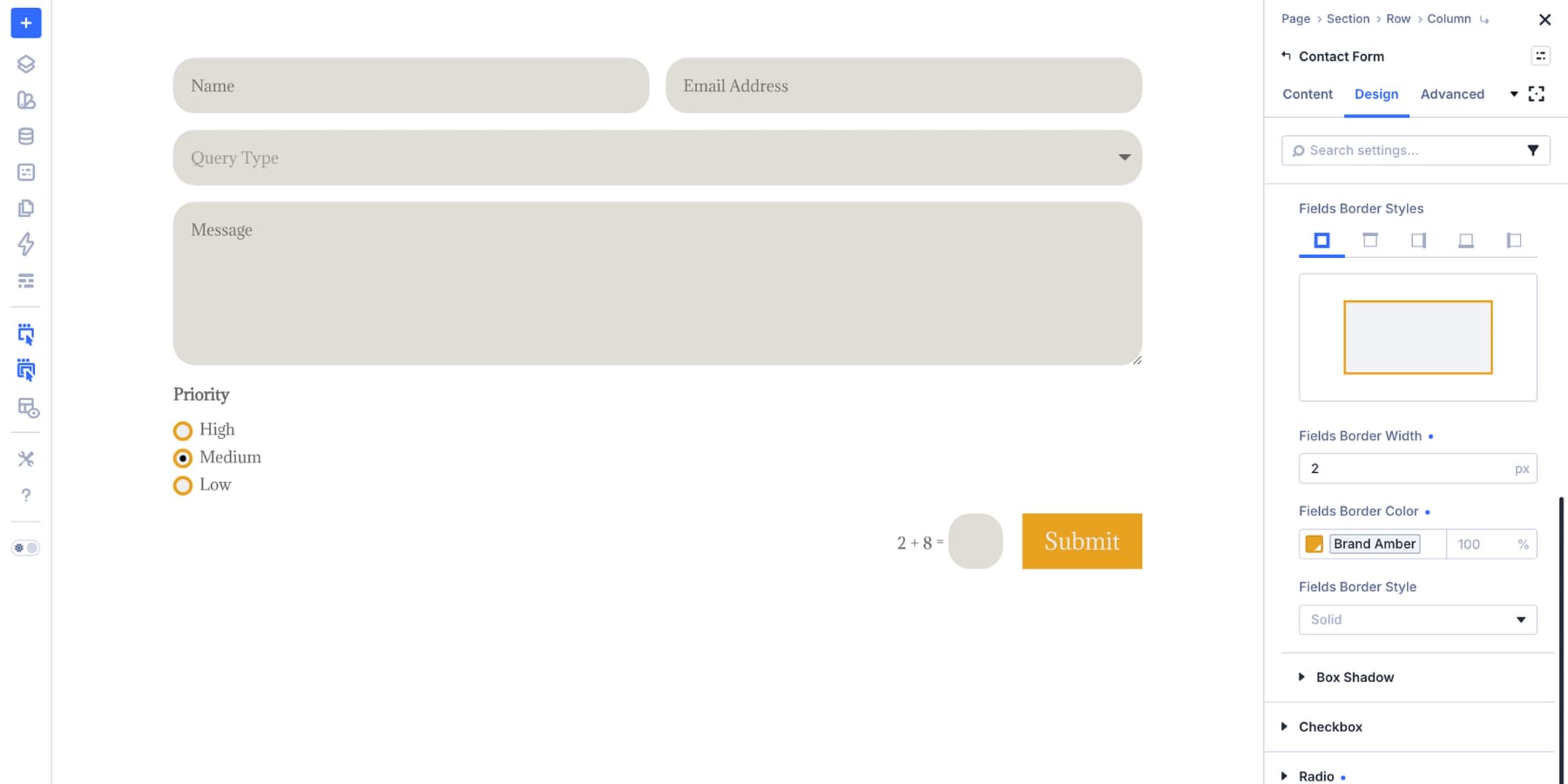
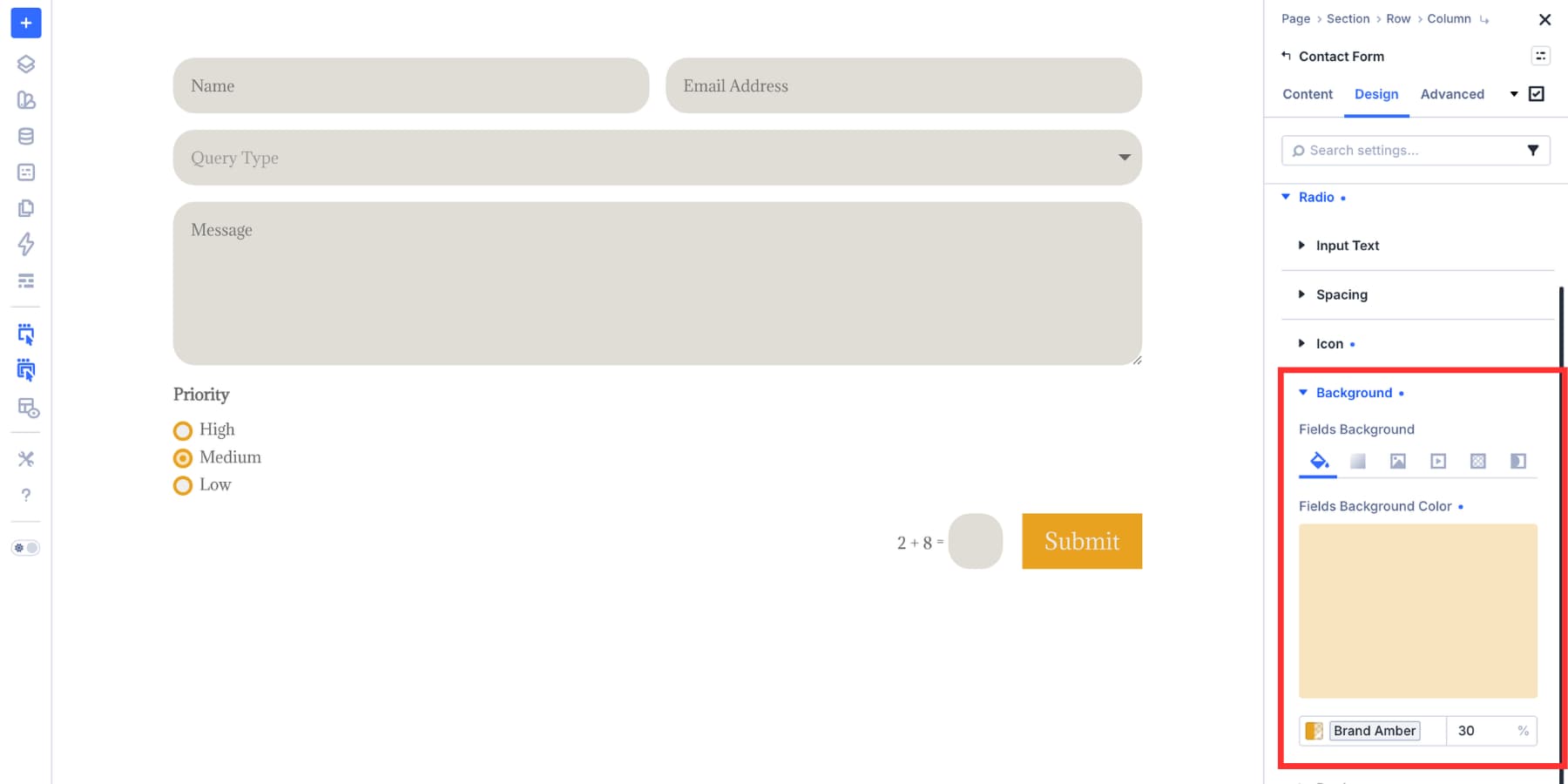
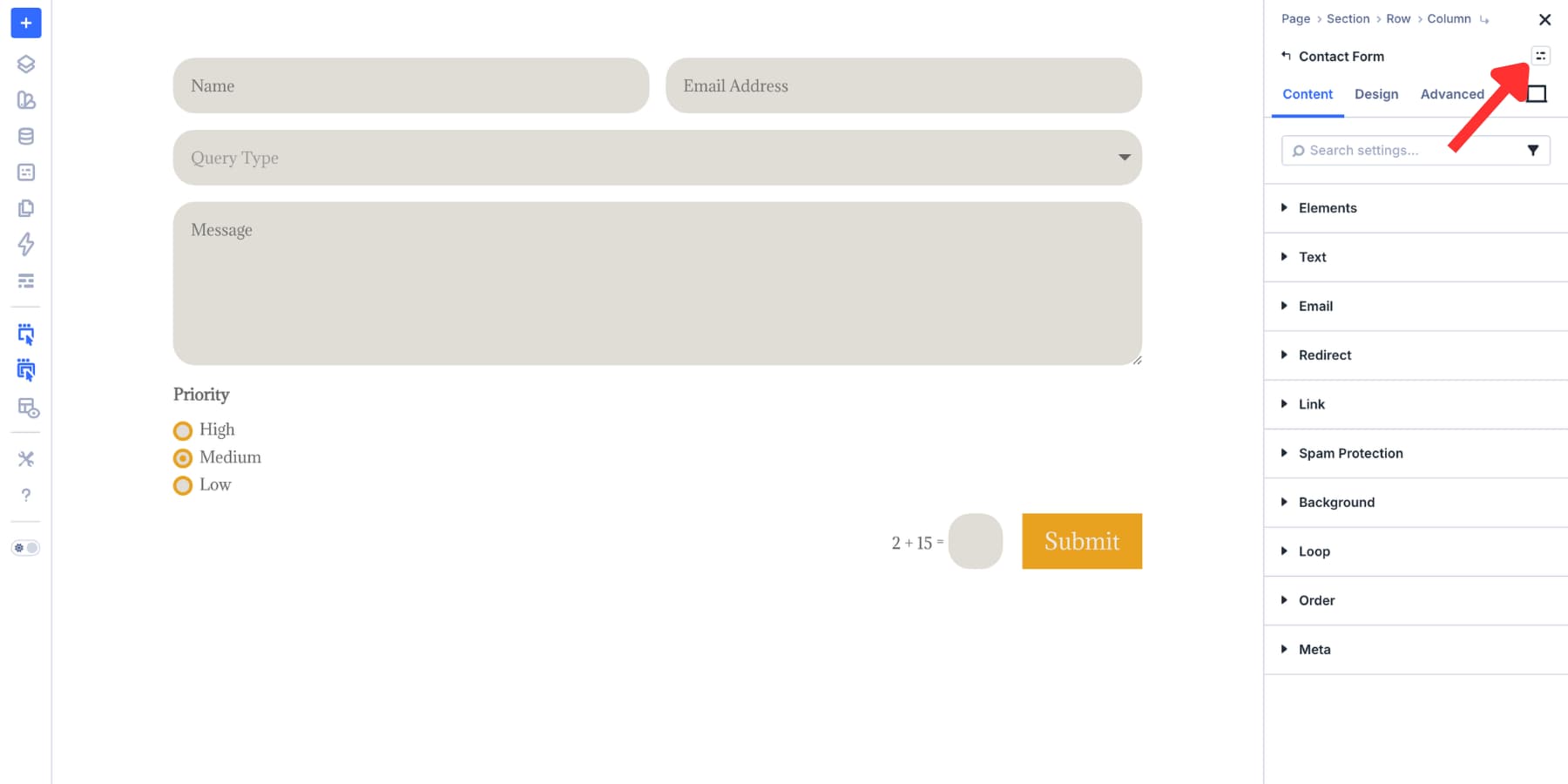
In this tutorial, we’ll build a reusable form styling system in Divi 5. You’ll style inputs, checkboxes, radio buttons, focus states, checked states, and form buttons, then save everything as presets you can manage from one place.
1 Build A Reusable Form Styling System In Divi 5 1.1 How The System Works
2 Building And Styling Forms In Divi 5 2.1 Add A Contact Form Module In Divi 5
2.2 Set Up Your Input Field Styles
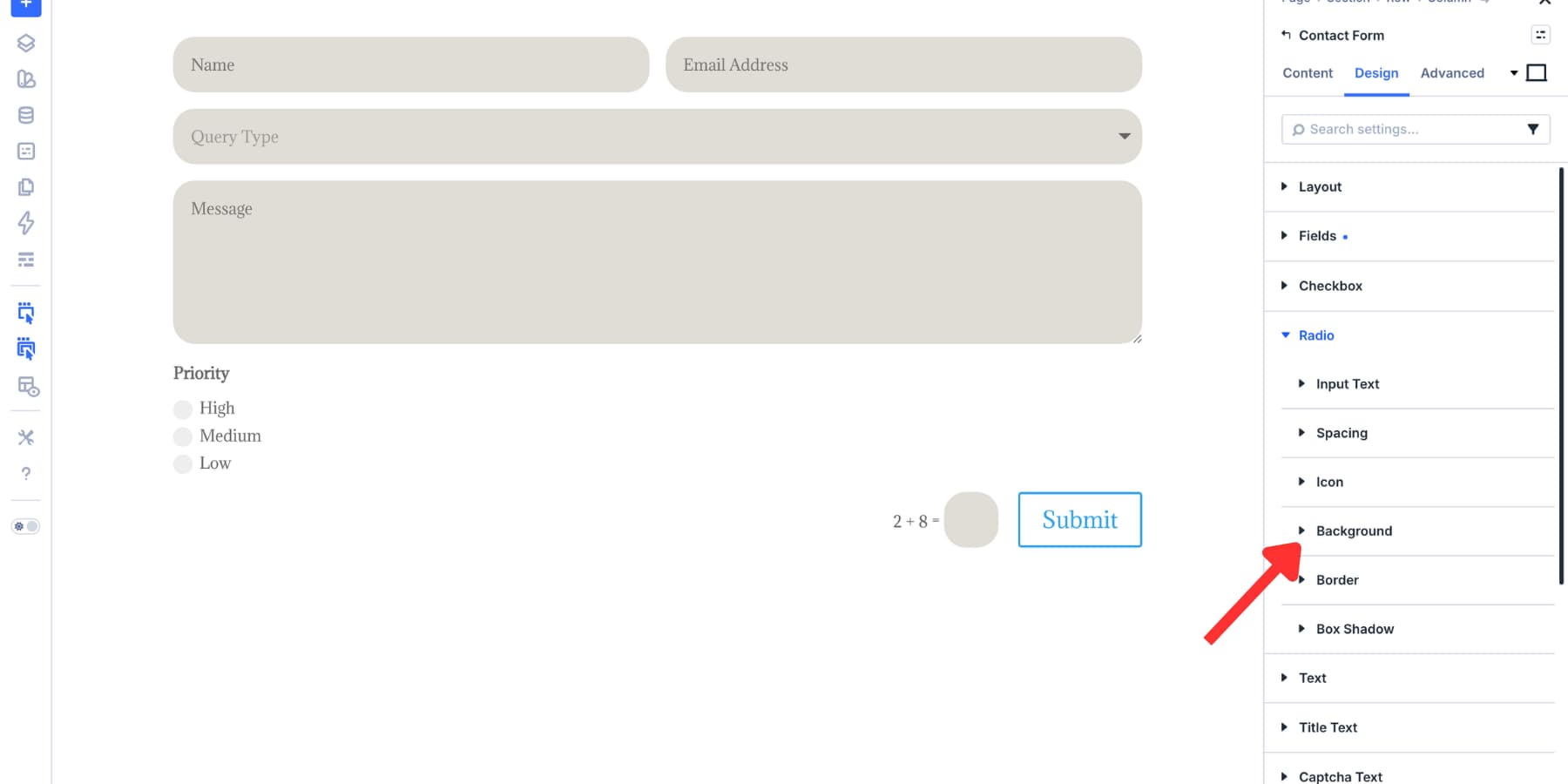
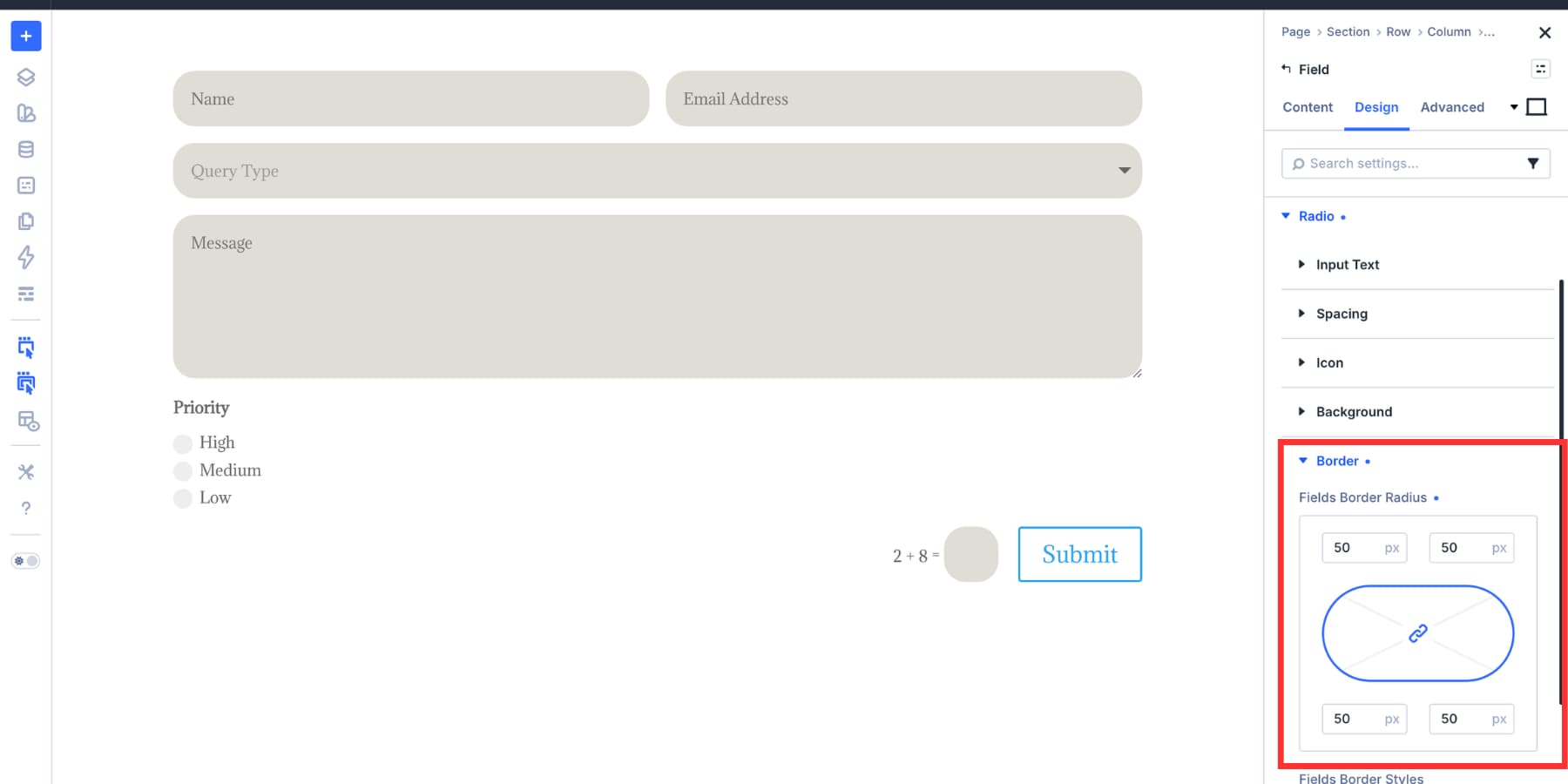
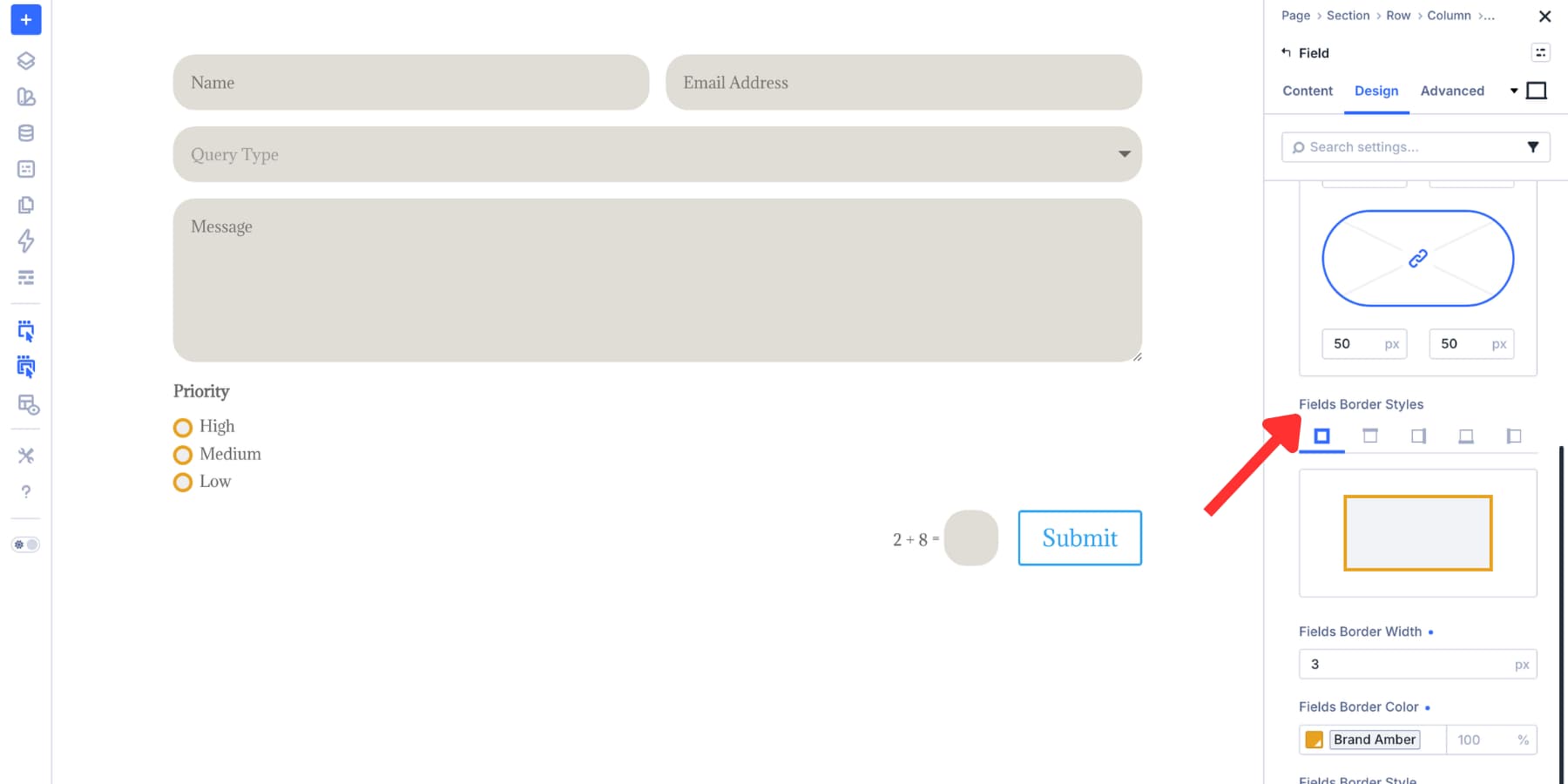
2.3 Style Your Checkboxes And Radio Buttons
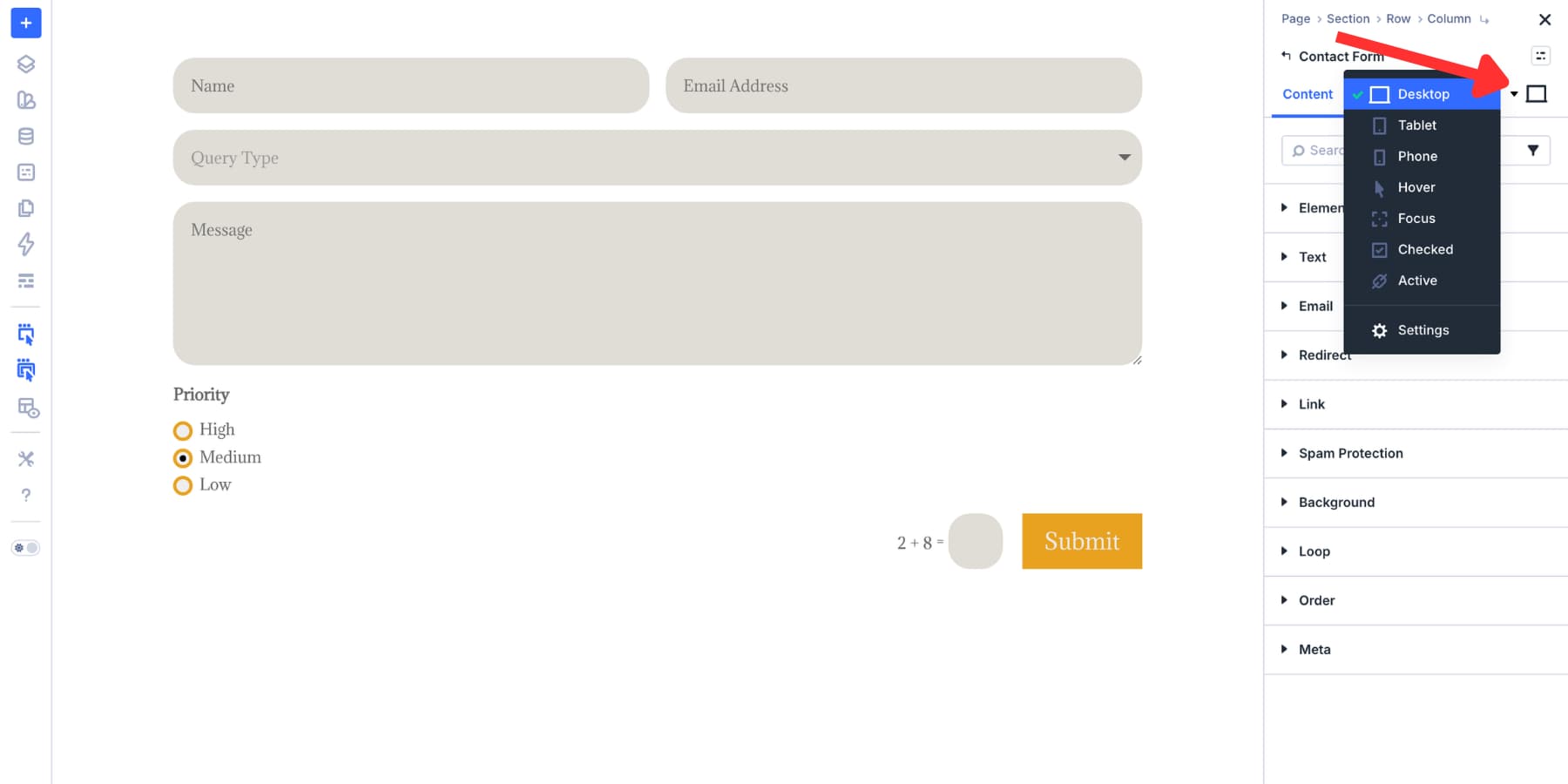
2.4 Configure Focus And Checked States
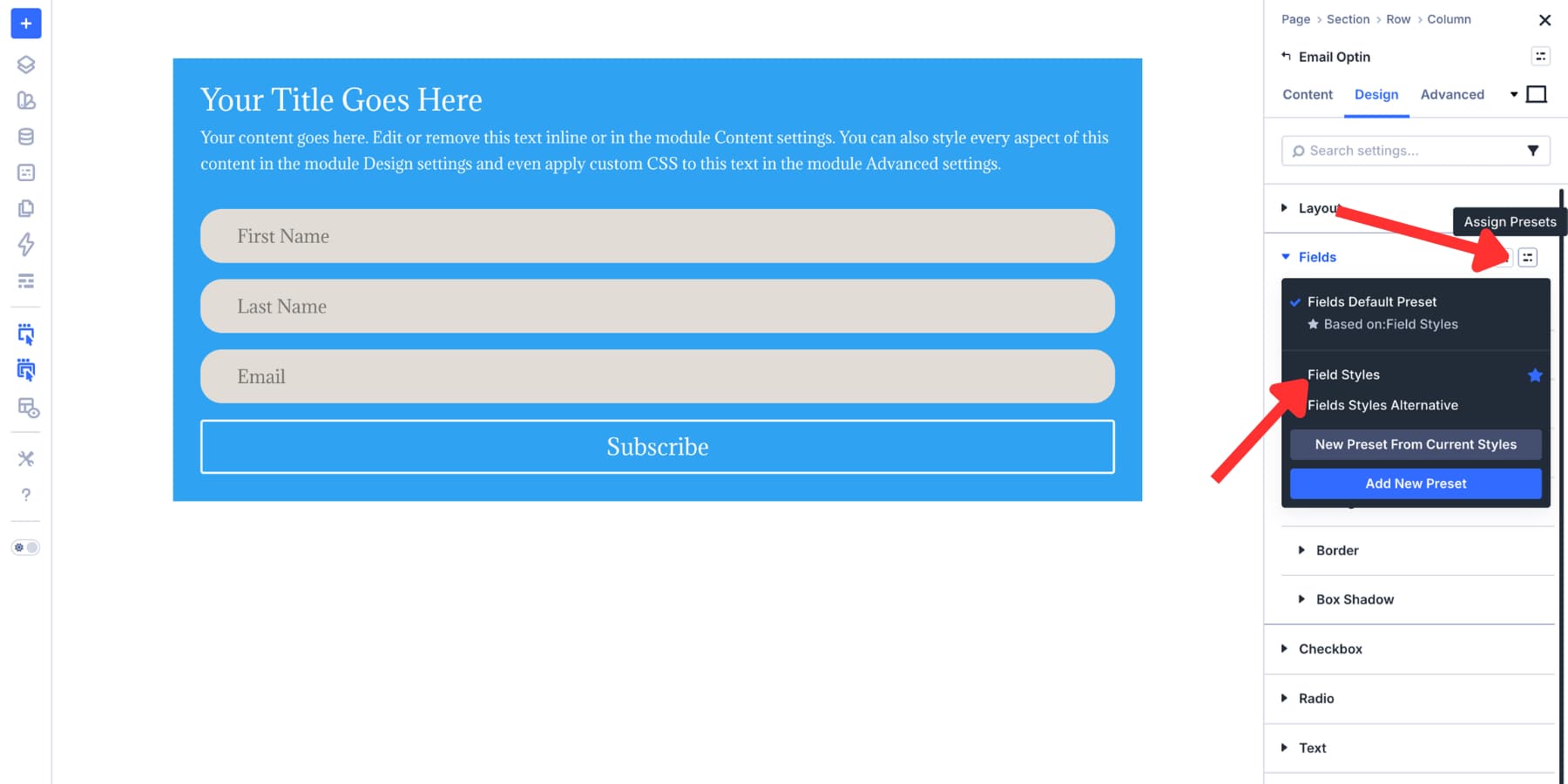
2.5 Save Field Styles As Option Group Presets
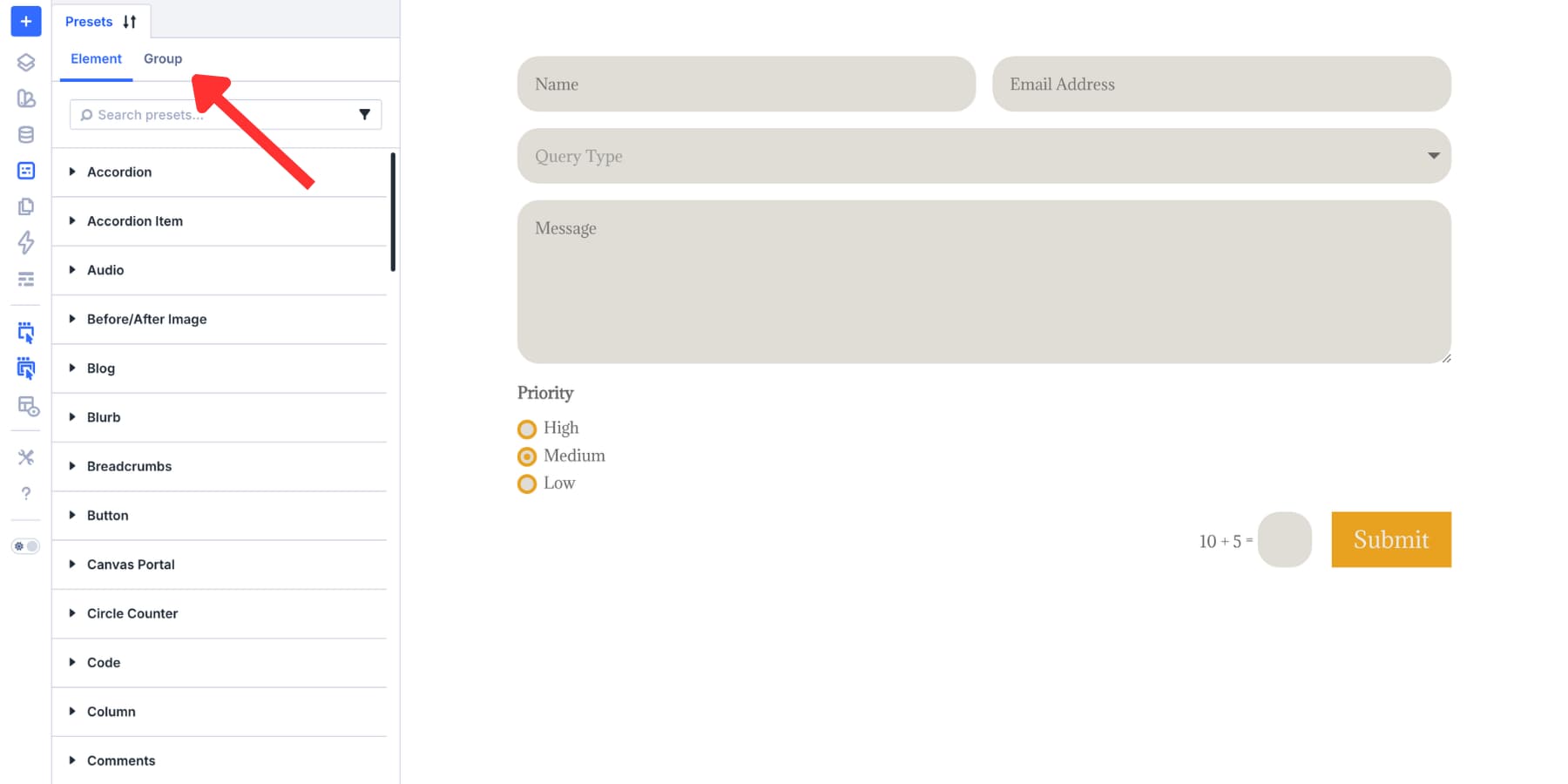
2.6 Save The Complete Module As An Element Preset
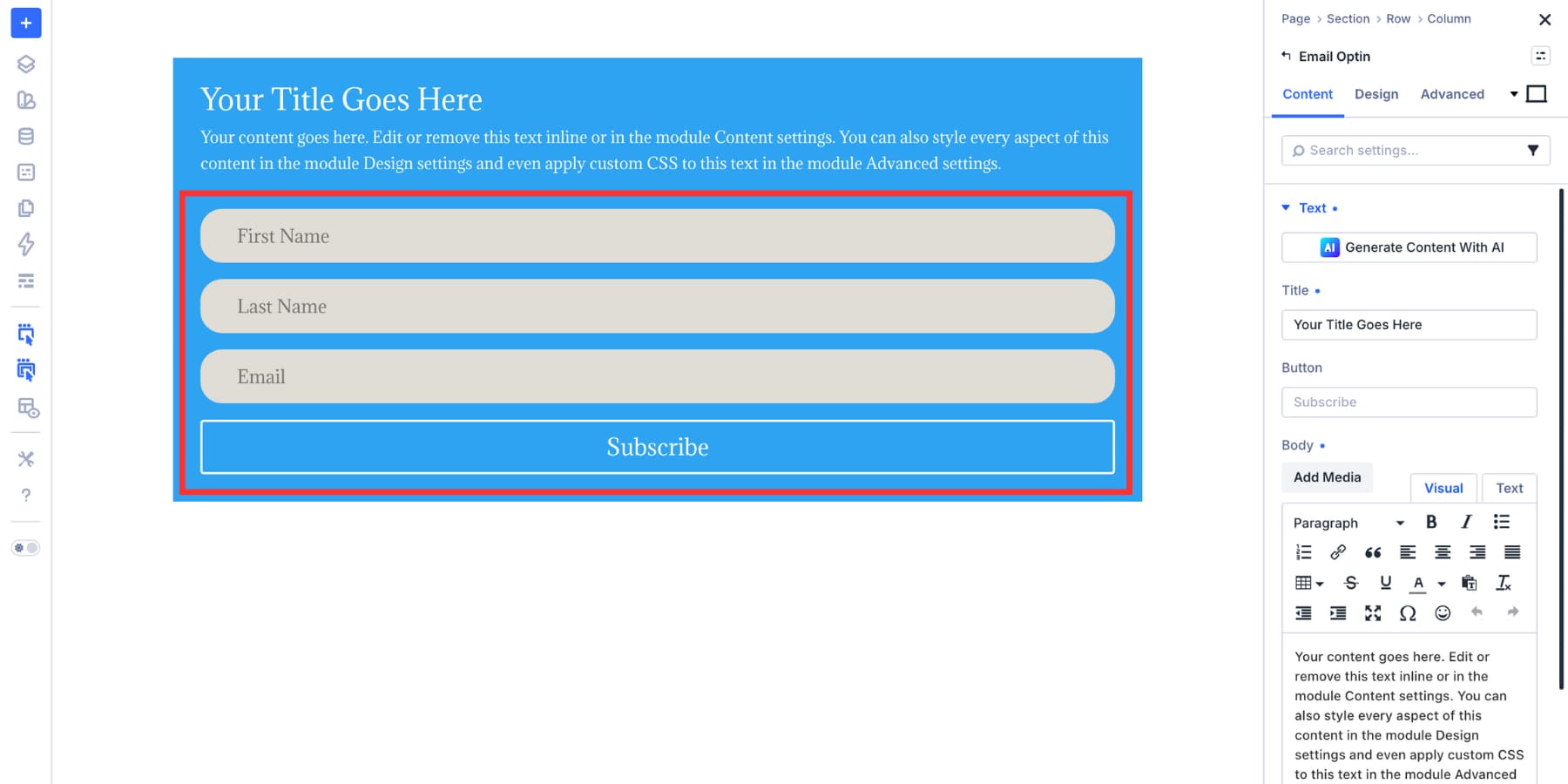
2.7 Apply Your Saved Presets To The Email Optin Module
2.8 Use…