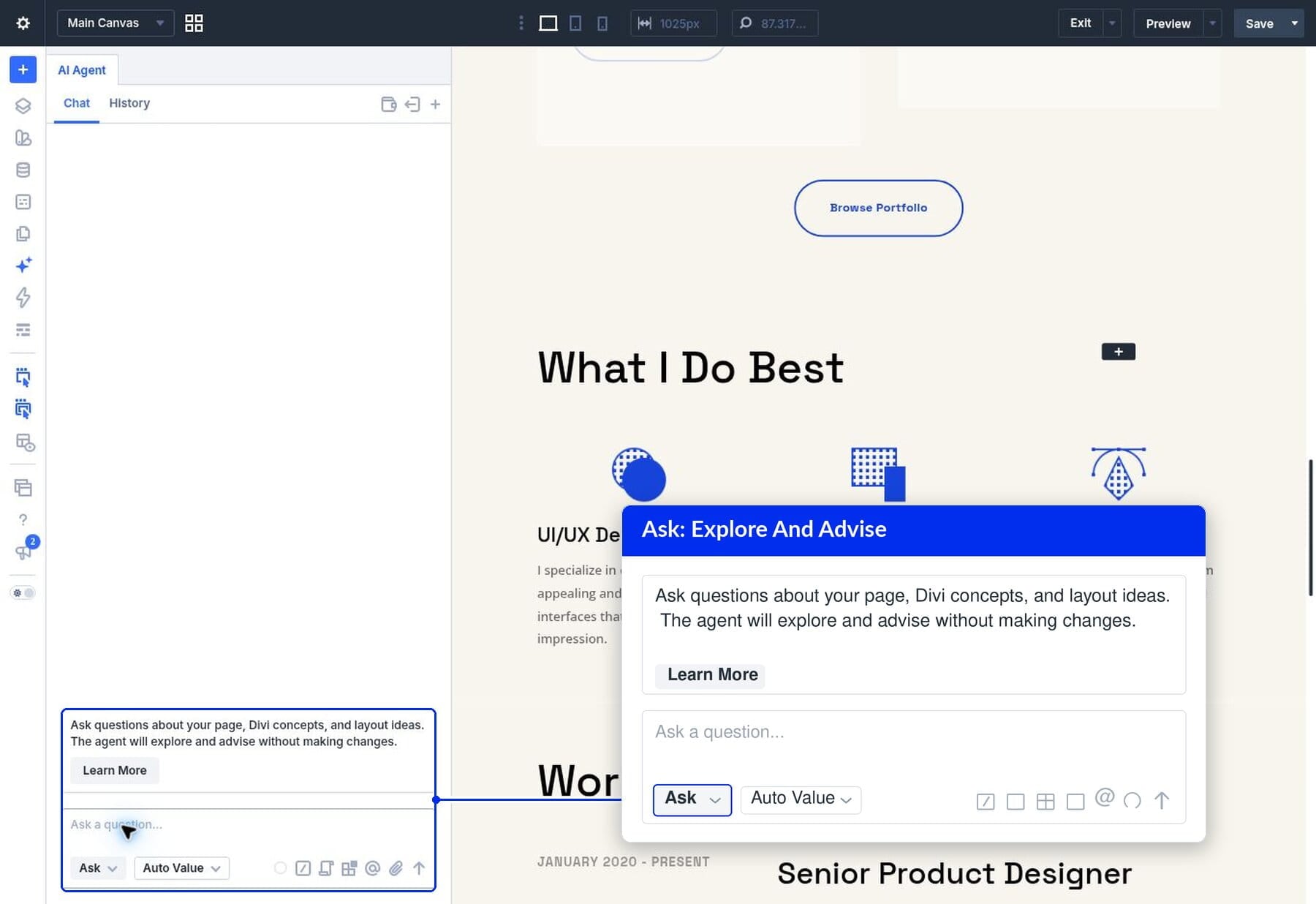
Divi AI Agents can help you understand your website as well as build it. With the Ask feature in Divi 5 , you can ask about settings and layout approaches and get guidance based on the page you’re working on, all from inside the Visual Builder.
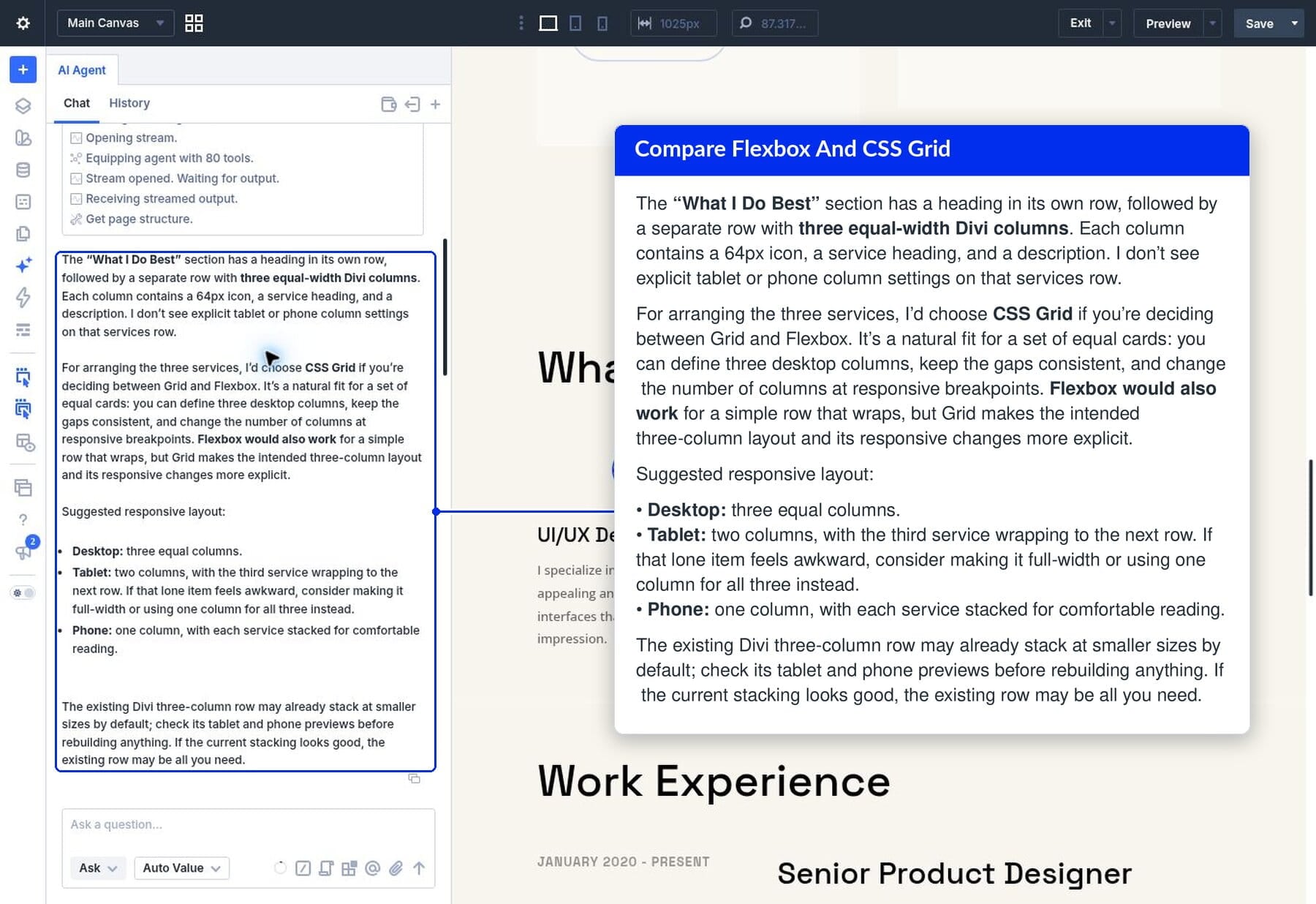
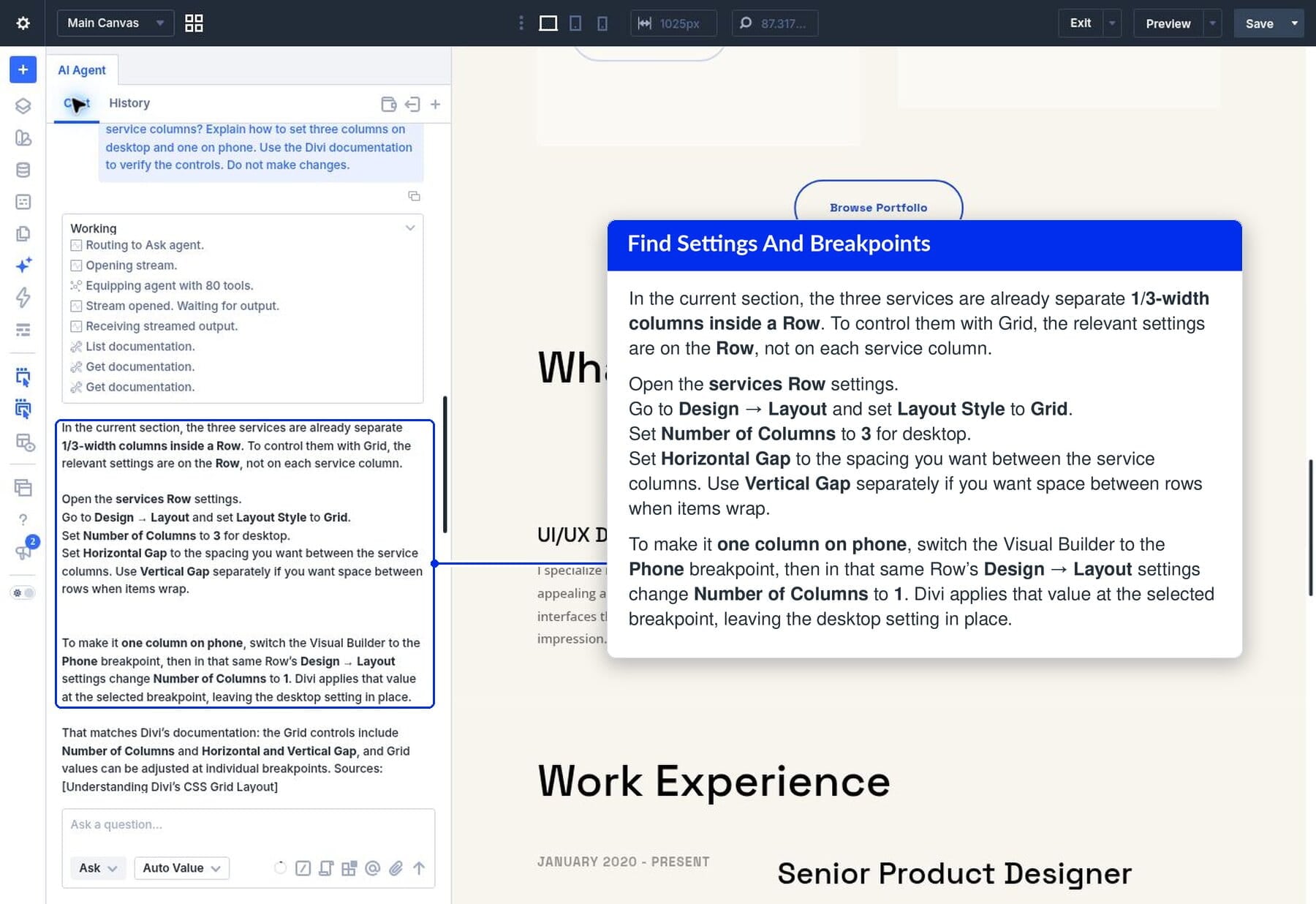
Ask works from the page you’re on. A question about CSS Grid becomes a conversation about your services section and how its columns should adapt on phones. You can then ask where to find the relevant controls without starting over or explaining the layout again.
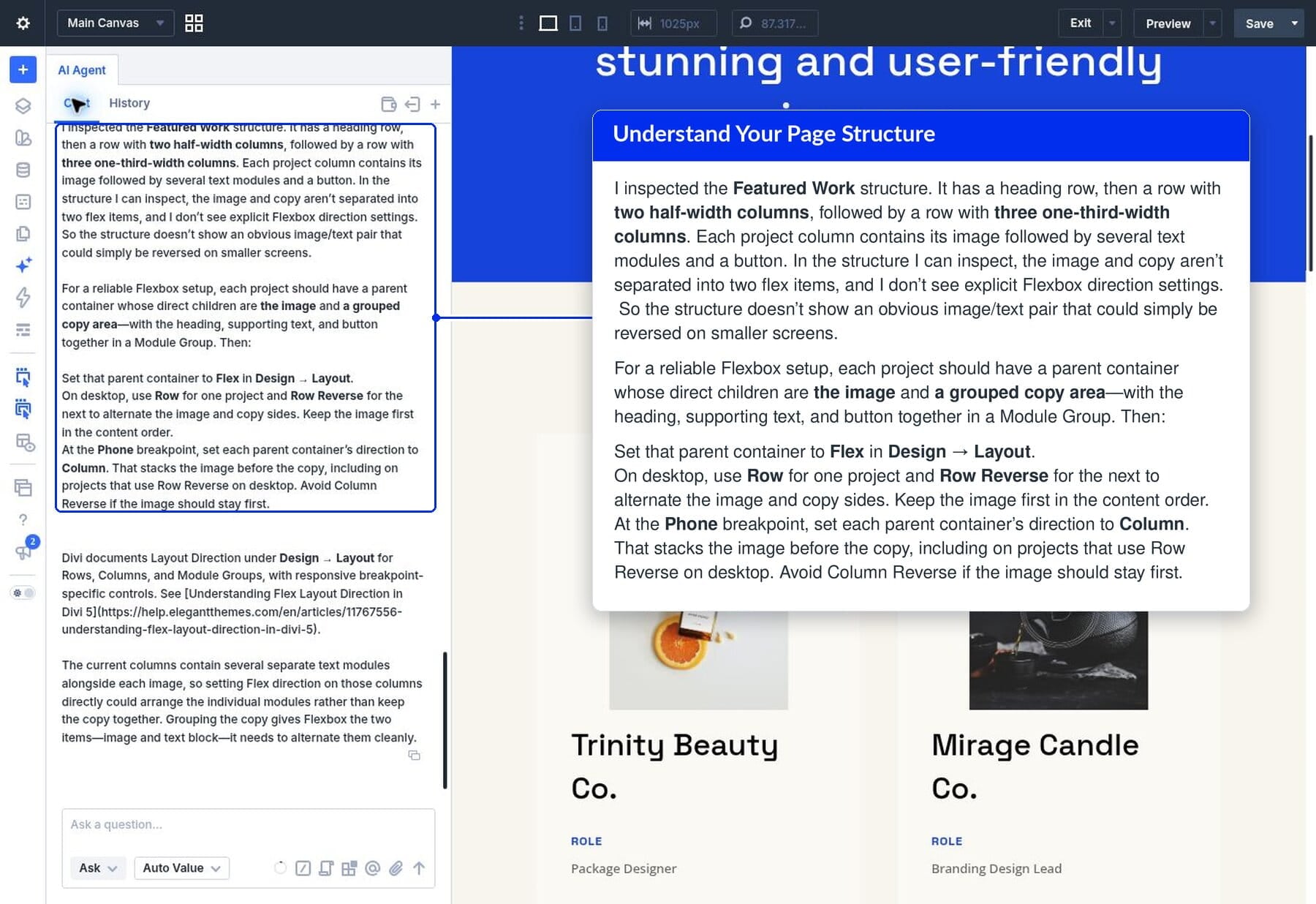
Below, we explore how to use Ask for on-demand support, using a portfolio page to work through practical questions about CSS Grid and Flexbox, including how a layout adapts on phones.
1 What Ask Mode Does In Divi AI Agents
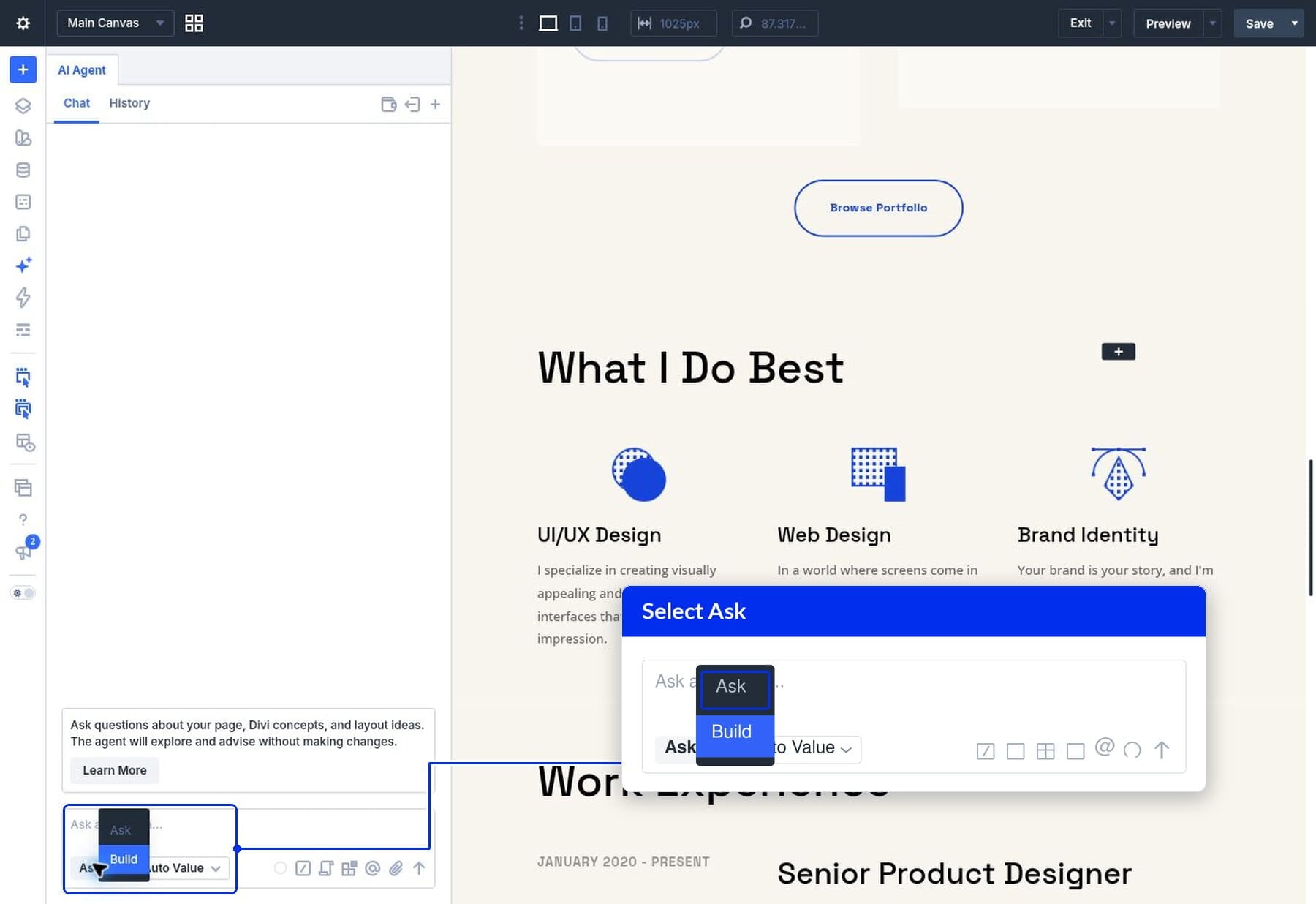
2 How To Switch To Ask Mode
3 Ask Whether To Use Flexbox Or CSS Grid
4 Ask Follow-Up Questions To Find The Exact Setting
5 Ask What Your Page Structure Needs Before A Redesign
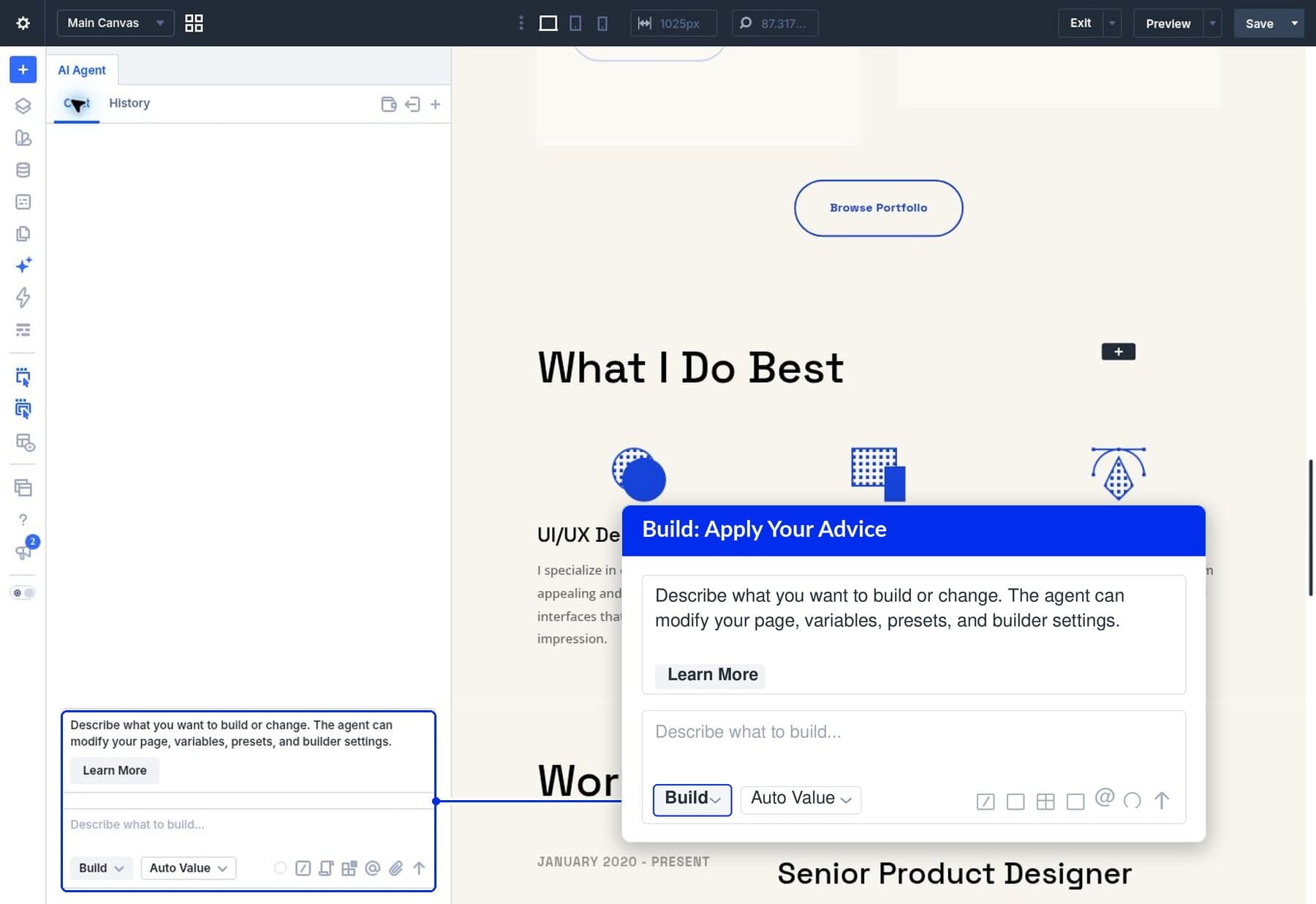
6 Switch To Build To Make The Changes
7 Use Ask As On-Demand Divi Support
What Ask Mode Does In Divi AI…