Welcome back to the Divi 5 Mastery Course. In Part 13: Creating Interactive Off-Canvas Elements (Popups & More) , we used Canvases and Interactions to add interactive UI to our coworking website. Now, it’s time to build with one of Divi 5’s most powerful dynamic content tools: the Loop Builder.
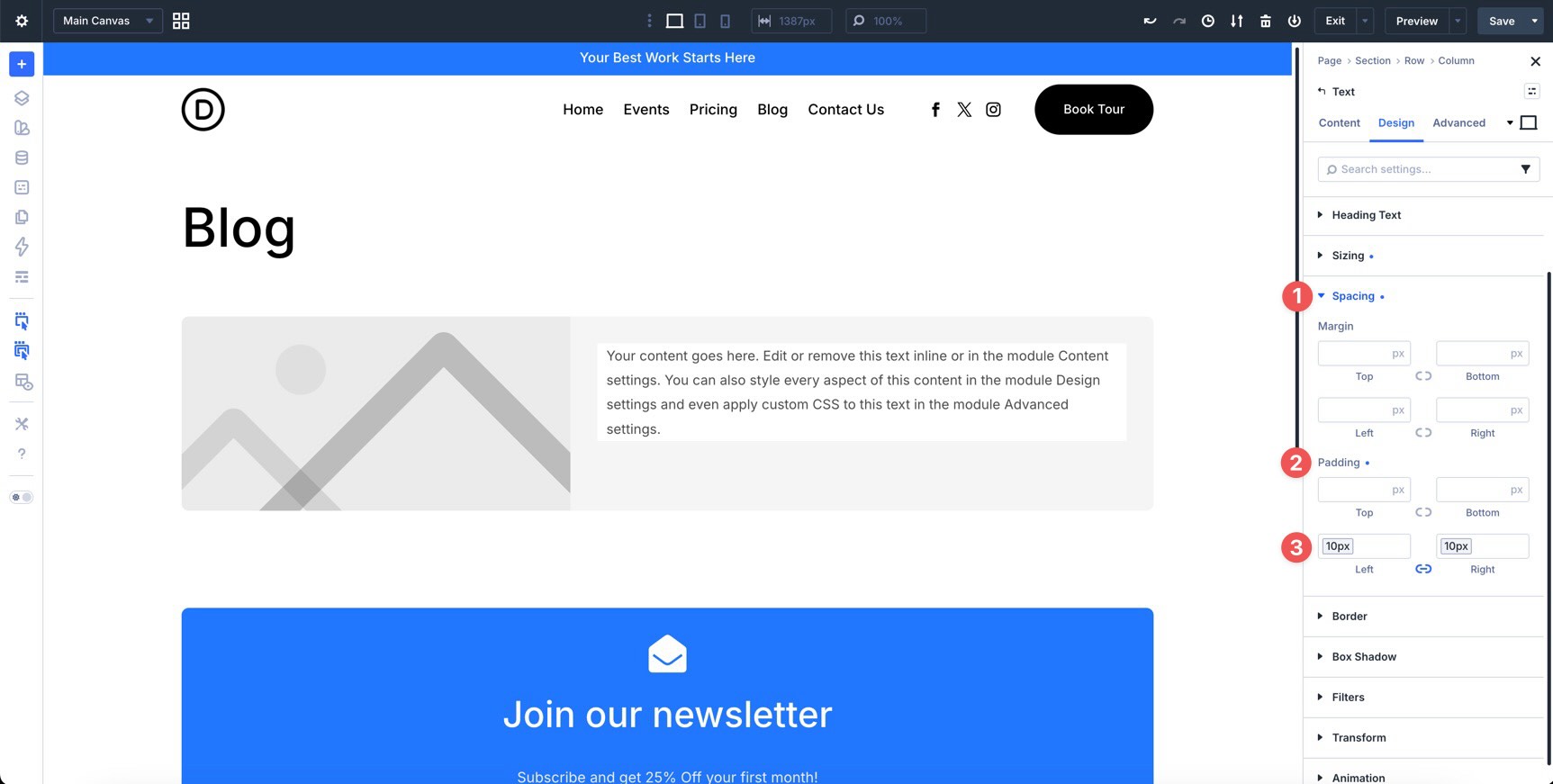
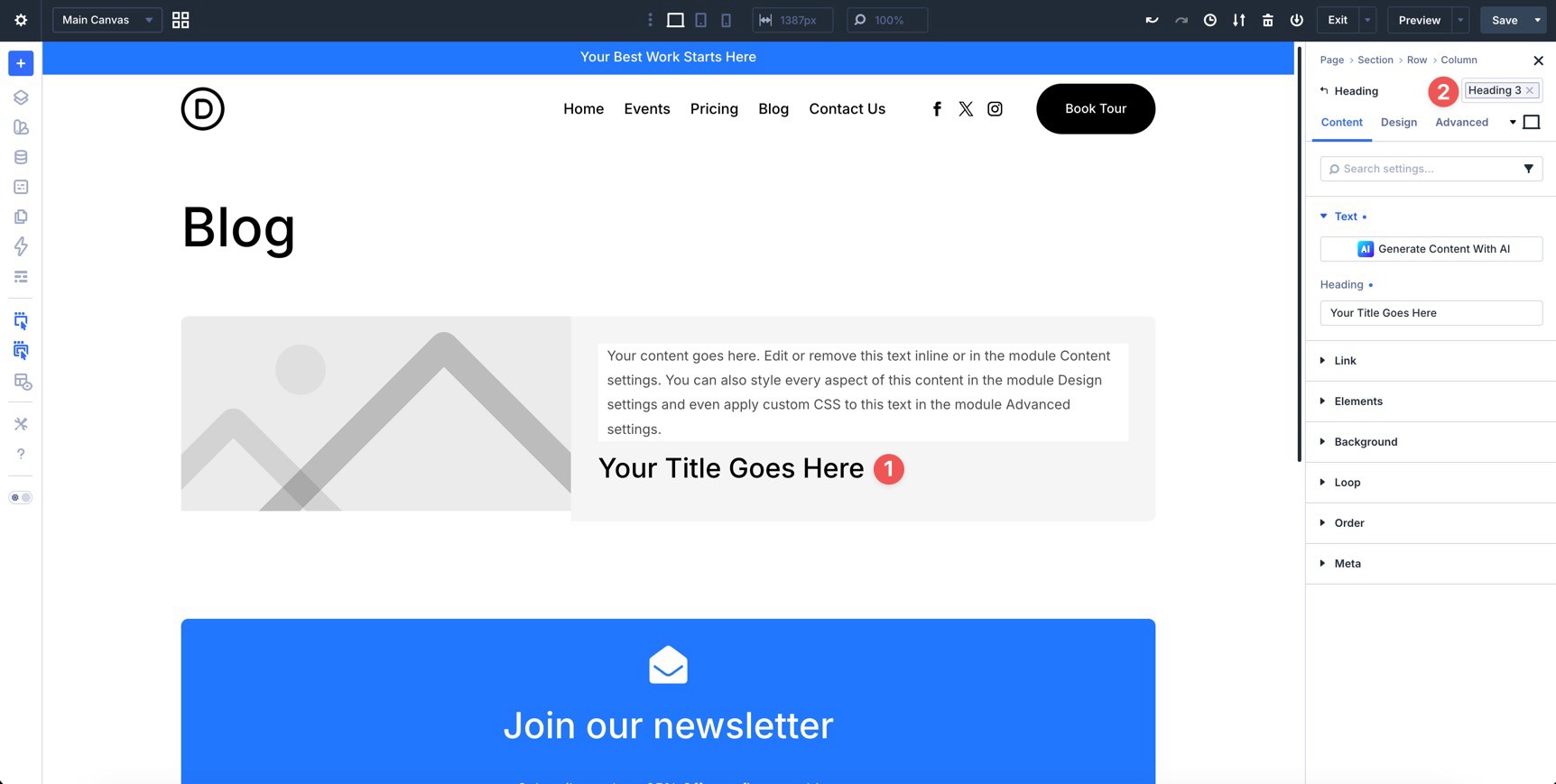
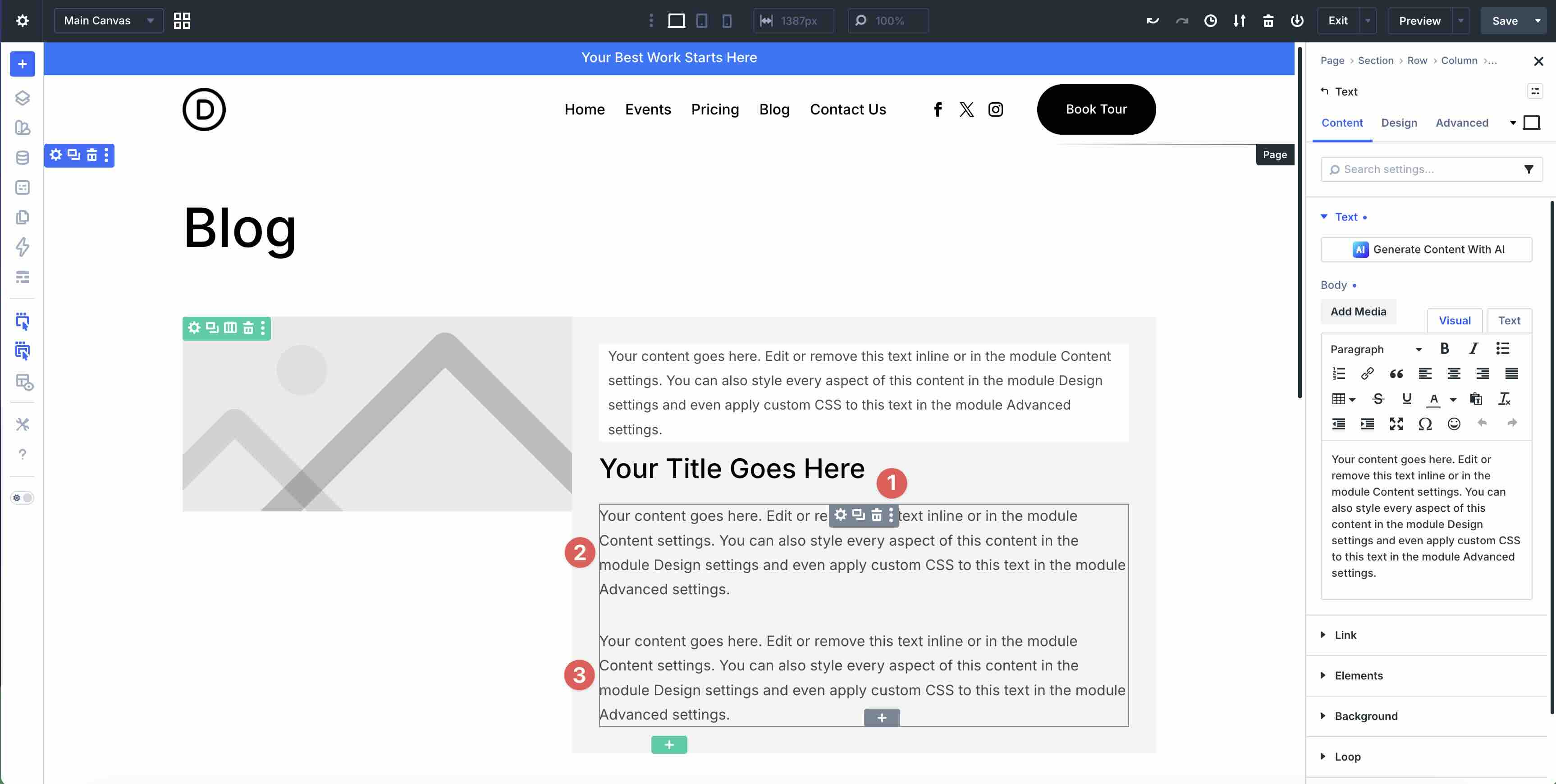
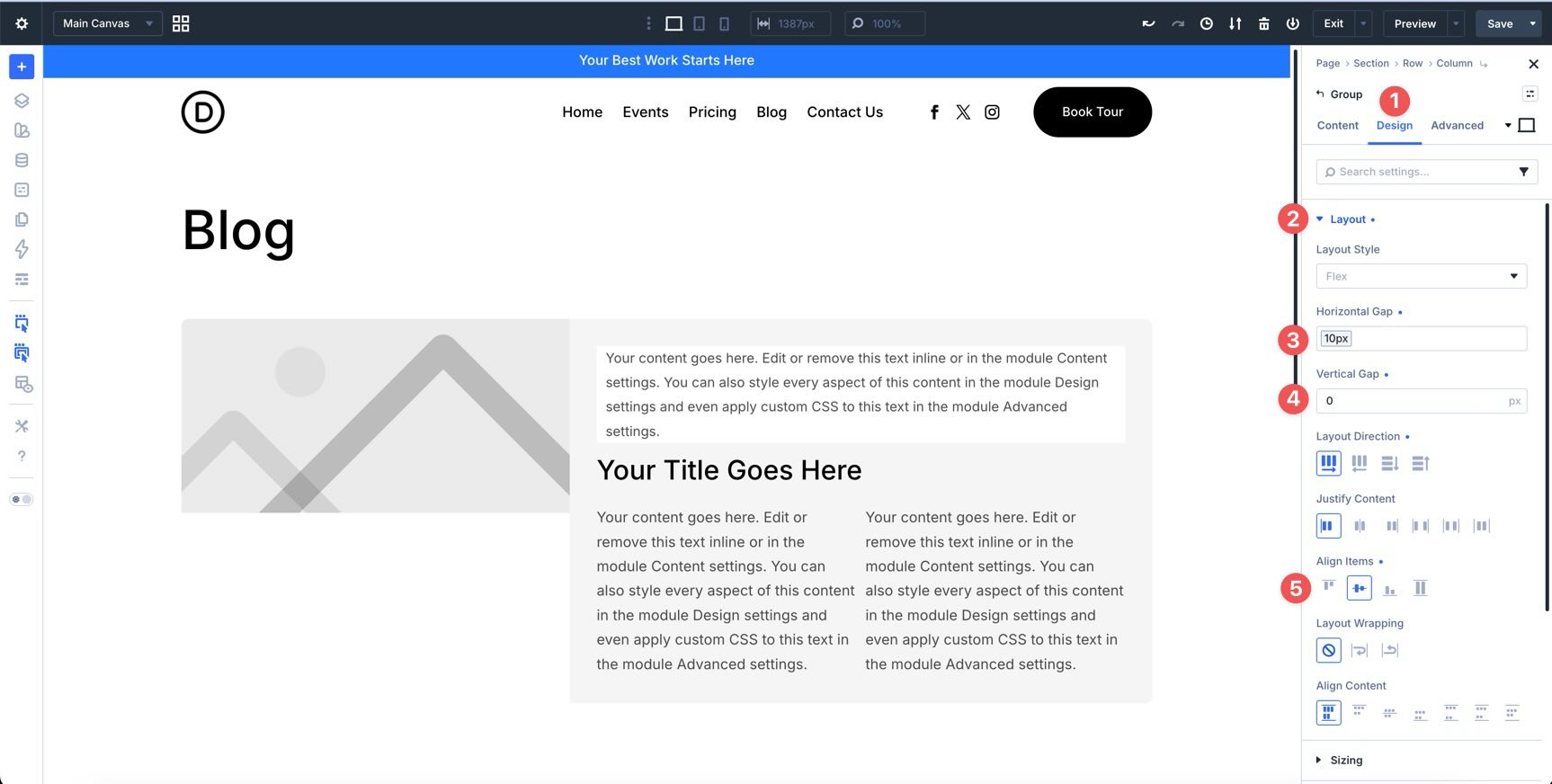
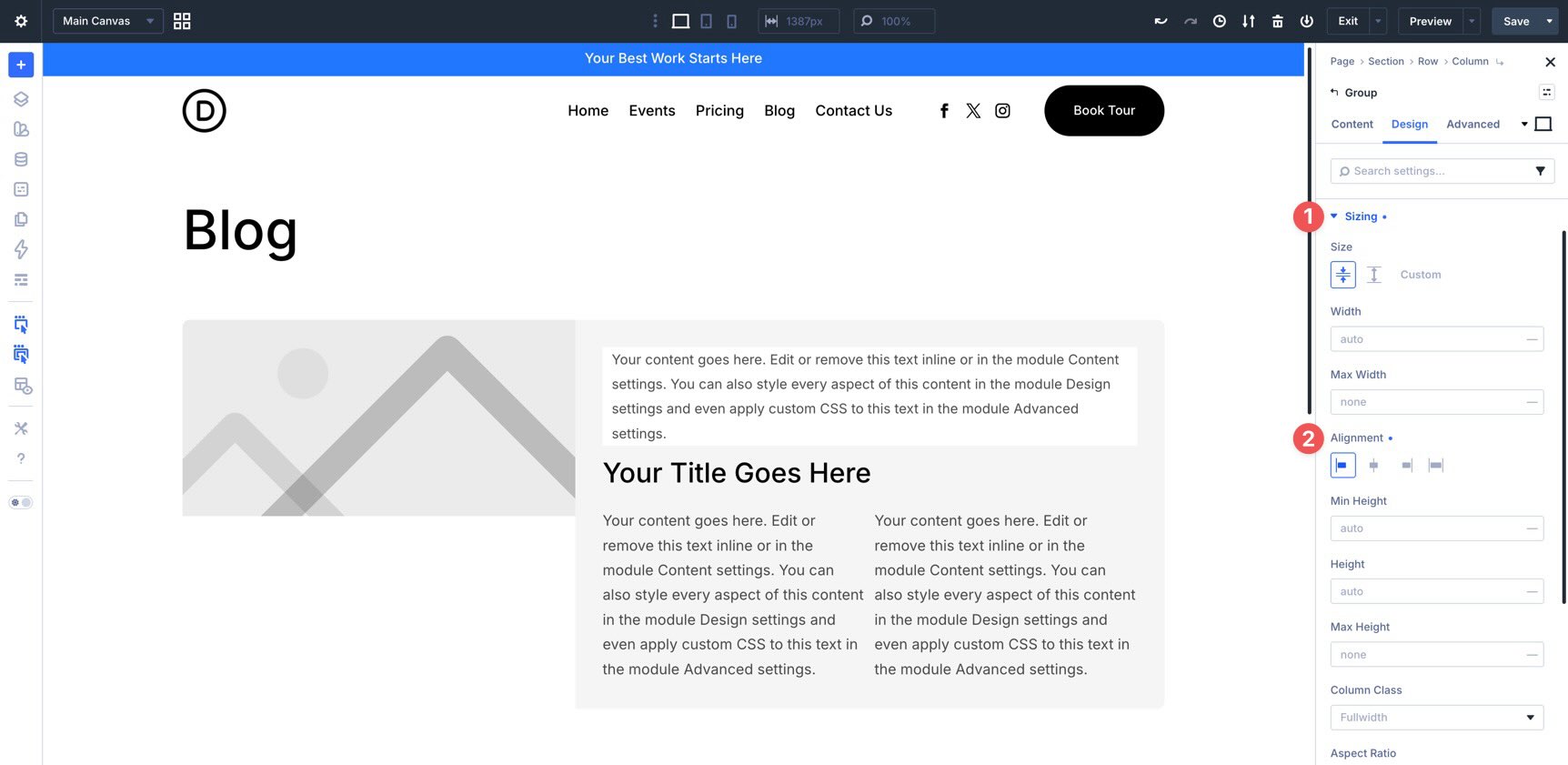
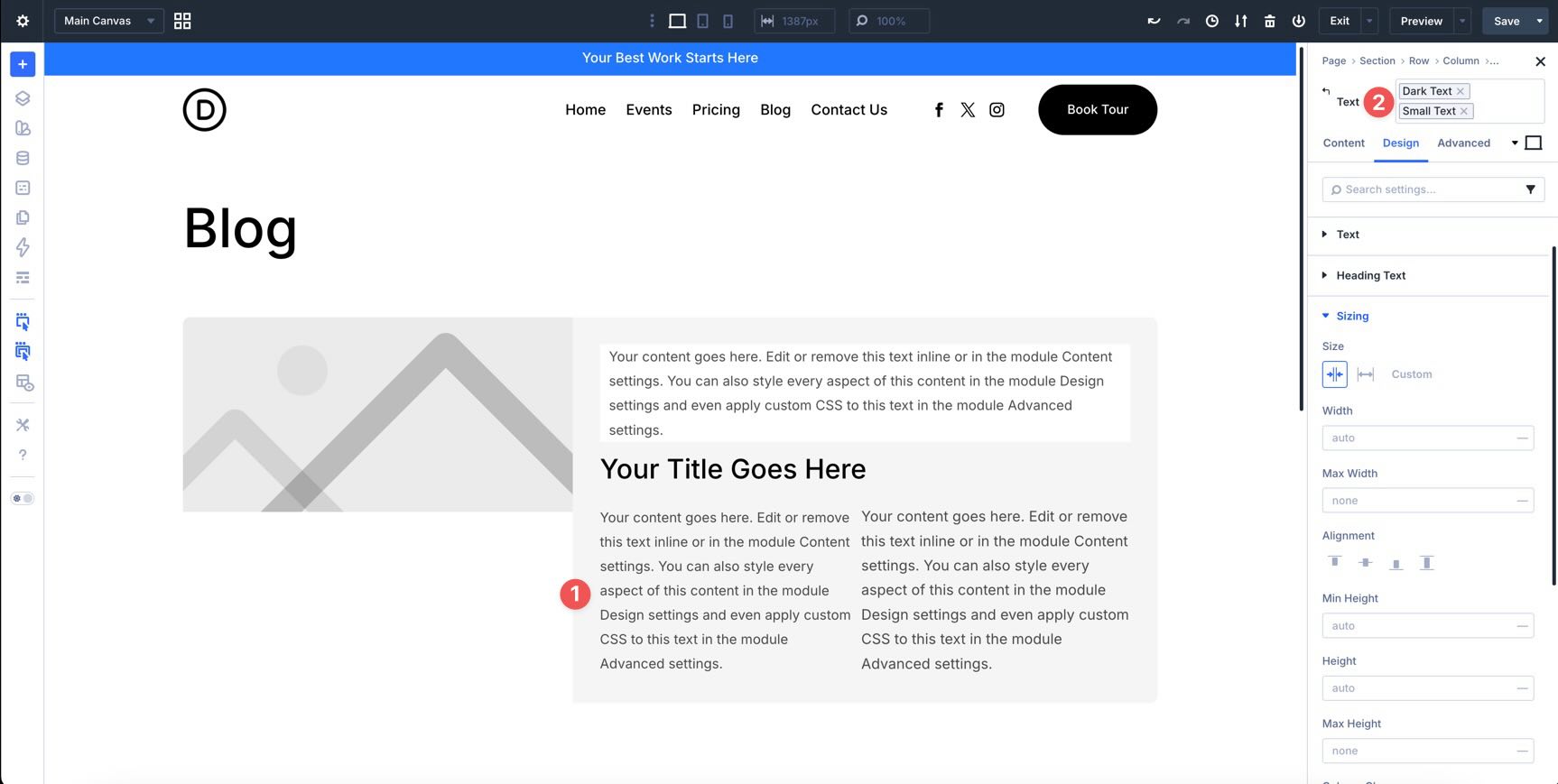
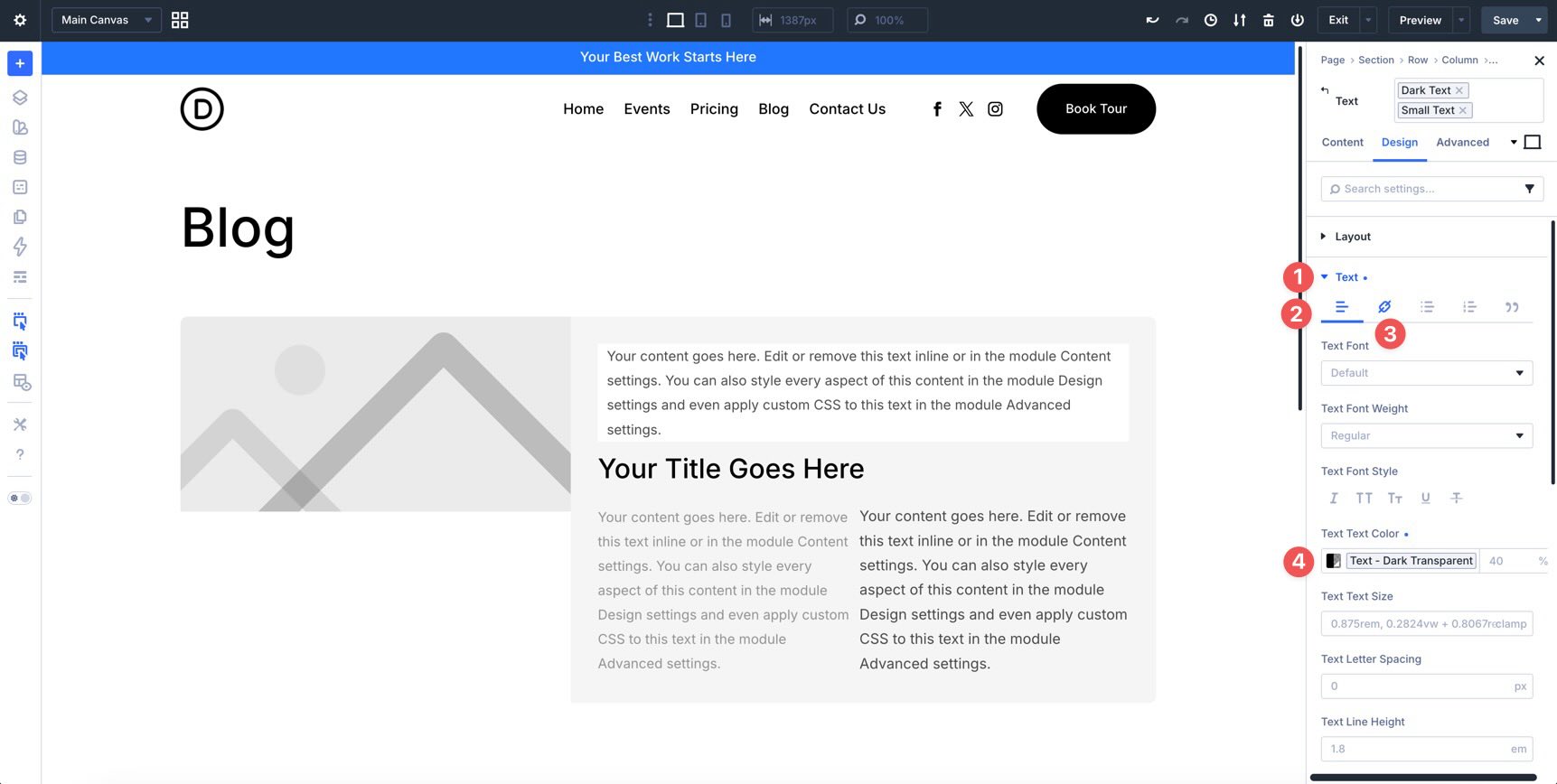
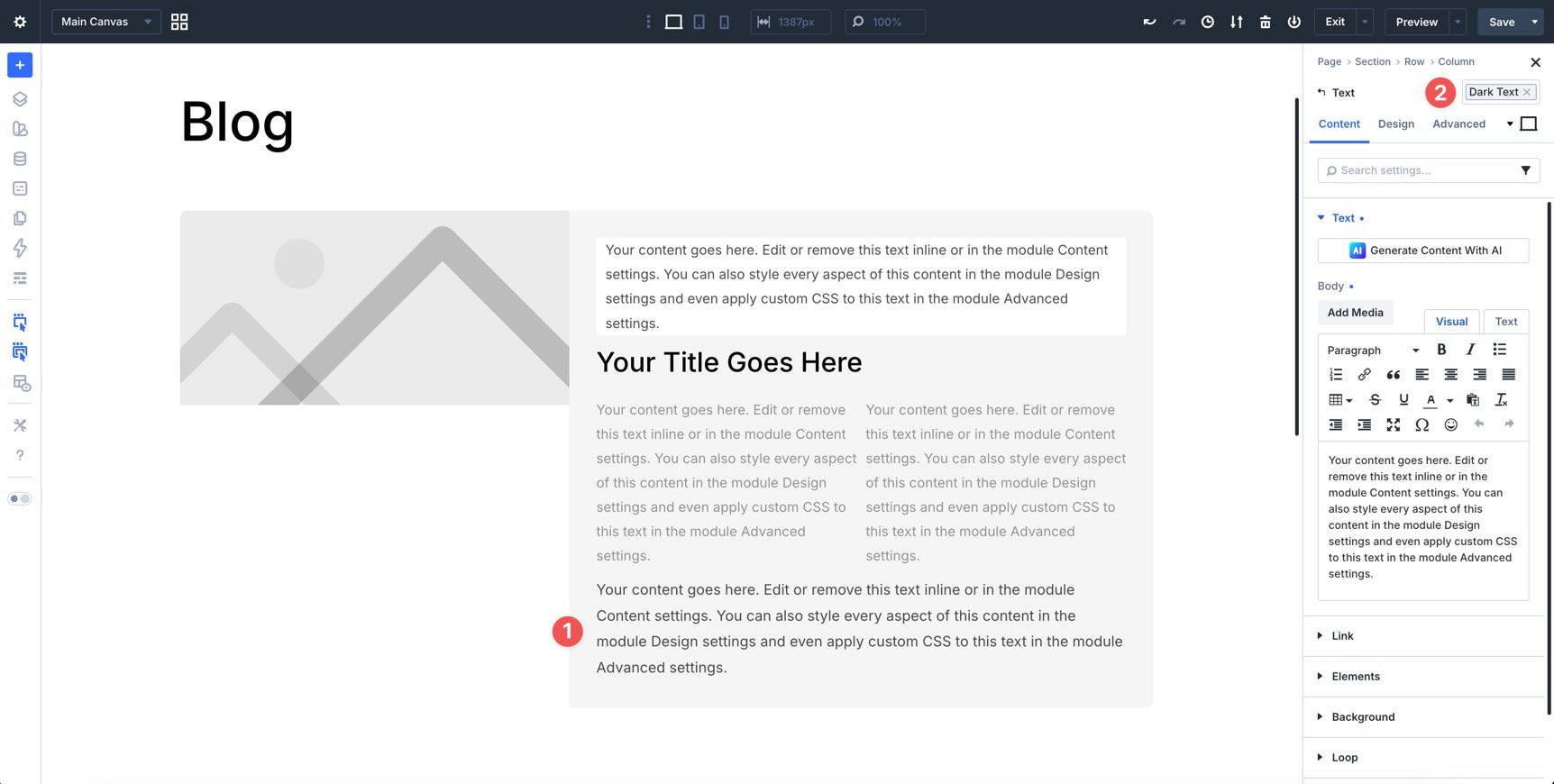
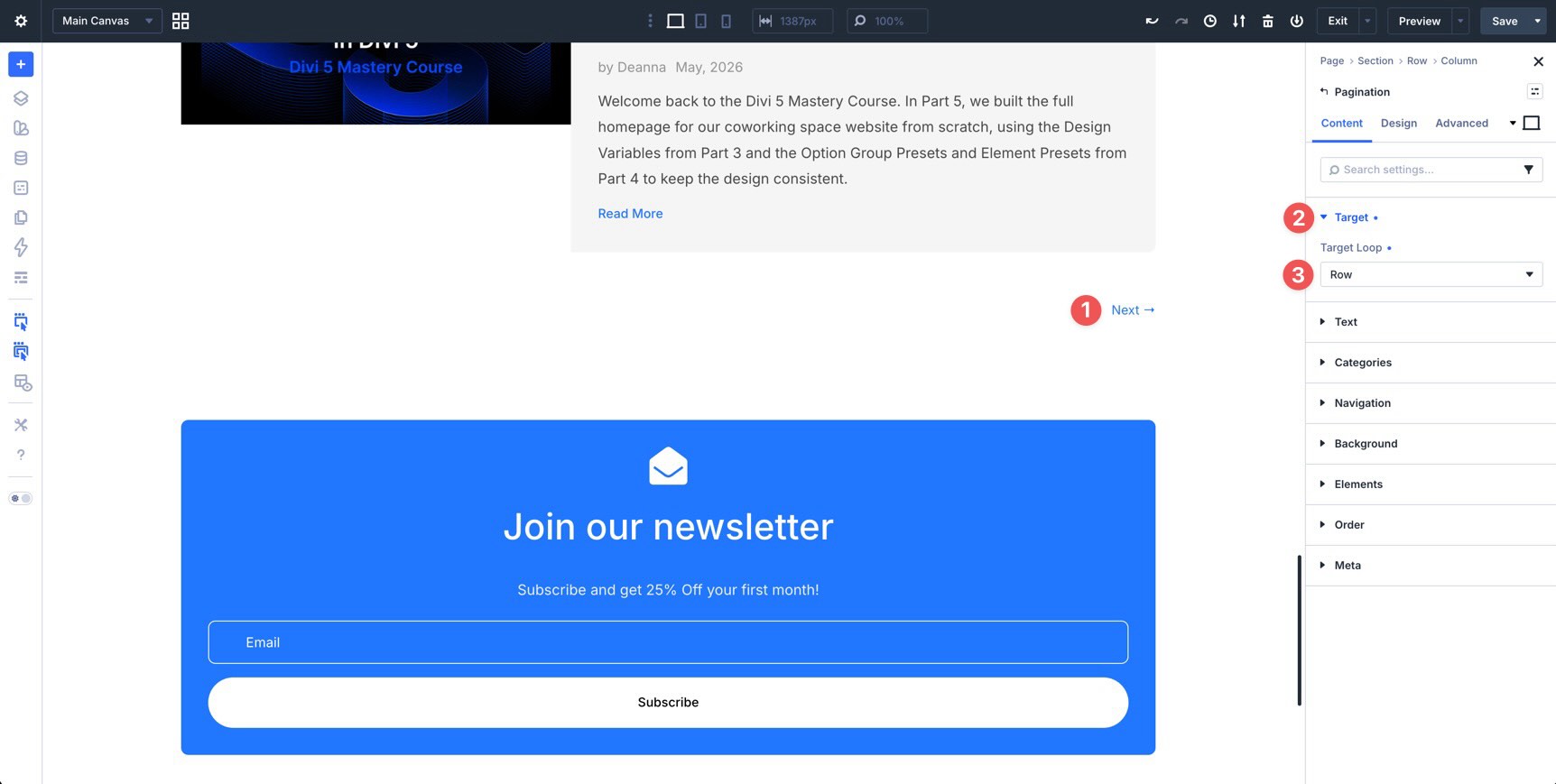
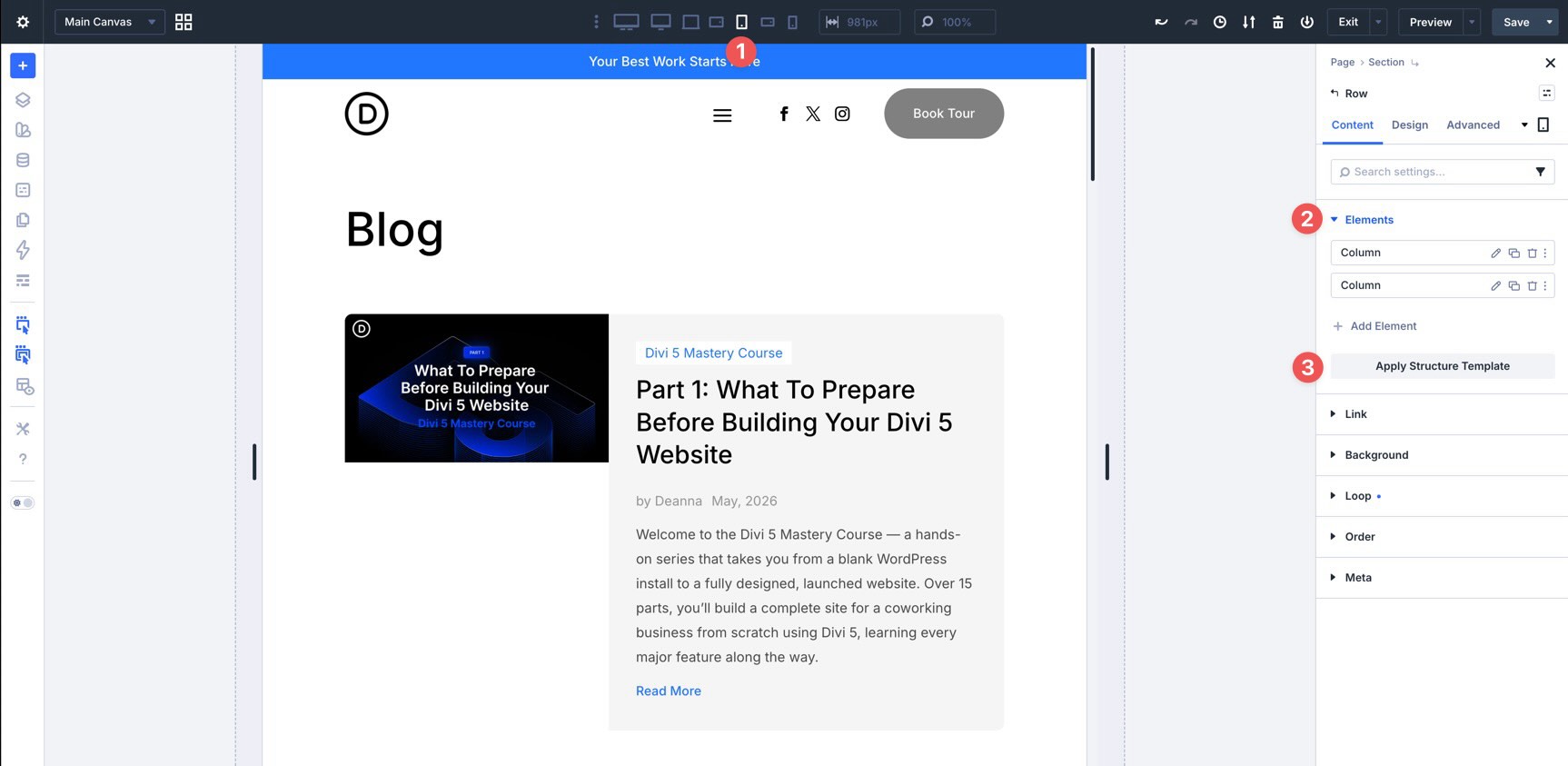
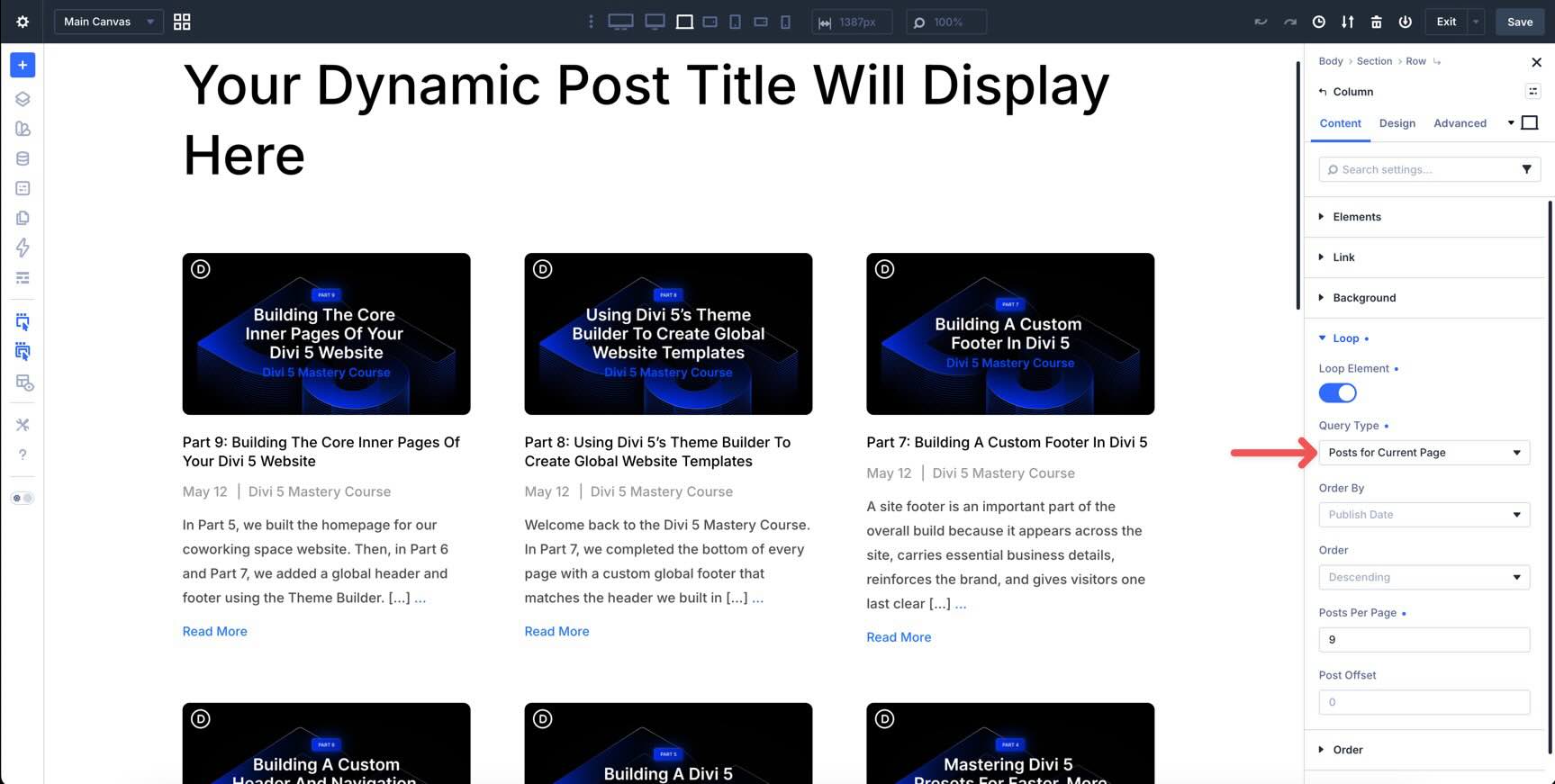
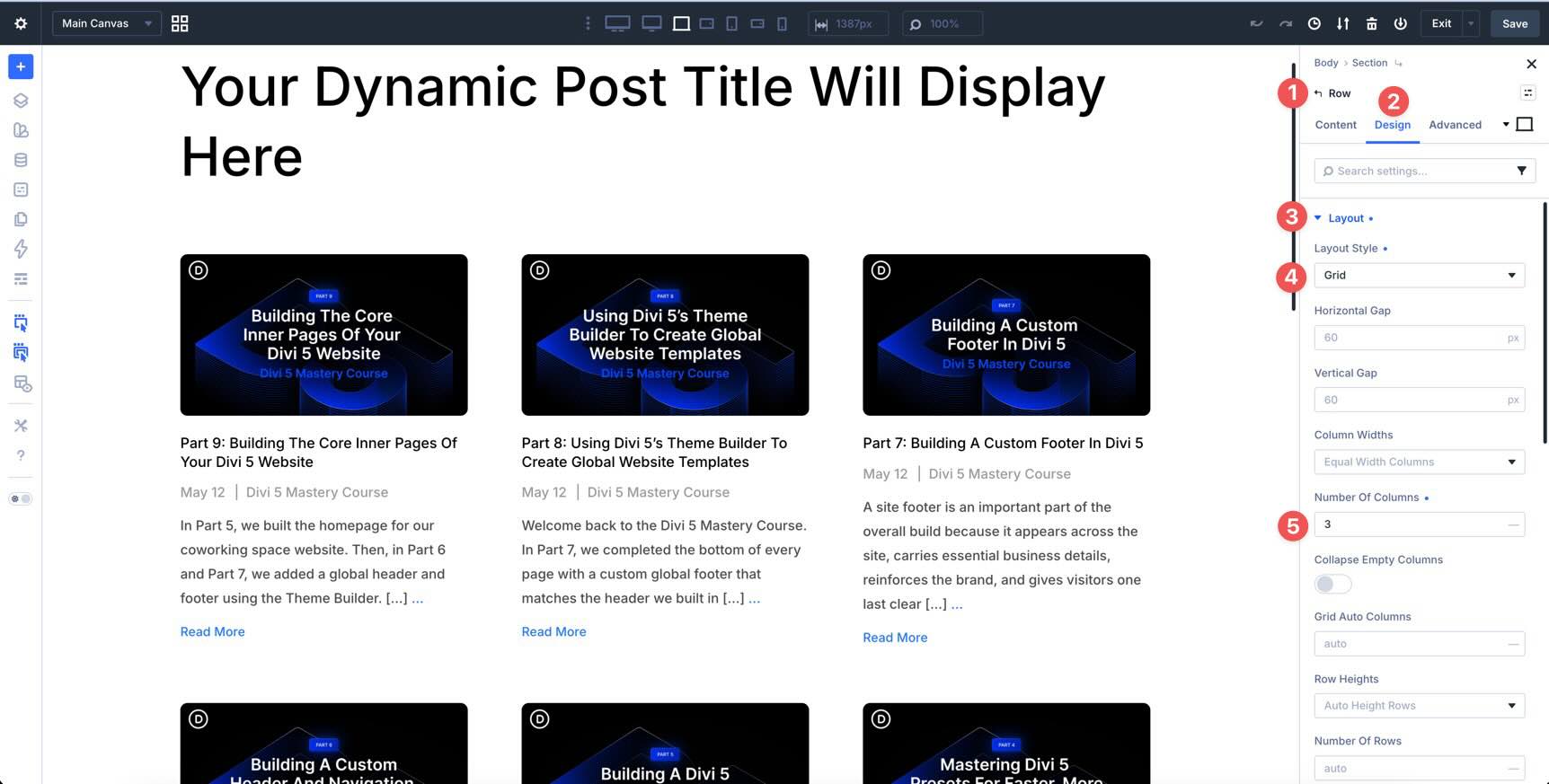
In this post, we’ll skip the traditional Blog module and build a custom Blog page using the Loop Builder , dynamic content, Flexbox , and the Pagination module. By the end, you’ll have a responsive Blog page with featured images, post titles, excerpts, metadata, Read More buttons, and pagination.
The final layout will also use the same Design Variables and Presets we created in Part 3 and Part 4 , so it stays connected to the global design system.
Let’s get started.
1 What The Divi 5 Loop Builder Does 1.1 Why The Loop Builder Matters
2 Prepare Your Site For The Loop Builder 2.1 Create Sample Blog Posts
2.2 Create A Blog Page
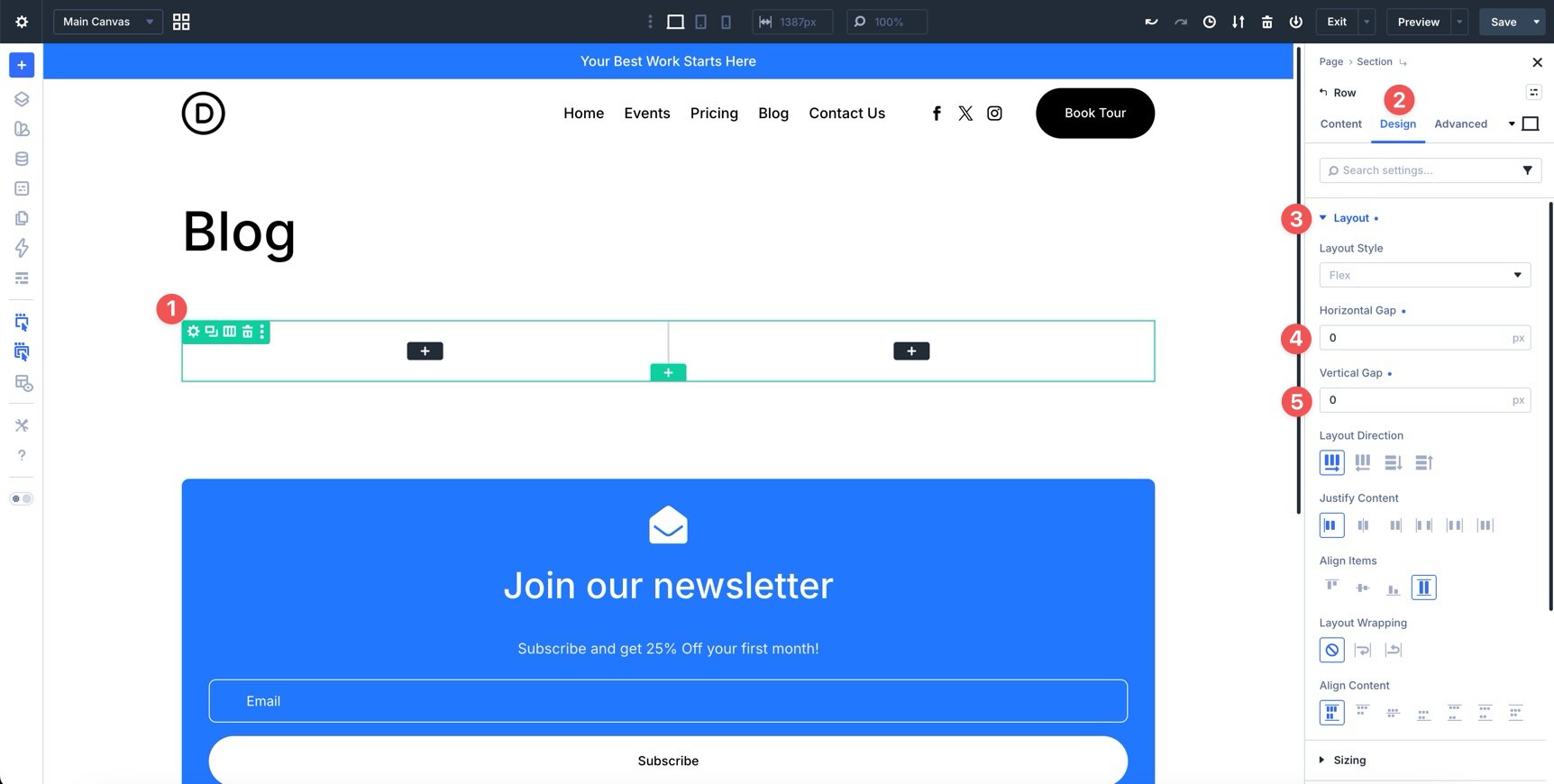
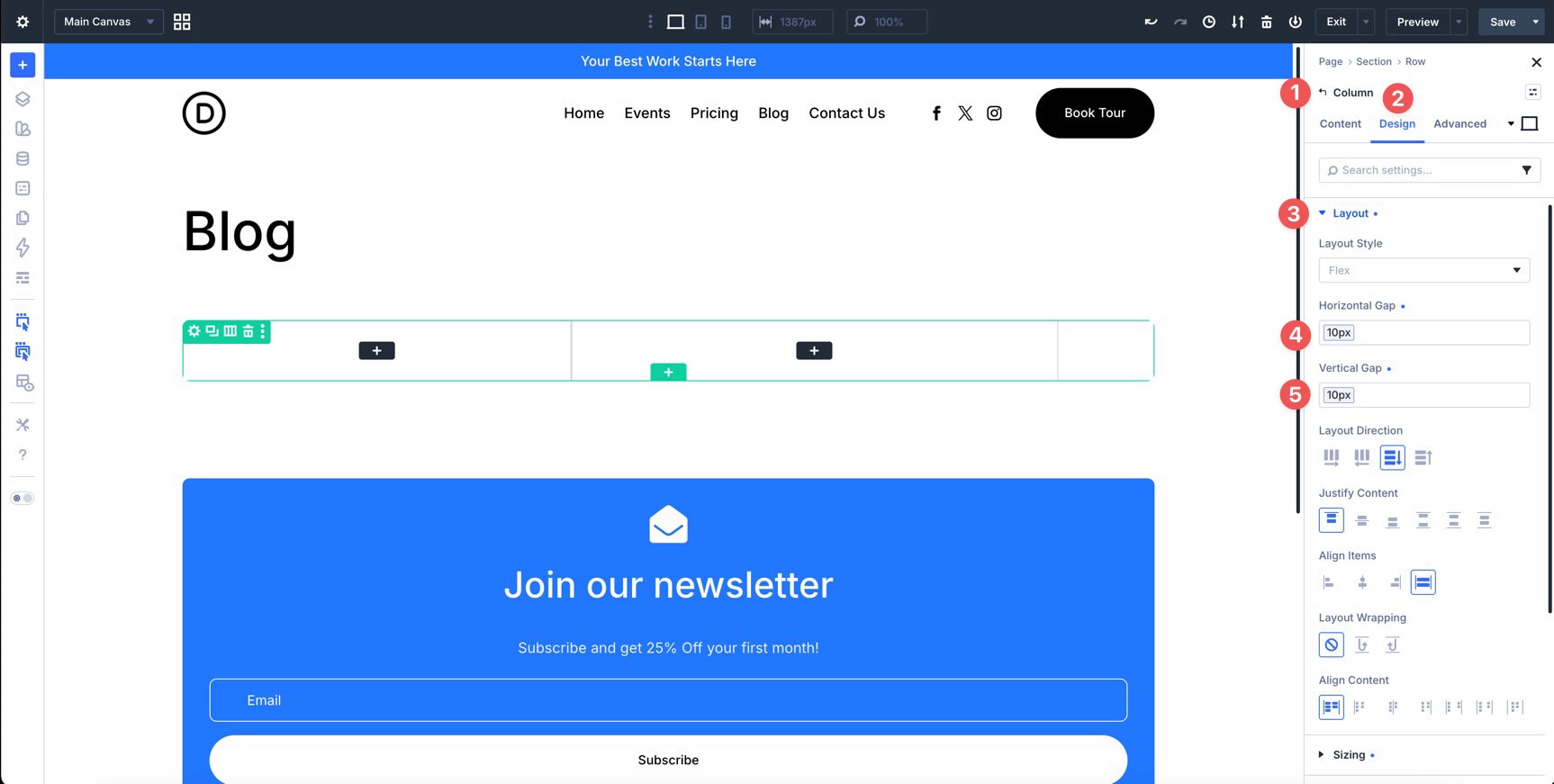
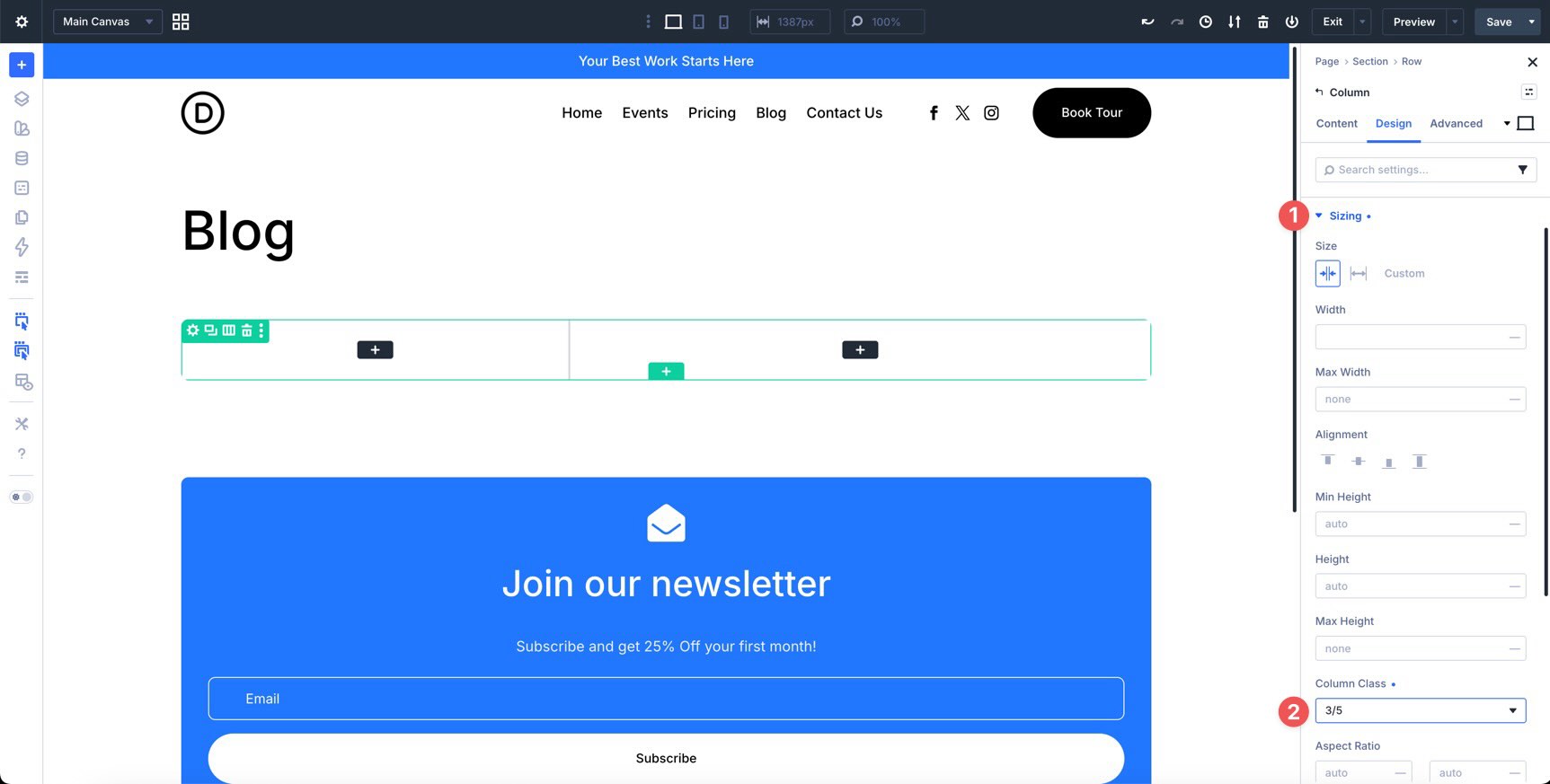
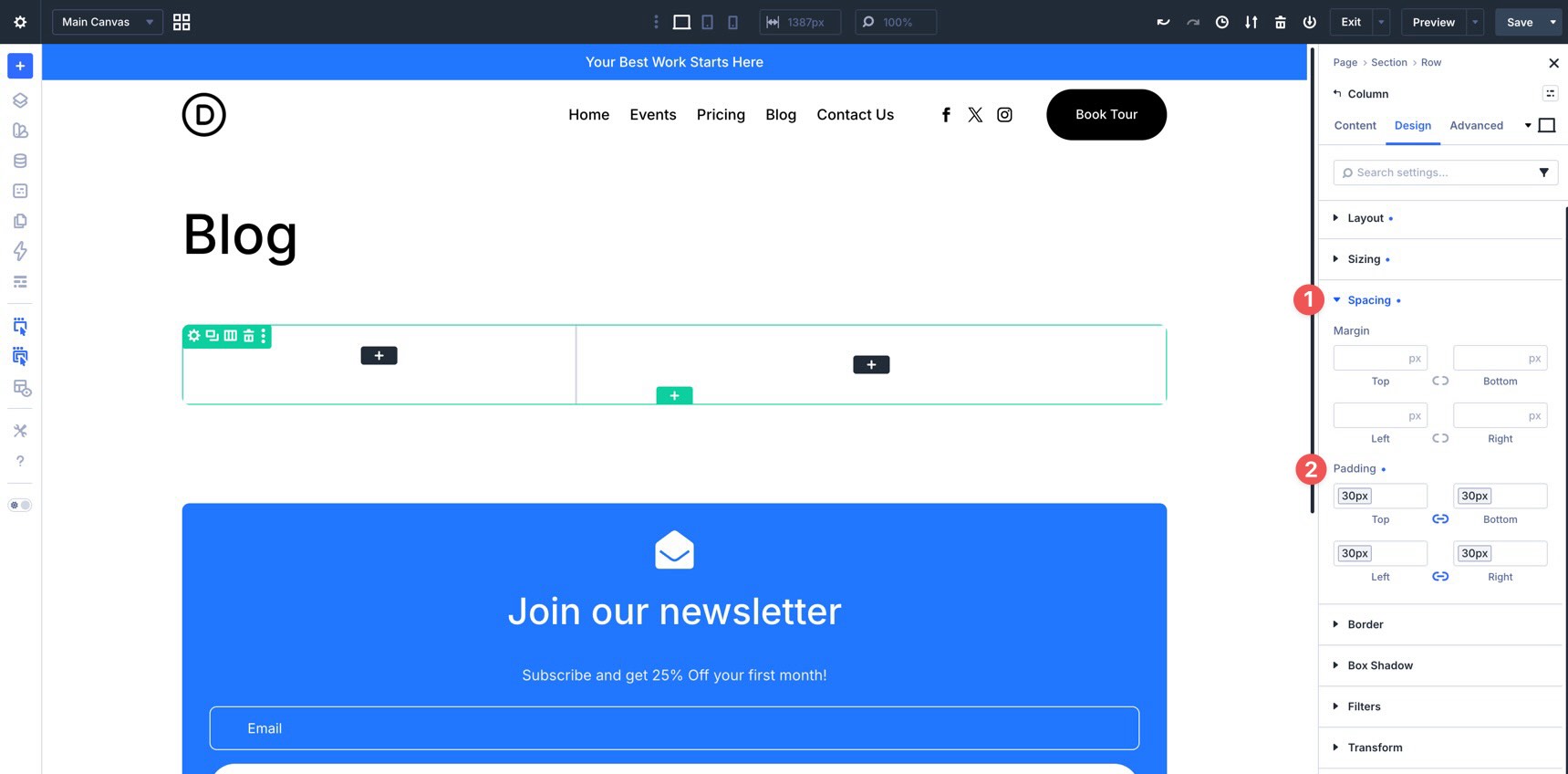
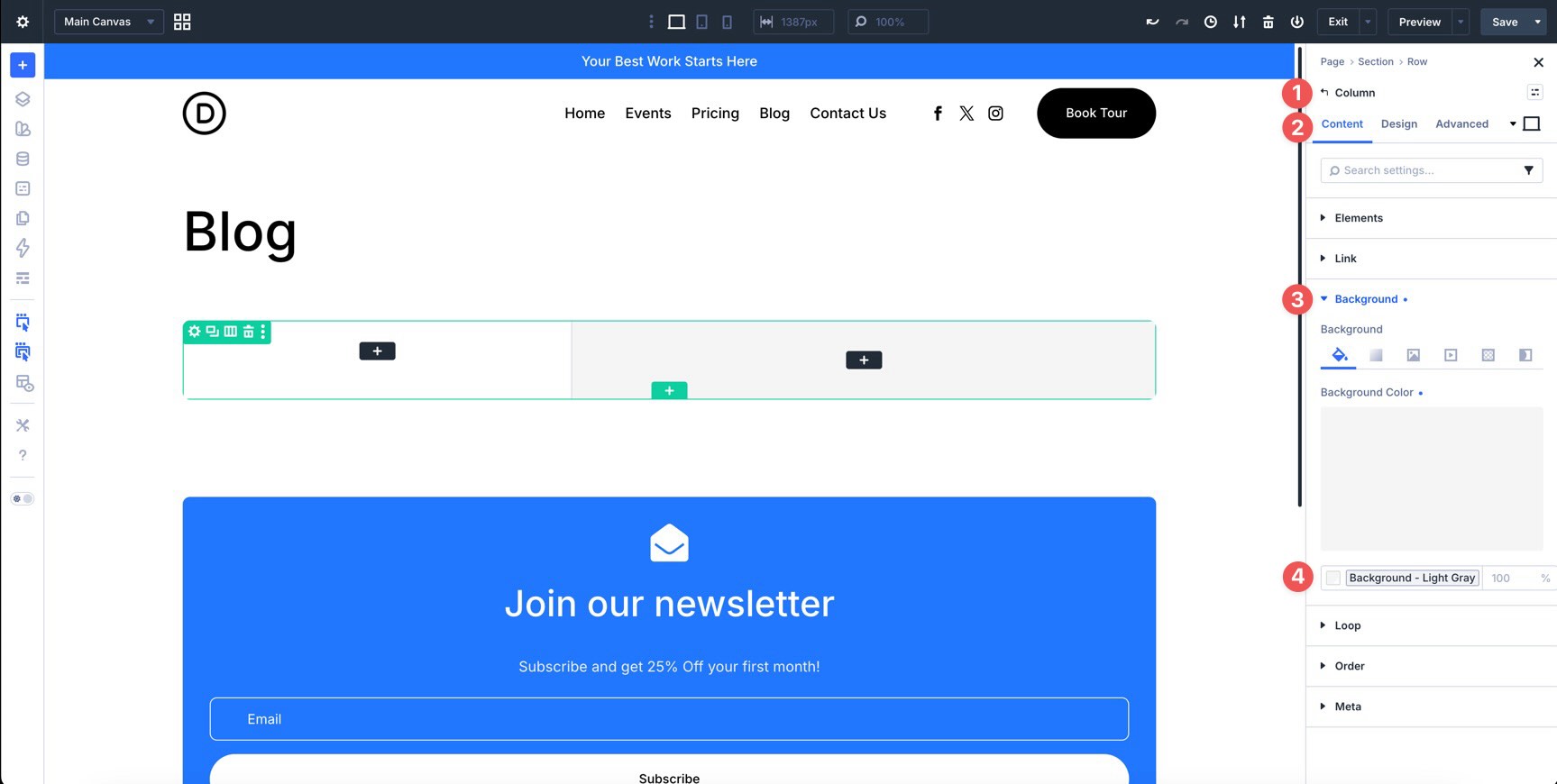
3 Build A Blog Layout With The Loop Builder 3.1 Step 1: Create The Row Structure
3.2…