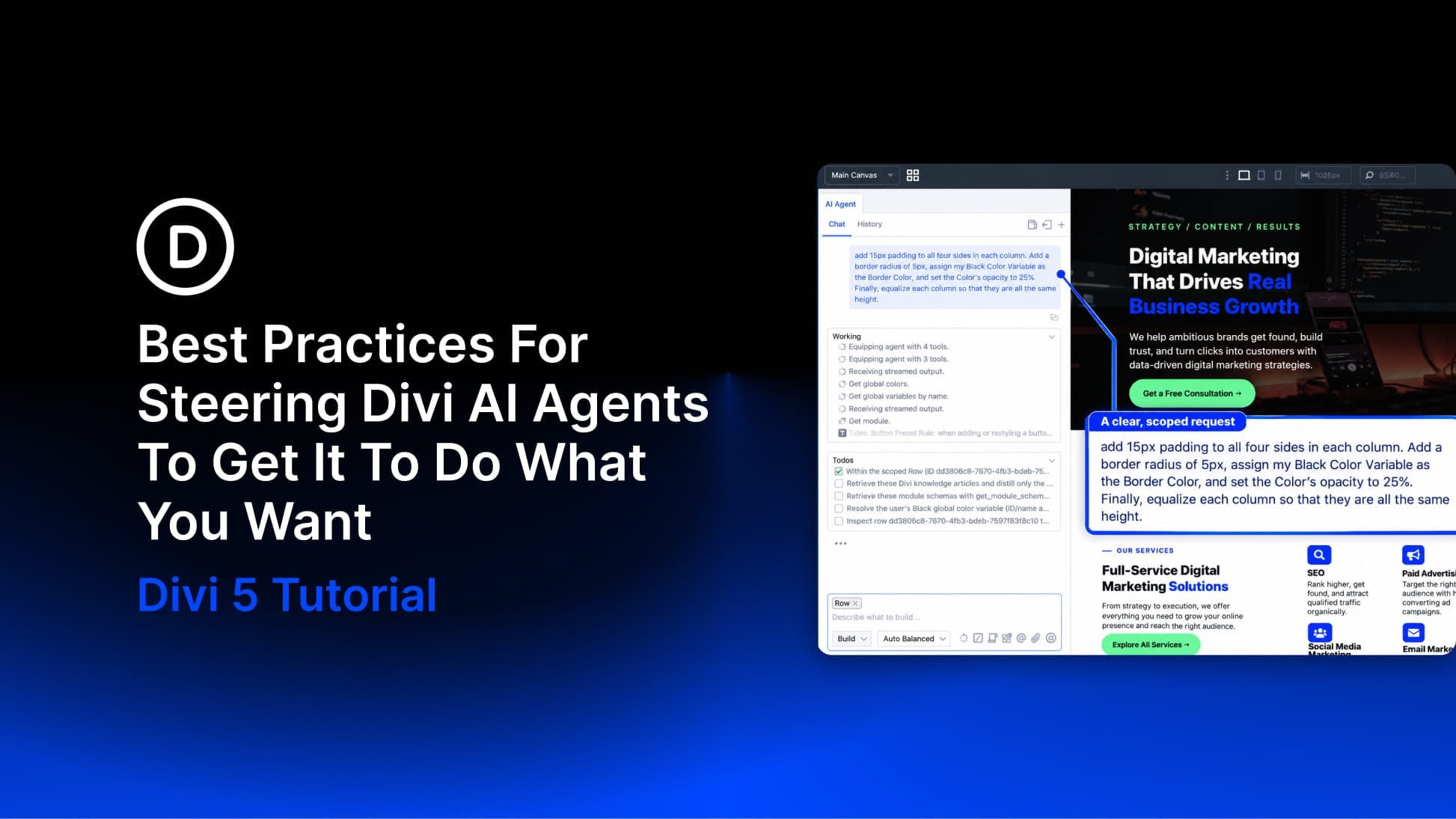
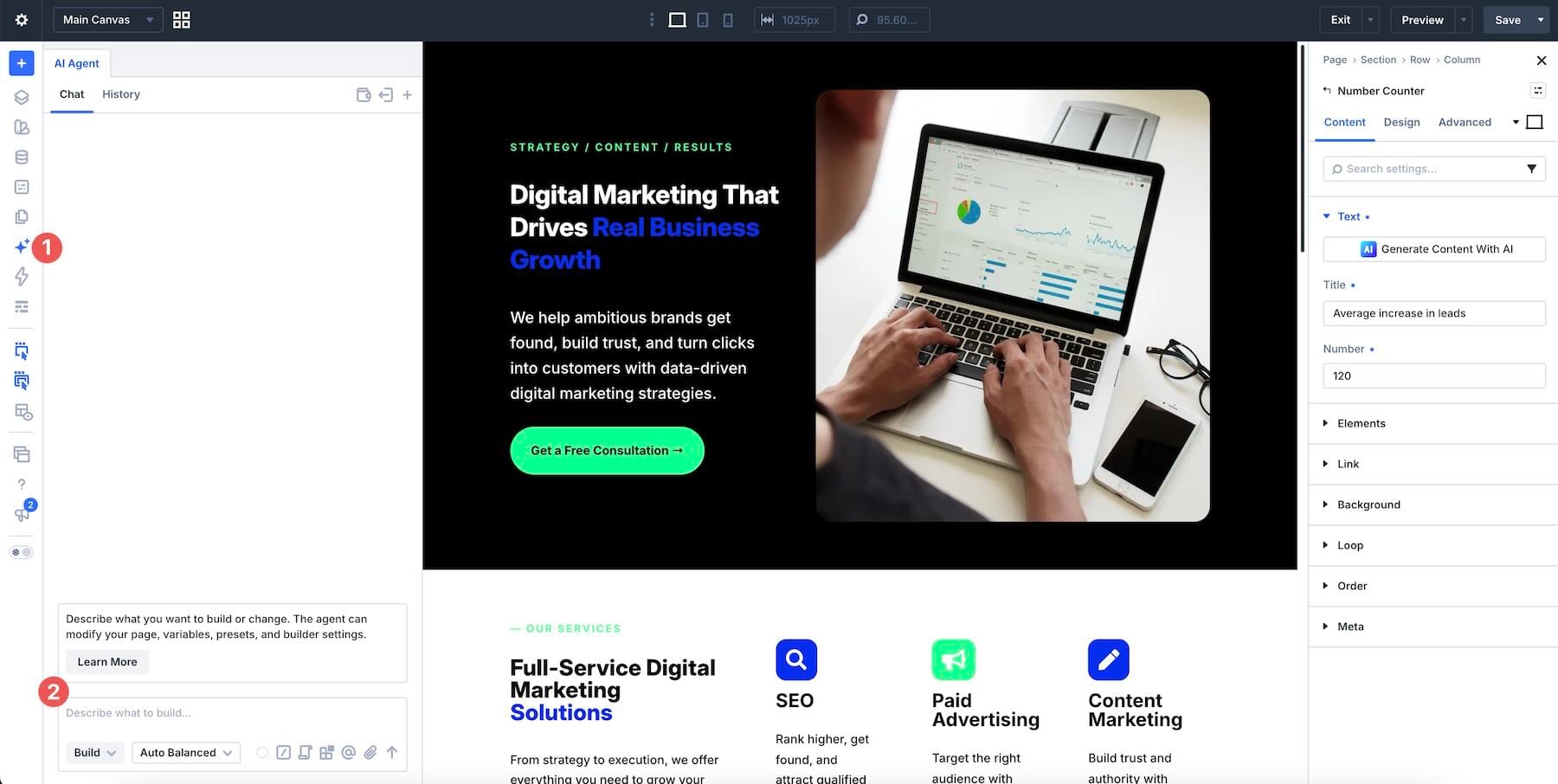
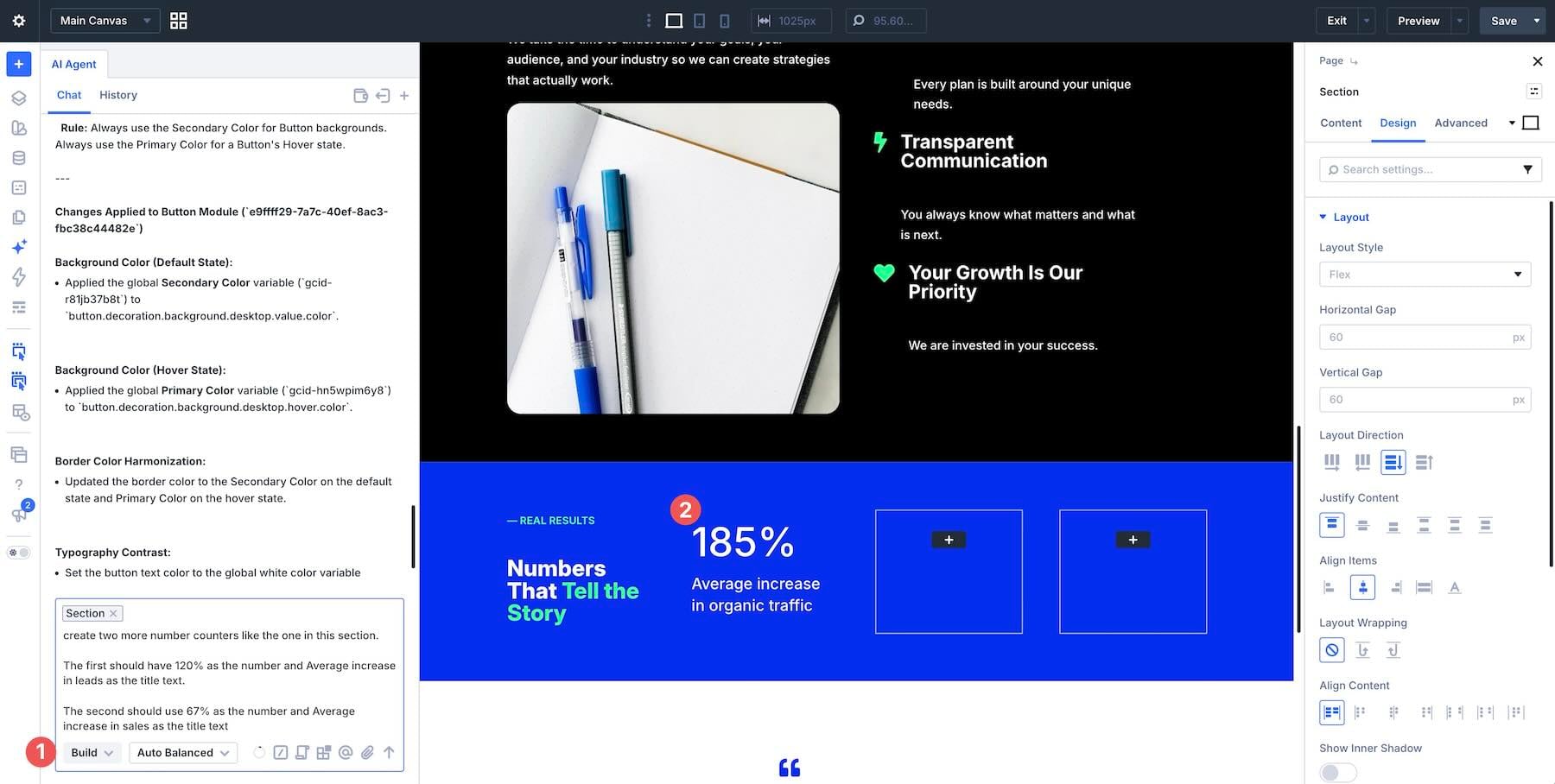
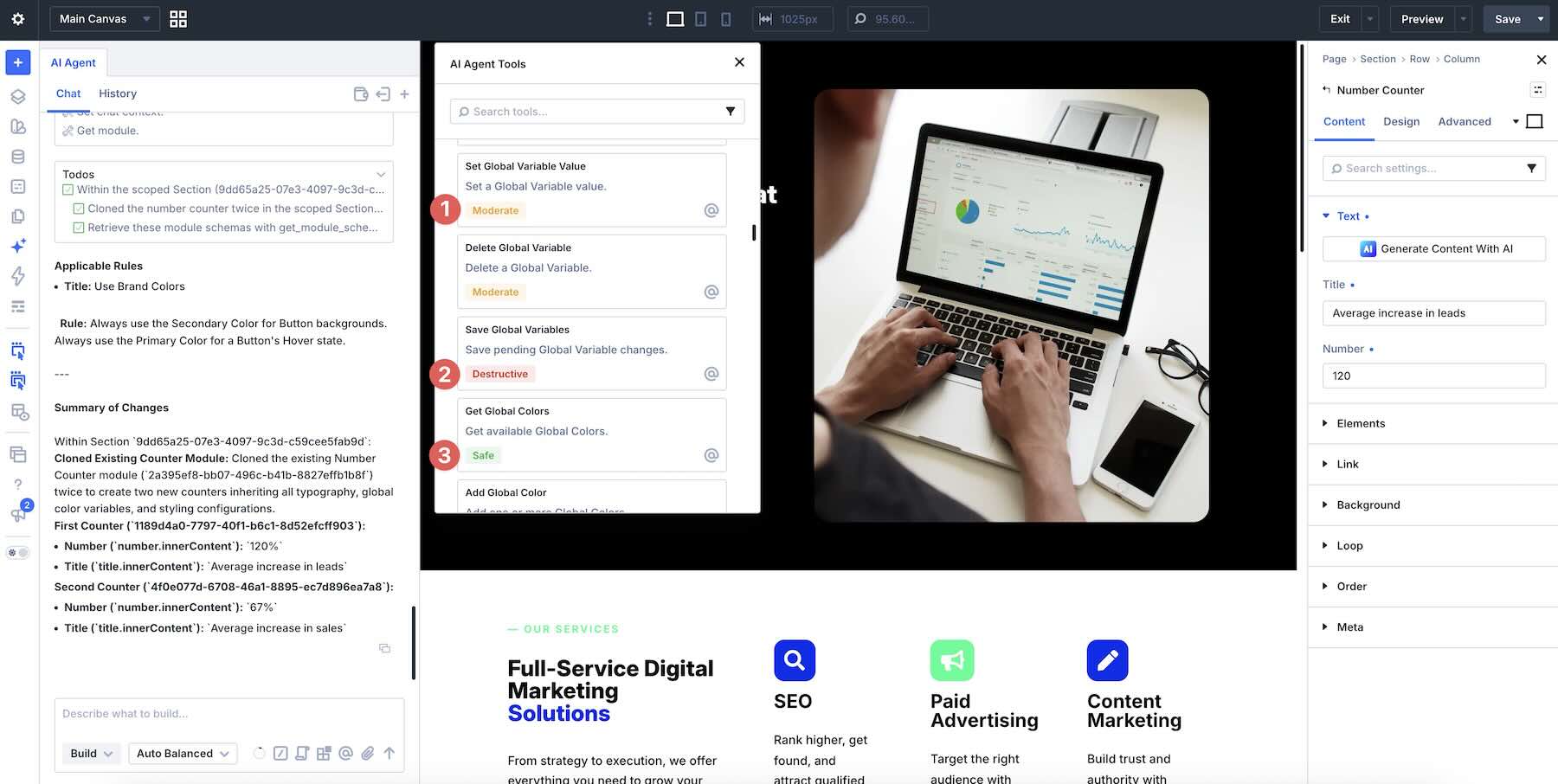
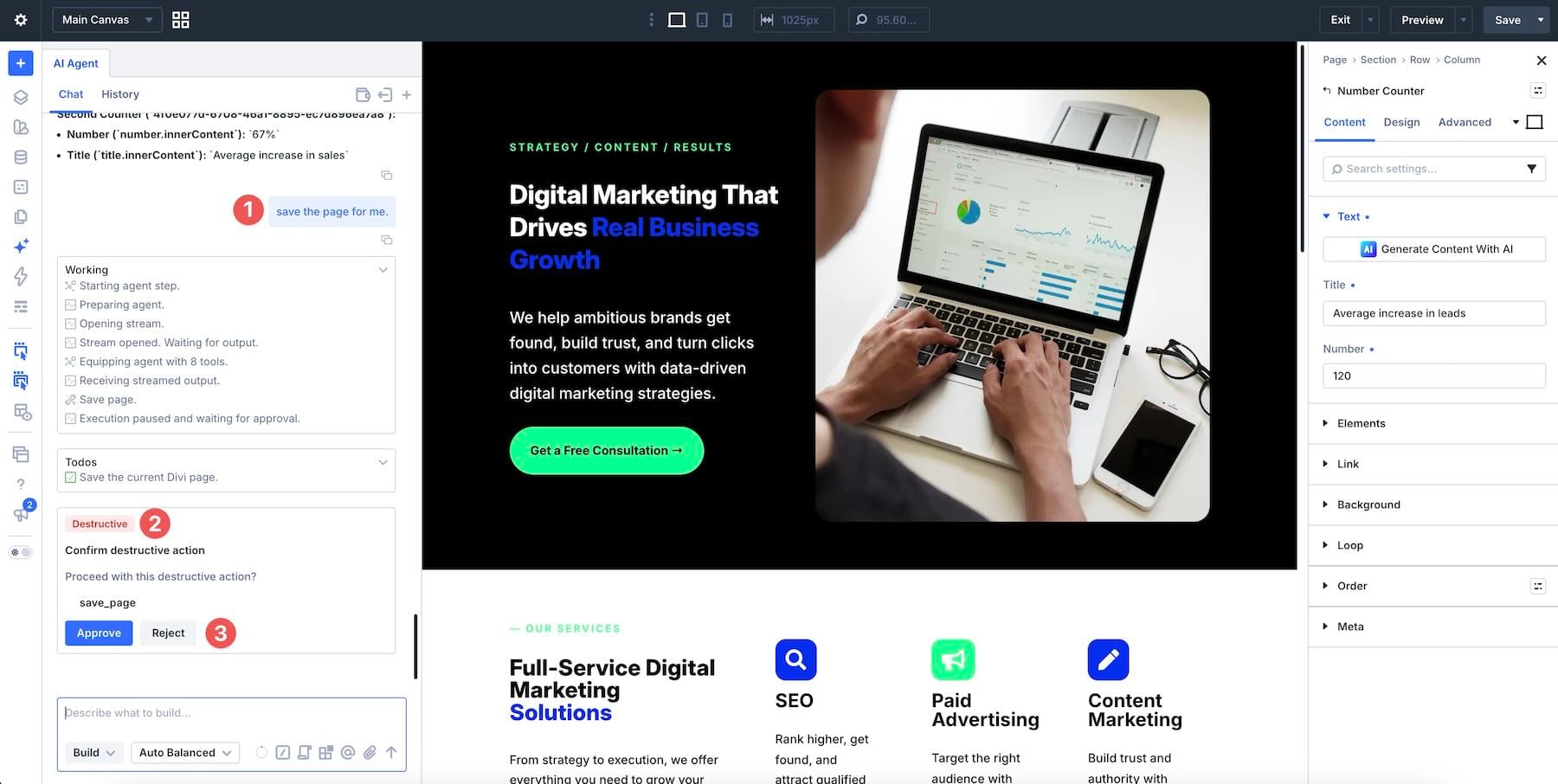
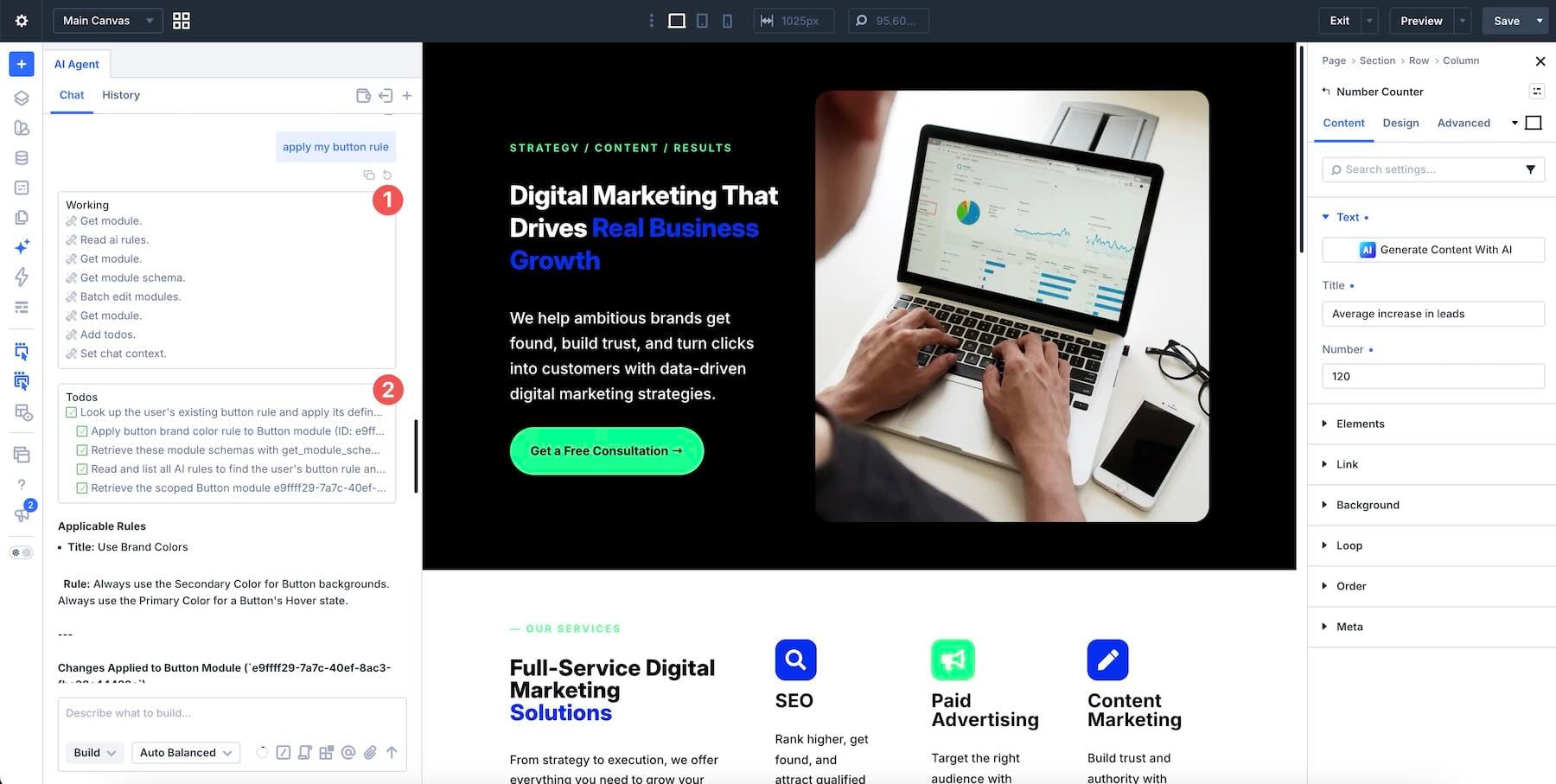
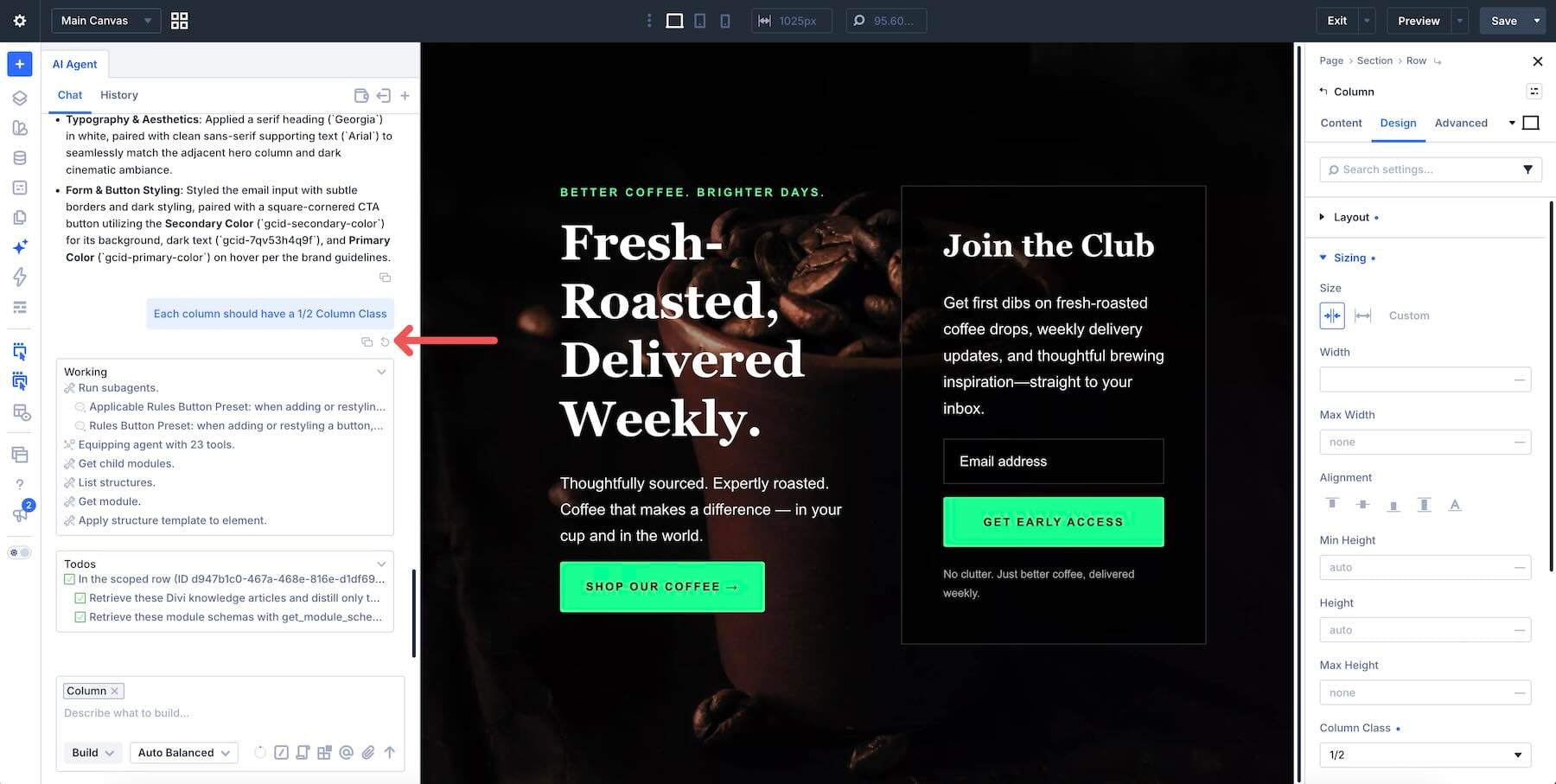
Divi 5 has a new way to build pages in the Visual Builder: Divi AI agents . Instead of working through settings panels one change at a time, you describe what you want in a conversation, and the agent carries it out on the page. It can add modules, update styles, work with your design system, and handle multi-step tasks while you watch.
Clear direction helps it produce a useful first pass. Name the outcome, identify the target, and explain what should stay unchanged. Without that guidance, the agent has more decisions to infer, and the result may need more cleanup.
In this post, we’ll explain which controls shape the work, then walk through ten best practices for steering Divi AI agents toward the result you have in mind.
1 What Are Divi AI Agents?
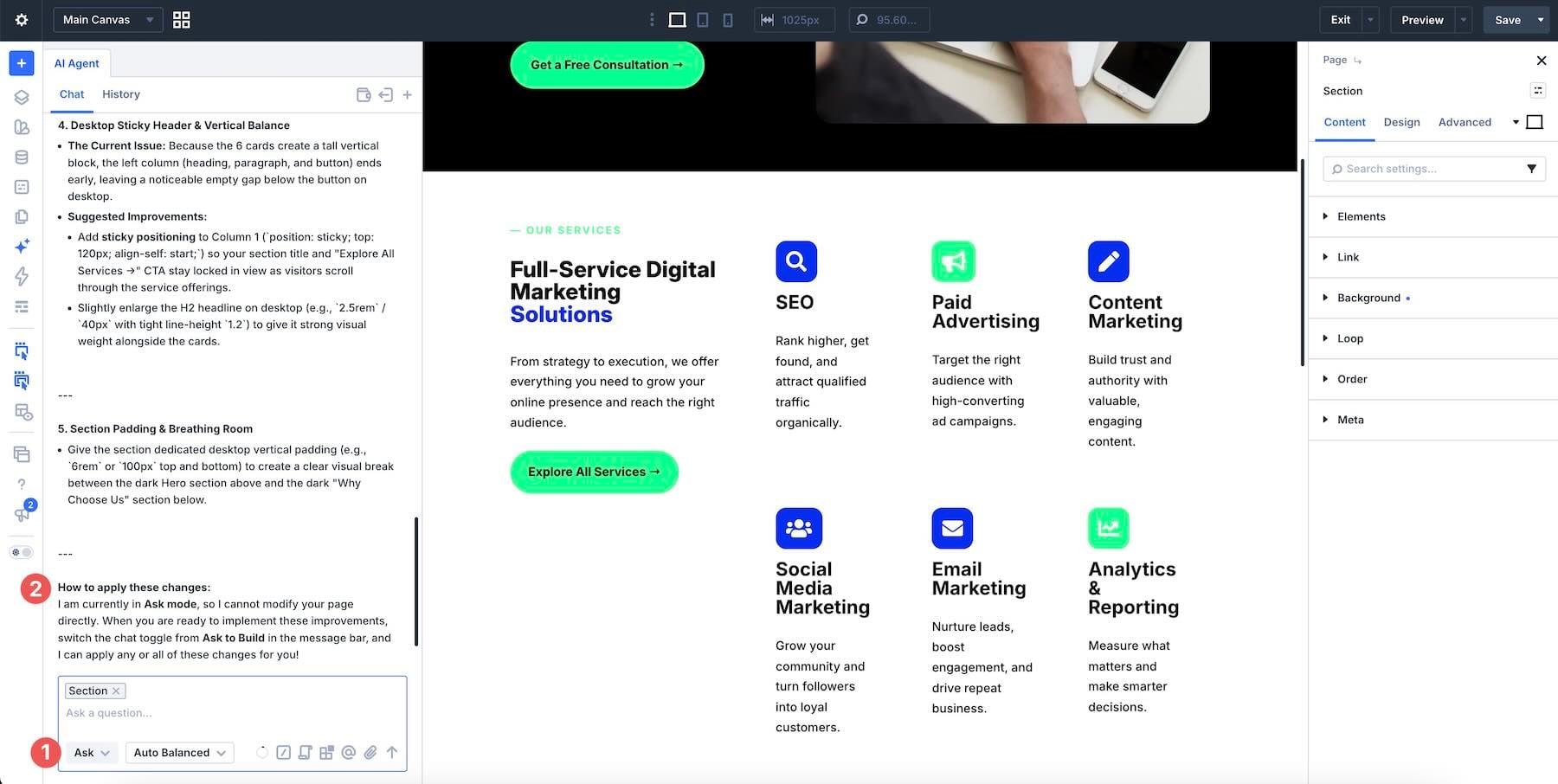
2 Divi AI Agents Features 2.1 Ask Mode And Build Mode
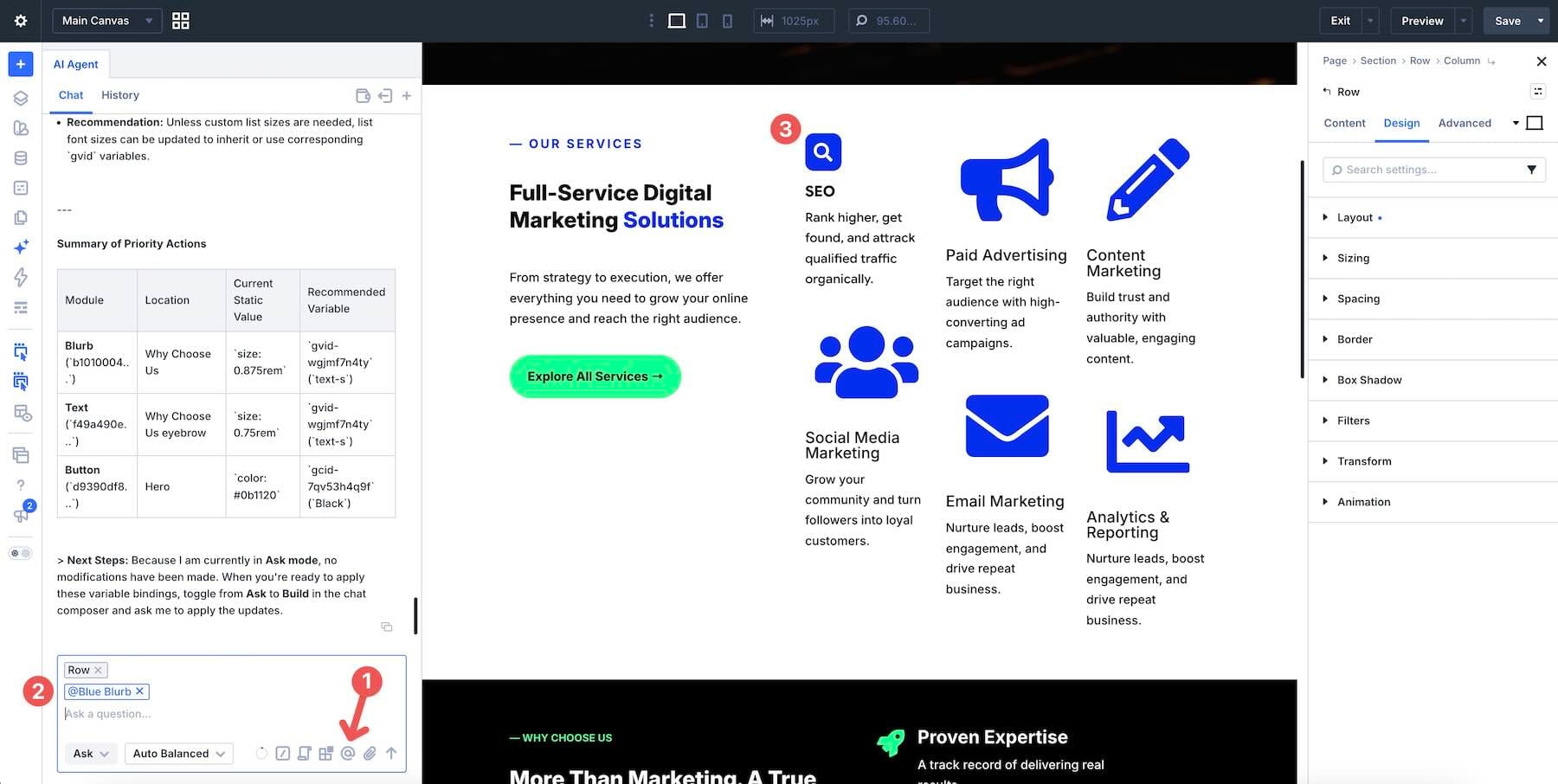
2.2 Context, Attachments, And Scope
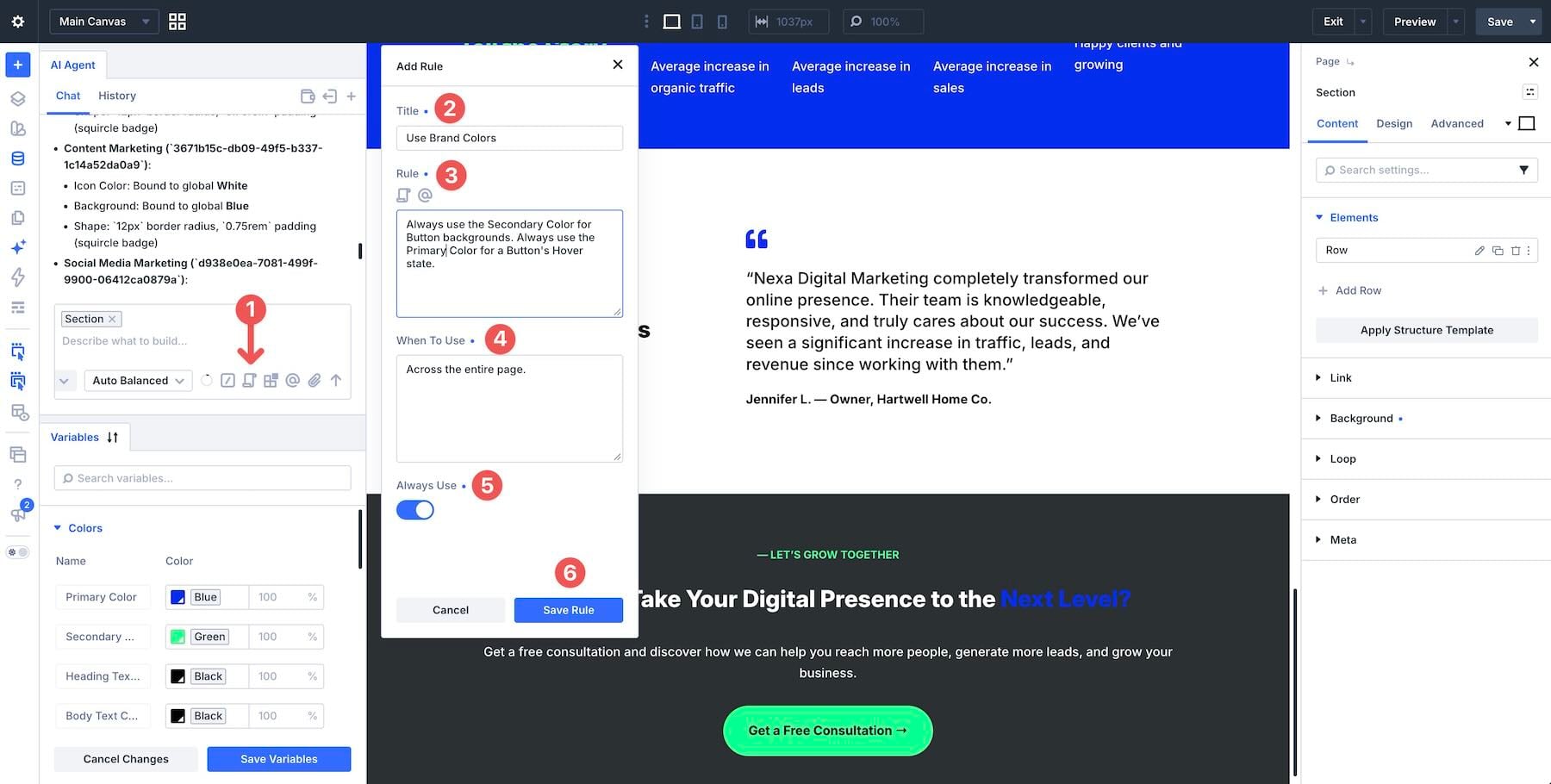
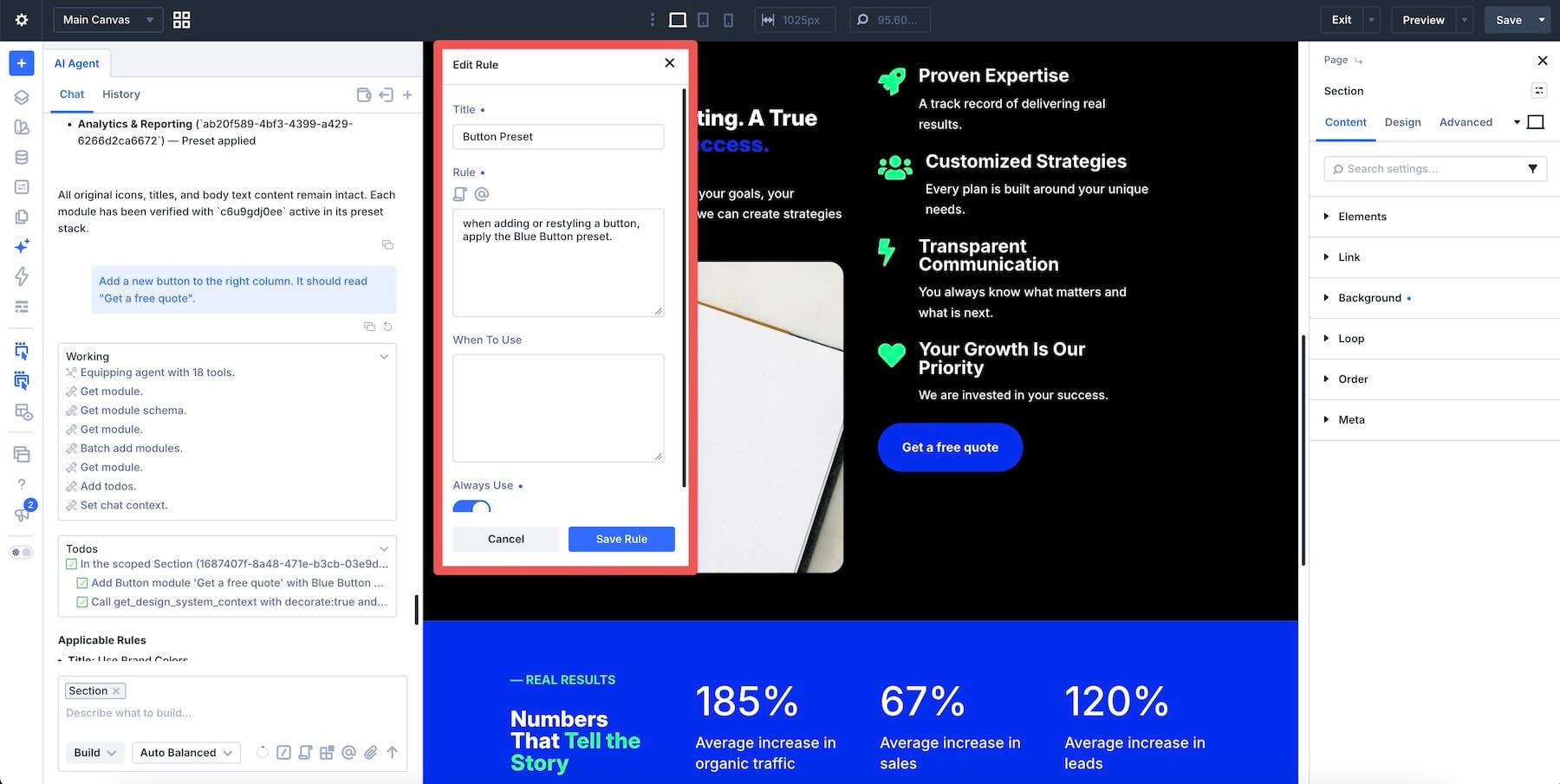
2.3 Rules
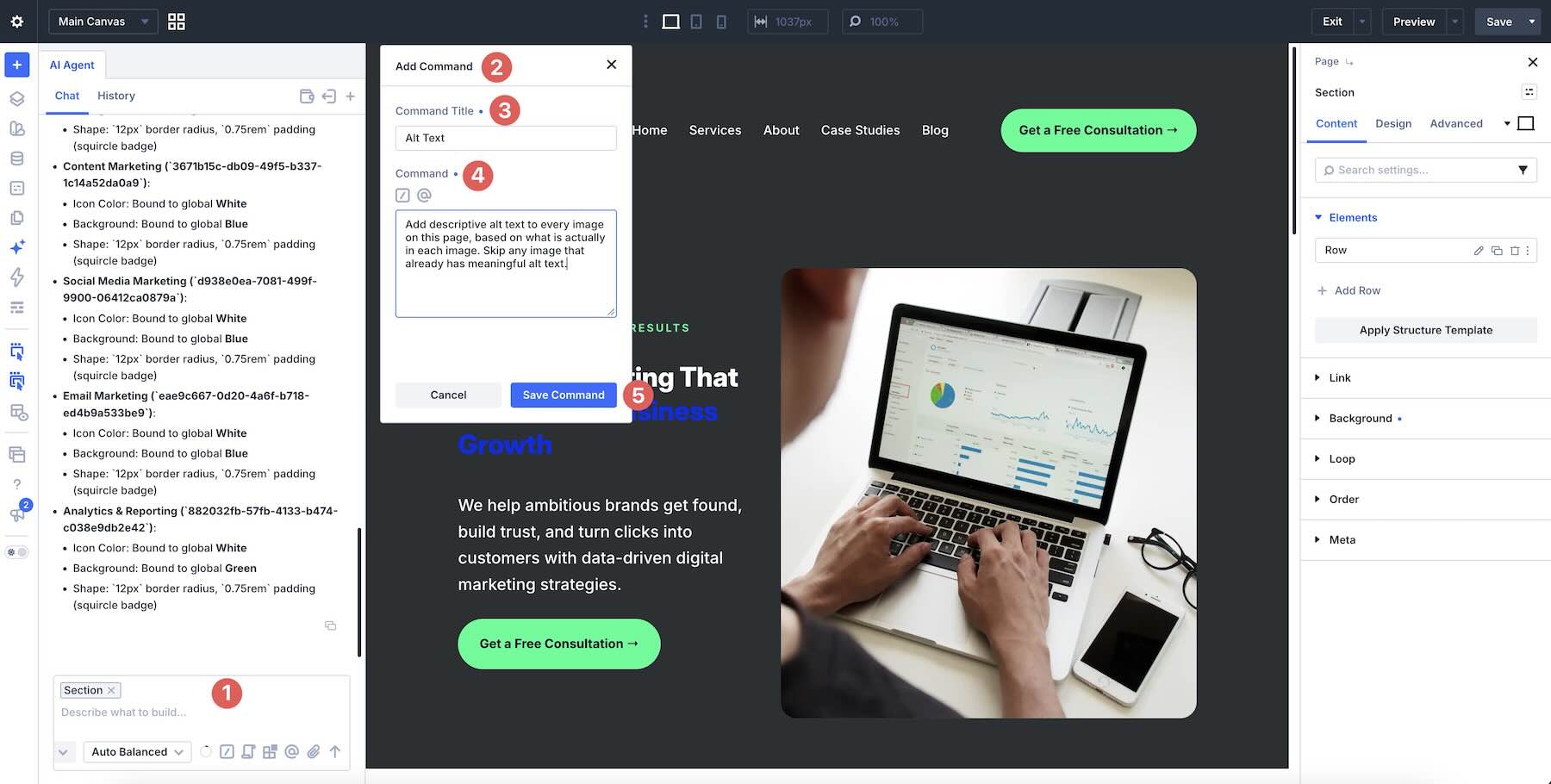
2.4 Commands
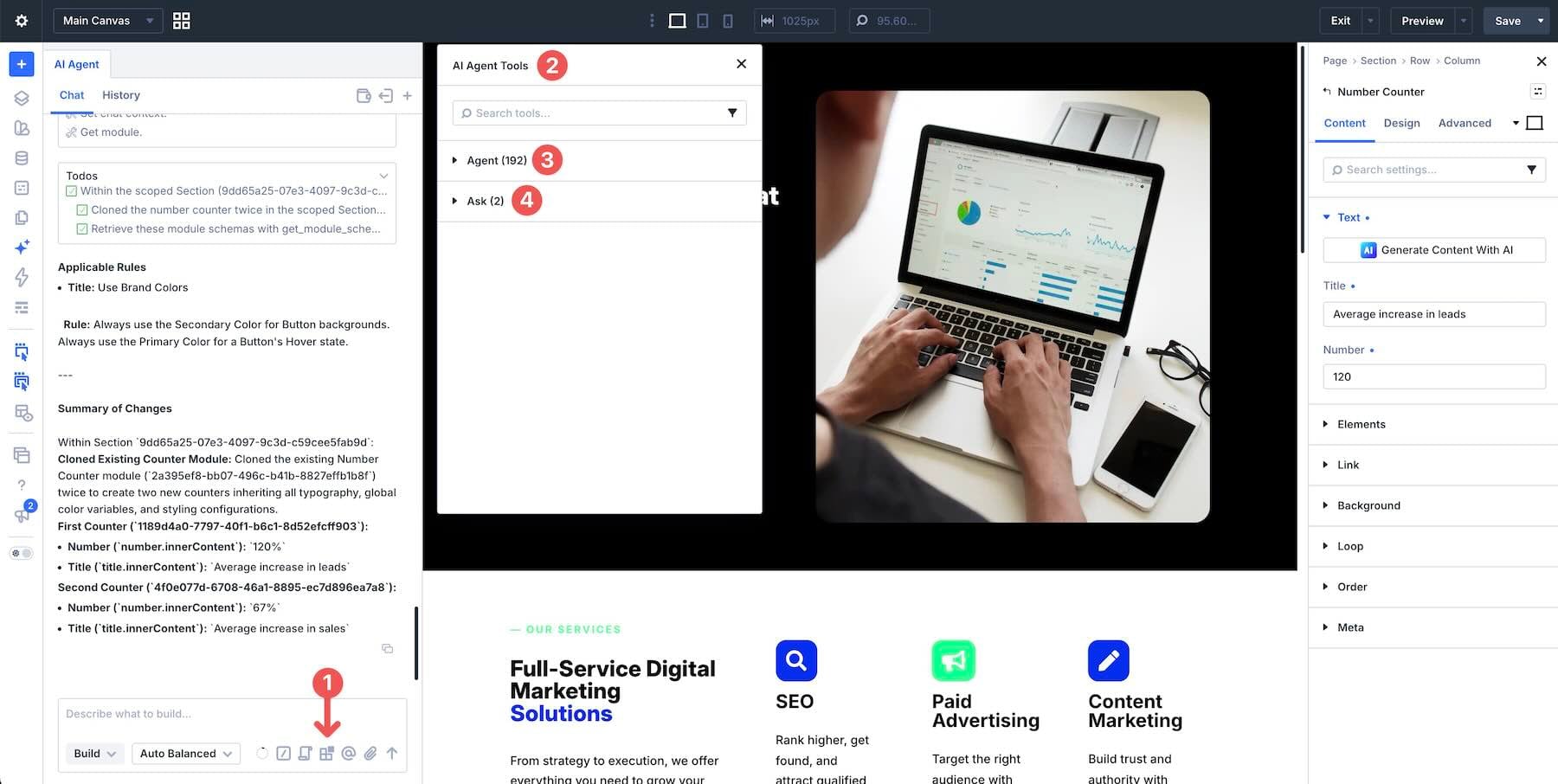
2.5 Tools, Approvals, And Working Notes
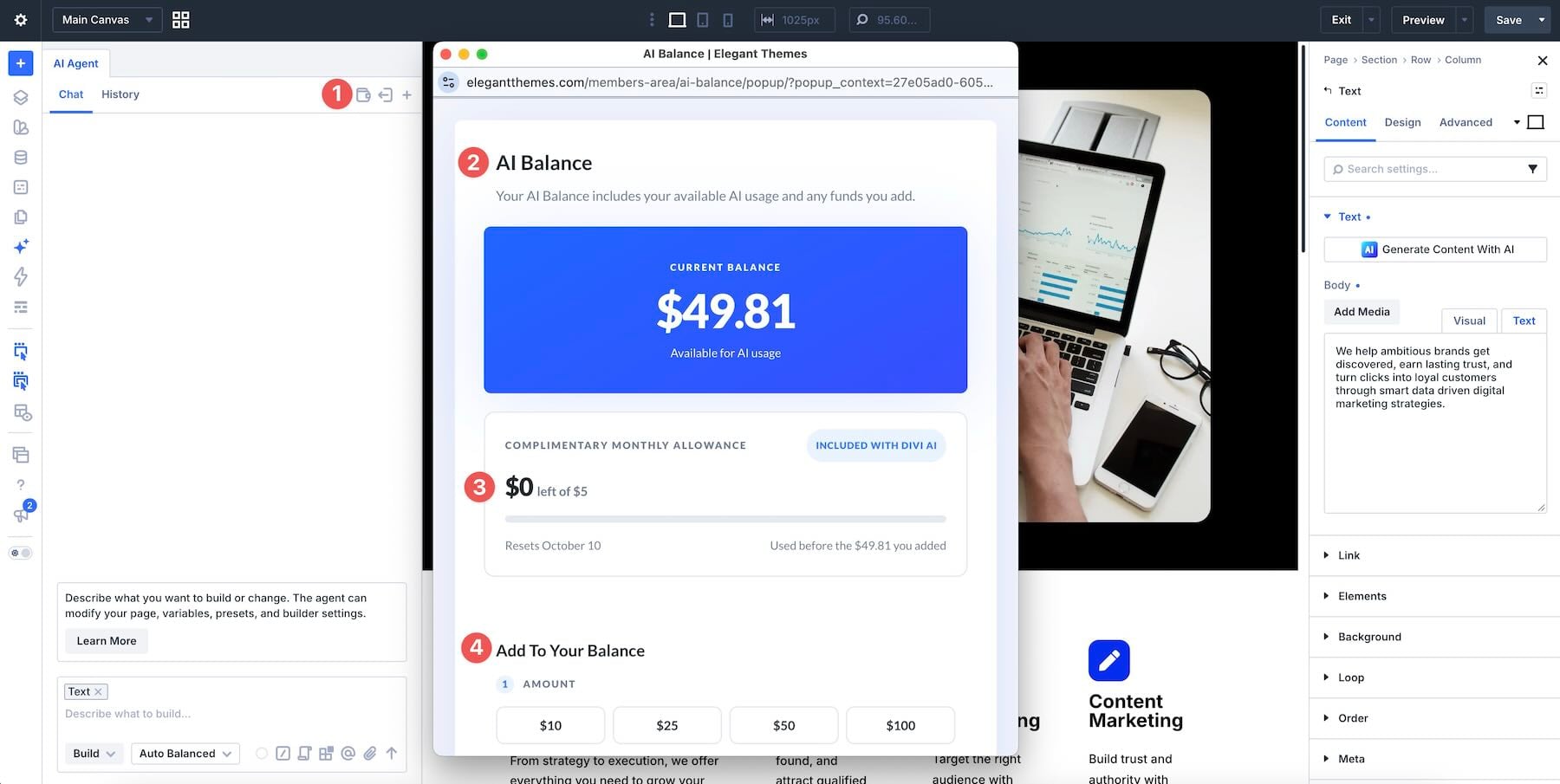
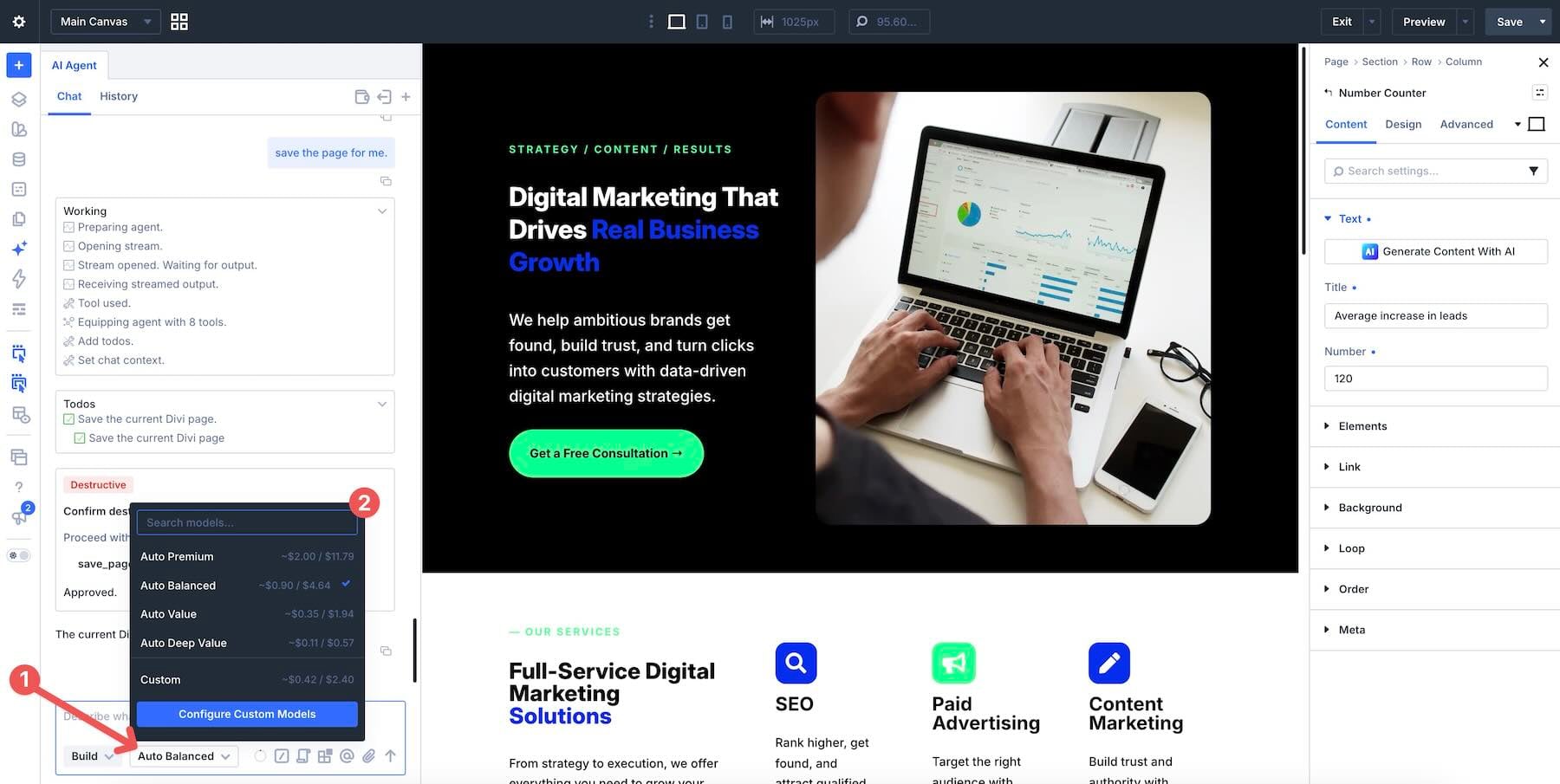
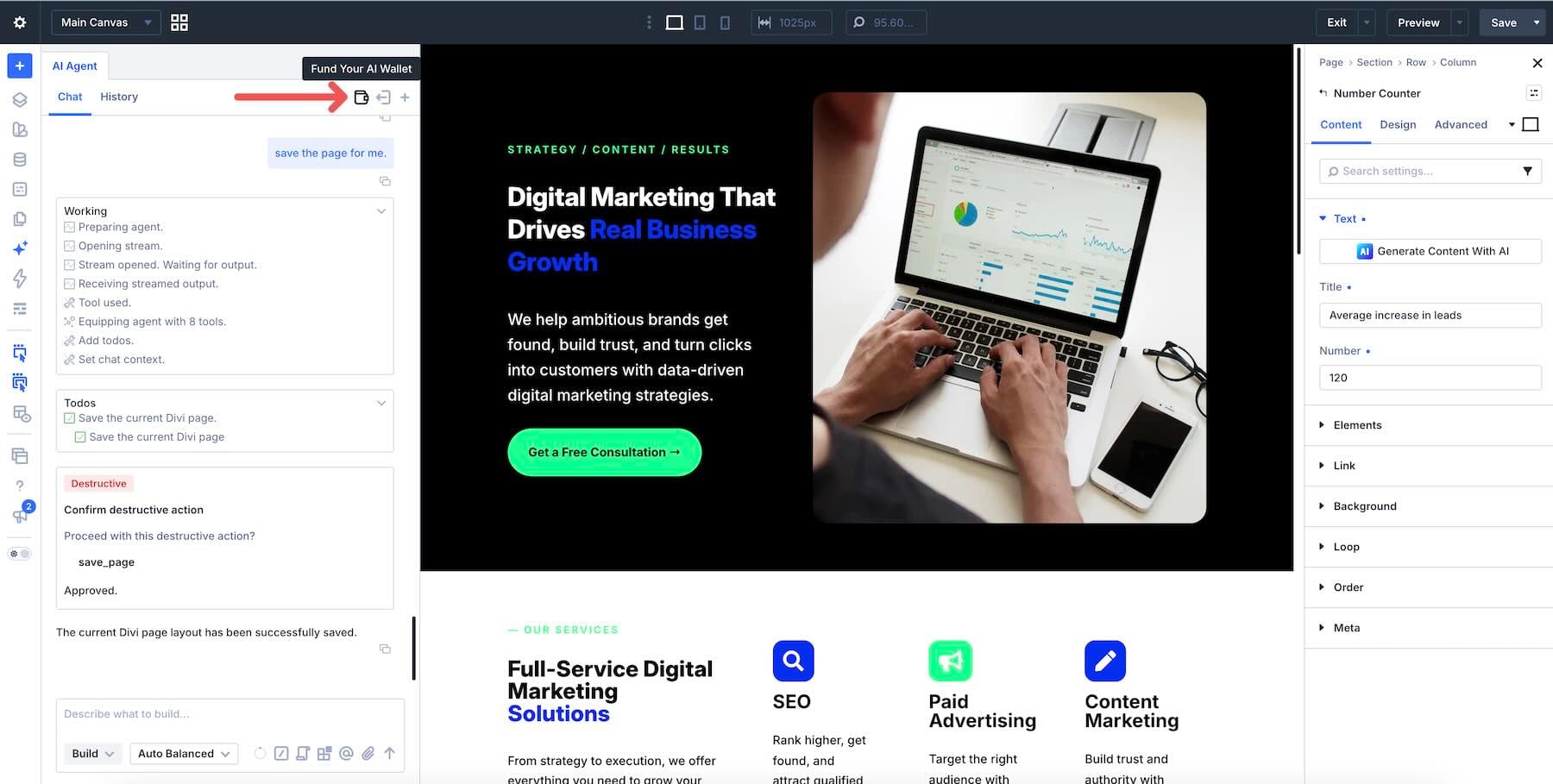
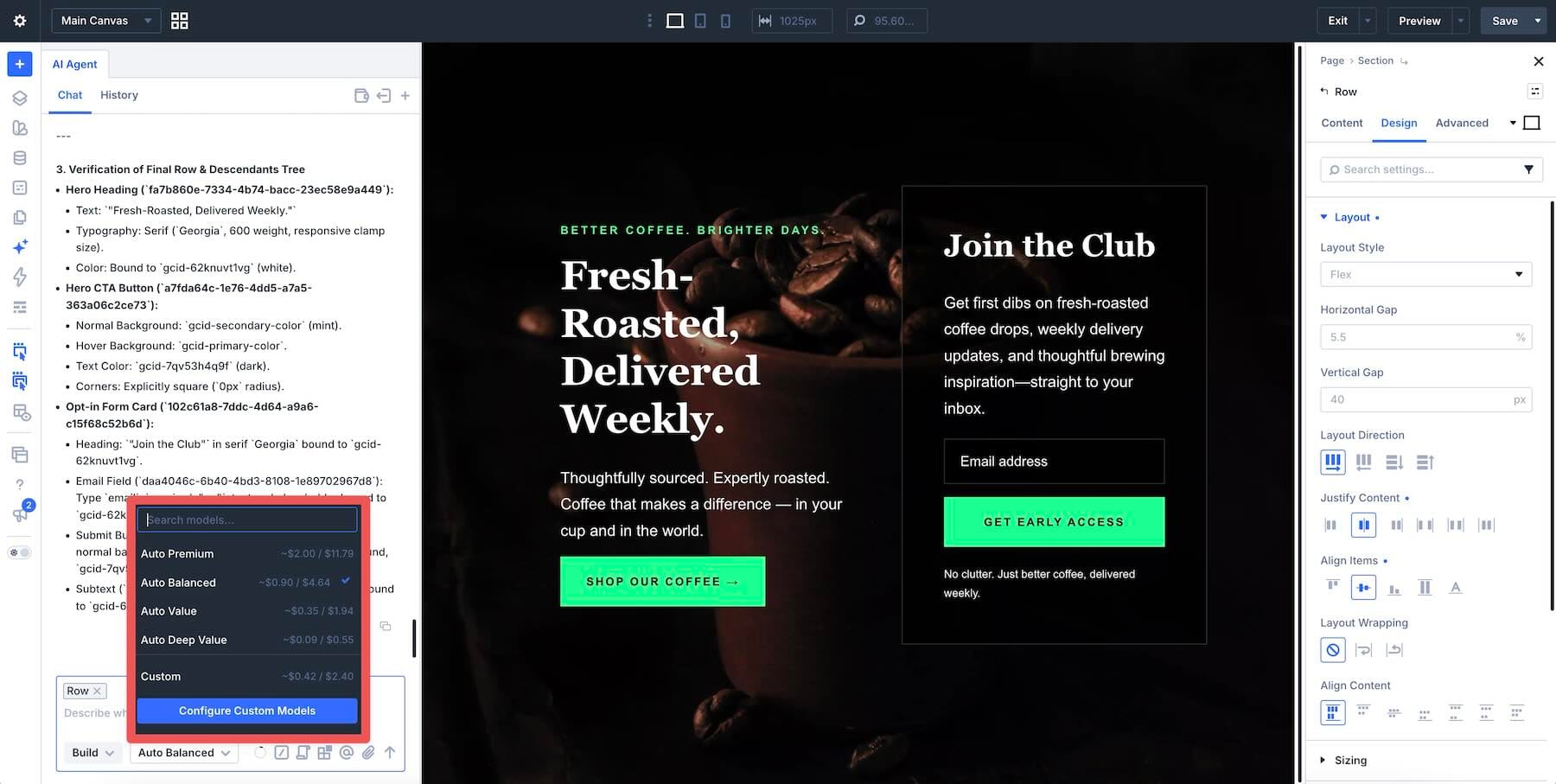
2.6 Models And The AI Wallet
3 10 Best Practices For Steering Divi AI Agents 3.1 1.…