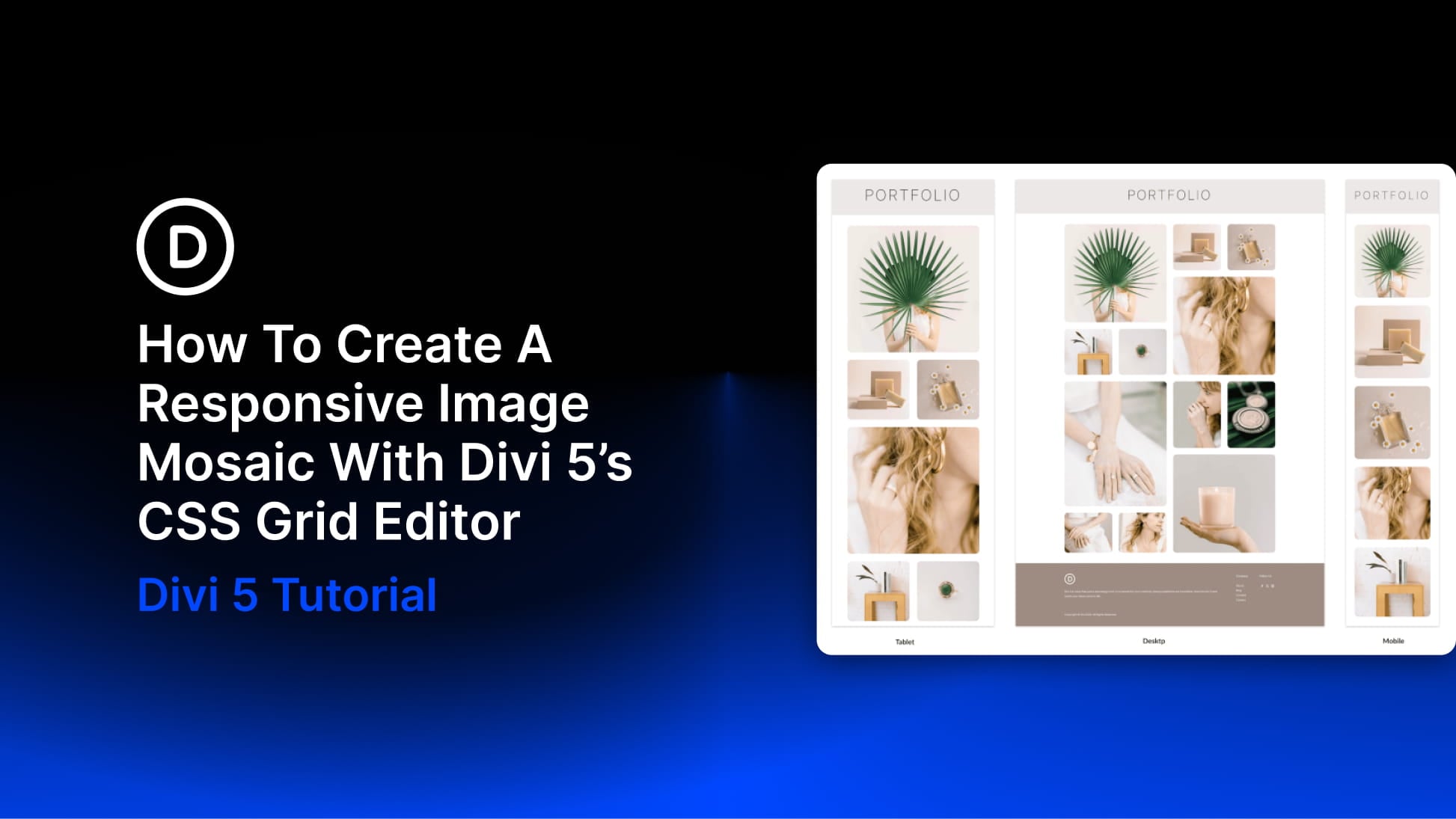
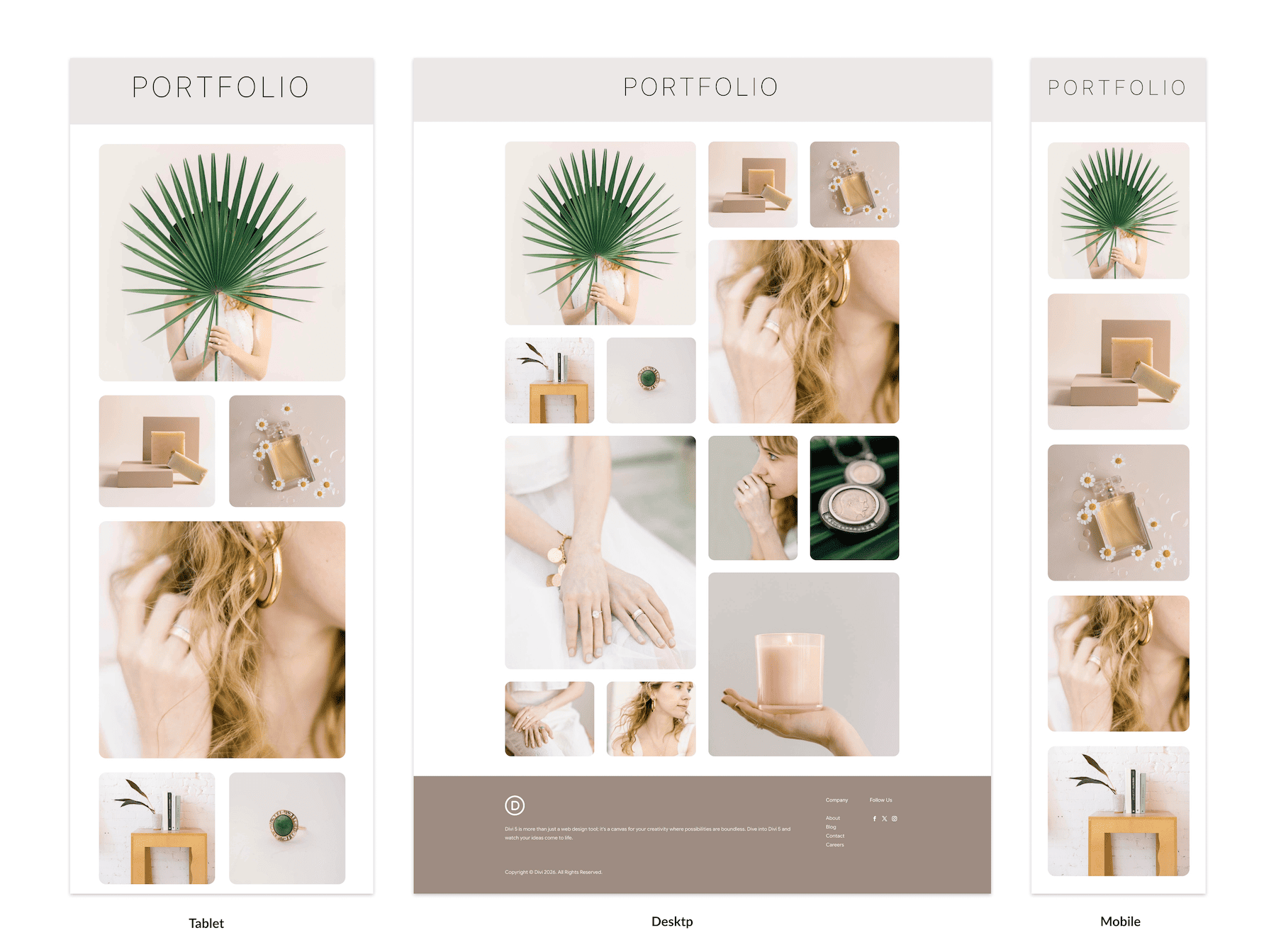
An image mosaic combines photographs of different sizes in one connected grid. Larger tiles highlight selected images, while smaller tiles fill the spaces around them.
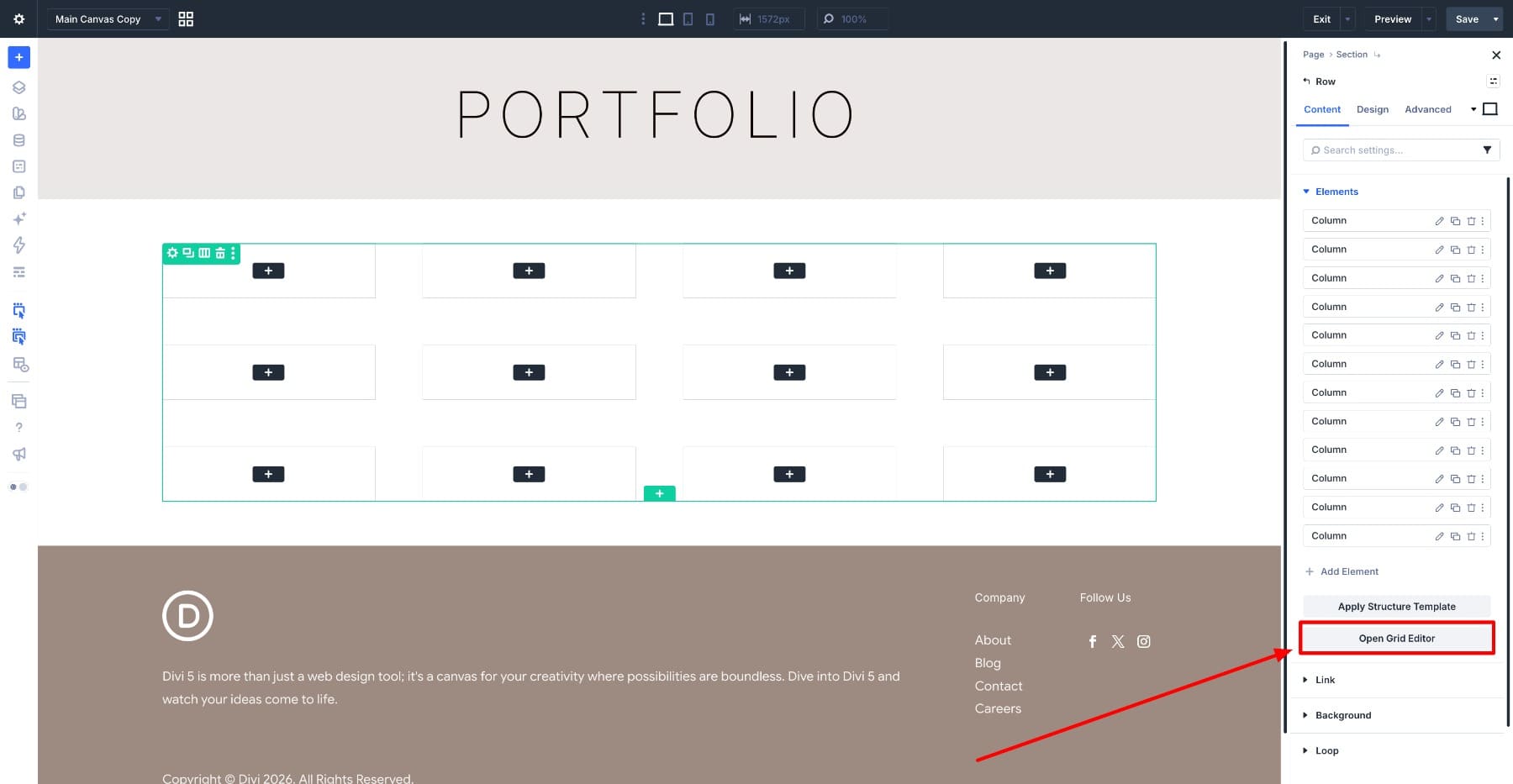
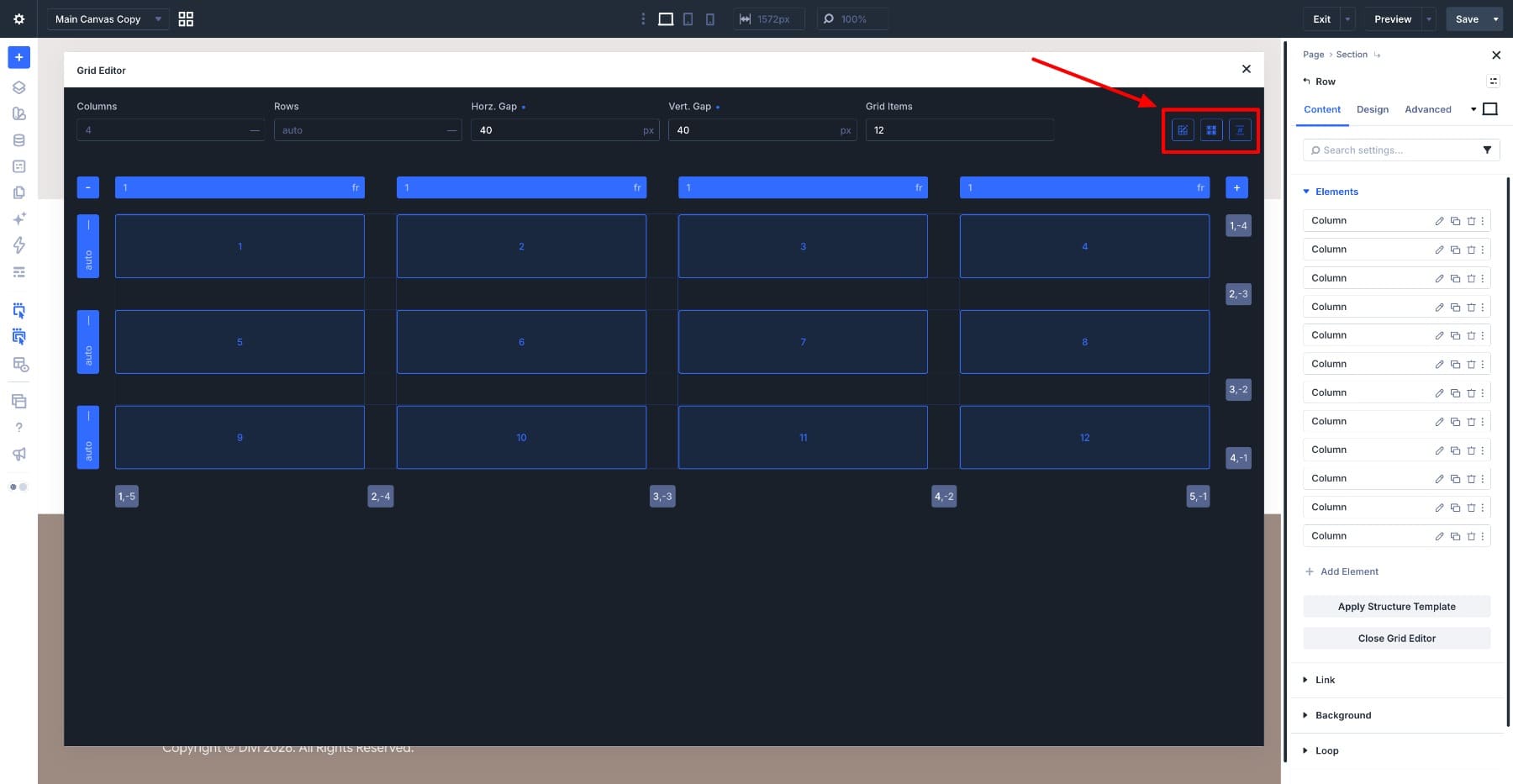
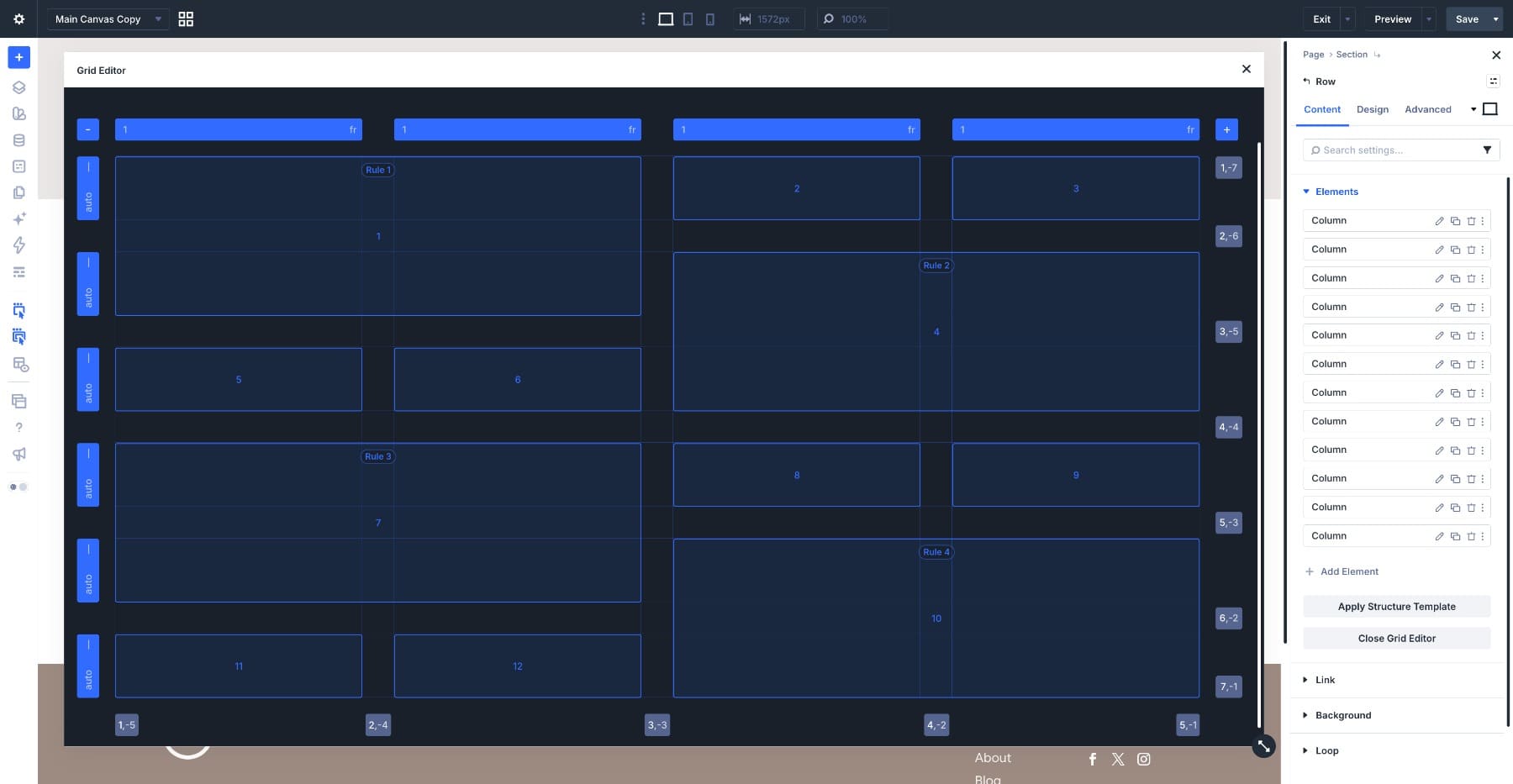
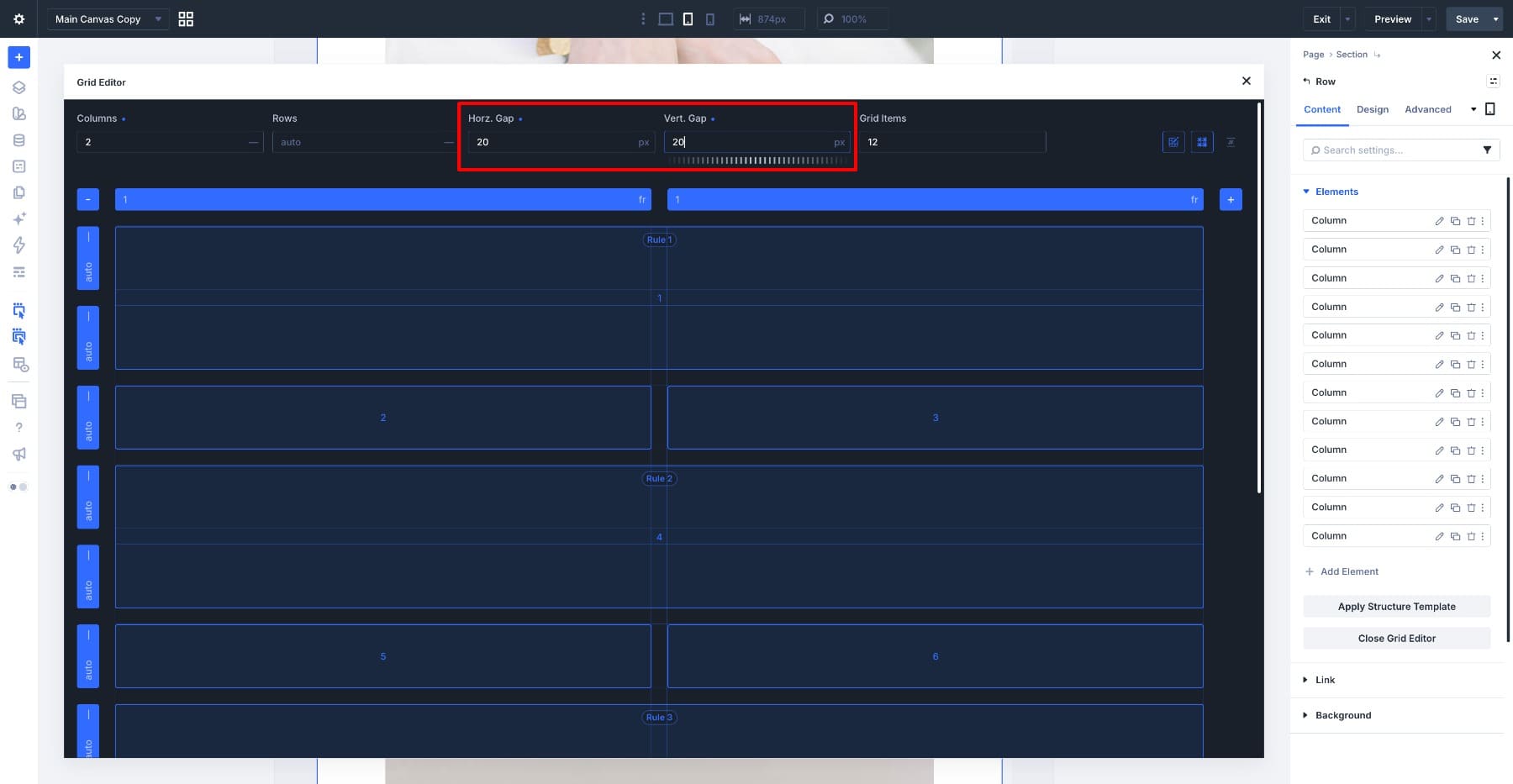
With Divi 5’s CSS Grid Editor , you can build this arrangement visually, resizing and positioning tiles directly on the grid canvas.
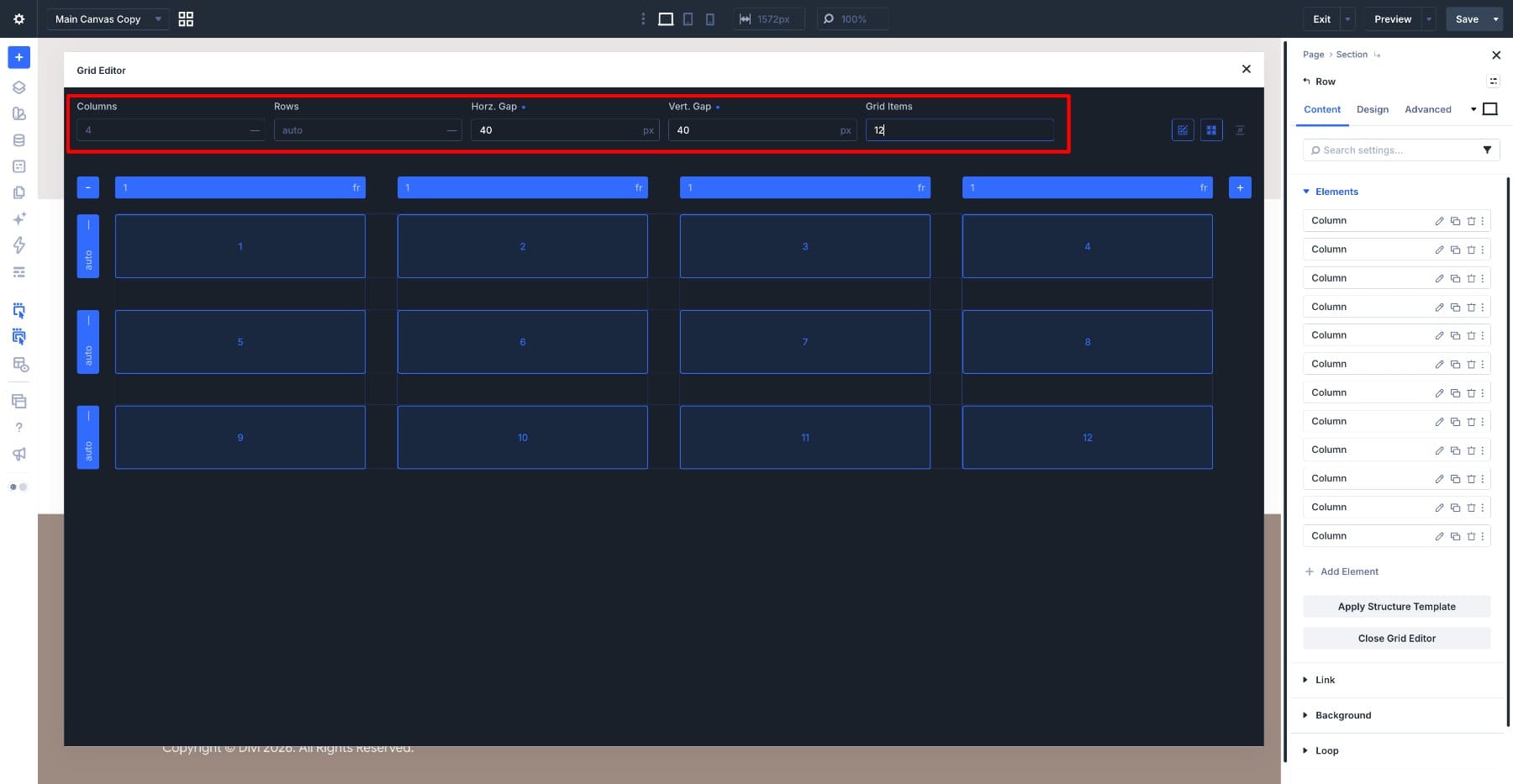
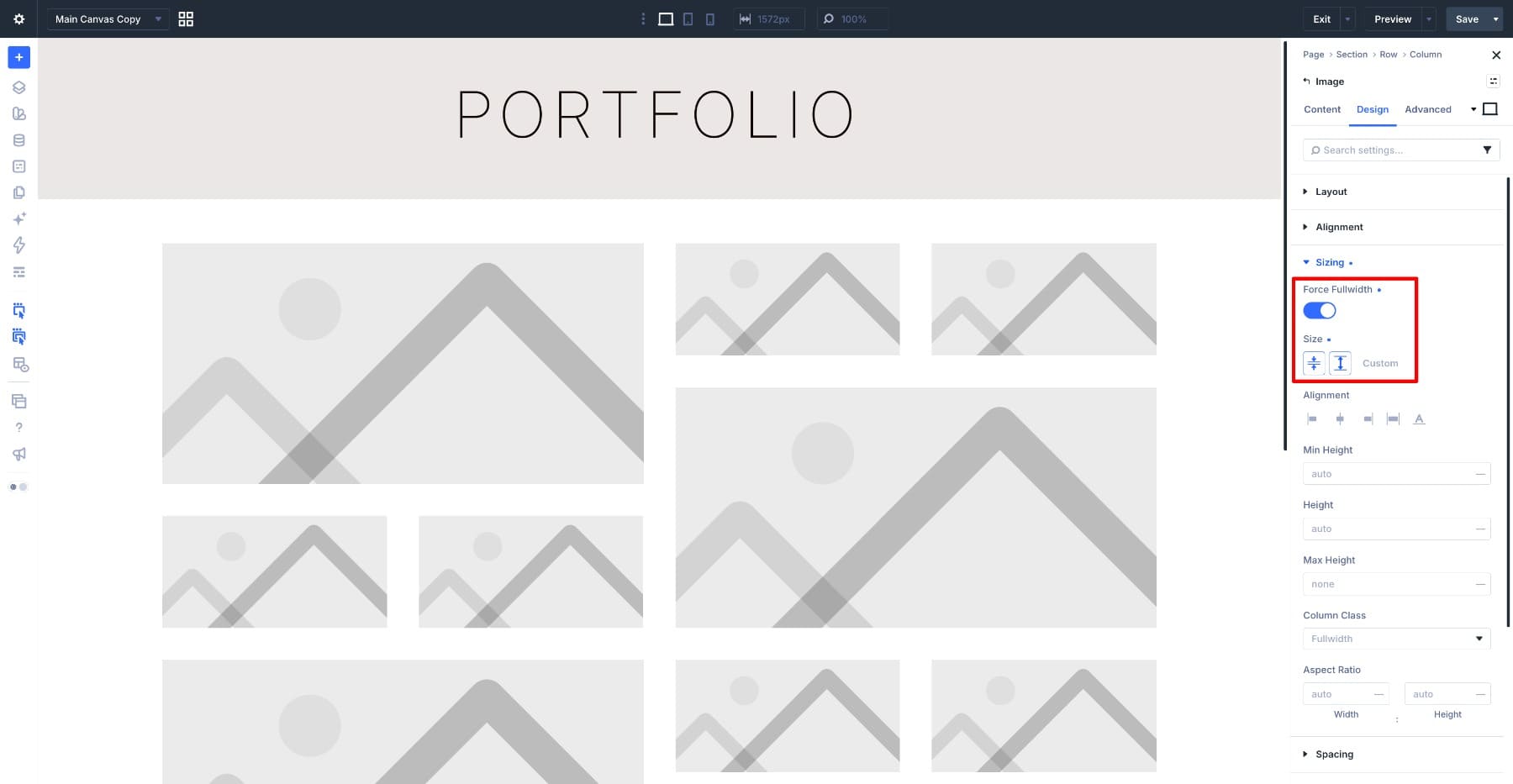
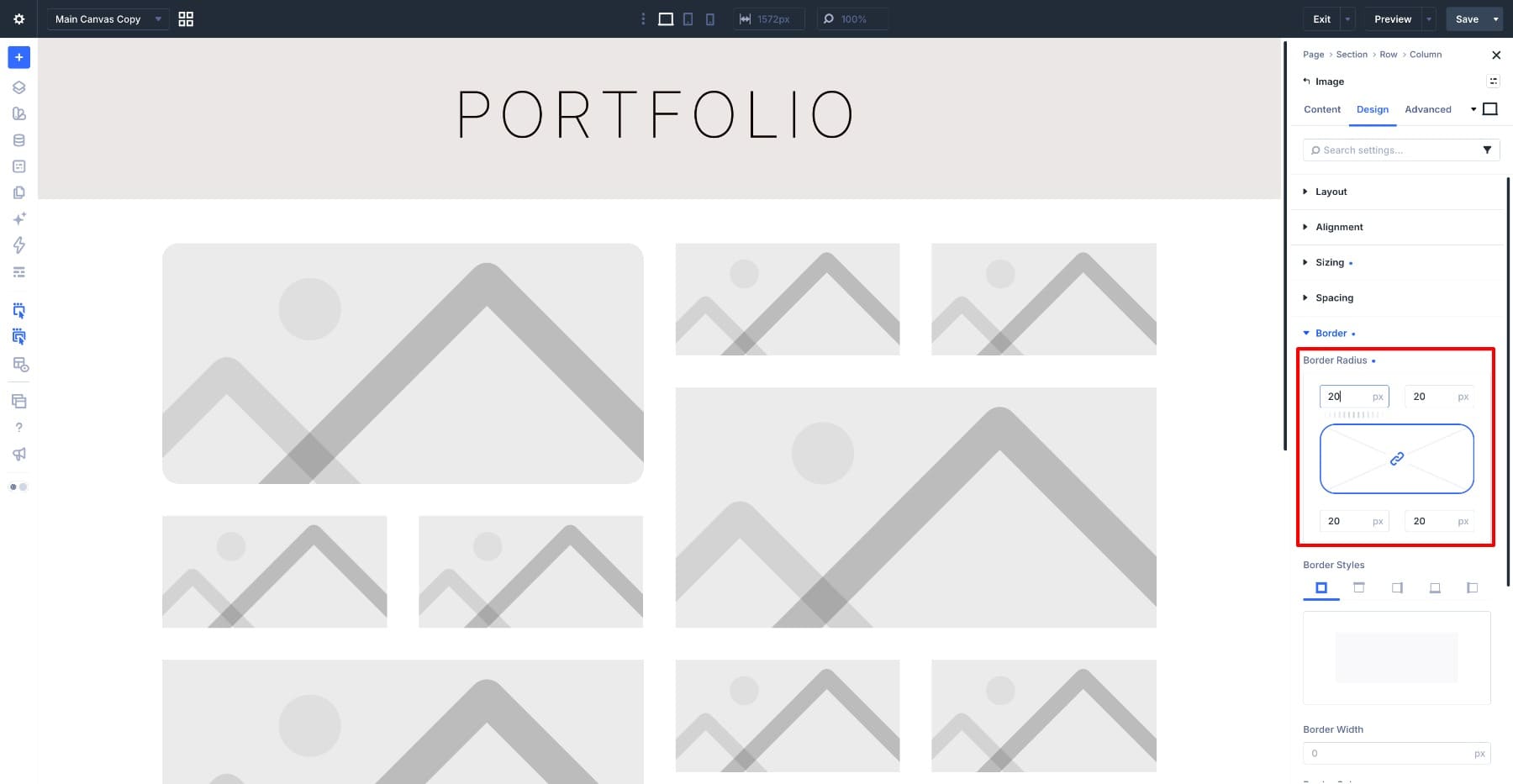
In this tutorial, we’ll build a twelve-image mosaic across four columns, create four larger feature tiles, and coordinate the image styling with a preset. Then we’ll adapt the layout for tablet and phone.
1 Why Image Mosaics Need Responsive Adjustments 1.1 Where The Grid Editor Comes In Handy
2 What The Mosaic Looks Like At Each Size 2.1 Step 1: Add The Row And Open The Grid Editor
2.2 Step 2: Shape The Feature Tiles On The Canvas
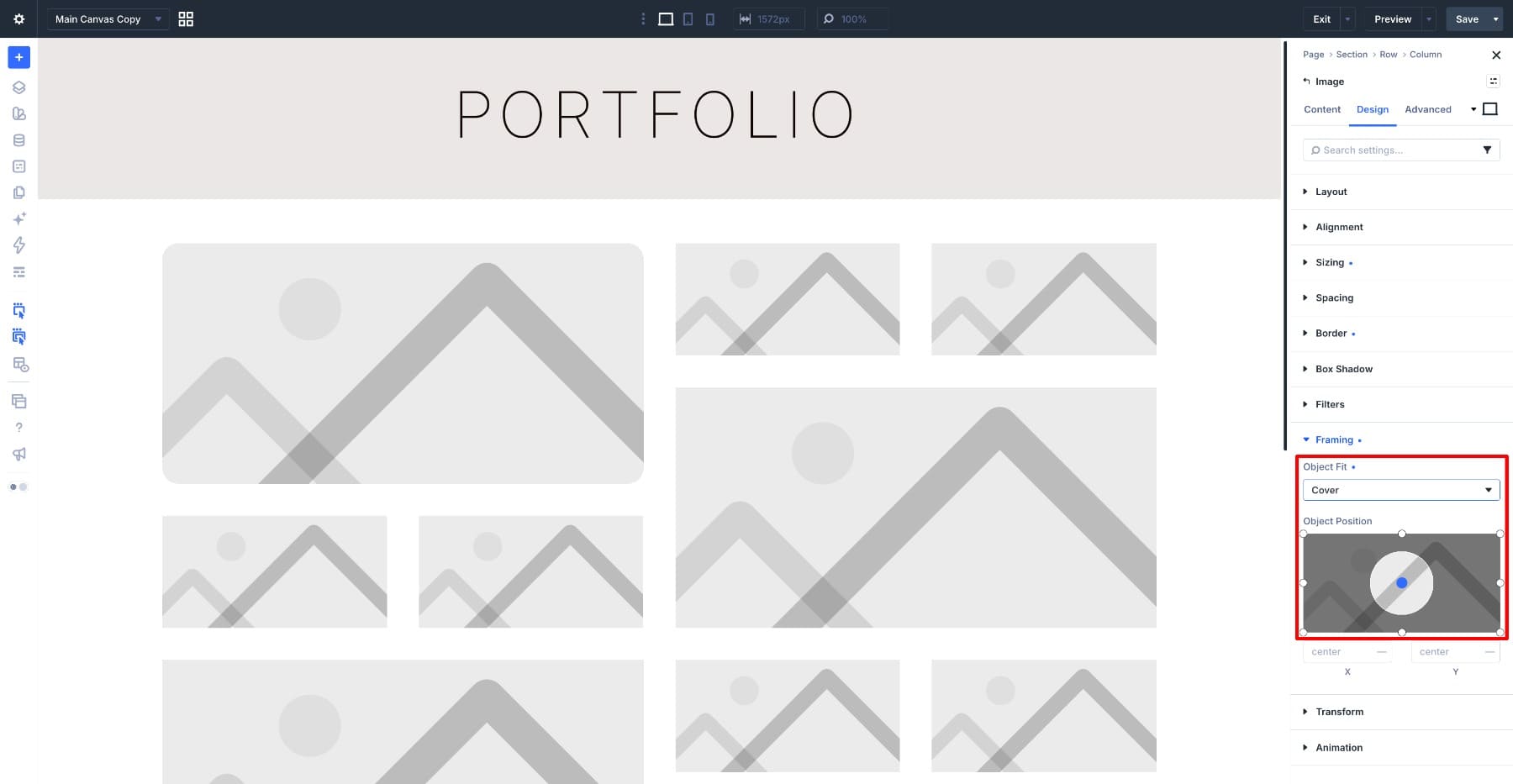
2.3 Step 3: Add The Images And Style Them Once
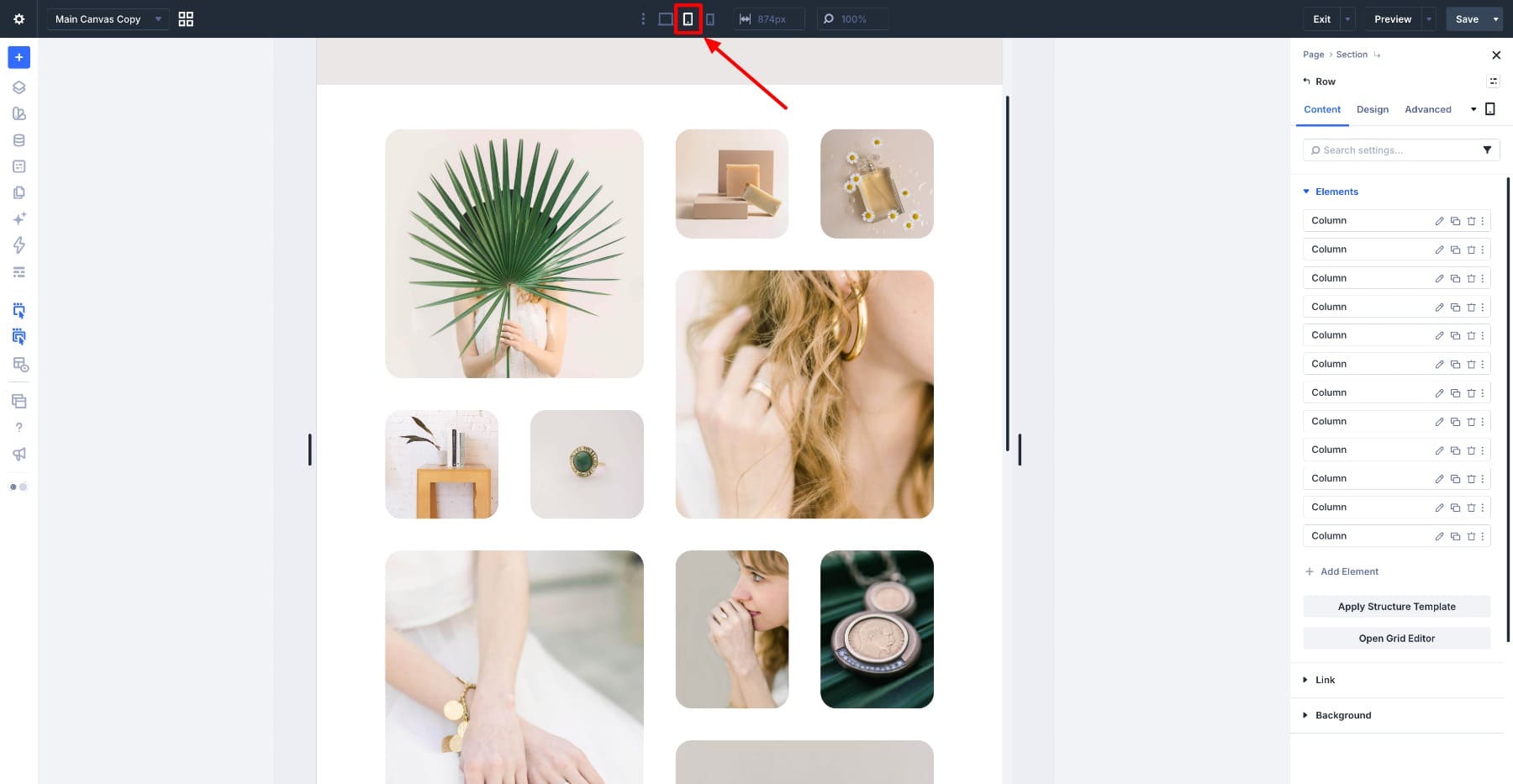
2.4 Step 4: Adjust The Mosaic For Tablet
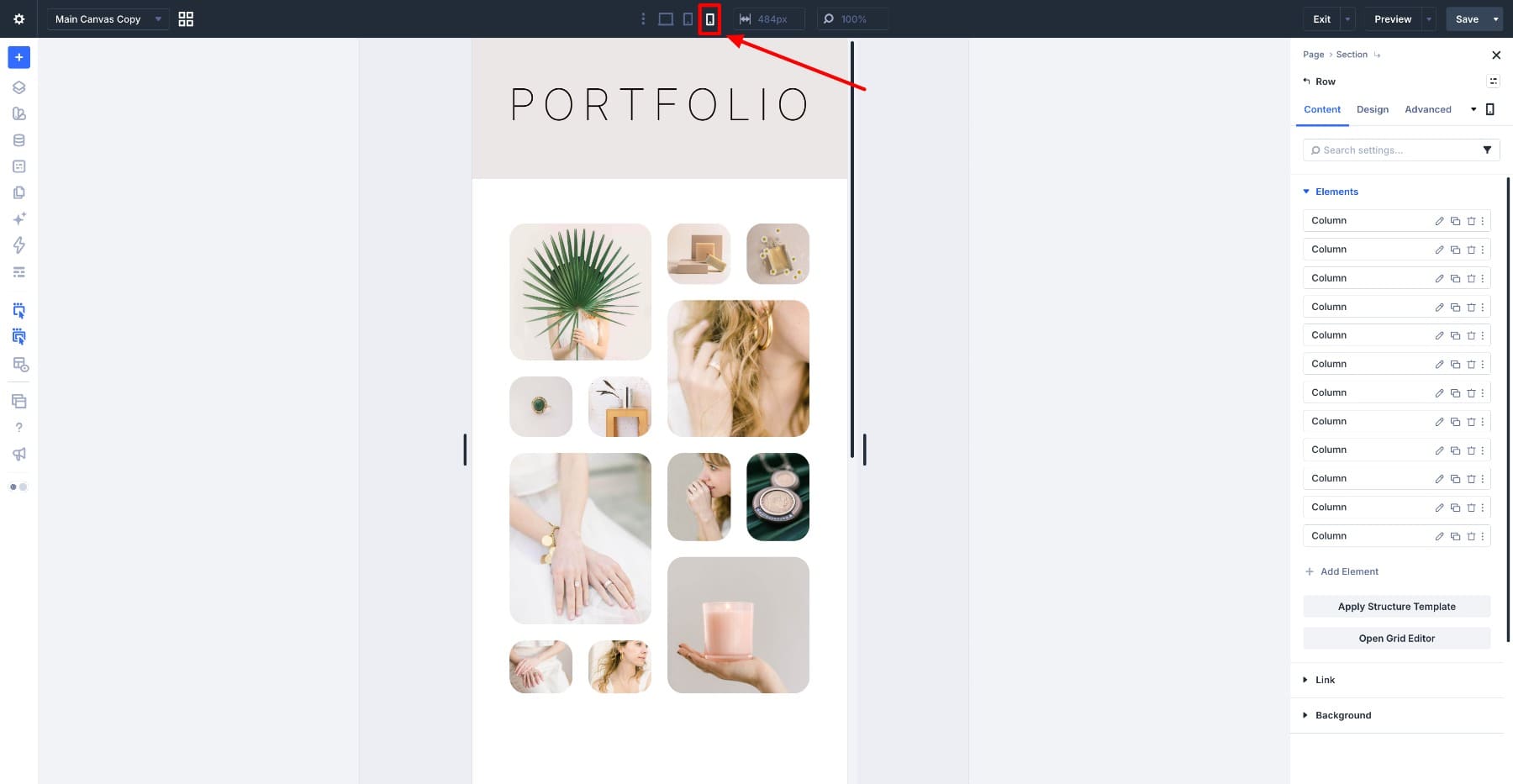
2.5 Step 5: Adjust The Mosaic For Mobile
3 Reuse The Mosaic With Different Images
Why Image Mosaics Need Responsive Adjustments
A mosaic gets its shape from spans.…