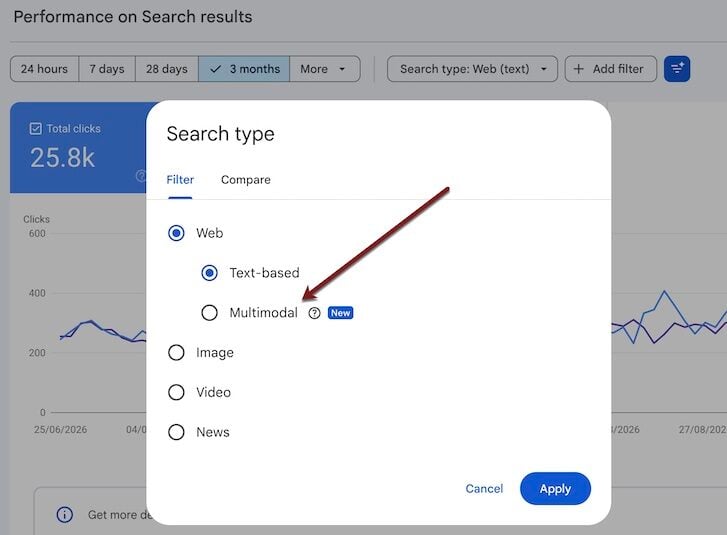
Google Search Console has introduced a filter to see URLs users viewed and/or clicked when searching by image.
Google offers image search from multiple interfaces:
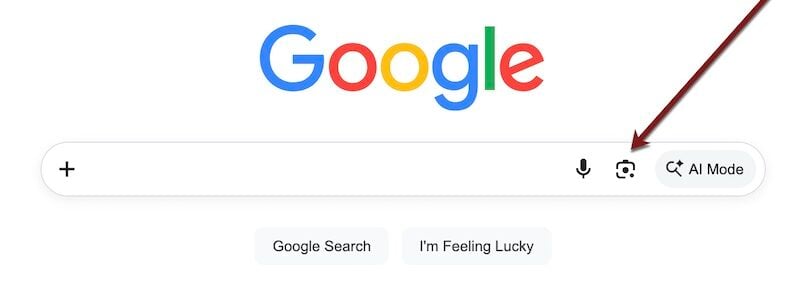
Google.com. On any desktop browser, go to Google’s home page, click the camera icon, and upload an image.
Google Chrome displays image search on any new empty tab.
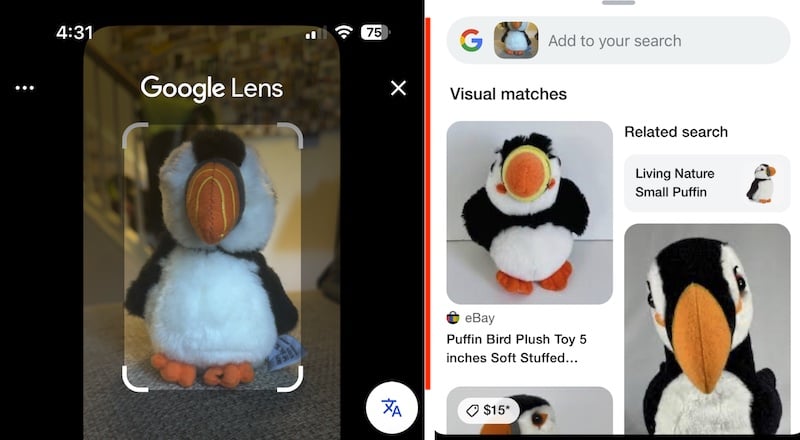
Google or Chrome app (Android and iOS). Take a picture of any object to activate image search.
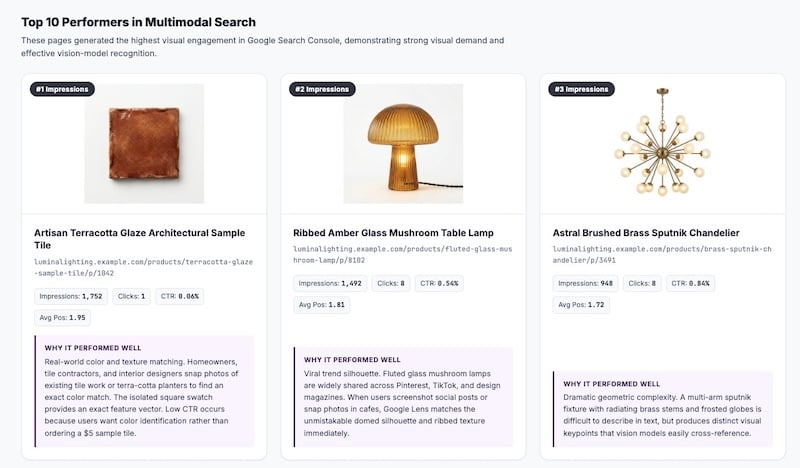
Since shoppers often use search images to find products, Search Console’s filter reveals a discovery channel for ecommerce merchants.
Go to Google’s home page on a desktop browser, click the camera icon, and upload an image.
To access the filter, go to Search Console > Performance > Search results > Search type: Web > Multimodal.
The filter is for image search, not text — there are no queries to list.…