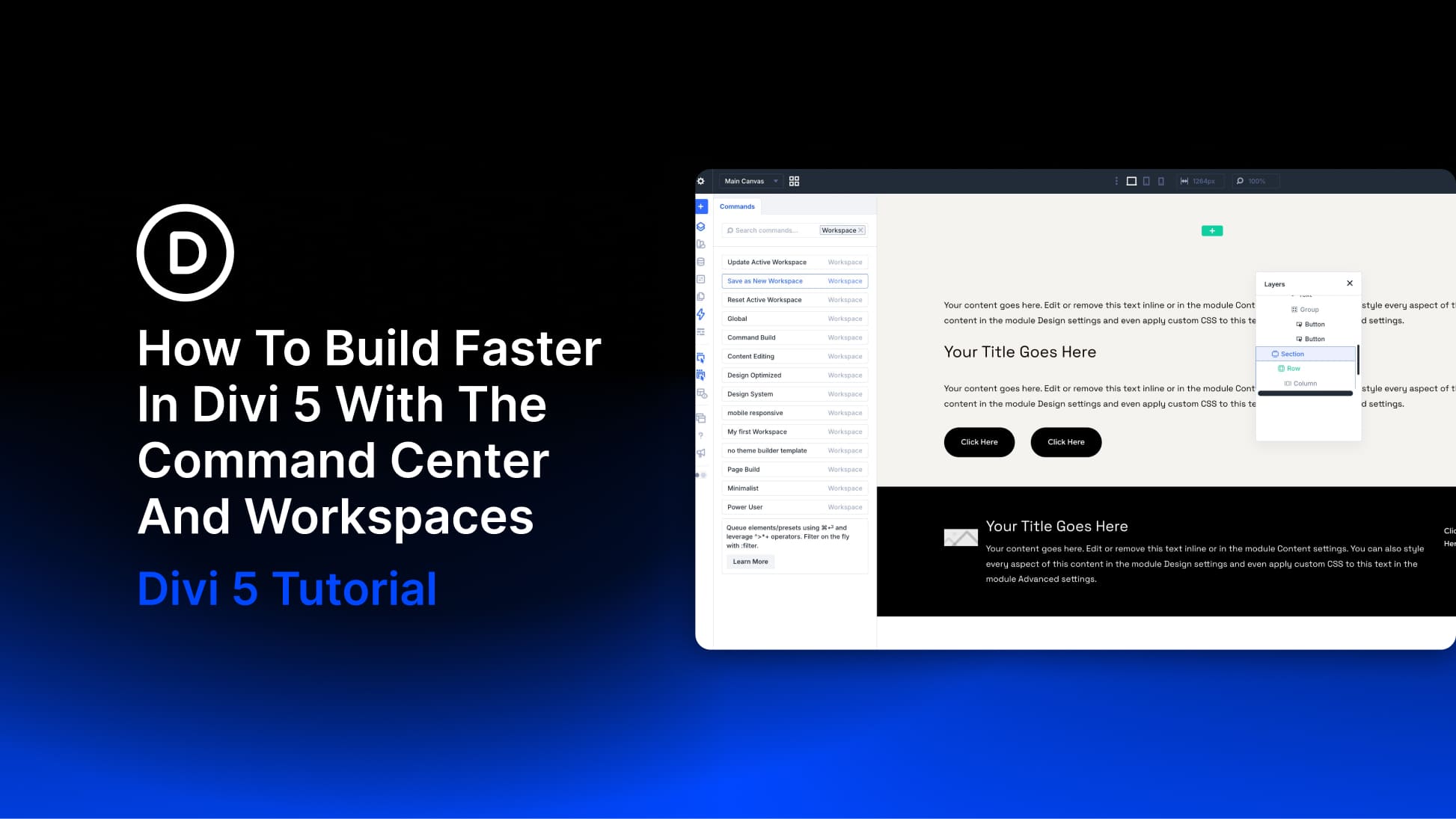
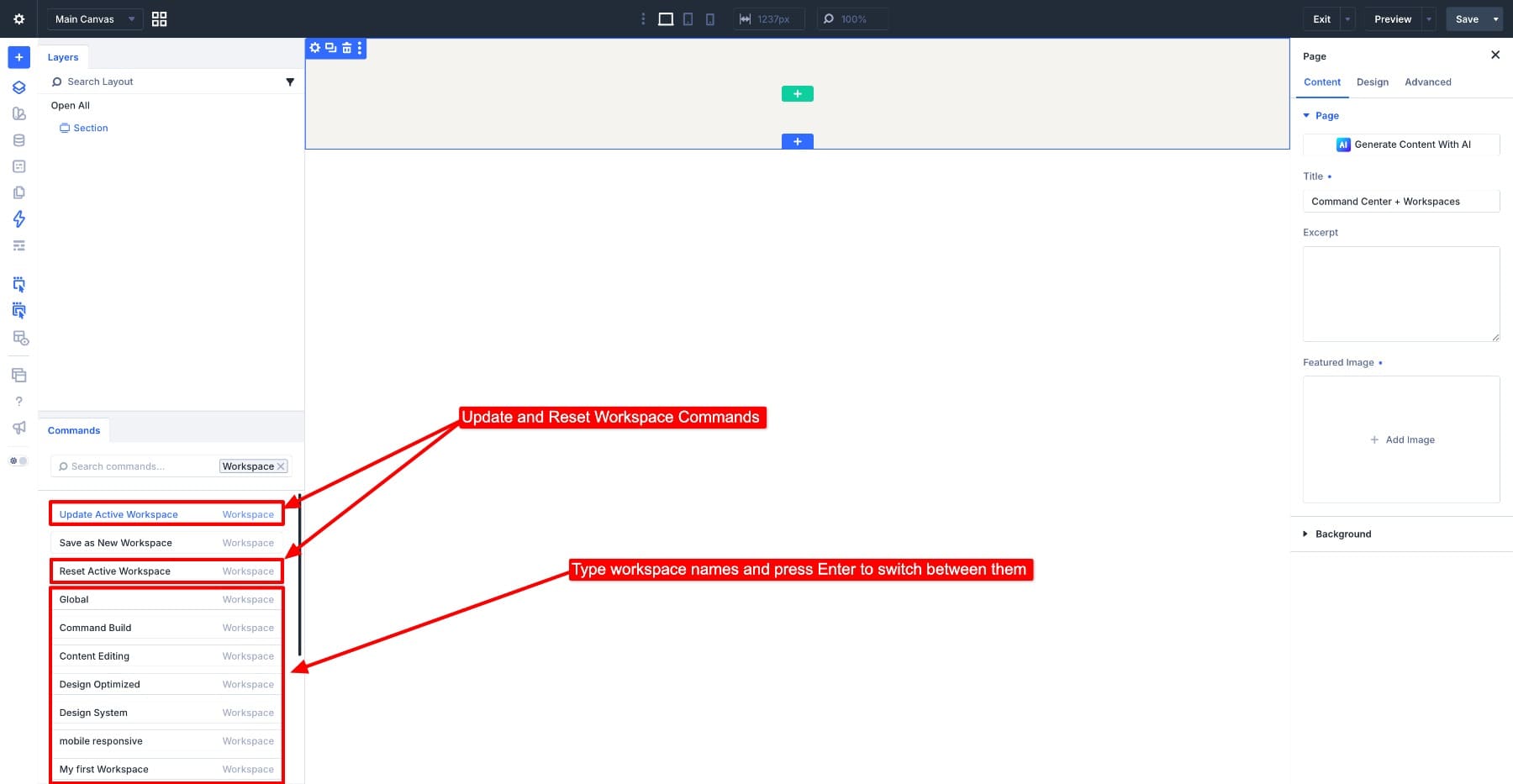
Building faster in the Divi 5 Visual Builder means spending less time opening panels and repeating the same setup. The Command Center handles actions you can name, such as adding modules, applying presets, and opening settings. Workspaces save the panel arrangement you use to carry out those actions.
We will use them together to build a hero section: keep Layers visible while adding its structure, then switch to a Workspace with more room for styling. You can reuse both setups on your next page.
1 How The Two Tools Work Together
2 1. Save Your Command Build Workspace
3 2. Build The Hero Structure With Commands
4 3. Switch To Command Style For Styling
5 4. Use Commands For Settings And Responsive Checks
6 Keep Your Workspaces Ready To Reuse
How The Two Tools Work Together
Open the Command Center with Cmd+K on Mac or Ctrl+K on Windows. Type an action, select the matching result, and press Enter.…